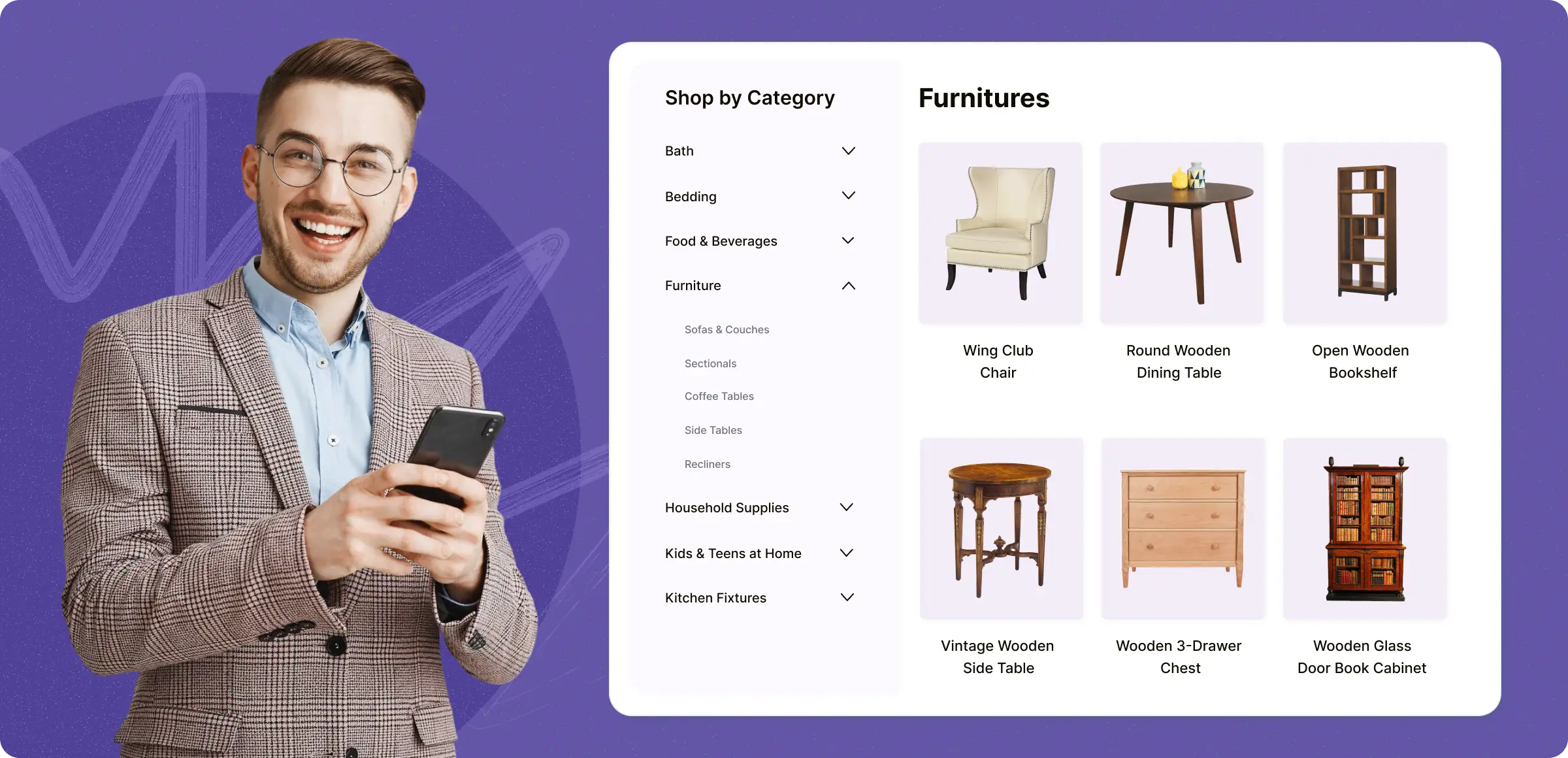
Getting started with categories
Keep your online store organized and user-friendly by creating product categories that match how your customers shop.
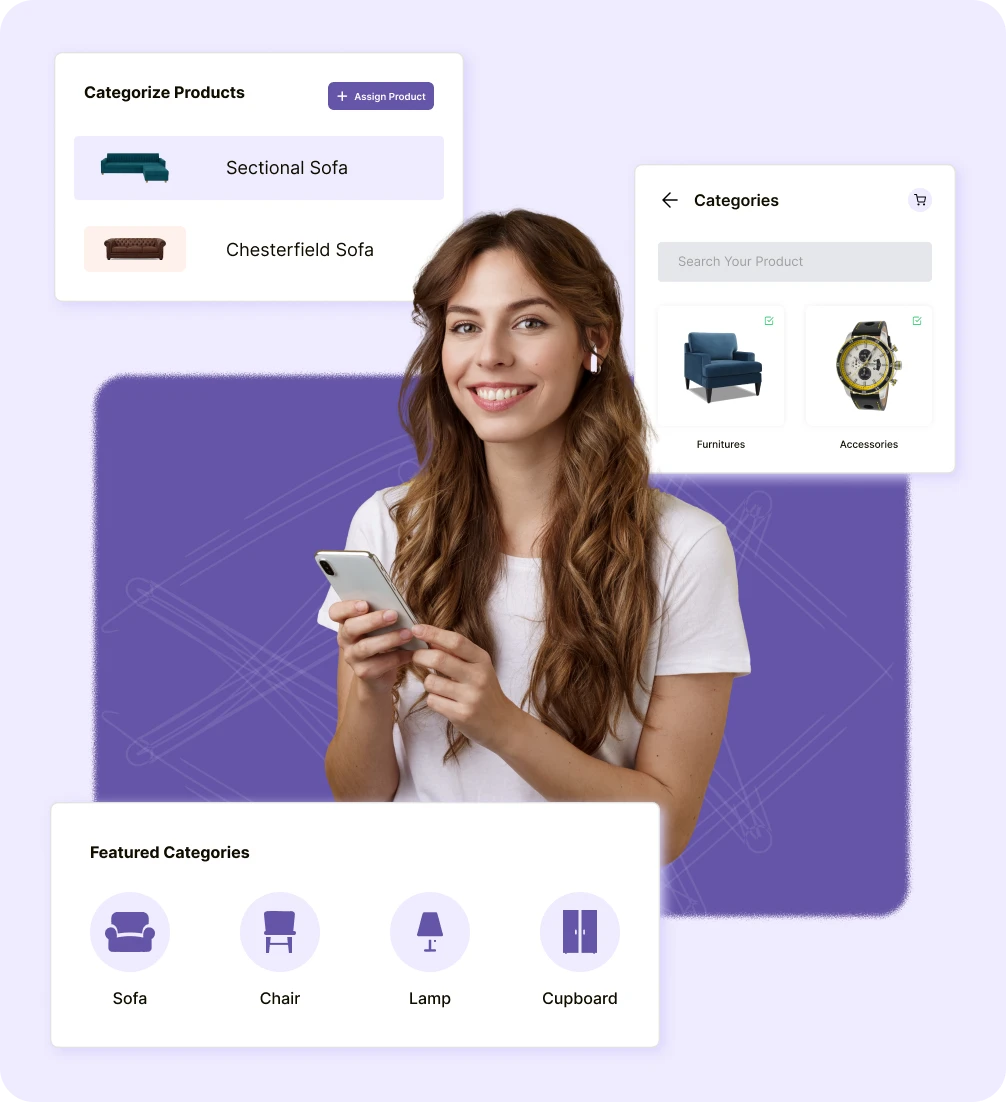
Create categories
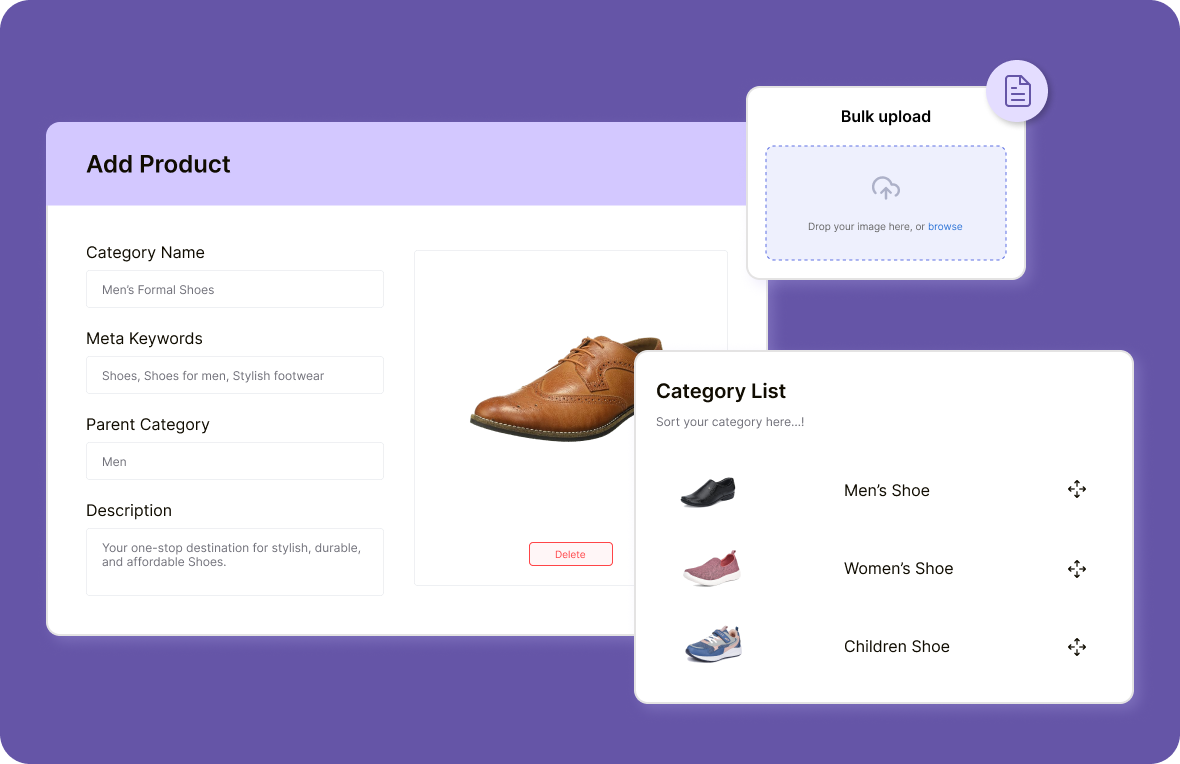
Set up product categories and subcategories tailored to your store’s needs and your target audience effectively and efficiently.
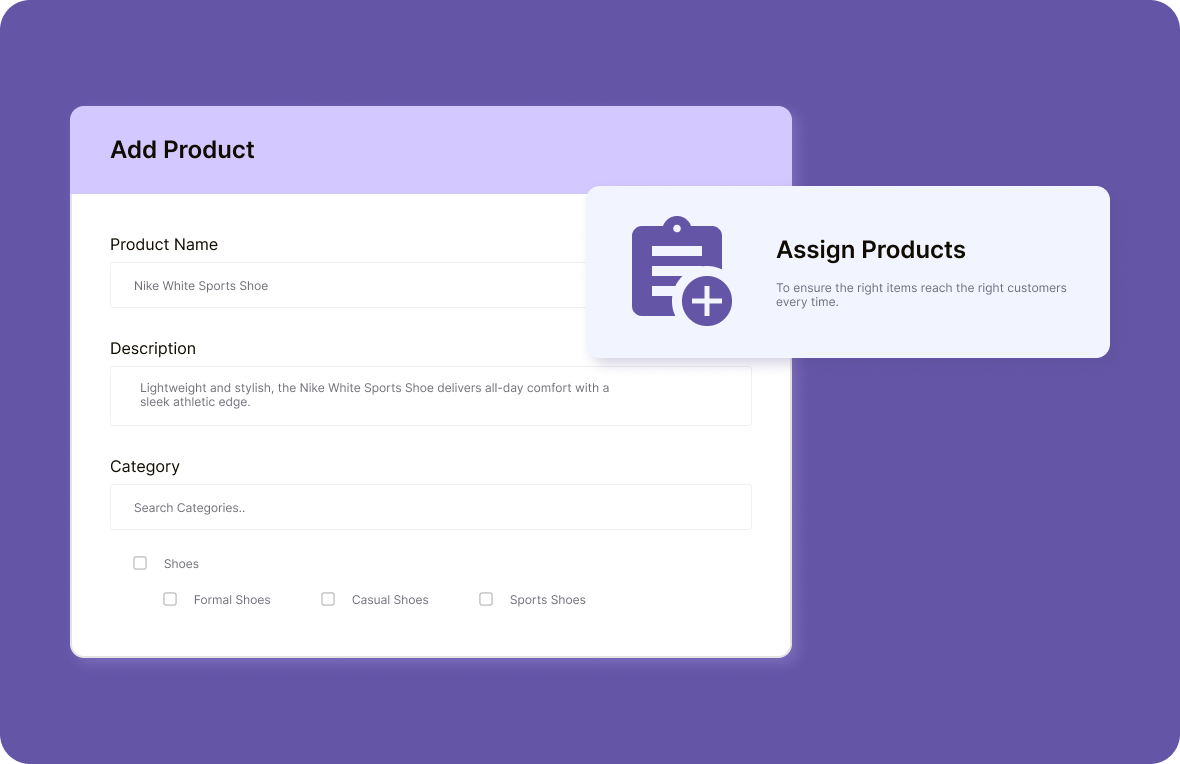
Assign products
Add individual products to the appropriate categories and subcategories, ensuring your customers can find exactly what they want.
Manage categories
As your inventory grows, easily update, remove, or reassign products to new categories and collections.
Visibility control
Choose which categories are visible across your store so customers only see what’s active and relevant.
Common issues in product categorization
Common challenges store owners face when categorization isn’t done right and how it impacts sales, navigation, and customer experience.
Disorganized product
listings
When products are scattered without clear categories, customers have a hard time finding what they need, leading to abandoned carts.

Slow Catalog
Sorting
Manual product categorization slows down operations, especially when managing a large catalog without the right tools.

Difficult Store
Navigation
Without proper categorization, customers struggle to navigate your store, leading to a negative shopping experience.

Lower Sales
Conversion
When customers struggle to find what they’re looking for, they’re more likely to abandon their carts, resulting in lost revenue.

Scalable solutions for growing ecommerce stores
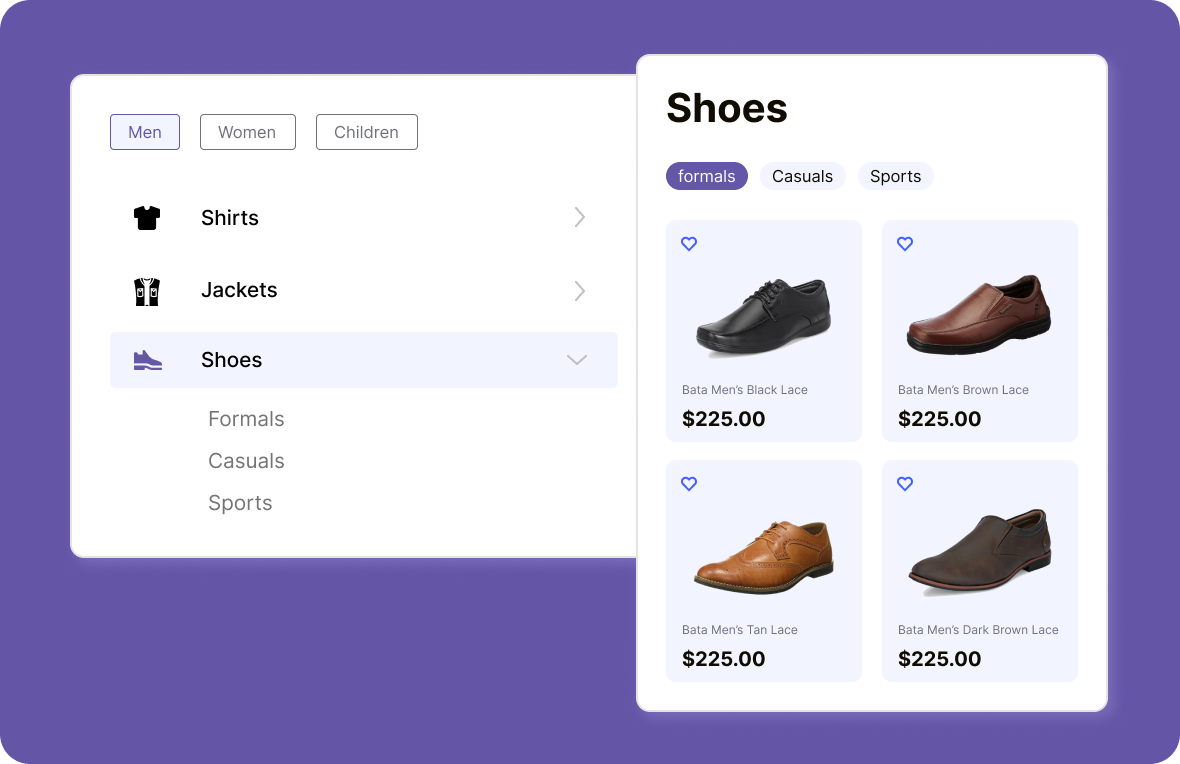
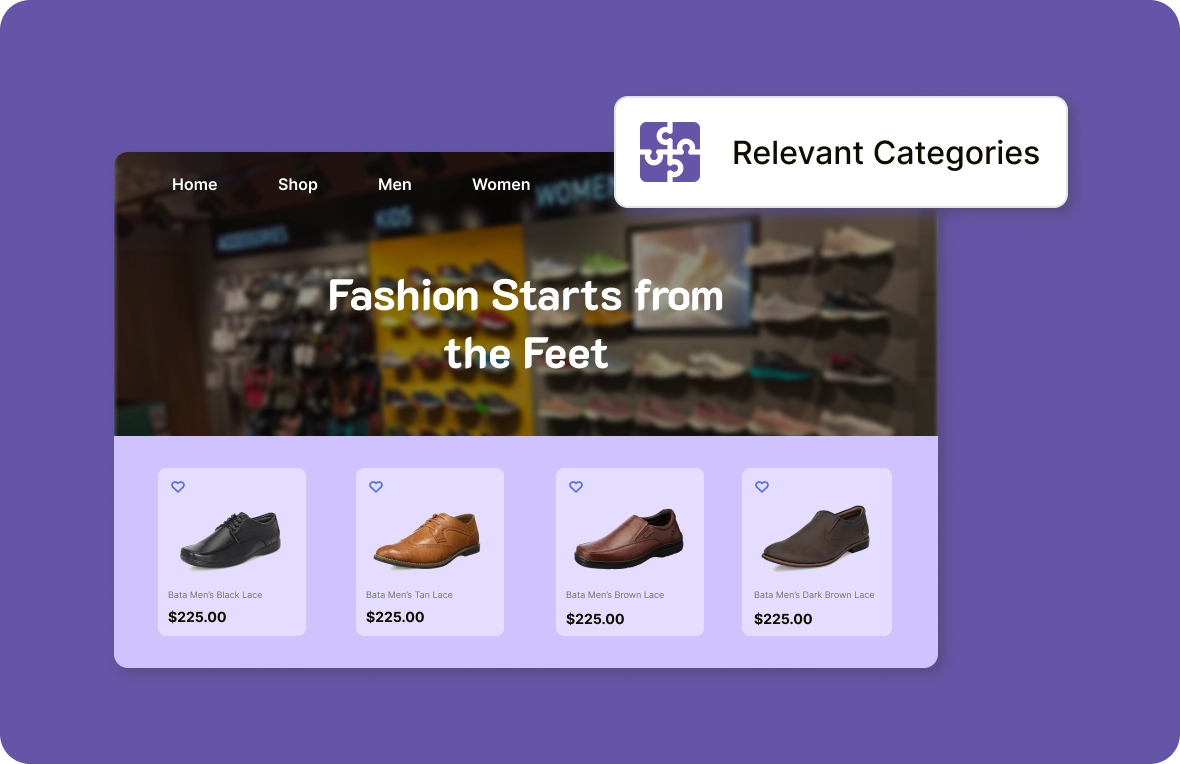
ZenBasket helps you create a clear category hierarchy, making it easy for customers to browse and find products as your catalog grows.
Key benefits you can’t
With ZenBasket, you can launch faster, manage smarter, and grow bigger, without the usual ecommerce headaches.

Better inventory
organization
Keep your product catalog organized and easily manageable, reducing costly mistakes and significantly enhancing overall store efficiency and performance.

Increased
sales
Clear categories provide a smoother shopping journey, helping customers find what they want faster, which often leads to higher conversion rates and sales.

SEO-friendly
structure
A well-organized product categorization structure makes it easier for search engines to index your products, improving your store’s SEO and attracting more organic traffic.
Learn, explore, and grow with
expert resources

Blog
Discover the impact of featured categories highlight top products, simplify navigation, engage shoppers, and unlock new revenue opportunities in your store.
Learn More >
Help Center
Organizing products into categories enhances navigation, making easier for users to find what they need. A product can belong to multiple categories for better browsing.
Learn More >
Video Tutorial
Categorizing products improves store navigation, helping customers find items. This video will guide you through creating categories and linking products to them.
Learn More >General FAQs
Get quick clarity on our product and common queries. Have more questions? Connect with our support team.
Use subcategories when products belong to one main group but need clearer browsing (e.g., “Skincare → Face Wash / Moisturizers”).
No, there is no limit. You can create as many categories and subcategories as you need to organize your store’s inventory effectively.
Yes, ZenBasket allows you to easily reassign products to different categories as needed, ensuring your product categorization remains accurate and flexible.
Effective product categorization improves site navigation, makes search easier for users, enhances SEO, and helps in upselling and cross-selling by showing relevant items.
Categories organize products hierarchically, while tags are non-hierarchical labels used to connect related products across categories (e.g., “on sale”, “eco-friendly”, “bestseller”).
What’s next
Move forward with related pages that help you configure, customize,
and grow your store with ZenBasket


Categorize products
with ease
Start your ZenBasket free trial to organize, tag, and structure products for faster discovery and smoother shopping.