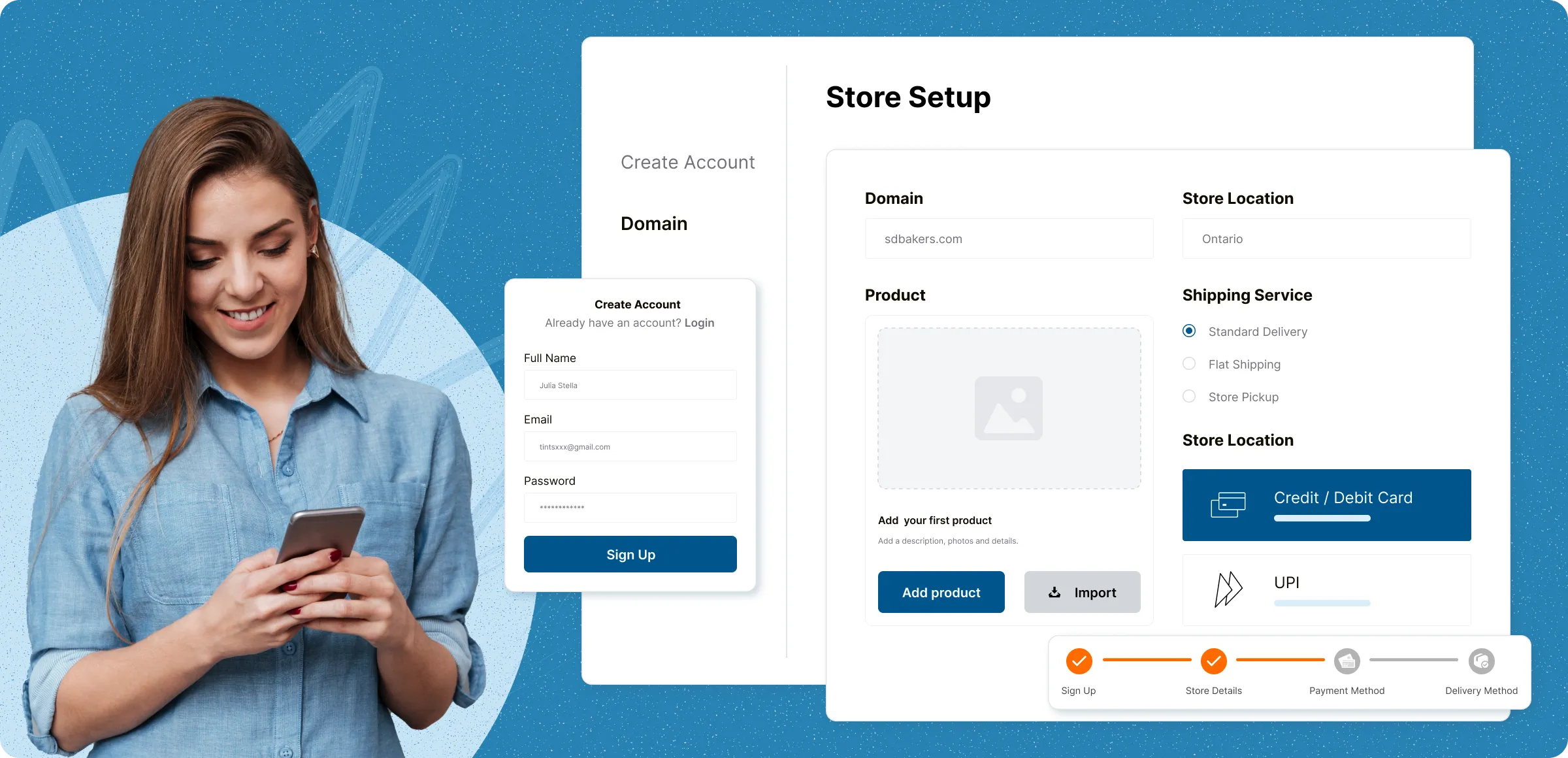
Simple setup guide
No technical expertise is required, and each beginner-friendly step helps you launch your store and start selling in minutes

Get started with your account
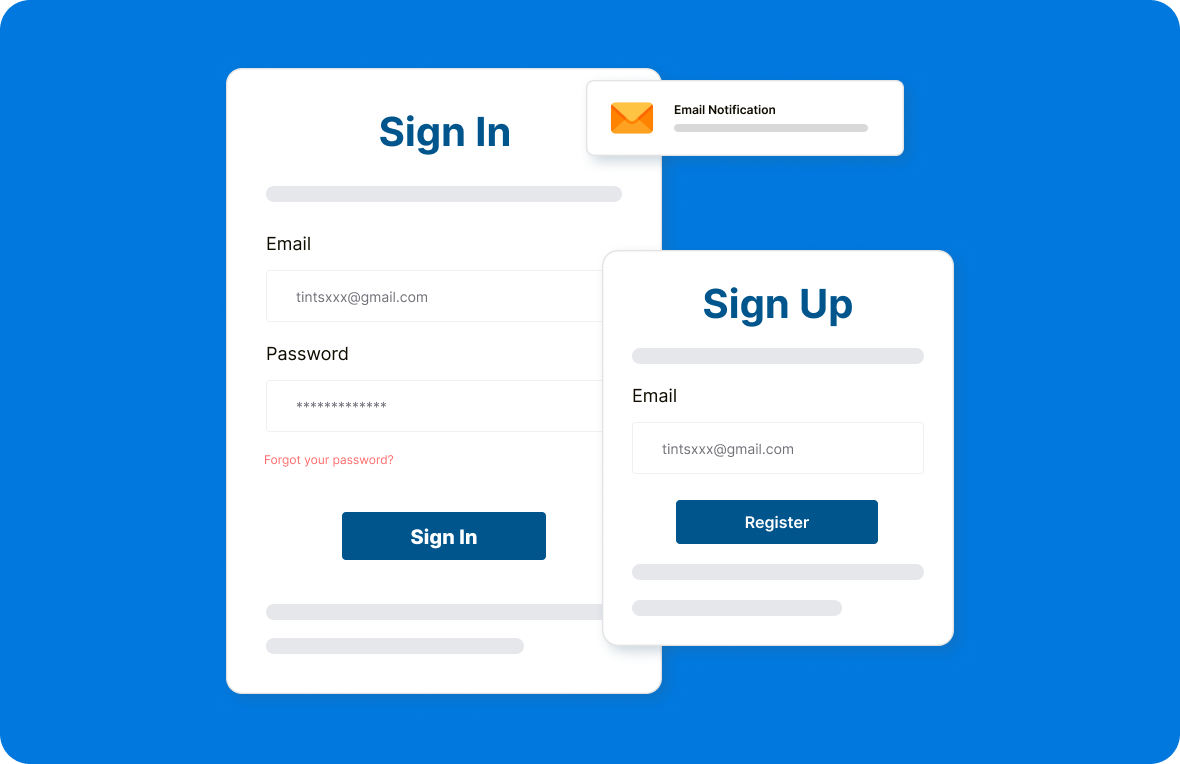
Register using your email to create your ZenBasket account. A quick email verification keeps your account secure and ready setup.
Choose your plan & pay securely
Access your personalized dashboard, choose the pricing plan that suits you, and complete payment through our secure gateway.
Set up your store profile
Once verified, follow a step-by-step setup guide to enter key information like your store name, category, and business details.
Go live with confidence
After payment, you can set up your domain & test your store. Once confirmed, it goes live and is ready for customers.
Barriers to a smooth selling experience
From setup struggles to scattered tools and limited flexibility, these are the common roadblocks that slow growth and hurt customer experience.
Confusing setup
processes
New users are overwhelm with technical steps, unclear navigation, or lack of guided onboarding, causing delays in getting the store live.

Scattered business
tools
Using separate tools for marketing, inventory, and order management often leads to disorganized workflows and double data entry.

Rigid product catalog
options
Limited flexibility to add custom product options (like sizes, colors, or bundles) restricts personalization and impacts sales potential.

Fragmented
payment tools
Juggling multiple systems to manage pricing, orders, and payments leads to errors, wasted time, and inconsistent customer experiences.

Smart solutions for every stage of your business
All the tools you need to launch, manage, and grow your business unified in one powerful ecommerce platform.
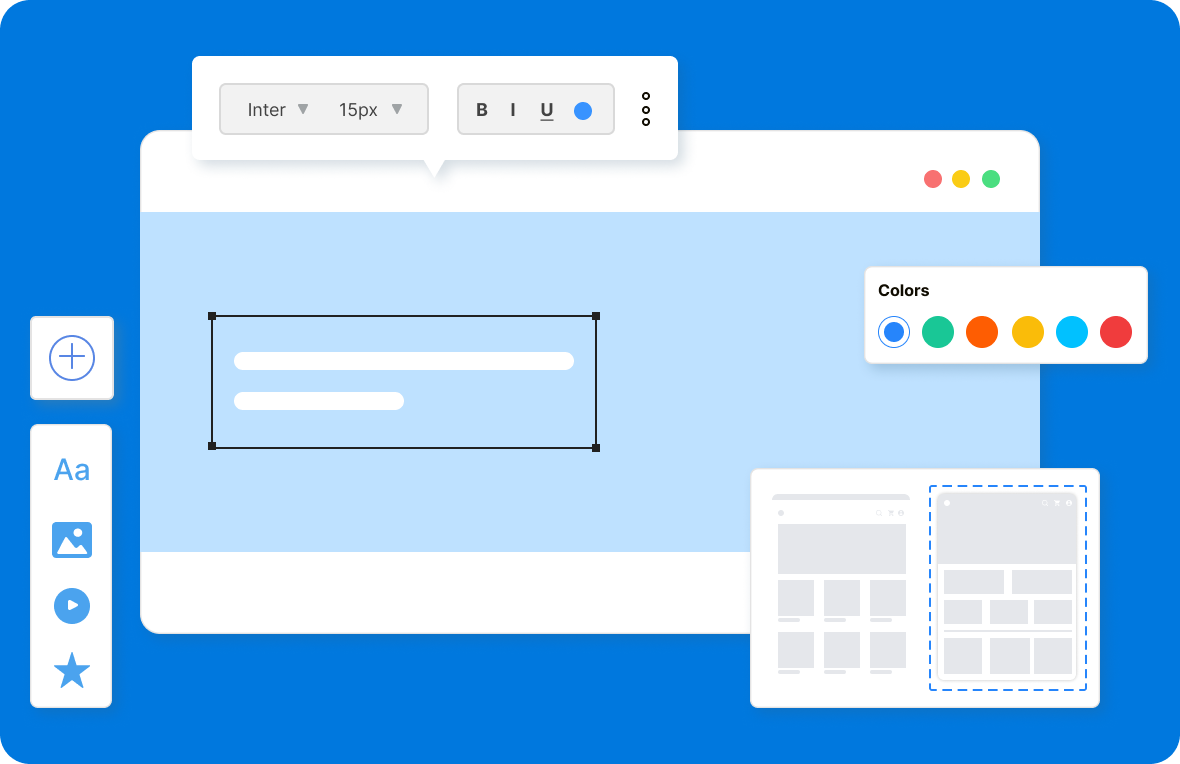
Benefits of setting up
Start selling faster and smarter with everything you need to run and grow your online store.

Reach more
customers
Capture your brand’s personality with a memorable name that reflects your values, stands out from the competition, and leaves a lasting impression on your audience.

Build a stronger
brand
With your own online store, you have complete control over your brand’s look and feel. Consistent use of your logo, colors, and messaging strengthens your identity.

Reduce expenses, boost
profits
No need to worry about rent, electricity, or extra staff like in a physical store. Your online setup saves costs and helps you earn more with less effort.
Learn, explore, and grow with
expert resources

Blog
Launch your ZenBasket store successfully with this comprehensive setup and integration troubleshooting guide, designed to keep operations smooth and stress‑free.
Learn More >
Help Center
A complete step-by-step guide to setting up your ZenBasket store , from configuring initial settings to launching a professional and fully functional online presence.
Learn More >
Video Tutorial
Watch this video to gain more knowledge and clarity about setting up your store on ZenBasket. It covers all the essential steps to get your online store up and running smoothly.
Learn More >General FAQs
Get quick clarity on our product and common queries. Have more questions? Connect with our support team.
Once your business requirements are ready, setting up your ZenBasket store can take just a few hours. The process is straightforward and hassle-free—especially when your planning is already in place.
The cost to set up an online store varies based on your needs and platform. Some platforms charge fees, while others offer free plans with add-ons.
With ZenBasket, you can launch your store using a free subdomain like yourstorename.zenbasket.com. It's quick to set up, and you can switch to your own custom domain anytime.
Yes, if your store is mobile-friendly. Platforms like ZenBasket ensure your site looks great and works smoothly on smartphones, making it easy for customers to browse and buy on the go.
Focus on SEO to improve your visibility on search engines, stay active on social media, build an email list to engage customers, and create useful blog content to drive organic traffic.
What’s next
Move forward with related pages that help you configure, customize,
and grow your store with ZenBasket


Quickly set up your
store
Quickly create your online store with all the tools you need to start selling and growing your business.