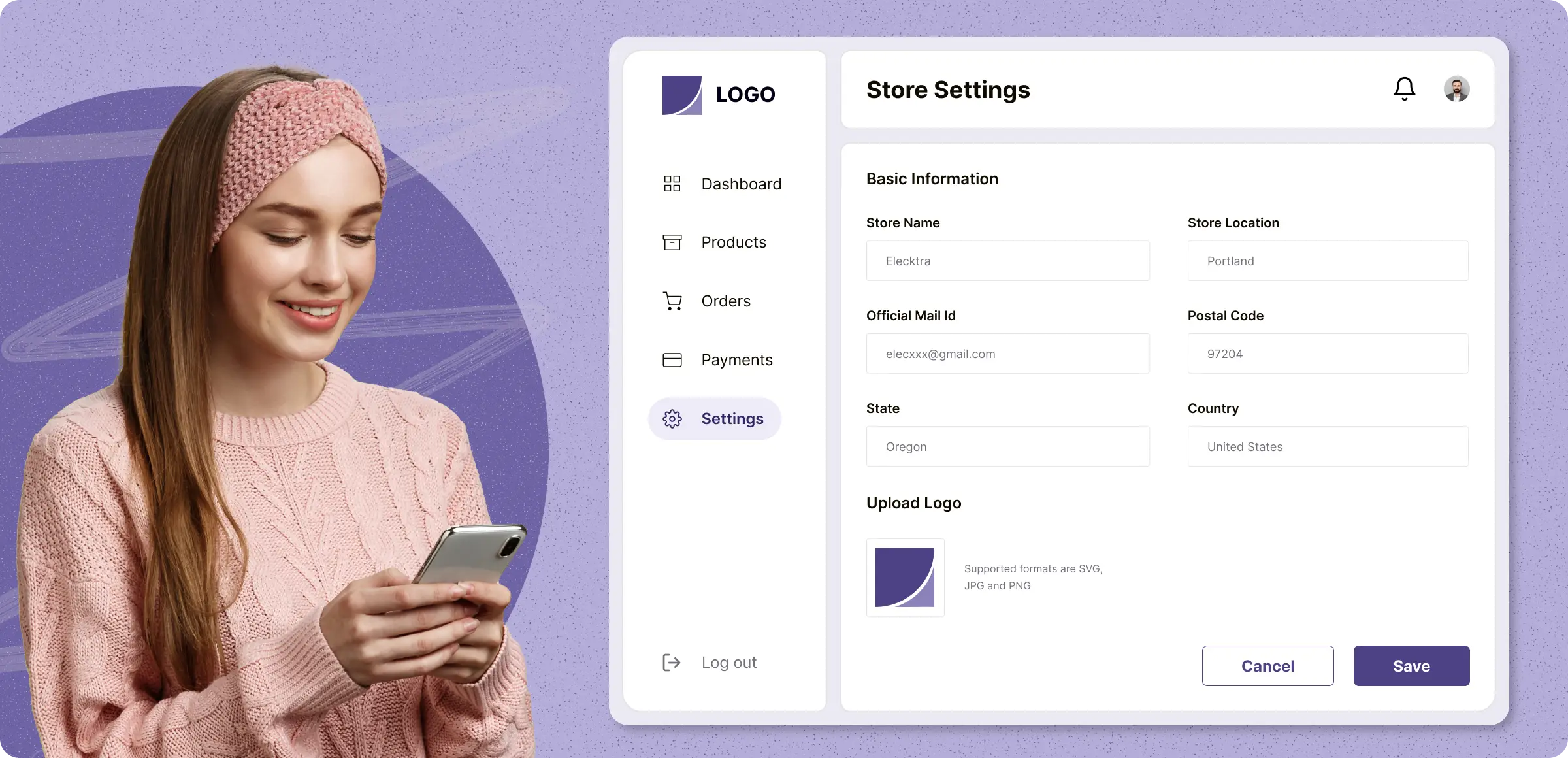
Start your store setup
Start driving success with seamless configurations and optimized settings that simplify your store management.
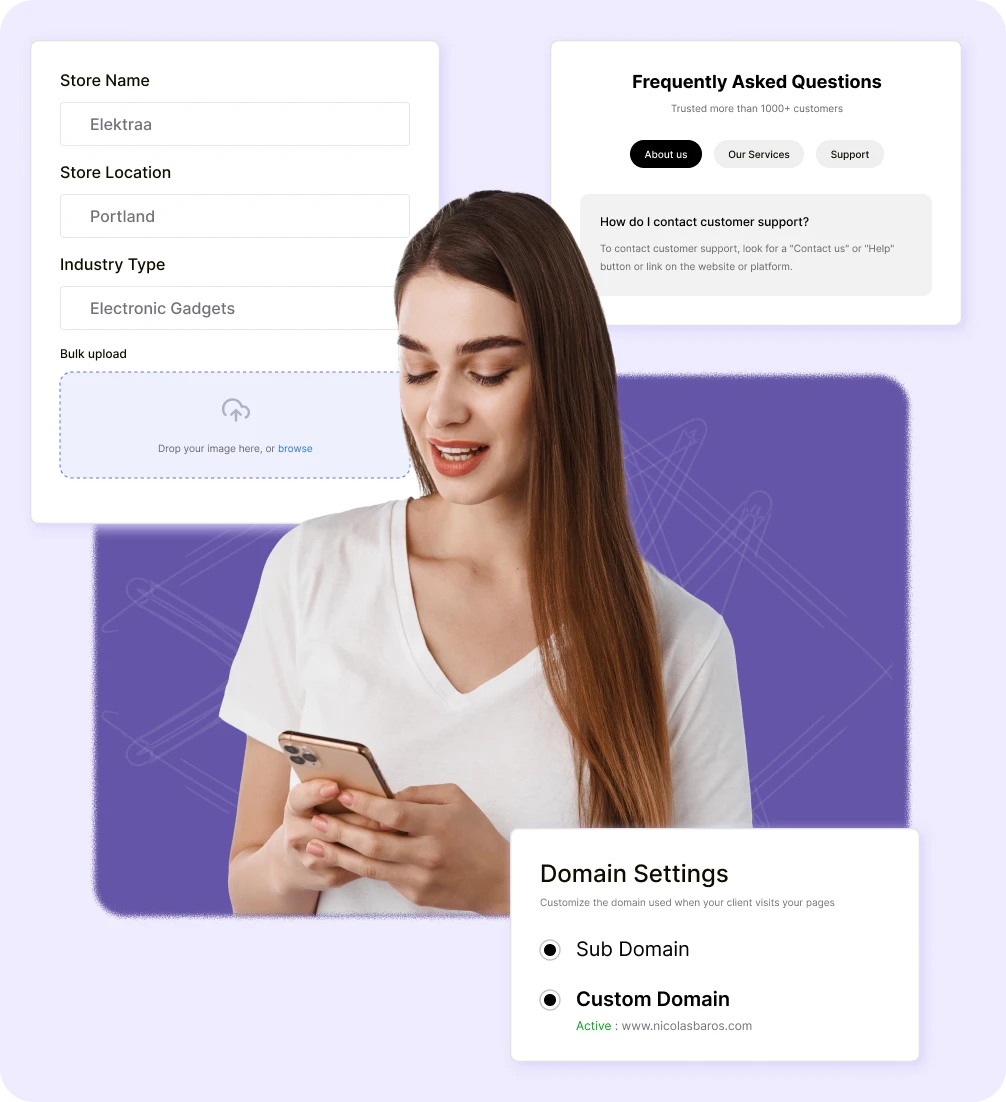
Configure store settings
Start by setting up your store name, logo, industry type, and currency. Customize SEO settings and set your location.
Set business settings
Configure your order settings, product details, and domain preferences to make your store fully operational.
Add legal pages & FAQ
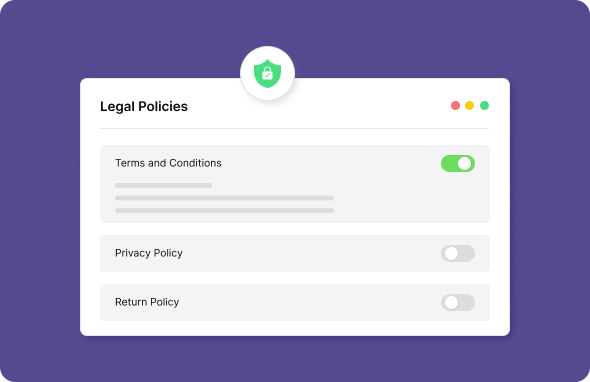
Easily add legal pages like terms of service and privacy policy, and set up a store FAQ to provide clear information to your customers.
Integrate plugins & analytics
Add essential payment gateways, delivery plugins, and integrate Google Analytics to track your store’s performance.
What happens when your store setup isn’t right
Setting up your store without proper configurations can lead to many missed opportunities.
Insecure payment
setup
Without proper payment setup, your customers may face security concerns, leading to abandoned carts and lost sales.

Limited reach and
engagement
Failing to customize your store for a wider audience can limit its ability to engage, hindering growth opportunities and reducing your reach.

Poor customer
experience
Failing to customize policies and communications to align with your brand lead to confusion and lack of trust.

Reduced
monitoring
Without detailed analytics and performance reports, it becomes difficult to measure sales, and make data-driven decisions.

Complete store optimization by ZenBasket
ZenBasket offers a comprehensive approach to store optimization, ensuring seamless performance and increased sales.
Achieve more with
Unlock your store’s potential with easy setups and features. ZenBasket manages products, payments, and shipping for faster launch and scaling.

Wide variety of useful
plugins
ZenBasket offers a wide range of useful plugins to extend your store’s capabilities. From marketing tools to advanced features, easily integrate what your business needs and keep your operations running smoothly.

Easily customize your
products
Manage products and orders with flexible settings. Adjust details, control inventory, and streamline order handling to match the way you run your business while ensuring a hassle-free experience for customers.

Create personalized store
policies
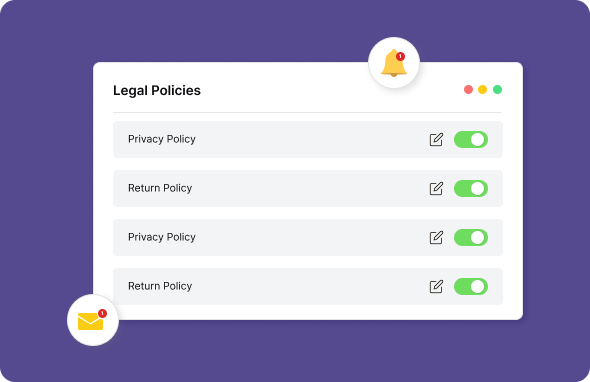
Create and manage your own store policies with ease. Tailor returns, shipping, and payment rules to fit your brand and provide clarity to your customers, making every interaction more transparent and reliable.
Learn, explore, and grow with
expert resources

Blog
Discover tips and strategies to boost your store’s performance. Learn how to improve user experience, recover abandoned carts, and optimize checkout for success.
Learn More >
Help Center
Access step-by-step guides to easily set up your online store. From configuring settings to customizing your store, get the support you need for a seamless setup.
Learn More >
Video Tutorial
Visualize setup process with easy-to-follow video tutorials. Watch and learn how to get your store up and running quickly, with all essential configurations.
Learn More >General FAQs
Get quick clarity on our product and common queries. Have more questions? Connect with our support team.
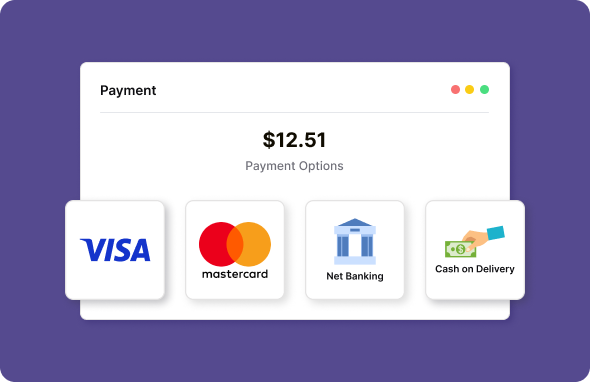
You can accept Cash on Delivery (COD) as well as a variety of online payment methods through gateways like PayPal, Stripe, Razorpay, and more.
Processing fees depend on the payment gateway chosen for your store. Each provider has transaction fees, typically a percentage of the total amount.
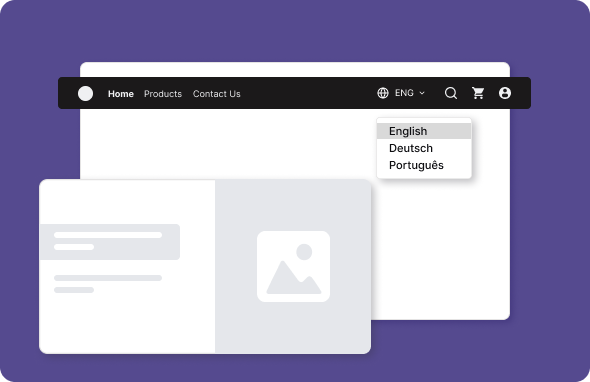
Right now, we offer content in English and Tamil. We’re actively working on support for additional regional languages, so stay tuned for updates.
Yes, ZenBasket Analytics is completely free and available directly from your dashboard. It allows you to access vital insights into your store’s performance.
Offering multiple payment options enhances customer convenience, meets diverse preferences, and helps boost sales by reaching a wider audience.
What’s next
Move forward with related pages that help you configure, customize,
and grow your store with ZenBasket


Get rid of the hassle and set
your store with essence.
With the minimal process, you can add products, delivery, payment and set prices to ensure a smooth experience to your customers