ZenBasket in action
Add items fast, track variants across locations, see real-time changes, and handle bulk work with ease.

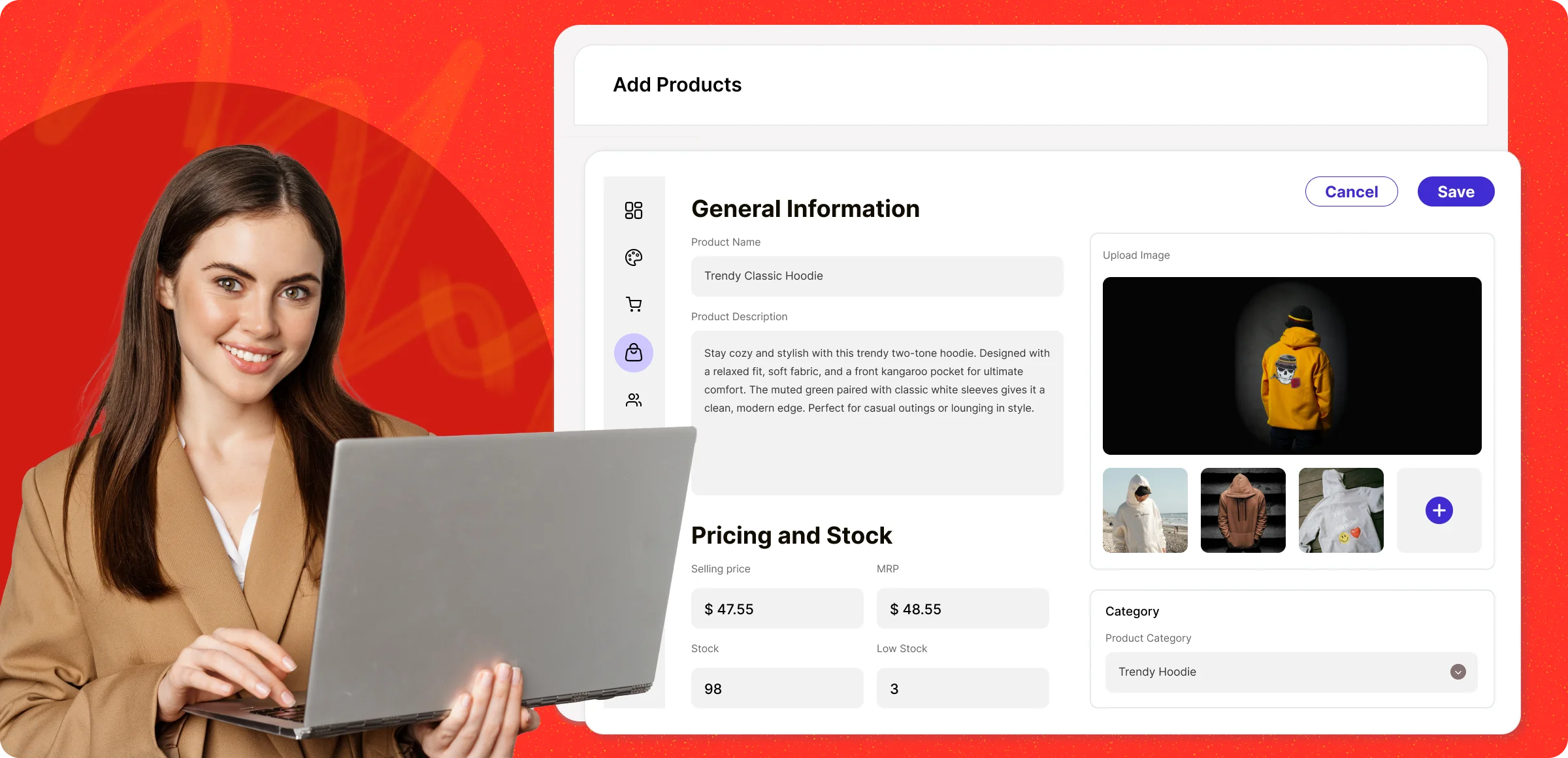
Effortless product setup
Quickly add products to your store by entering details, uploading images, setting prices through the product dashboard.
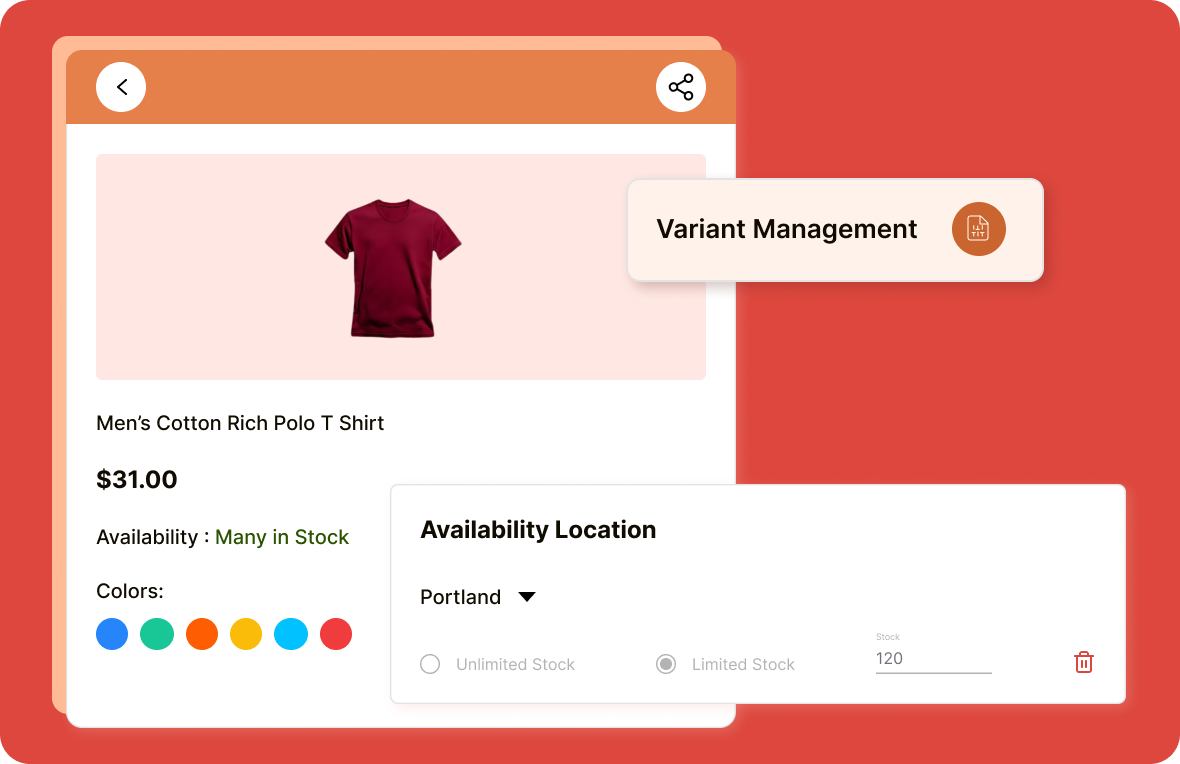
Location specific variants
Stay efficient by managing variations in one place while monitoring stock separately at each location.
Instant updates
Any product edit you make is reflected immediately, keeping your listings and inventory perfectly up to date.
Go live with confidence
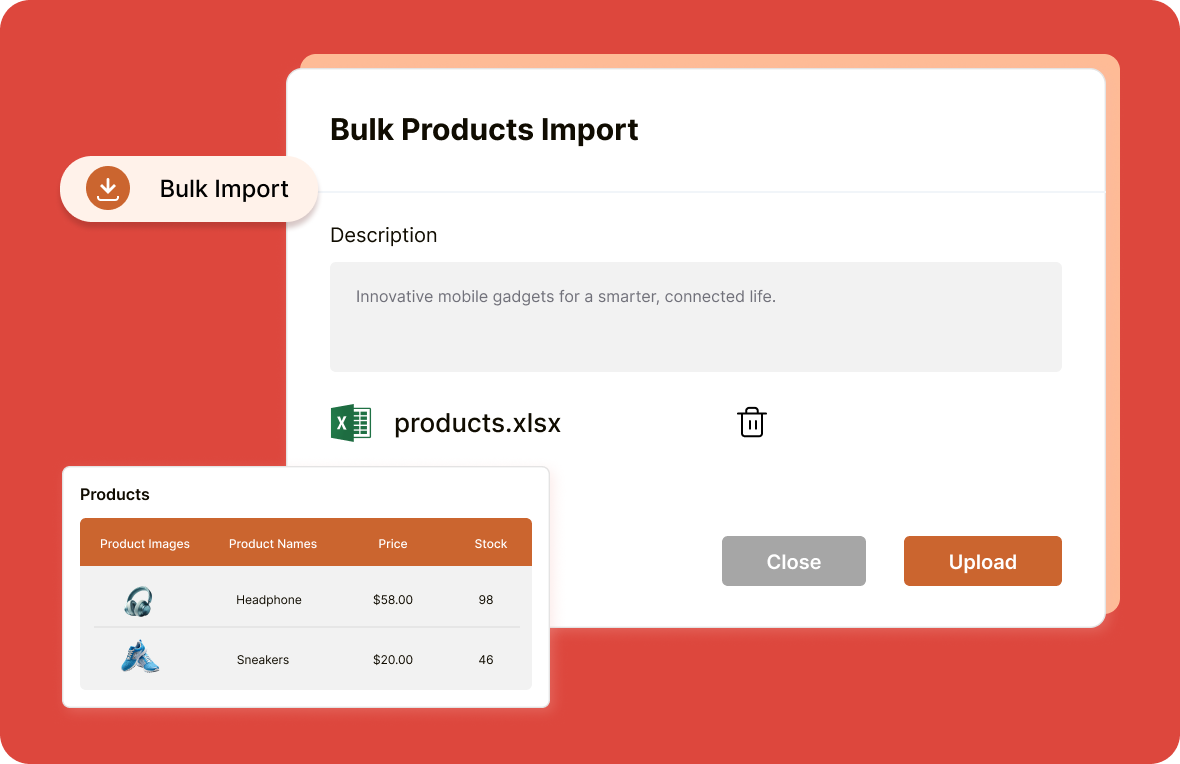
Add thousand of products in minutes with CSV, then bulk edit details, prices, or inventory at once.
Roadblocks in managing an ecommerce store
Behind every online store is a set of challenges that can slow down growth and impact the customer journey.
Time consuming
product uploads
Manually adding products one at a time can be frustrating and slow, especially when dealing with large inventories.

Complicated product
variants
Handling multiple variants (size, color & material) for each product can create confusion, often leading to errors in the store.

Difficulty in bulk
importing products
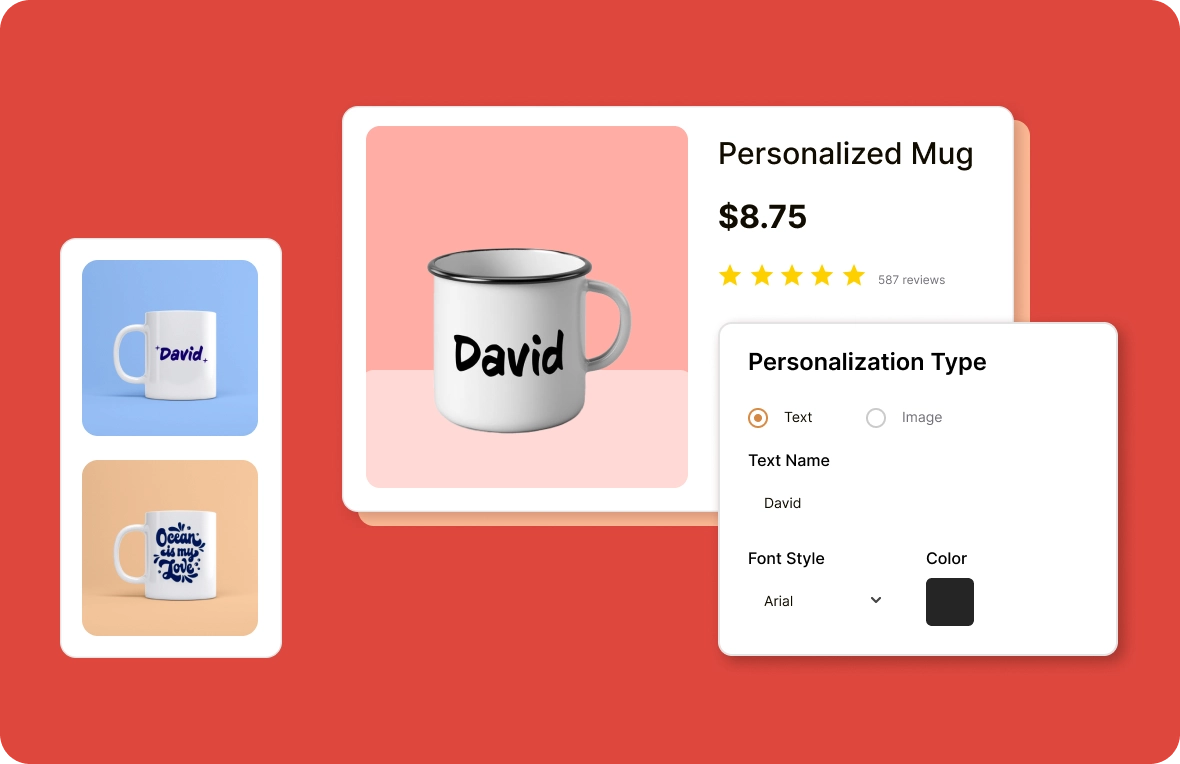
Limited flexibility to add custom product options (like sizes, colors, or bundles) restricts personalization and impacts sales potential.

Limited customization
options for products
The lack of flexibility in configuring pricing and product details can hinder differentiation and growth.

Solutions designed to grow your ecommerce journey
Take your ecommerce business to the next level with powerful, growth-ready solutions tailored for scalability and success.
Key benefits you can’t
With ZenBasket, you can launch faster, manage smarter, and grow bigger, without the usual ecommerce headaches.

Faster store
setup
Set up your store in no time with ZenBasket’s intuitive tools, making it easier than ever to launch and start selling quickly.

Efficient product
management
Streamline the way you add and manage products, saving you time and effort to focus on other business tasks.

Smart business
scaling
Easily scale your store, manage thousands of products without complexity, and streamline operations while expanding your business.
Learn, explore, and grow with
expert resources

Blog
Write compelling product descriptions that will effectively sell your products. The goal is to inform consumers about the key features, benefits and specifications of the product.
Learn More >
Help Center
Add products to ZenBasket with details like name, description, price, image, stock, brand, tax, and shipping. Control store visibility by enabling or disabling branches.
Learn More >
Video Tutorial
A step-by-step guide to adding products in ZenBasket. Learn to set titles, descriptions, prices, stock, variants, tax, images, shipping details, and SEO settings.
Learn More >General FAQs
Get quick clarity on our product and common queries. Have more questions? Connect with our support team.
Go to your product dashboard, click “Products,” then select “Add Product” and fill in the necessary details.
Yes! ZenBasket allows you to bulk import products using a CSV file, making it easy to migrate your products from other platforms.
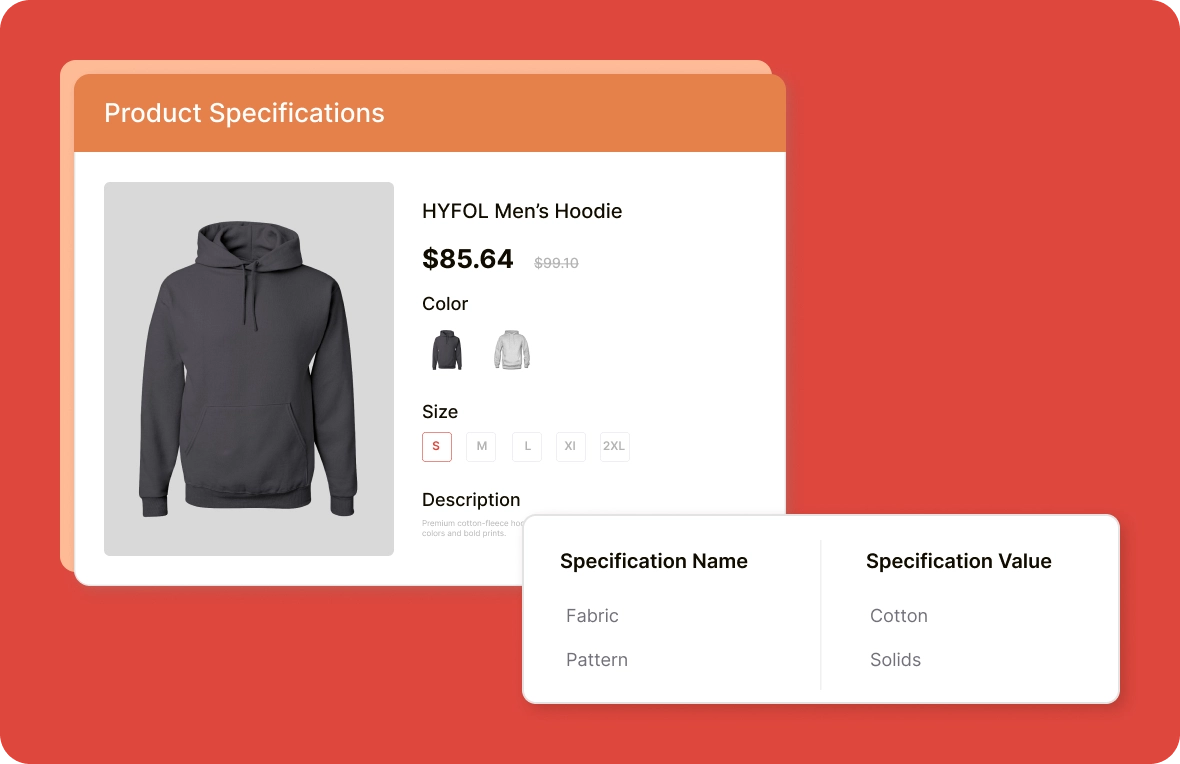
Add variants directly while creating or editing products. Each variant can have its own pricing, inventory, and SKU.
Yes! You can set different prices for each product variant based on size or options, which helps manage margins and demand smoothly.
Yes, you can bulk import products using a CSV file to quickly and easily upload multiple products at once into your online store dashboard.
What’s next
Move forward with related pages that help you configure, customize,
and grow your store with ZenBasket


Take control of your products
with ease
Launch your free ZenBasket trial and discover how simple it is to add, organize, and grow your product catalog with our intuitive platform.