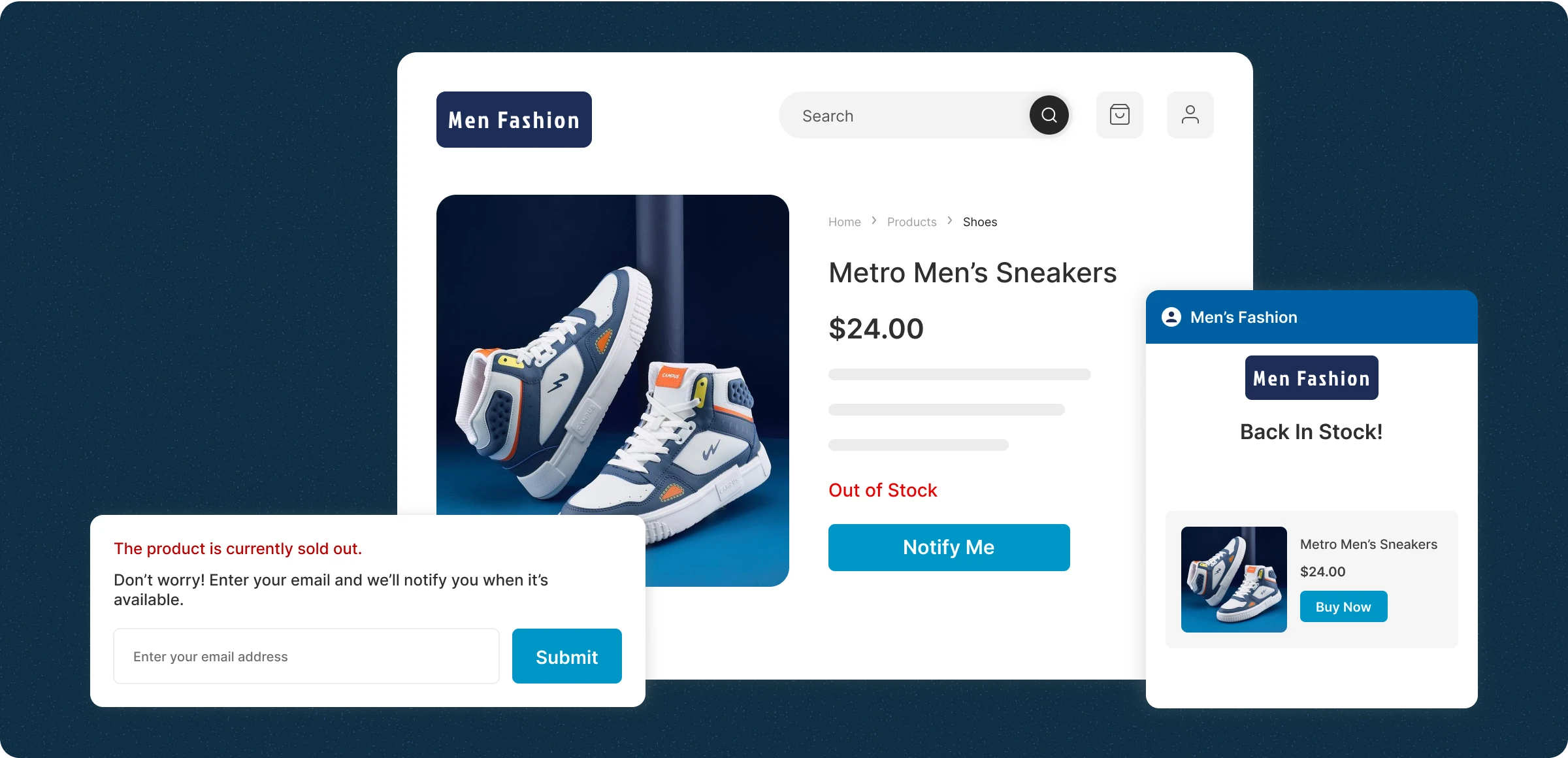
Setting up a waiting list for your store
Manage out-of-stock items and keep moving customers' preferred products consistently.
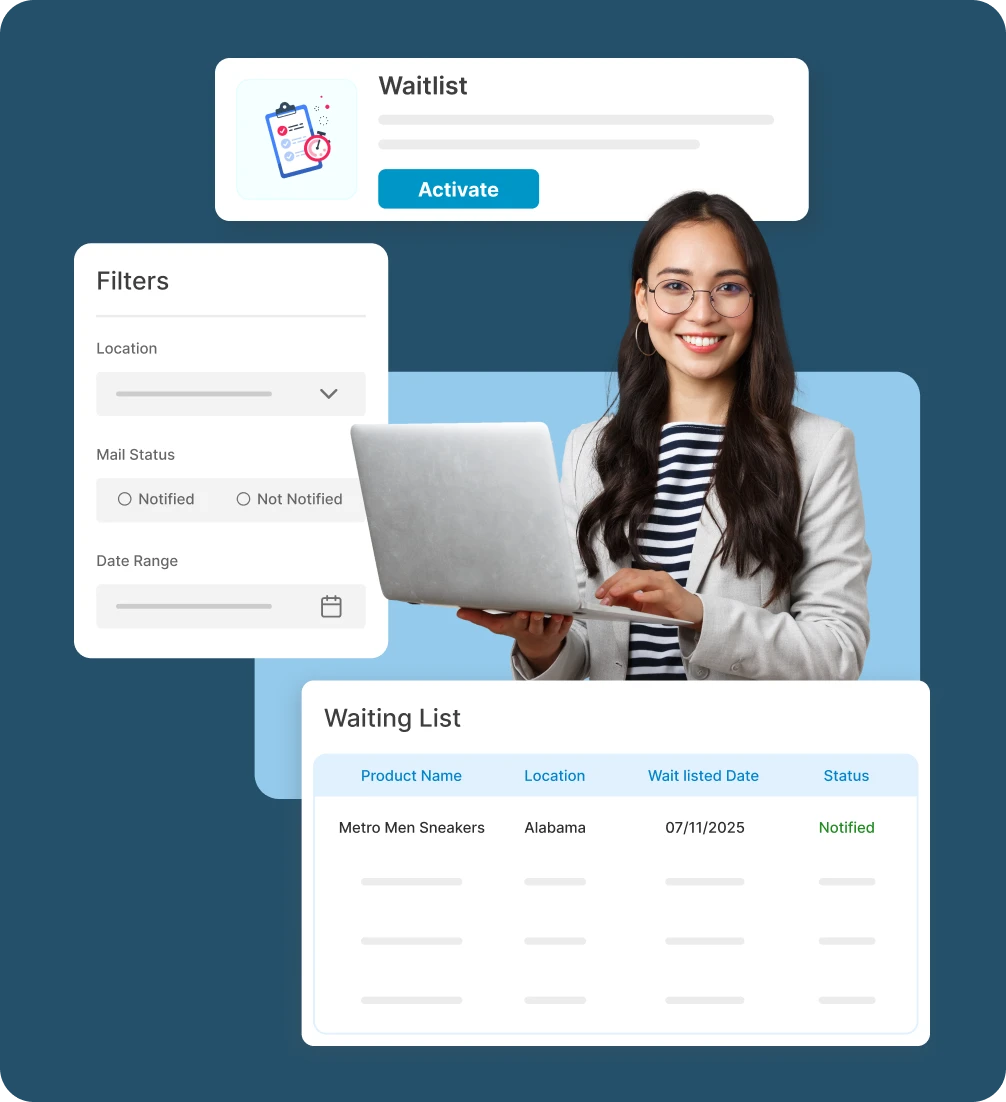
Enable the waiting list
Turn on the waiting list option so customers can click notify me on out-of-stock products and submit their details.
Collect and manage requests
All customer requests are saved in one place, allowing you to view product demand along with request date and location.
Restock and notify customers
Update inventory in the admin panel to automatically trigger email alerts to customers waiting for the product.
Track demand and plan stock
Analyze waiting list data to identify high-demand products and optimize inventory planning effectively.
Drawbacks of not using
a waiting list
When customers can’t buy what they want, you lose more than a sale, which leads to a high churn rate and makes it difficult to retain those customers.
Missed sales
revenue
Without capturing interest through a waiting list, customers may not return-resulting in lost revenue and disrupted shopping journeys.

Unclear inventory
data
Without waiting list insights, restock decisions become guesswork, leading to overstocking or missed demand and less confident inventory planning.

Manual alerts
waste time
Tracking customers by hand and sending restock alerts takes time and is prone to mistakes, which can cause missed sales and unhappy customers.

Missed potential
customer
Not using a waiting list means missed opportunities to grow your customer list and re-engage high-intent shoppers when products are available.

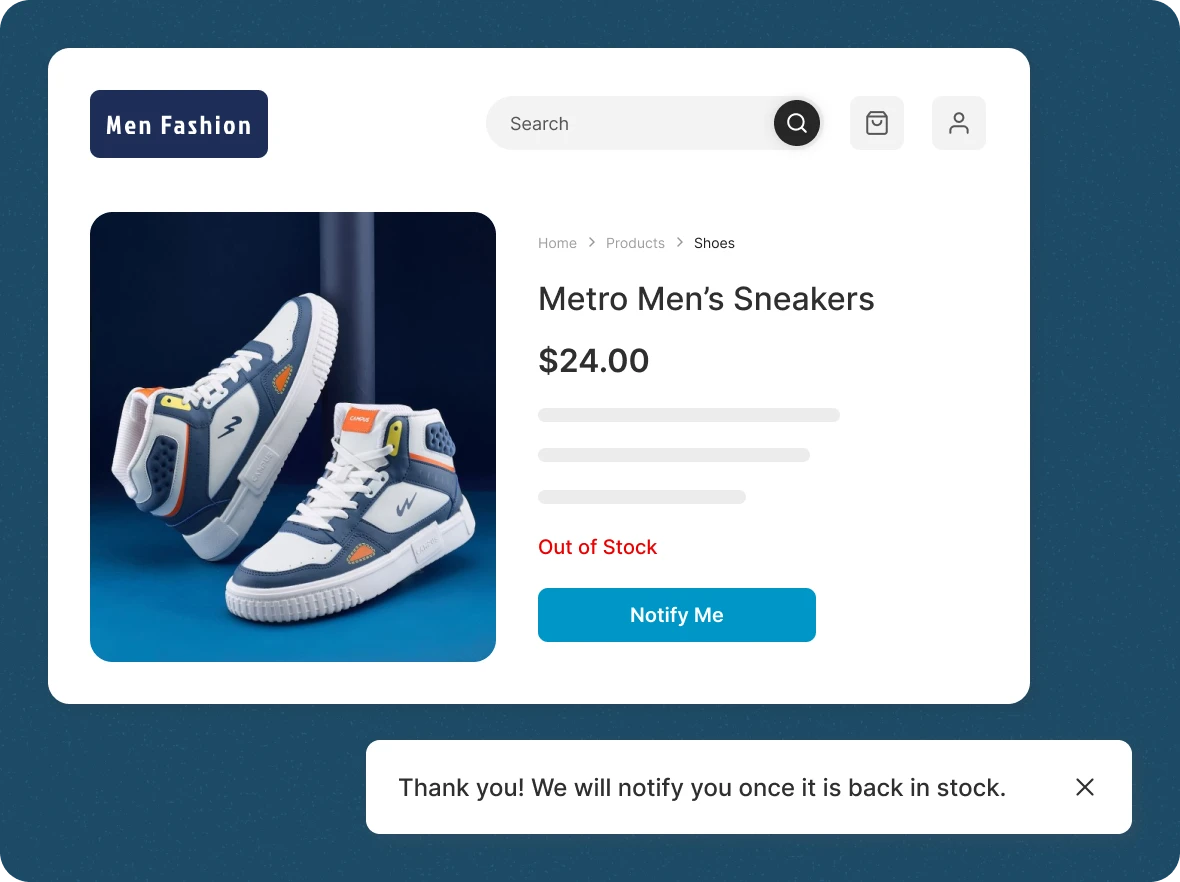
Capture demand while
you sleep
Keep sales active by managing waiting lists for out-of-stock products with one click. We track demand and keep you updated automatically.
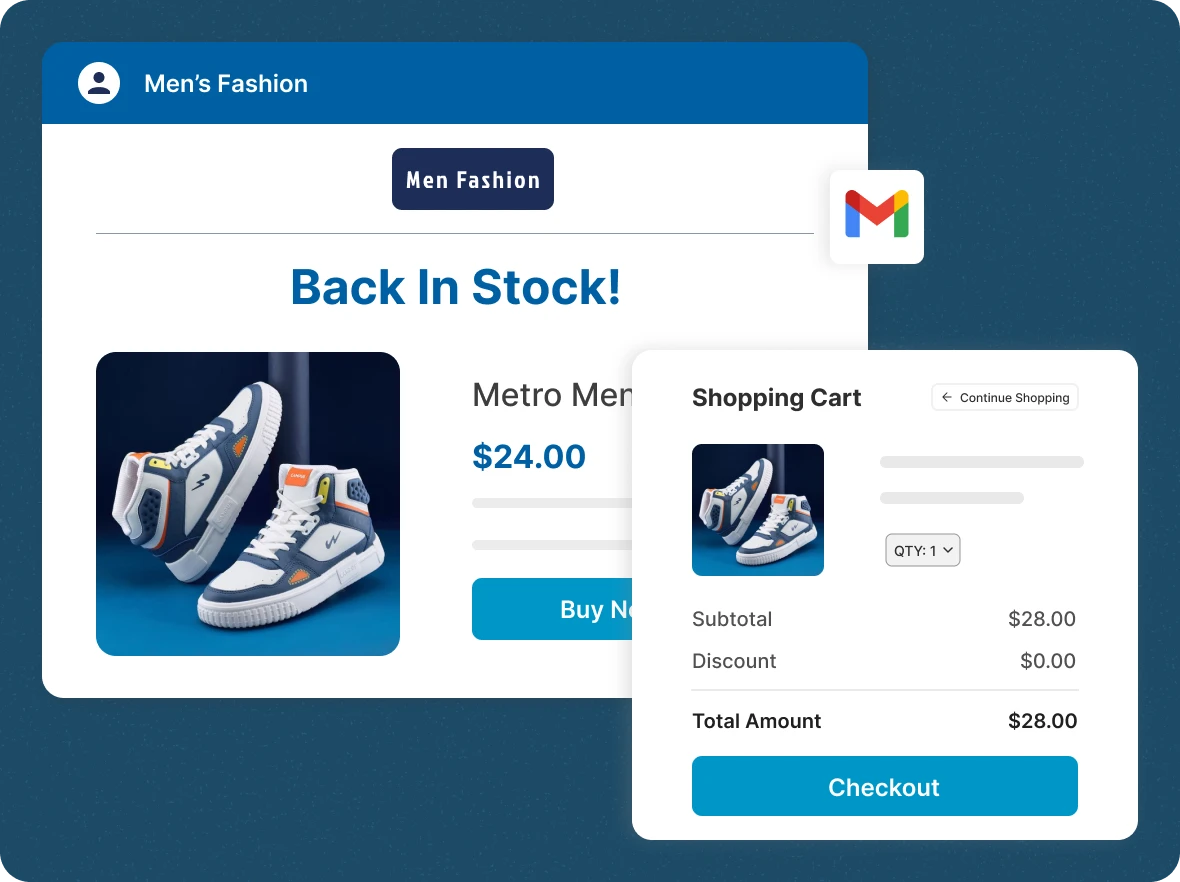
With alerts, never miss a
sale
Getting your message to customers immediately after stock is released, without having to type it manually, leads to faster sales conversion.
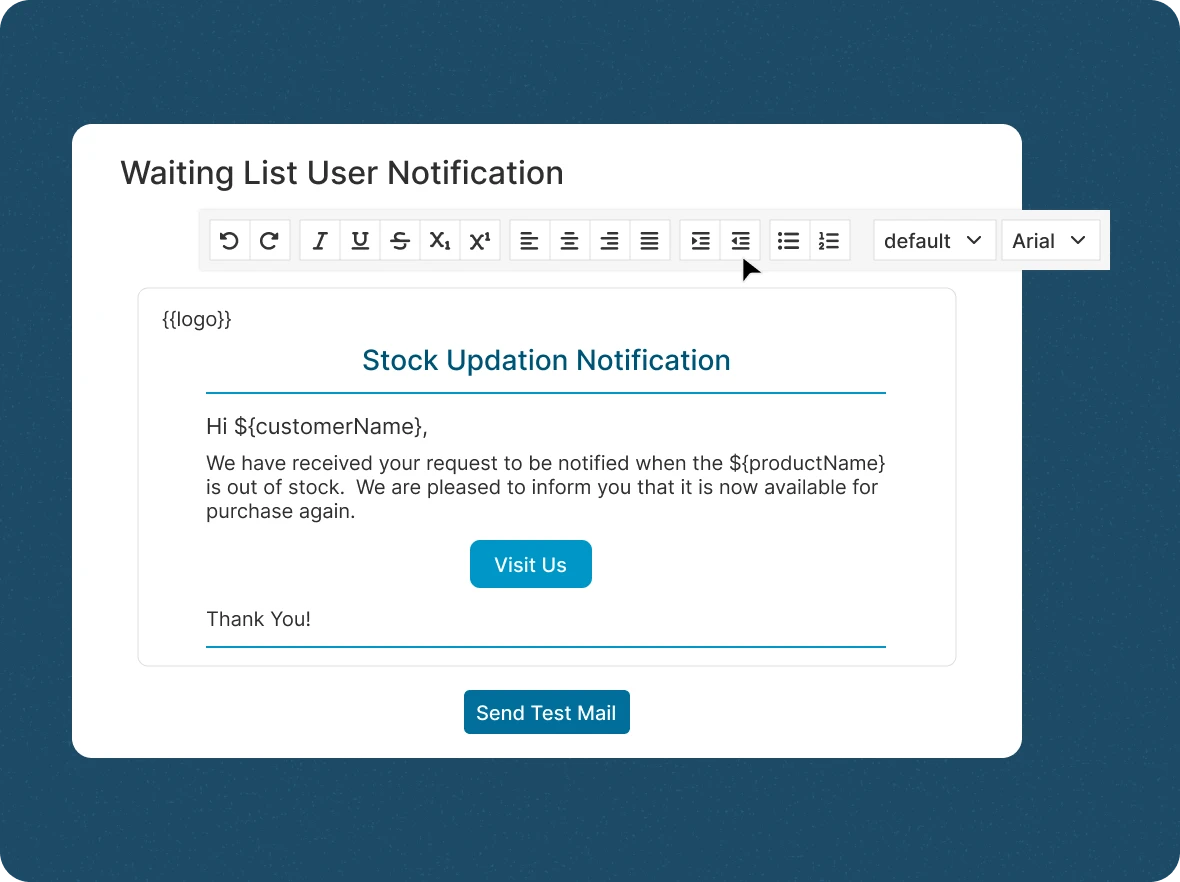
Customize email
notifications
You can personalize restock alerts and craft compelling messages that bring customers back to purchase, ensuring every message reflects you.
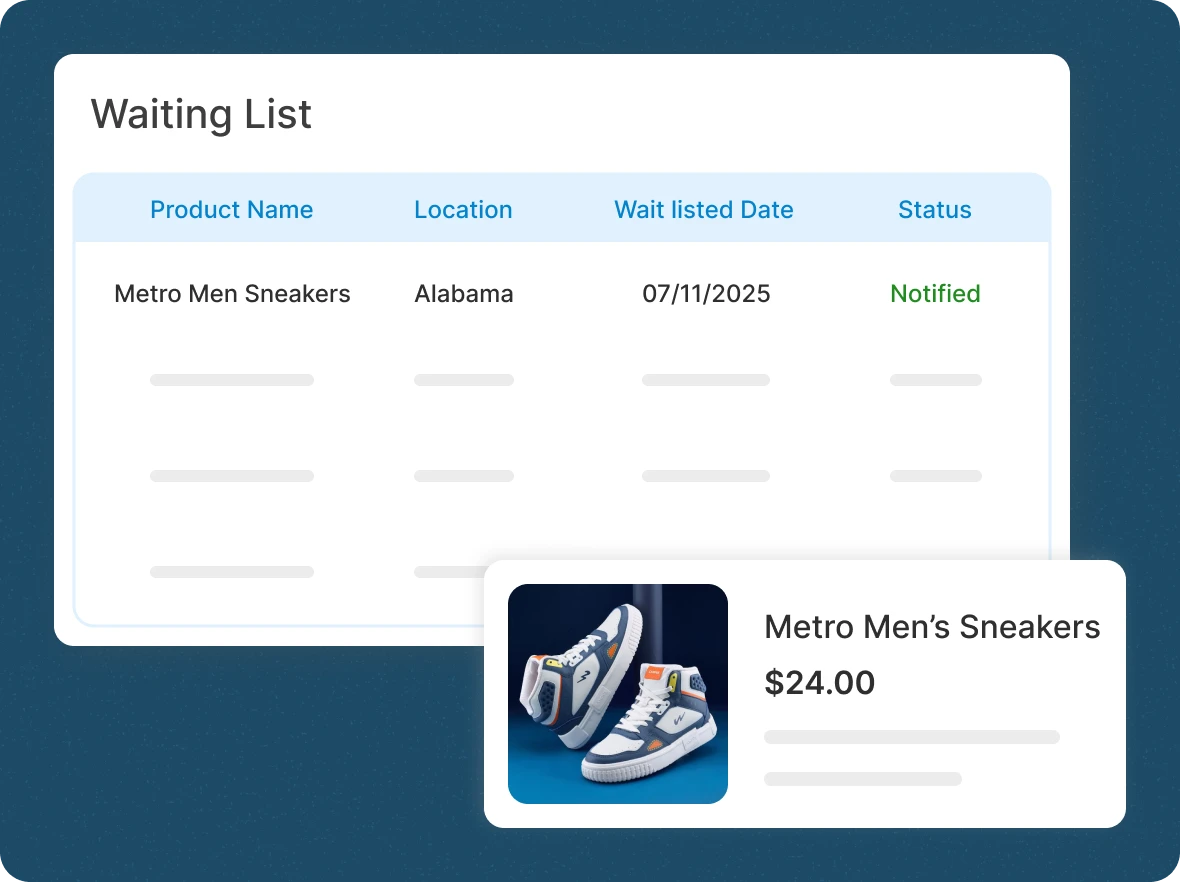
Track notification
status
By tracking, you get full visibility into your waiting list notifications, high-demand items, and shopper responses in one dashboard to plan stock and maximize revenue.
Convert stockouts into
ZenBasket’s waiting list empowers you to reclaim lost sales, expand your customer base, and gain insights for smarter business decisions.

Recover lost revenue with
alerts
Turn every stockout into a future sale by keeping customers engaged and loyal. With timely restock alerts, shoppers return to buy instantly; helping you recover lost revenue and strengthen customer trust effortlessly.

Grow your marketing list
passively
Every waiting list signup doubles as a qualified lead. Beyond recovering sales, you can easily nurture this list with targeted email campaigns, boosting repeat purchases and long-term customer loyalty.

Plan inventory with
confidence
Gain clear insights into customer demand with real-time waiting list data. Know which products to restock, reduce excess inventory, and plan smarter to meet demand without unnecessary costs.
General FAQs
Get quick clarity on our product and common queries. Have more questions? Connect with our support team.
A waiting list lets shoppers request a restock alert for an out-of-stock product by submitting their details through a Notify Me button. In ZenBasket, these requests are saved in one dashboard with product, date, and location, and updating inventory automatically triggers email alerts to waiting customers. This recovers sales that stockouts would otherwise lose and reveals real product demand.
No, it’s free. You can enable it and start collecting waitlist requests right away without extra costs, setup complexity, or usage restrictions applied.
Yes. You can tailor restock alerts to match your brand voice. Use the built-in editor to write engaging emails that drive action.
You can track with the waiting list dashboard to view and filter customer requests by product, location, status, and date, all in one place.
You can provide exclusive deals to the waiting list customers, which helps you retain those customers and keeps them from going to competitors.
Yes, now you are aware of their buying pattern, and you can add new products relevant to them and encourage them to purchase those products.
Learn, explore, and grow
with expert resources

Blog
Discover how to boost sales with waiting list strategies. Our blog offers tips on effectively turning stockouts into revenue, engaging customers, and creating experiences.
Learn More >
Help Center
Need help getting started? Explore our Help document for guides on setting up your waiting list, tracking activity, and customizing restock notifications to match your brand.
Learn More >
Video Tutorial
Watch a quick demo to see how ZenBasket’s Waiting List feature works; from enabling it on your store to sending automated restock alerts to understanding customer demand in real time.
Learn More >Don’t let sold-out items stop
your sales
Let shoppers join a waiting list and get notified when items are back, so you never lose a sale to stockouts.