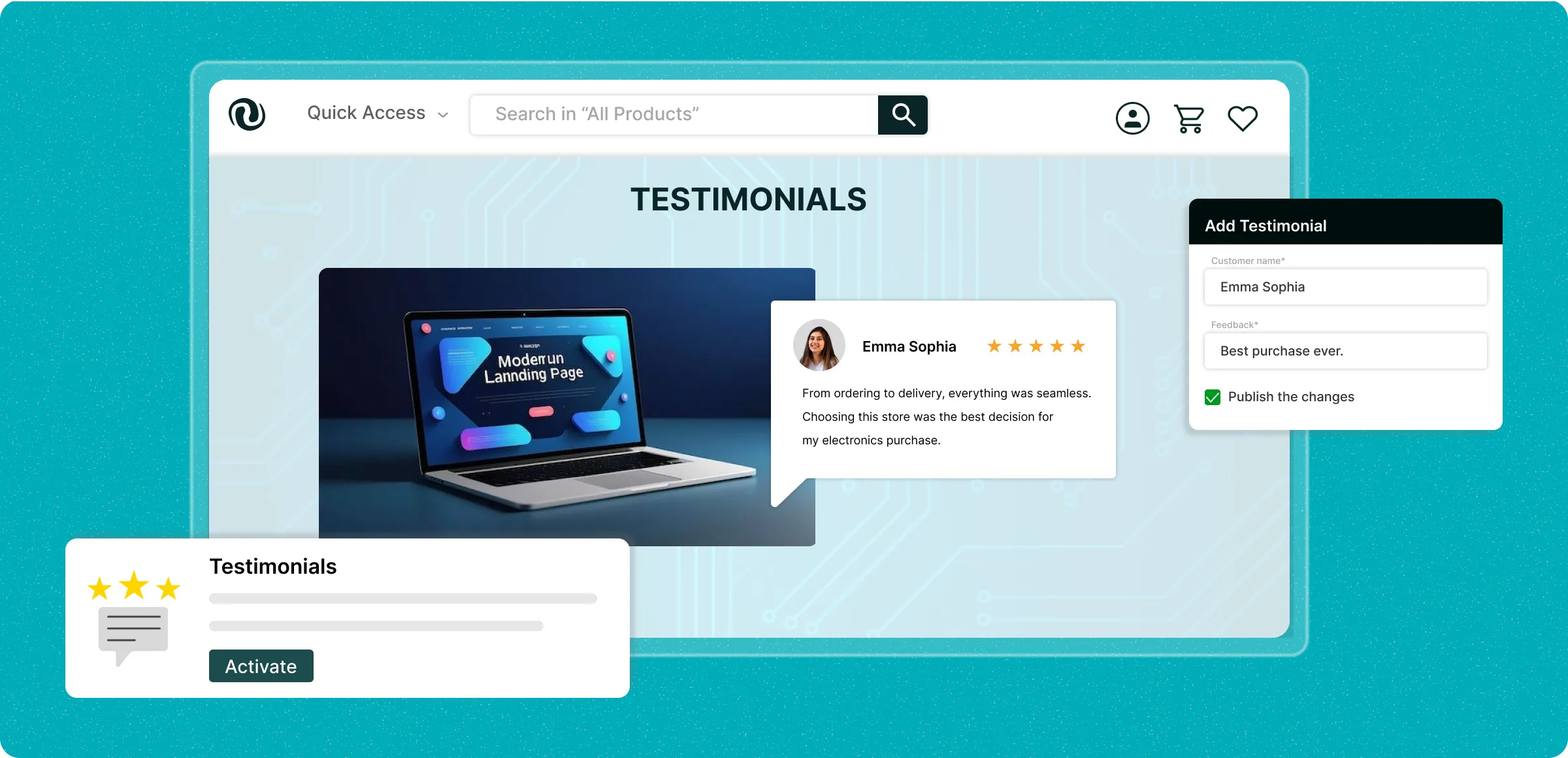
Adding your store’s testimonials
Showcasing your store’s value to visitors helps them explore your products and encourages them to make a purchase.

Activate testimonials
Enable Testimonials for your store by purchasing it, allowing you to create and display customer experiences.
Adding images
Uploading images along with the statement to support formats (jpg, jpeg, png) to ensure reviews appear impeccable in your storefront.
Adjustments of the template
Under the Design section, you can change the template style using drag-and-drop options, ensuring it matches your store’s design.
Review and publications
Check the details of the testimonials and publish them to present an authentic customer experience that is aligned with your store.
Risks of undisplayed
testimonials
Failing to showcase your store’s social proof limits your goodwill and makes it difficult to build trust among visitors and buyers.
Absence of human
validation
Not presenting the perceived value of your store makes it difficult to acquire buyers for your products.

Overspending on
promotional campaigns
Rolling out campaigns to shout to the market for attention leads to additional expenditure for your business rather than revenue.

Downfall of ranking on
search engine
Losing the chance to appear more prominently in search results (via customer ratings) can lead to wrong assumptions about your store.

One among the
fierce competition
There is no distinction between your store and others, even if you offer faster shipping, making it harder to stand out in customers’ minds.

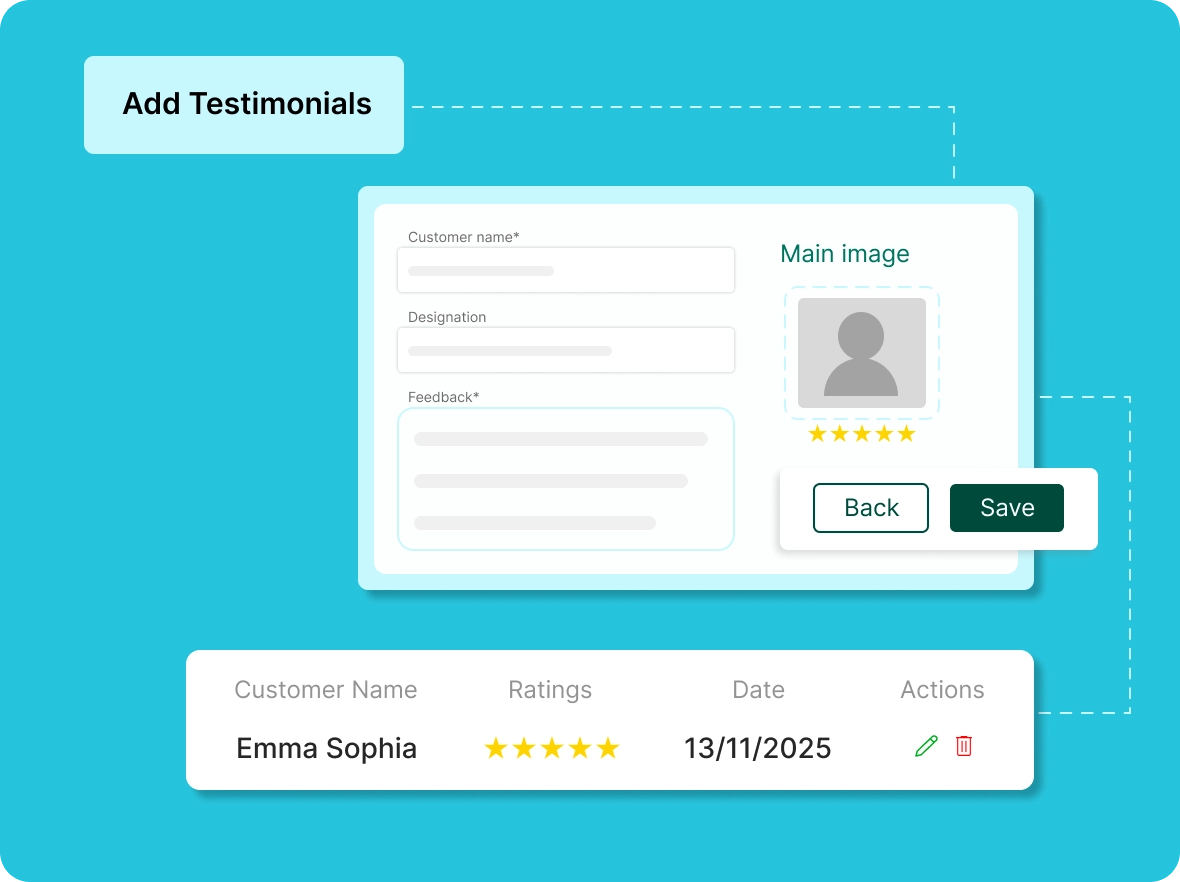
Smooth setup of
testimonials
Add customer details, statements, and ratings to build a strong testimonial section. Update or remove reviews anytime to keep them accurate and relevant.
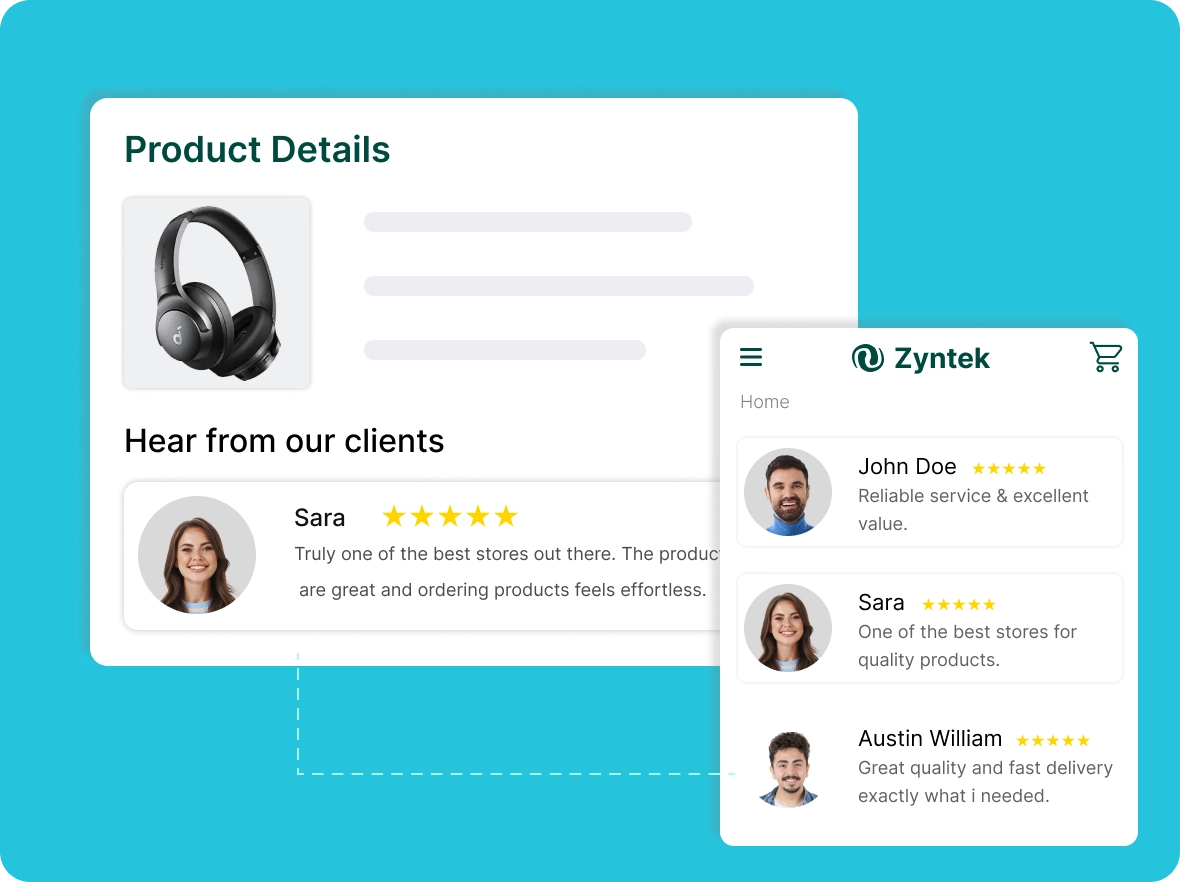
Demonstrate your
store impact
Displaying store testimonial helps showcase your success, build credibility, and demonstrate the value your business brings, encouraging more stores to trust and partner with you.
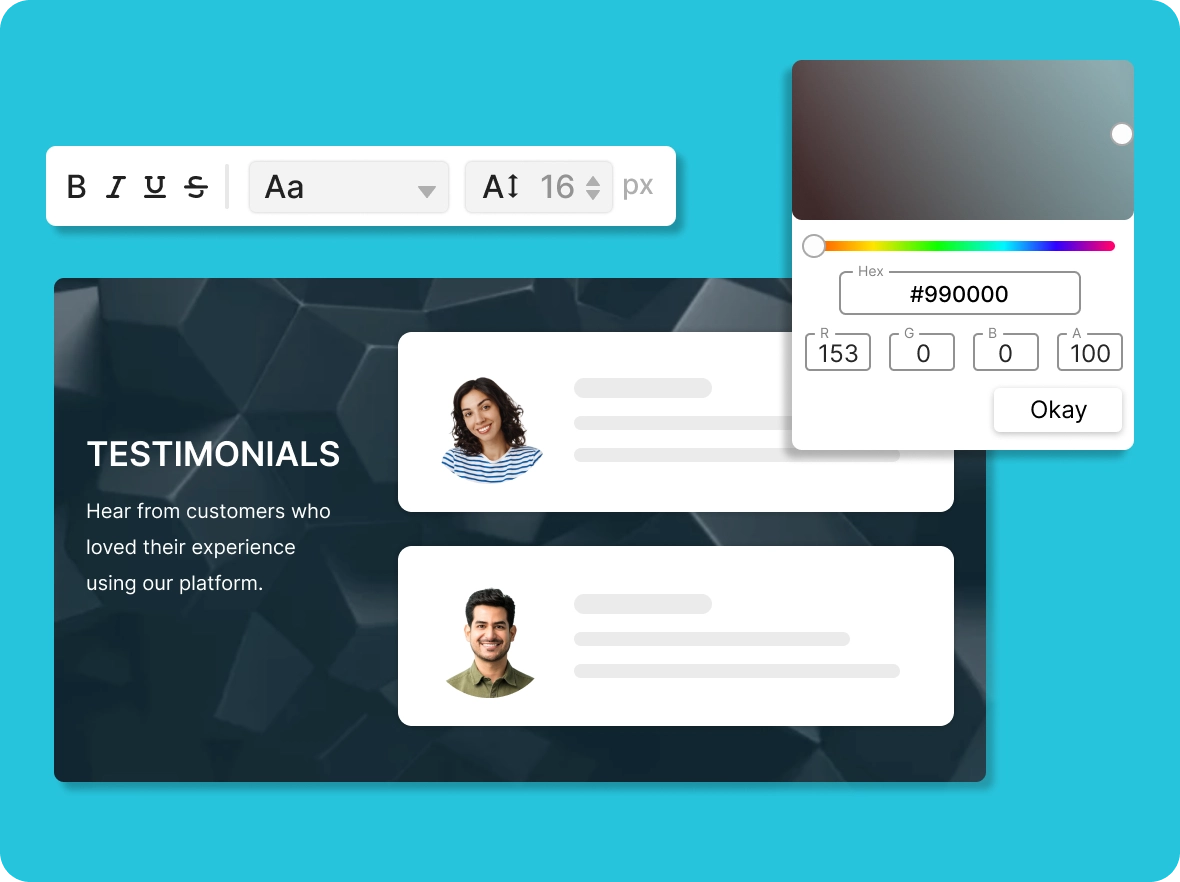
Personalize your
testimonials
Choose from available default templates and customize fonts and colors to align with your store's design, ensuring a consistent look for testimonials throughout.
Simple review
management
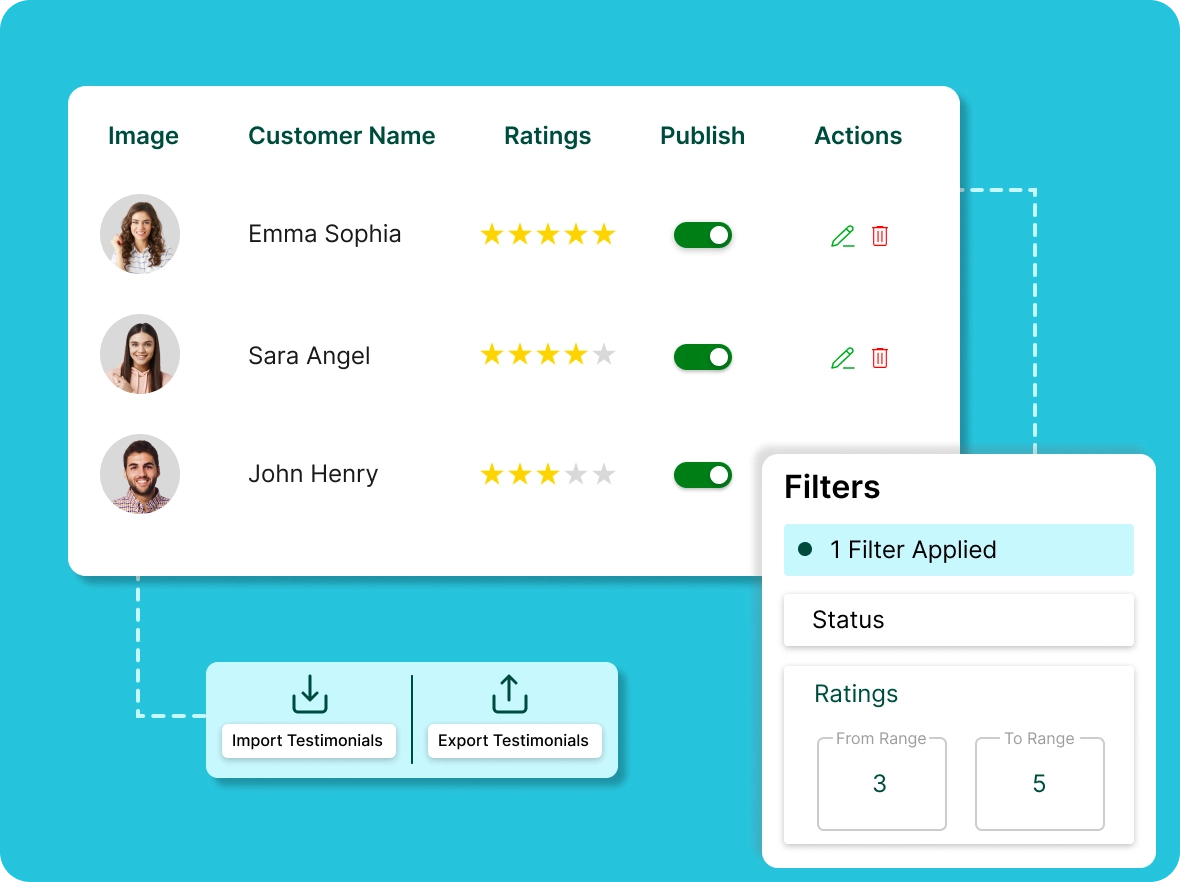
With a single dashboard to centralize testimonials and filter reviews by rating, status, or date, you save time and can easily manage your reviews as your store grows.
Why testimonials matter for
Eliminating your store feels outdated or misaligned, we will help you refresh it and create a new identity that connects with your audience.

Build trust with
customers
Testimonials provide strong social proof that builds trust and credibility. Genuine customer feedback reassures buyers of your reliability and often motivates them to complete their purchase.

Improve your store’s
visibility
Stars testimonials enrich your site with authentic, keyword-rich content. This fresh input signals relevance to search engines, improves rankings, and makes your store more discoverable to newcustomers.

Make customers your
advocates
Positive experiences encourage customers to become loyal advocates. Their testimonials spread through word of mouth, social platforms, and networks, expanding your brand’s reach and influence organically.
General FAQs
Get quick clarity on our product and common queries. Have more questions? Connect with our support team.
Testimonials share the overall experience of your store, while reviews provide feedback on specific products.
Offering no restrictions on writing allows them to share their full experience and explain what they like and dislike, which helps you improve your store.
Collect testimonials by reaching out through email, conducting surveys, or following up. Offering small incentives can encourage customers to share genuine and valuable feedback.
Utilize testimonials on your website, social media platforms, or marketing materials. Adding customer names and photos makes them more authentic and trustworthy.
Testimonials work as non-paid advertising through word of mouth from buyers, reducing the need to rely solely on paid campaigns to succeed in the market.
Learn, explore, and grow
with expert resources

Blog
Learn useful tips for using customer testimonials to build trust, strengthen your store’s credibility, and create a reliable shopping experience that keeps buyers engaged.
Learn More >
Help Center
Discover how to add, display, and manage testimonials on your store to guide potential customers, helping them make smart, informed, and confident purchase decisions.
Learn More >
Video Tutorial
Watch this video to learn step-by-step how to showcase testimonials, boost customer confidence, increase trust, and encourage more purchases.
Learn More >Grow with your customers’
experience
Spotlighting your customers’ perceived value to help you stand out in a crowded market.