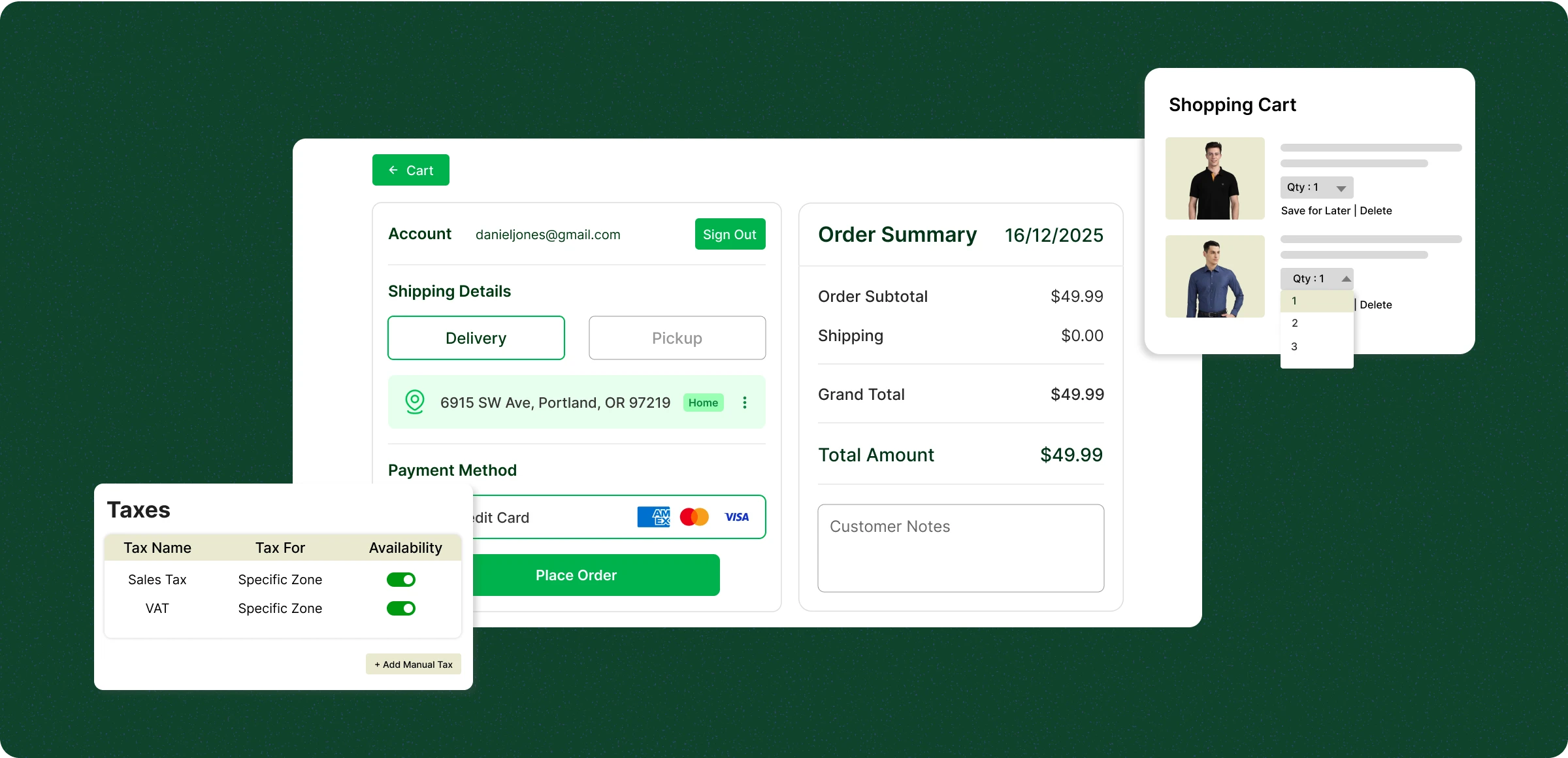
Cart and checkout simplified
Offer a hassle-free shopping experience for your customers with a minimal checkout configuration.
Add products to your cart
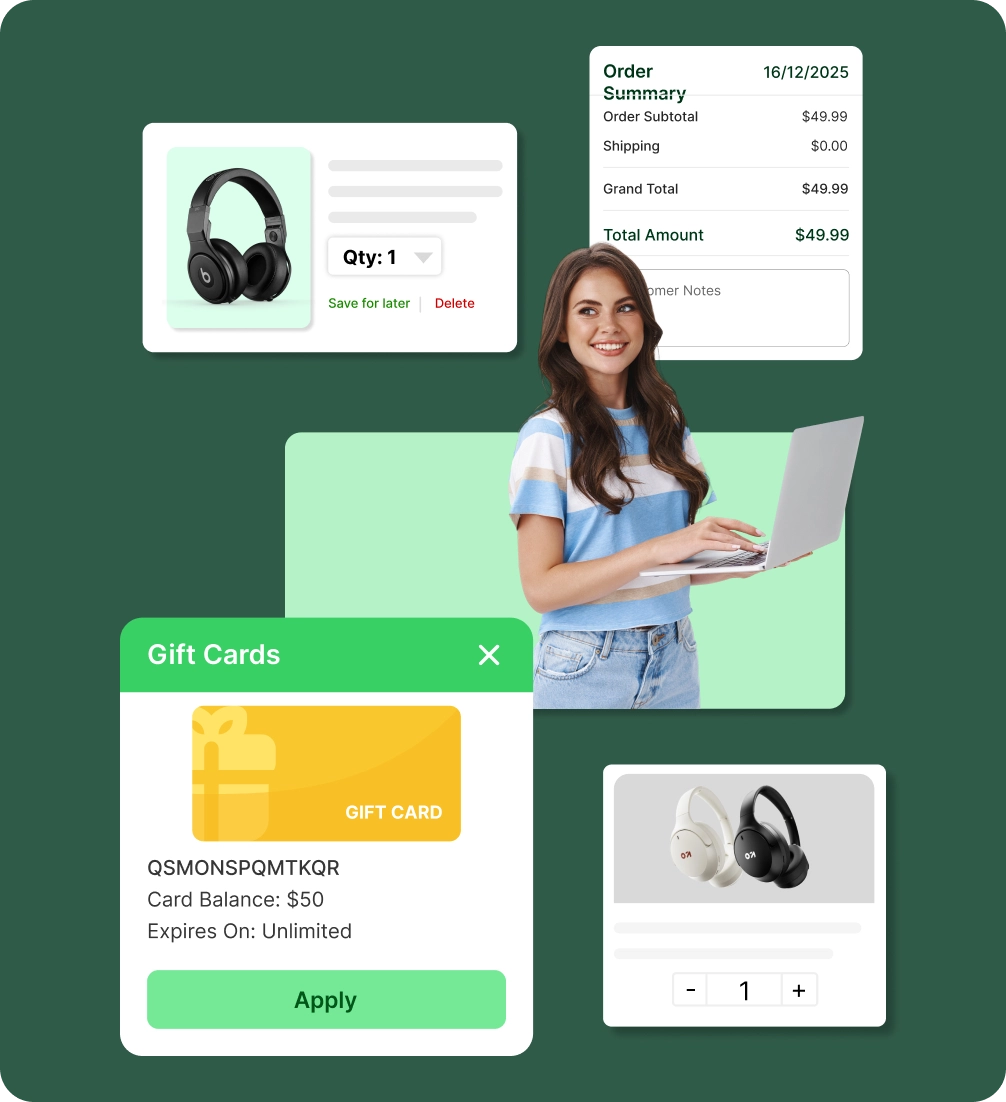
Browse products and click Add to Cart to save items, keeping everything in one place for easy review, edits, or updates.
Review and modify their cart
Give them control over their order by adjusting quantities or removing items before moving onto the checkout stage.
Single-page checkout
Customers can see their entire order details on a single page and use guest checkout to purchase without an account.
Apply discounts & cards
Customers can apply discounts to reduce the total order amount and they can pay the remaining balance using a gift card.
Bottlenecks of the checkout
process
Customers often struggle with tracking items, applying discounts, and completing a smooth checkout.
Confusing cart
navigation flow
Customers can get frustrated if adding, removing, or editing items isn’t intuitive, leading to abandoned carts.

Shipping and payment
challenges
Unexpected shipping costs, limited options, and payment concerns can reduce buyer confidence.

Discounts displayed
unclearly
Customers may leave if promotional codes or automatic discounts aren’t visible or easy to apply.

Complex checkout
process
Unclear checkout details leads to wasted time, causing customers to leave their products, which results in sales and customer losses.

Easy cart
management
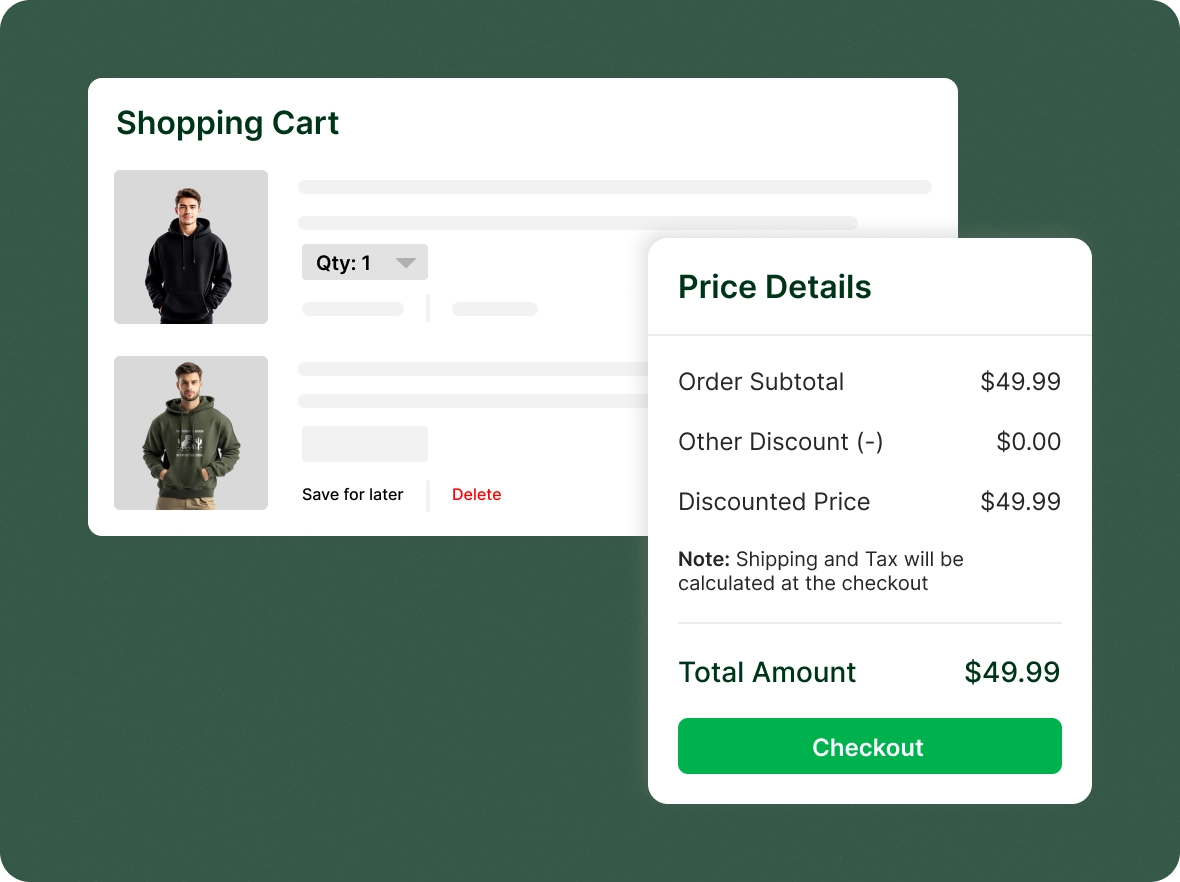
Your customers can easily modify product quantities, remove products, and apply discounts all on the cart page without hurdles.
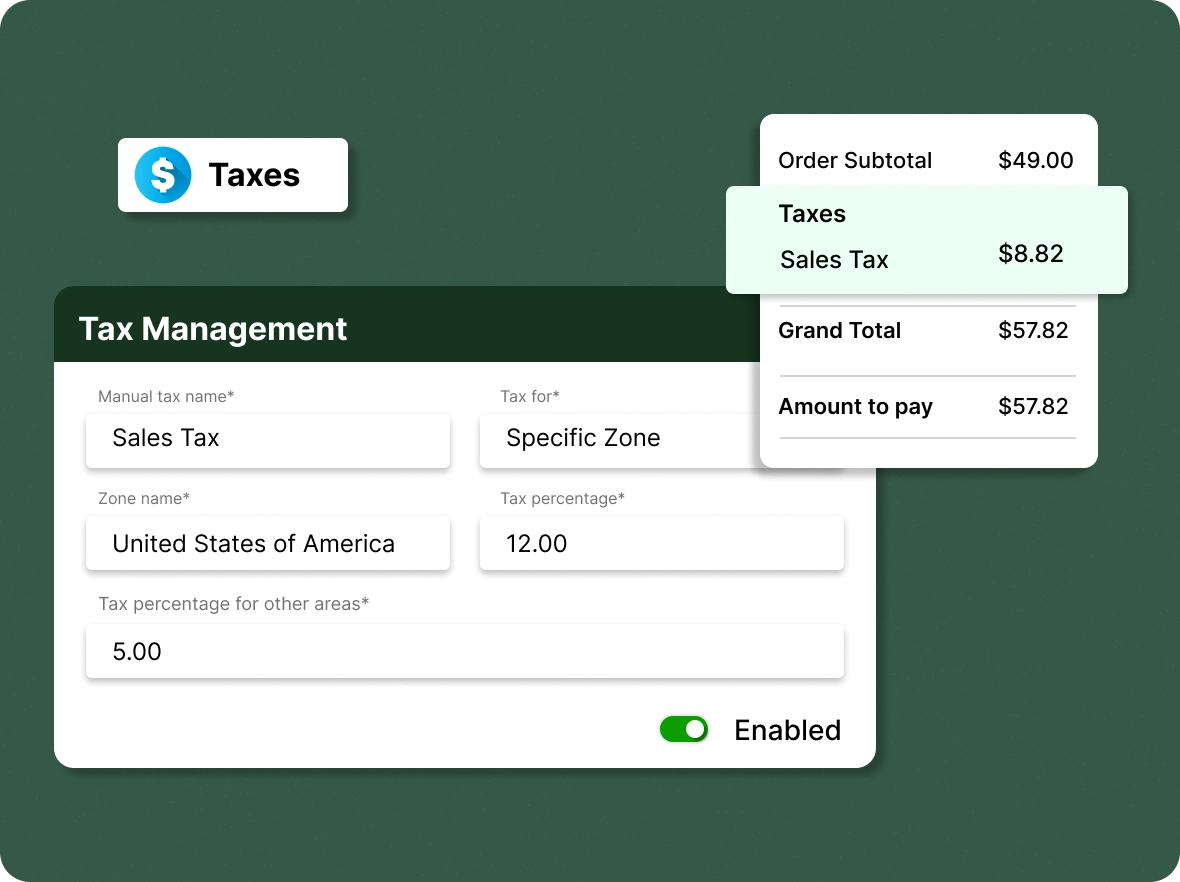
Efficient tax
management
With ZenBasket, calculate region-specific taxes, ensuring accurate checkout, compliance with local regulations, and transparent pricing that builds customer trust.
Advanced shipping
rate management
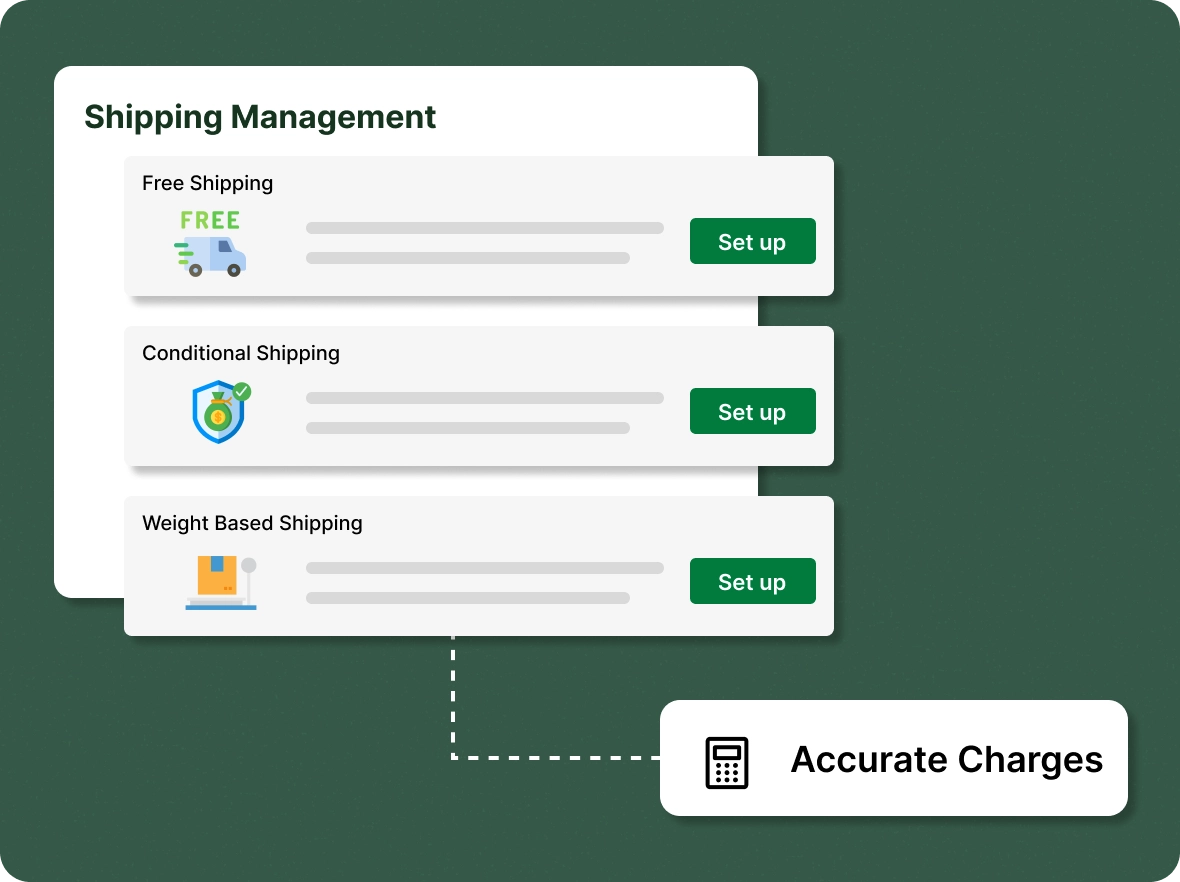
Easily configure shipping rates by order subtotal, weight, or delivery distance, ensuring accurate charges and a smoother experience for customers.
Secure multiple
payment choices
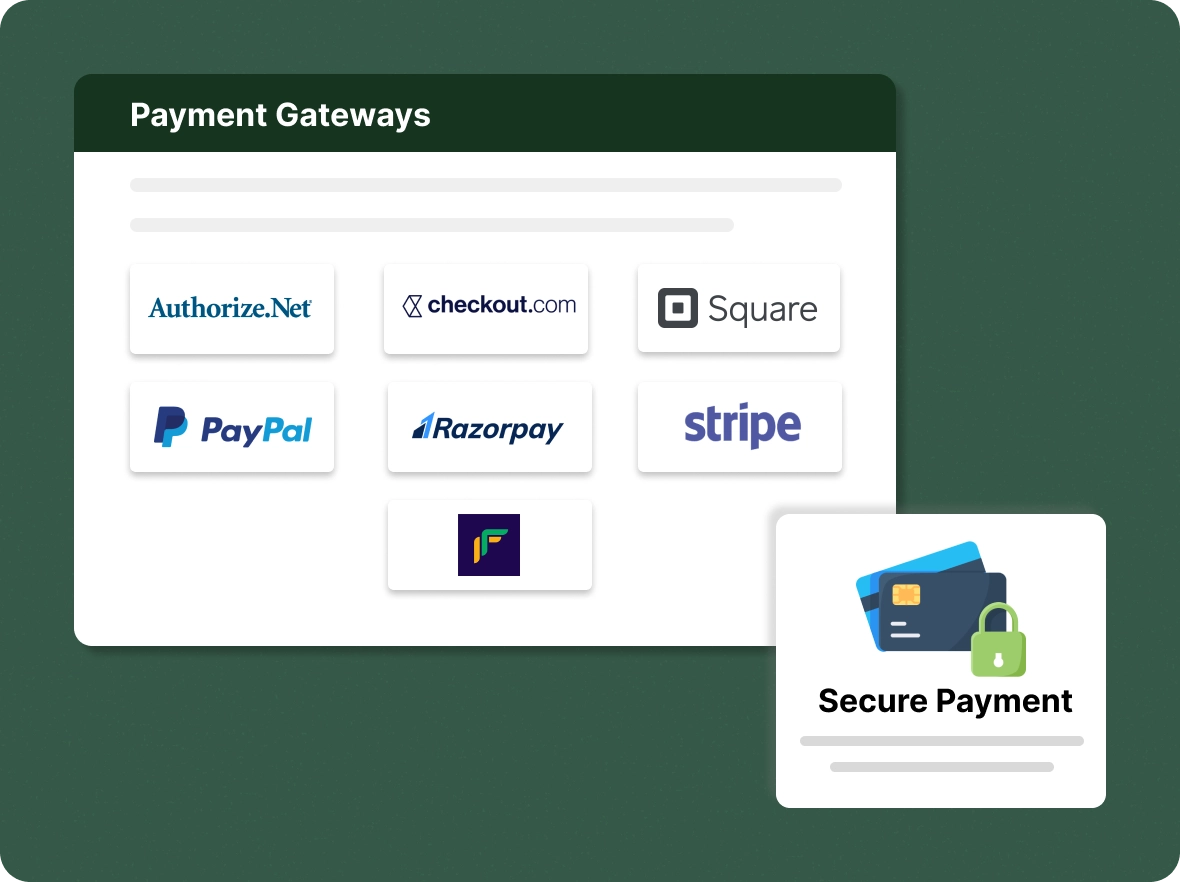
With the integration of different payment gateways, you can select options based on your store's preferences and needs, ensuring a convenient checkout for your customers.
Maximize revenue from
Simplify the buying process and keep customers engaged, reducing abandonment with smooth navigation and secure checkout.

Minimizes cart
abandonment
With an optimized shopping cart, customers are more likely to complete their purchases effortlessly, reducing the high risk of cart abandonment and increasing your conversion rates.

Provides valuable
insights
Shopping carts capture valuable customer data that helps with upselling, personalised campaigns, sales forecasting, and smarter pricing decisions across channels, seasons, and long-term growth strategies.

Increase customer
confidence
Transparent pricing, taxes, shipping costs, and multiple payment options are displayed clearly. This builds trust, empowers customers to move forward with confidence, and reduces hesitation.
General FAQs
Get quick clarity on our product and common queries. Have more questions? Connect with our support team.
Shopping cart management is the process of overseeing how customers add, review, and check out items in an online store. In ZenBasket, shoppers adjust quantities, remove products, apply discounts and gift cards, and complete a single-page checkout with region-specific taxes, shipping rates, and multiple payment options. Managing the cart clearly reduces abandonment and helps more customers finish their purchase.
Yes. Customers can place an order without creating an account, and they can choose to sign up later if they want faster checkout next time.
Yes. Items added before login will remain in the cart after login (and can be merged with the customer’s existing cart, if any).
Focus on cart value, products added, discount usage, and abandonment rates to tailor offers, apply smarter discounts, and avoid unnecessary losses.
By simplifying cart actions, applying smart rules, and guiding customers toward checkout with reminders, offers, clear pricing, and reduced friction points.
Yes. Shipping and tax are calculated based on the customer’s address and applicable rules, ensuring accuracy, and transparent final costs.
Learn, explore, and grow
with expert resources

Blog
With ZenBasket, you can scale your store using a simple management process and advanced features, eliminating the need for complex, third-party shopping cart solutions.
Learn More >
Help Center
Learn how to manage and customize your shopping cart experience to improve usability, control cart behavior, and guide customers toward faster, more confident checkouts.
Learn More >
Video Tutorial
Find out how to enable a single-page checkout process so your customers can view all their cumulative order details on one page and make edits for faster purchases.
Learn More >Optimize order value across cart
and checkout
Let them experience a hassle-free journey through your store to encourage purchases and retain their relationship with you.