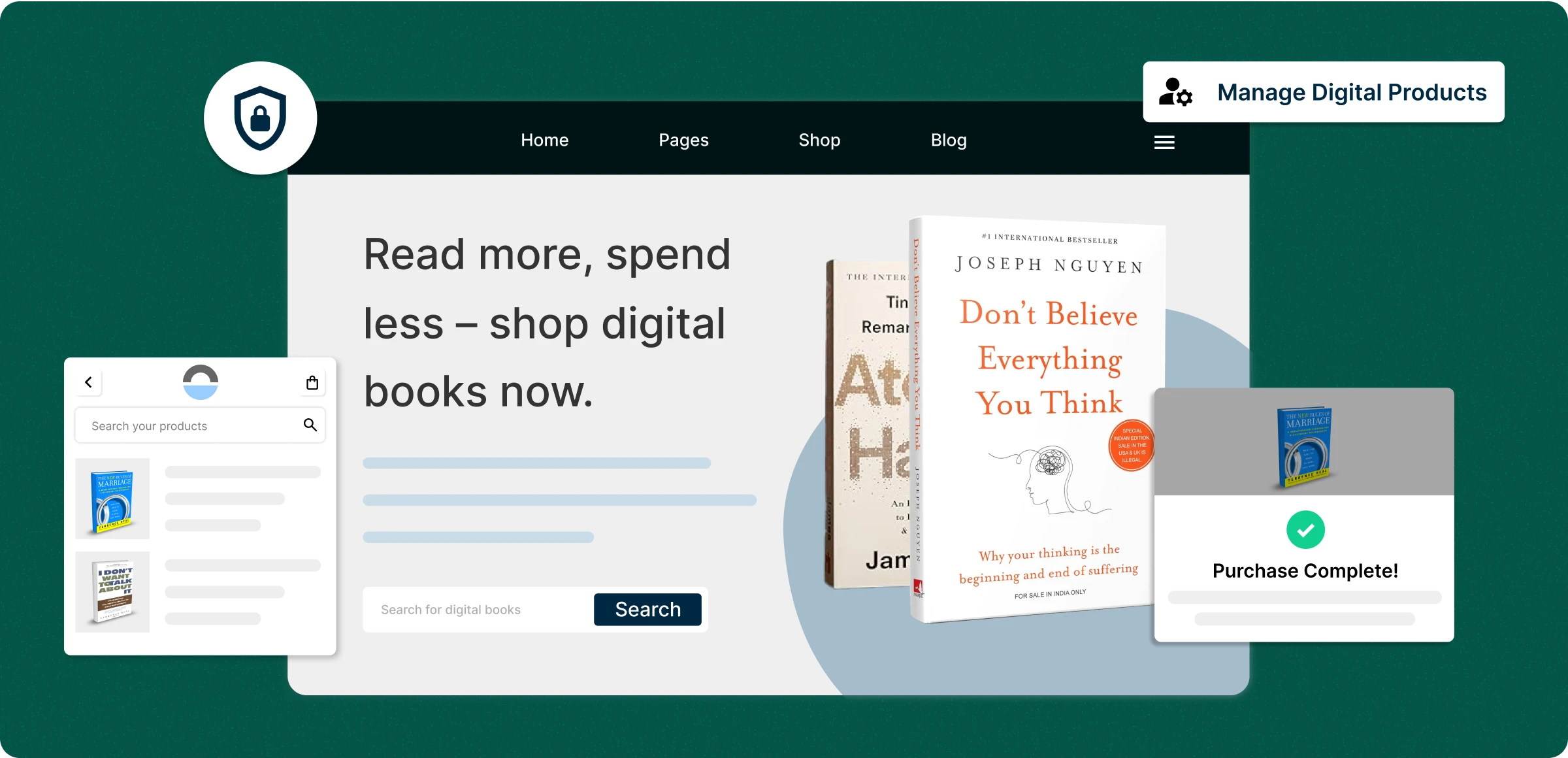
Configure the digital products
Activating your non-physical products with a centralized process and make them profitable for you.
Turn on digital products
Pay and get access to selling your products, allowing you to enforce limits for downloads and purchases within a specific period.
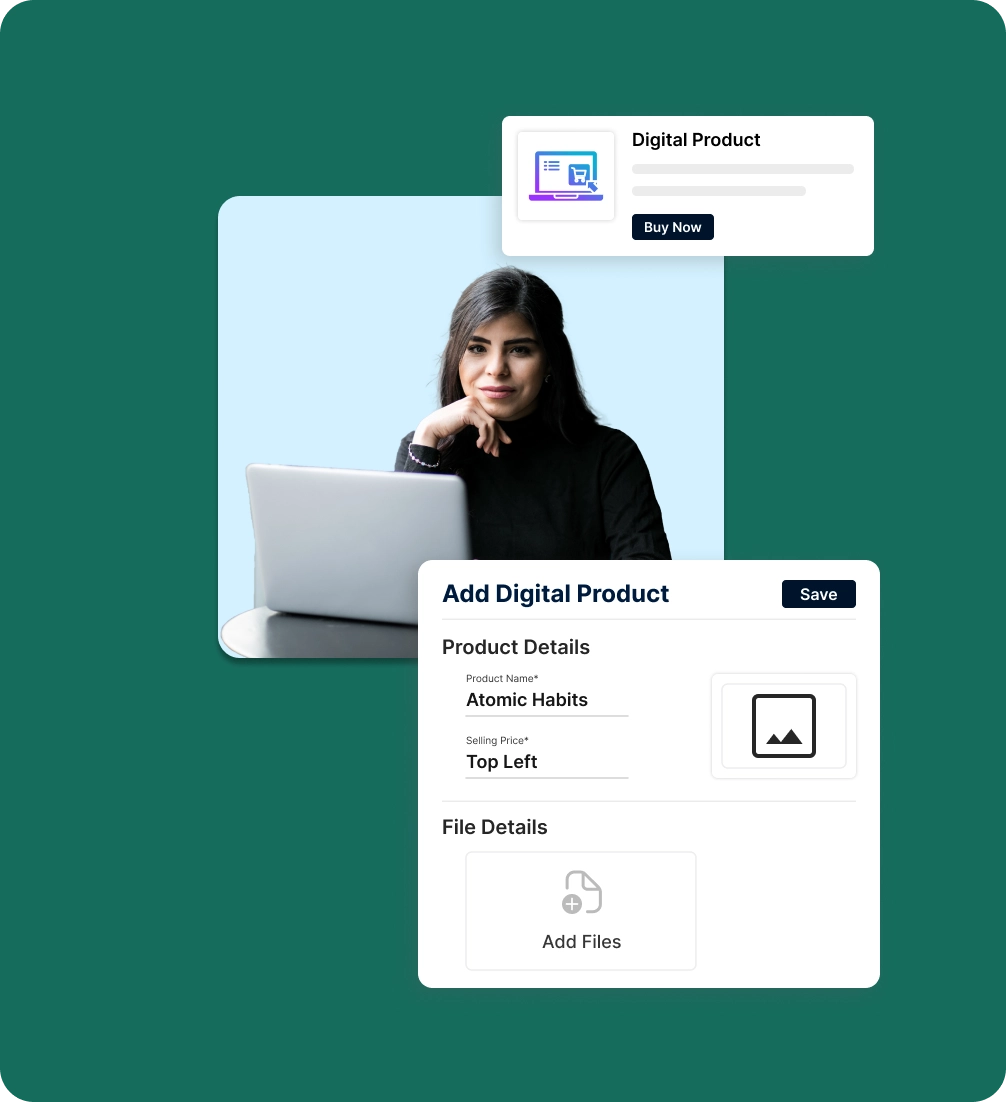
Add products to your store
Create digital products for your store, such as e-books, audio files, and course tutorials, and make them easy to download.
Manage download links
Turn off a download link for an order anytime, or renew it for a longer time; custom download time file before it expires.
Regulating products
Create custom emails for every customer, keeping them informed and building lasting relationships- right All from your dashboard.
Limitations of selling digital products
Bottlenecks in managing product sharing lead to illegal distribution that is easily available everywhere, resulting in lost revenue for your store.
Weak Product
Protection
Low ratings at the top of the page increase abandoned carts and hurt conversions.

No setting of the
download limits
Since limits for downloading the products are not enforced, people consume the product without limit.

Reduced Customer
Value
No protection or limits lowers perceived value and raises security concerns after purchase.

Misalignment of
credentials
The imbalance in maintaining license keys across various products affects their assignment.

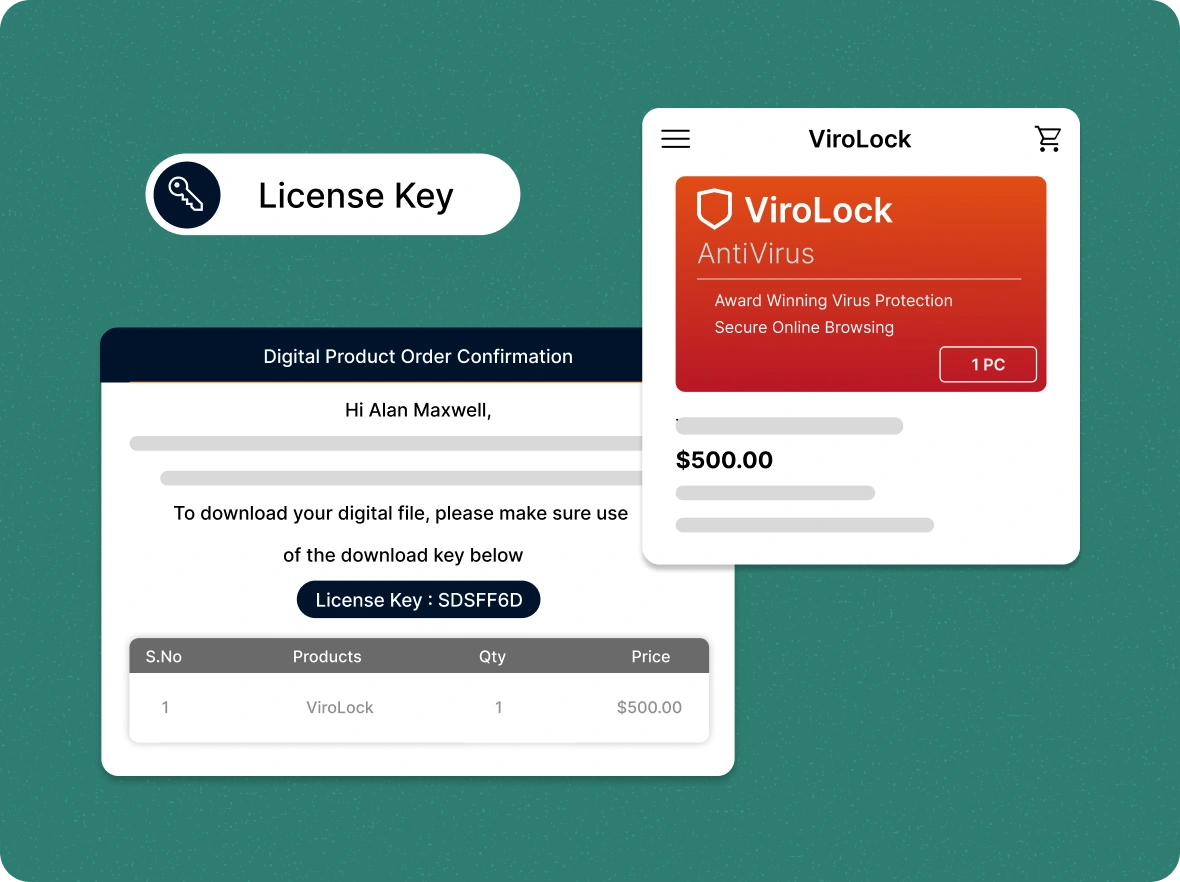
Issue one-time
license keys
Assign single-use license keys to customers upon purchase, ensuring secure access and preventing reuse or sharing of your digital products.
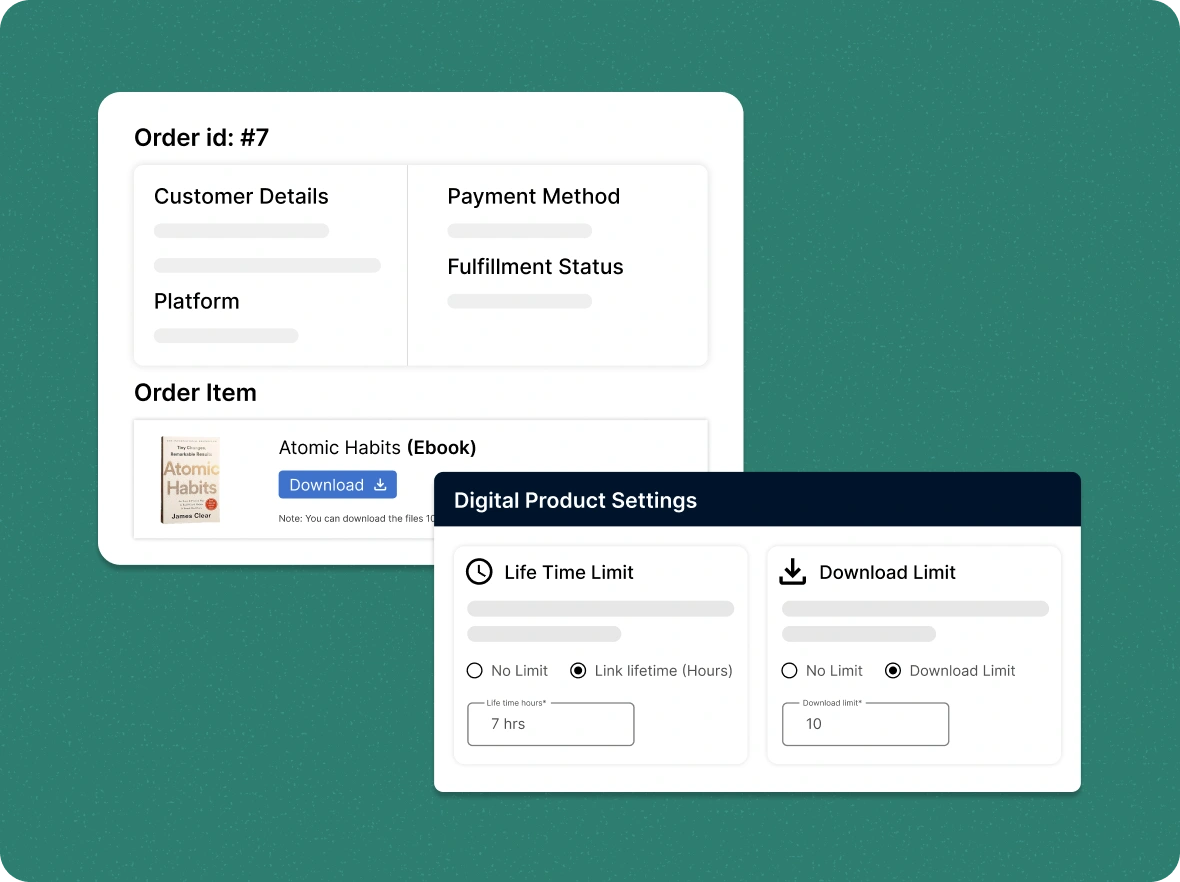
Enable download
restrictions
Protect digital products with link expirations or download limits. Customize rules per product for secure, controlled, and abuse-free delivery across all purchases.
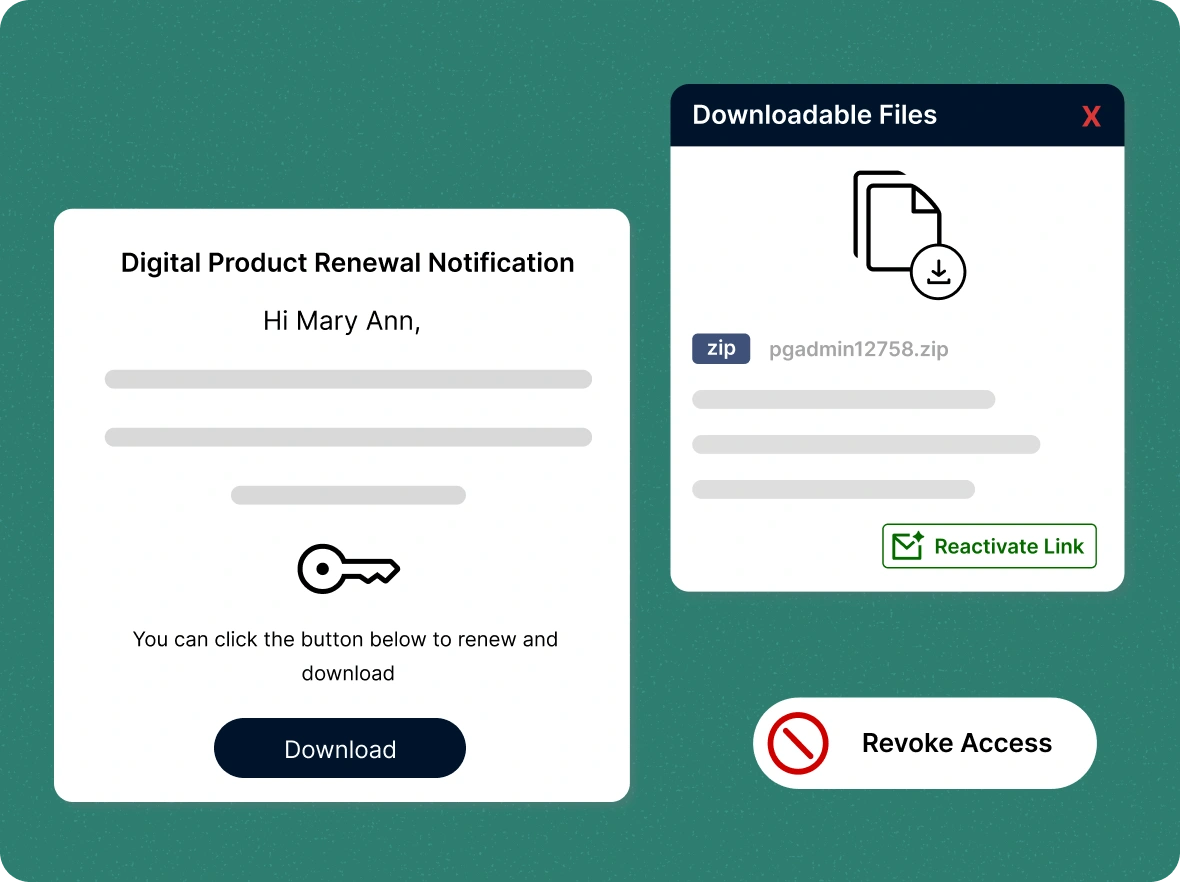
Easily control and revoke
user access
Manage post-purchase access by disabling expired links or sending renewal emails. Give users extra access when needed from a centralized dashboard.
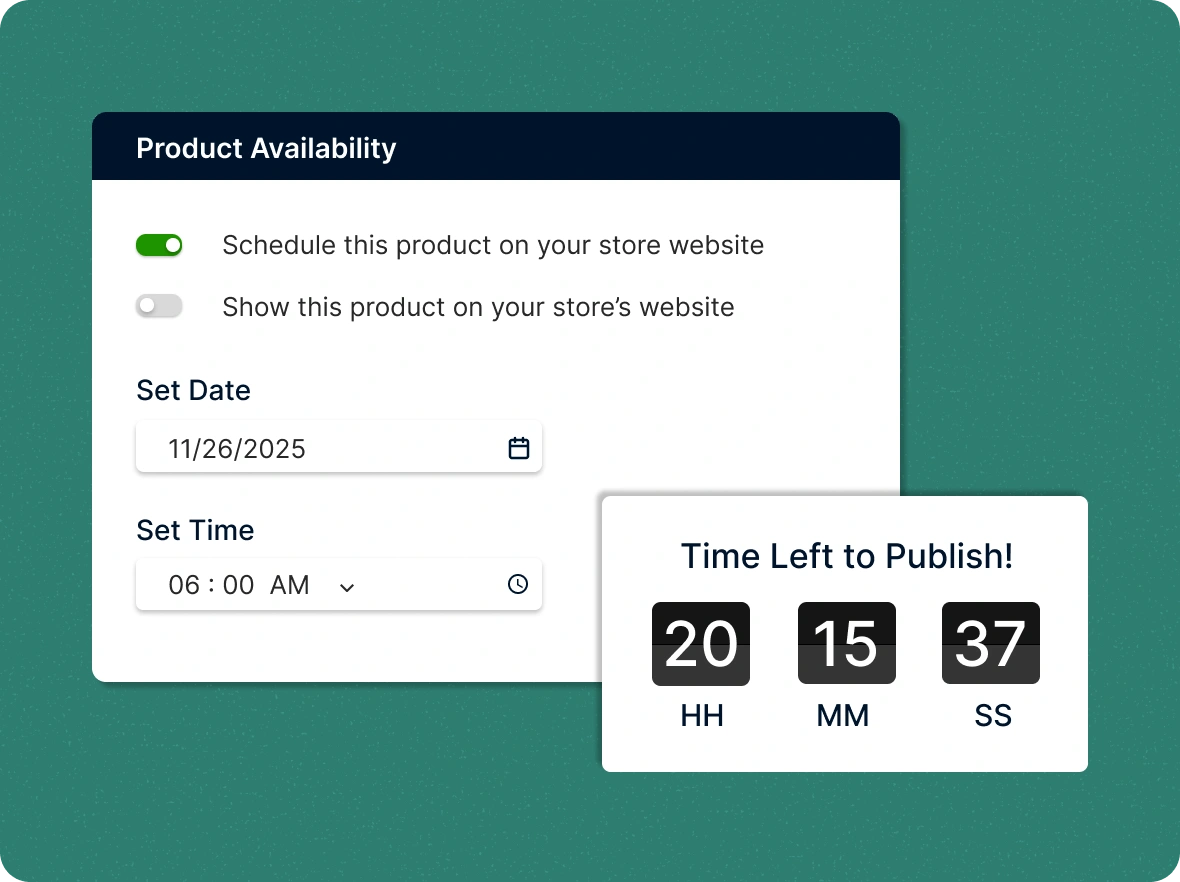
Setting up the
availability
Monitor product movement and schedule availability on your storefront to foster a better relationship with customers, not just by making promises.
Why sell digital products
Selling digital products shouldn’t be complicated. ZenBasket makes it simple, secure, and scalable; giving you more time to focus on growth.

Quicker go-to-market
process
Make a strong first impression that sticks with your customers. No complex setups or third-party tools. Start selling your eBooks, courses, or digital files instantly with ZenBasket, and get your store running instantly.

Complete control over
your digital sales
Decide exactly how your digital content is shared. Easily customize availability, set link expirations, control user access, and manage licenses to protect your products and ensure fully secure delivery.

Deliver exceptional
customer experience
Delight your buyers with instant access to their purchases and a seamless delivery process, ensuring a smooth experience that builds trust, encourages repeat sales, and strengthens your store's reputation.
General FAQs
Get quick clarity on our product and common queries. Have more questions? Connect with our support team.
ZenBasket supports popular digital product formats like PDFs, ZIPs, images, audio, video, ebooks/guides, and digital tools.
You can segment your customers based on the limitations of the current digital products they choose. Don't try to sell products to everyone.
Yes! ZenBasket supports both types seamlessly, giving separate tabs and settings for each, allowing you to manage inventory efficiently.
After purchase, buyers get secure email links for files or license keys, instantly accessible from the storefront.
You can explain your products with a clear statement detailing what you are selling, why it is better than the competitors, and how it is valuable to them.
Learn, explore, and grow
with expert resources

Blog
Discover the most popular types of digital products and learn easy ways to add them to your ZenBasket store quickly and effortlessly with this comprehensive guide.
Learn More >
Help Center
Learn how to quickly upload, configure, and update your digital products with this guide, making it easy to add and manage items in your ZenBasket store without technical complexity.
Learn More >
Video Tutorial
Learn how to add and manage digital products in your ZenBasket store with this quick, step-by-step tutorial, helping you get set up fast and run digital commerce smoothly.
Learn More >Start selling your digital
products
Launch, manage, and protect digital products. Secure downloads, track sales, and grow your business with ease.