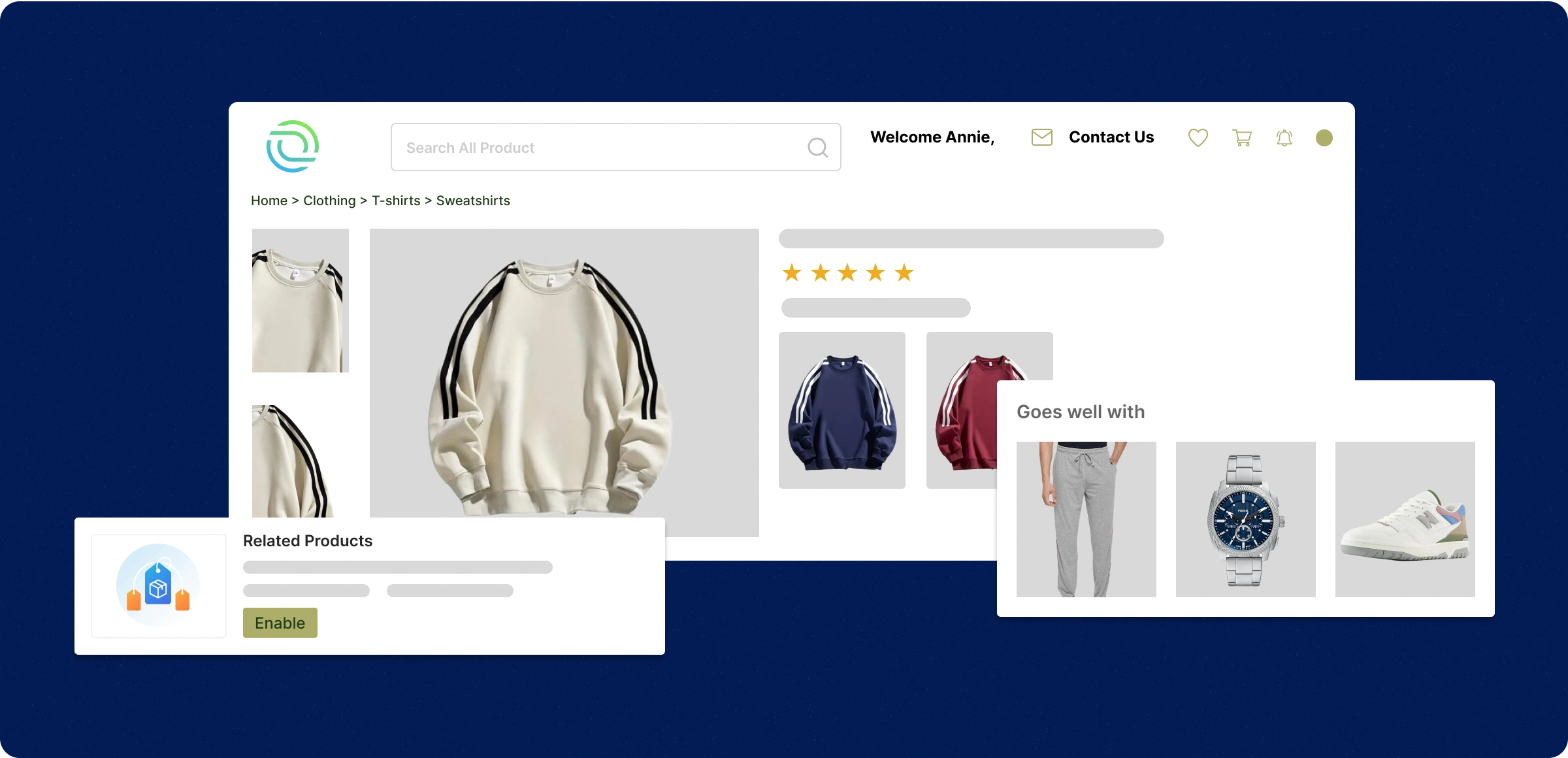
Link products quickly
Smoothly connect complementary products to enhance browsing and drive conversions.
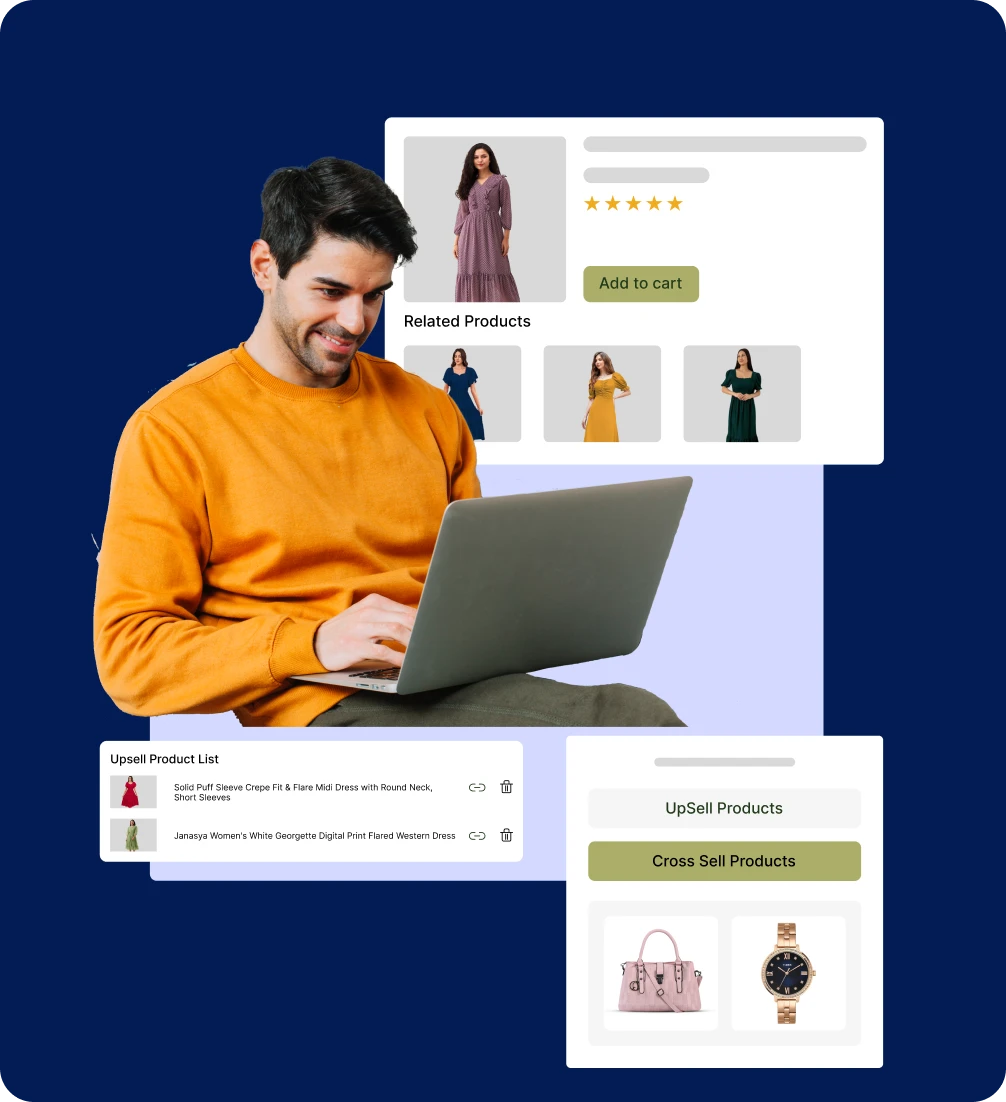
Connect products quickly
Show related products in ZenBasket to recommend items that boost sales and help customers explore more.
Activate the plugin
Enable ZenBasket’s related products to display personalized suggestions that drive more purchases.
Link items effortlessly
Connect complementary or alternative products so shoppers find relevant recommendations easily.
Smart Product Picks
ZenBasket automatically shows related products on relevant pages to make product discovery effortless.
Missed sales without
recommendations
Without related products, stores lose chances to increase cart value and encourage purchases, directly impacting revenue.
Missed sales
opportunities
Without related products, stores lose chances to increase cart value and encourage purchases, directly impacting revenue.

Discovery drop
Customers may overlook complementary or alternative products, limiting their shopping experience.

Lower customer
engagement
Without personalized product suggestions, customers spend less time browsing and are less likely to return for more purchases.

More returns and
exchanges
Without related products, customers may choose incompatible items or miss required add-ons, leading to wrong purchases and avoidable returns.

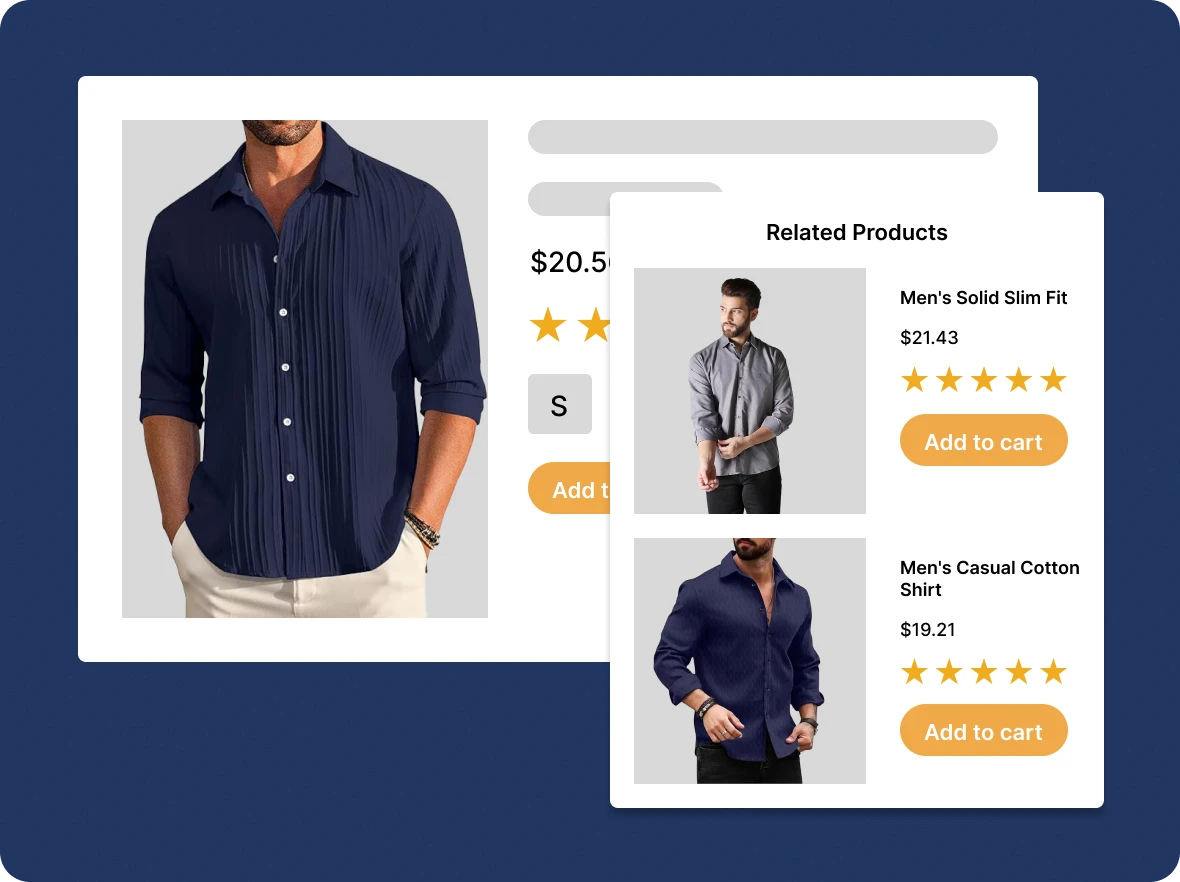
Create upsell
products
Recommend upgraded versions of purchased products in ZenBasket to target revenue while delivering personalized product recommendations aligned with customer preferences.
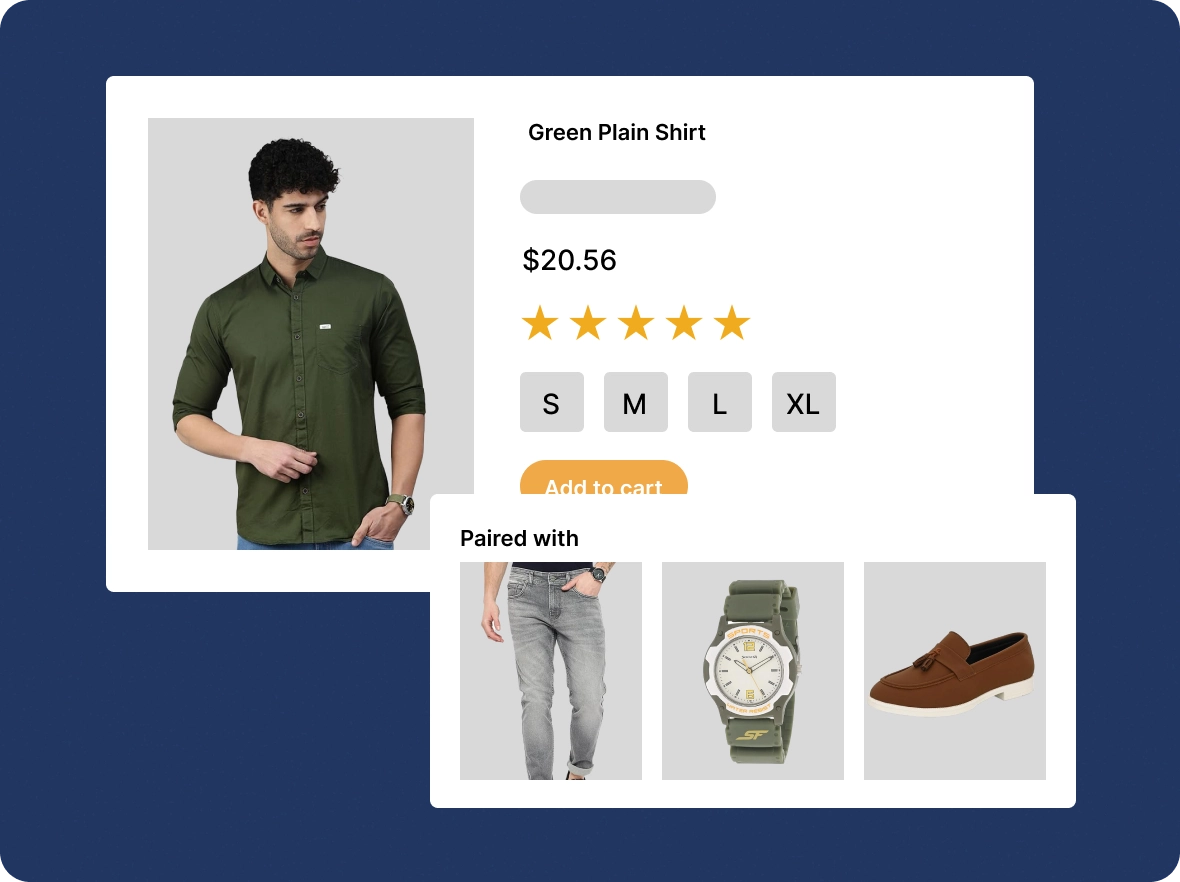
Create cross-sell
products
Shoppers can share their wishlists with friends and family, making gifting easy, improving their shopping experience, and boosting sales.
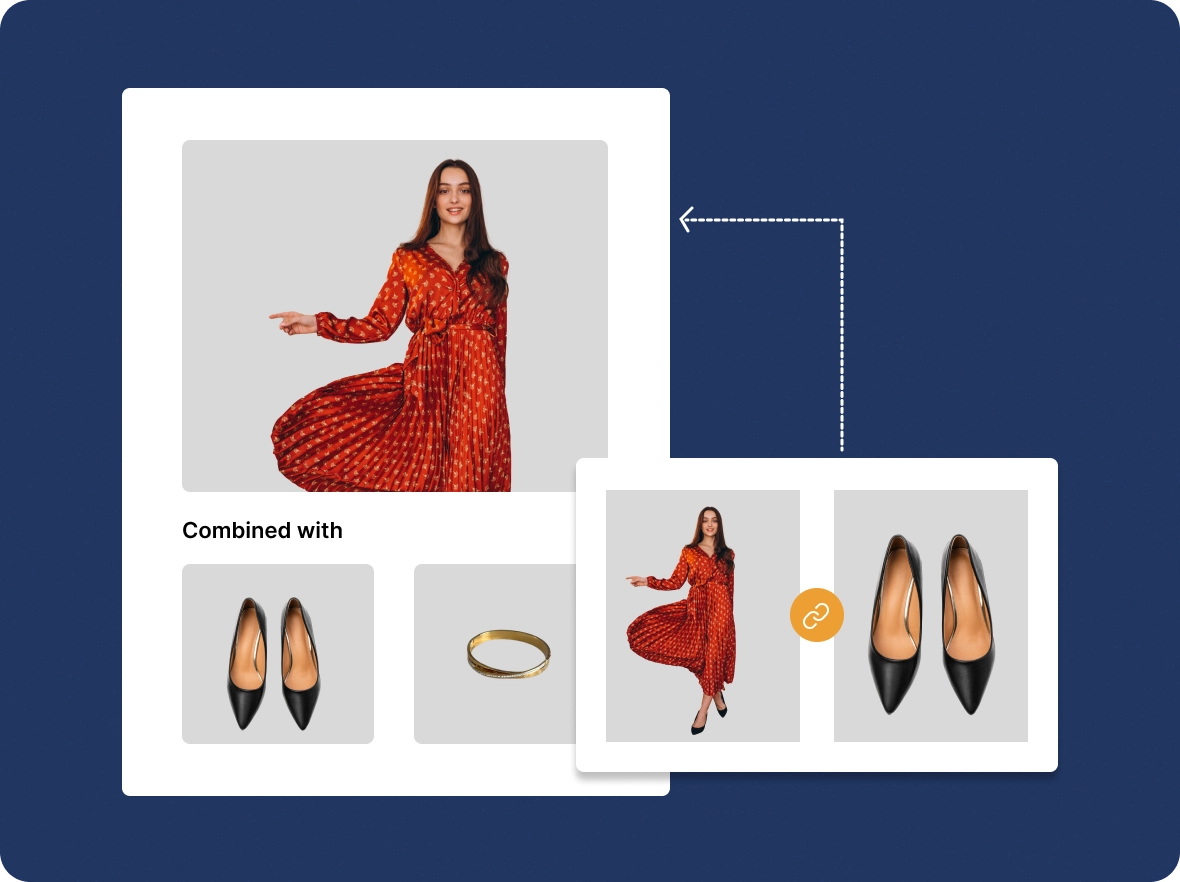
Link back to selected
items
Enhance the visibility of related products by cross-linking them, ensuring customers can effortlessly discover relevant items while browsing your store.
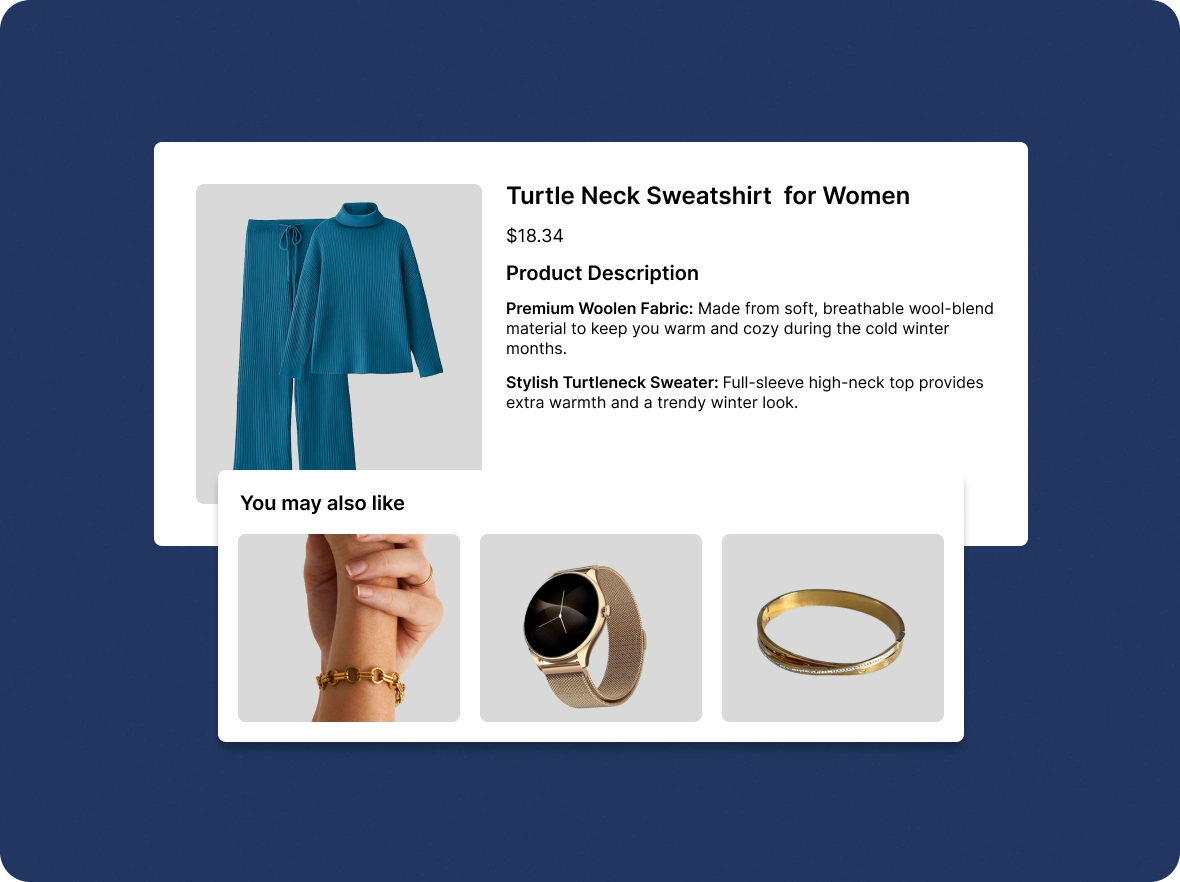
Enhance product
recommendations
Offer smart, tailored suggestions in ZenBasket that match customer behavior and purchase patterns to encourage higher engagement and repeat purchases.
Drive growth with related
Related products in ZenBasket make shopping smarter and more engaging, helping customers find what they need while boosting sales.

Boost every order
effortlessly
Show related products that inspire customers to add more to their cart, turning every visit into an opportunity for higher revenue. This simple feature enhances the shopping experience and encourages repeat purchases.

Bring customers back
easily
Smart recommendations encourage repeat visits, building loyalty, and turning casual buyers into regulars. They also help customers discover new and relevant products that perfectly match their interests.

Improve shopping
decisions
Provide related product recommendations with ZenBasket, saving time while giving customers the products they’re likely to love. This enhances personalization and increases the chances of every purchase.
General FAQs
Get quick clarity on our product and common queries. Have more questions? Connect with our support team.
Related products are complementary or alternative items recommended on a product page to support upselling and cross-selling. In ZenBasket, you enable the plugin, then create upsell products that suggest upgraded versions and cross-sell products that pair well with the item. Recommendations appear on the product details page, helping shoppers discover more and increasing average order value.
You can display related products under the product details page, which allows users to initiate their action to add the item to the cart.
By connecting products that help to spotlight the low visibility and new products of your store, customers are paying attention to those items.
Yes, it does. With ZenBasket, you can reduce the friction of loading on your browser, and accessible on your devices, and your customers can view it anywhere.
Viewing paired products of their purchase eliminates scrolling through the entire product list, helping them complete their buying process.
Related Products may be available as an add-on depending on your plan. Please check your ZenBasket plan details or contact support to enable it.
Learn, explore, and grow
with expert resources

Blog
Learn how ZenBasket’s related products feature improves customer experience, boosts order value, and drives repeat purchases with personalized recommendations.
Learn More >
Help Center
Access detailed step-by-step instructions on enabling, linking, and managing related products in ZenBasket to easily boost customer engagement and drive more sales.
Learn More >
Video Tutorial
Watch this step-by-step training video to learn how to set up, configure, and optimize related products in ZenBasket for smarter, personalized product recommendations that boost sales.
Learn More >Guide shoppers to more of what
they love
Showcase related products seamlessly to create an engaging shopping journey that drives conversions.