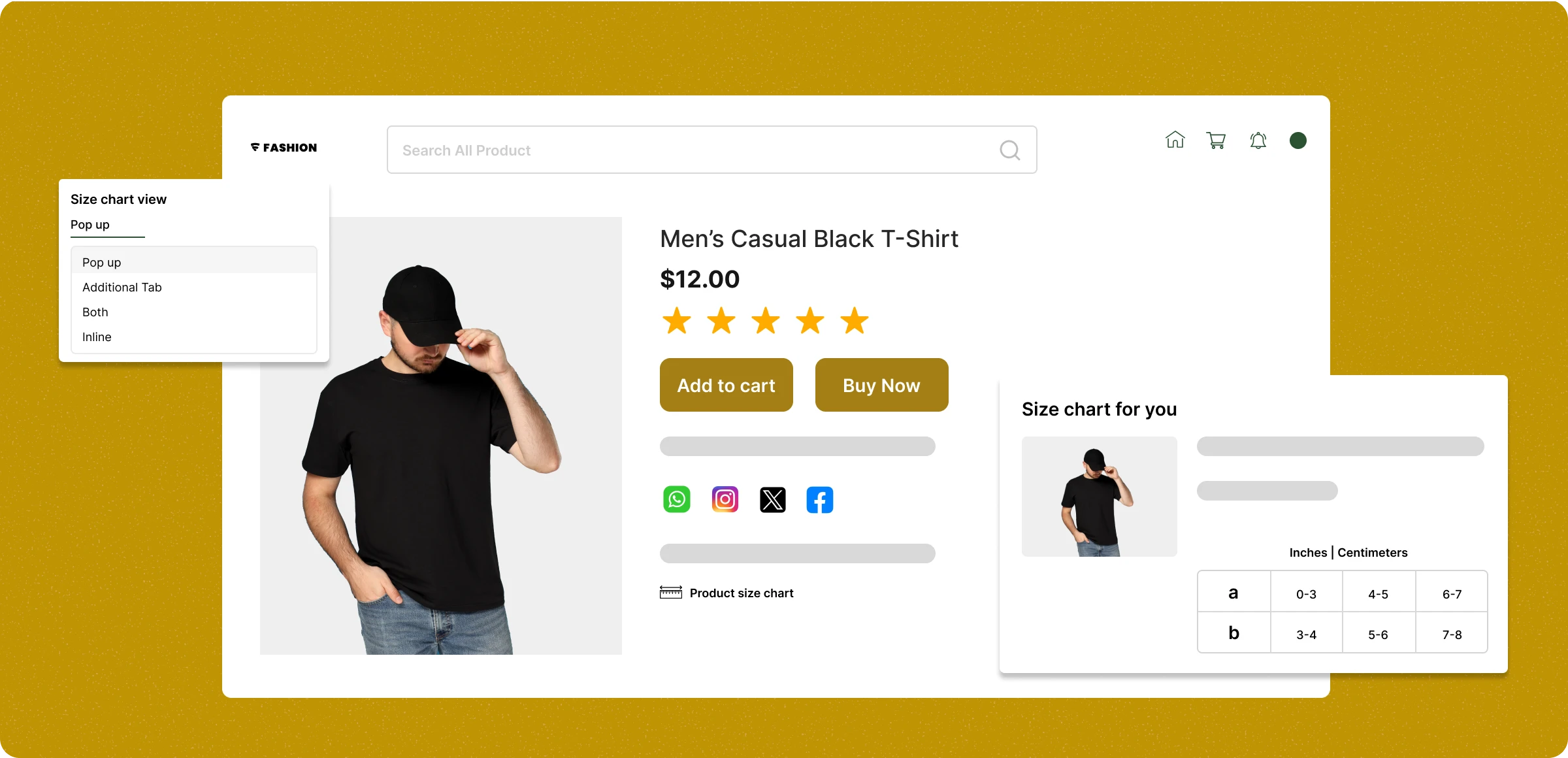
Configuring the product size chart
Demonstrating the measurements on the product details page, which tends to encourage purchase and prevents lower order values for your store.
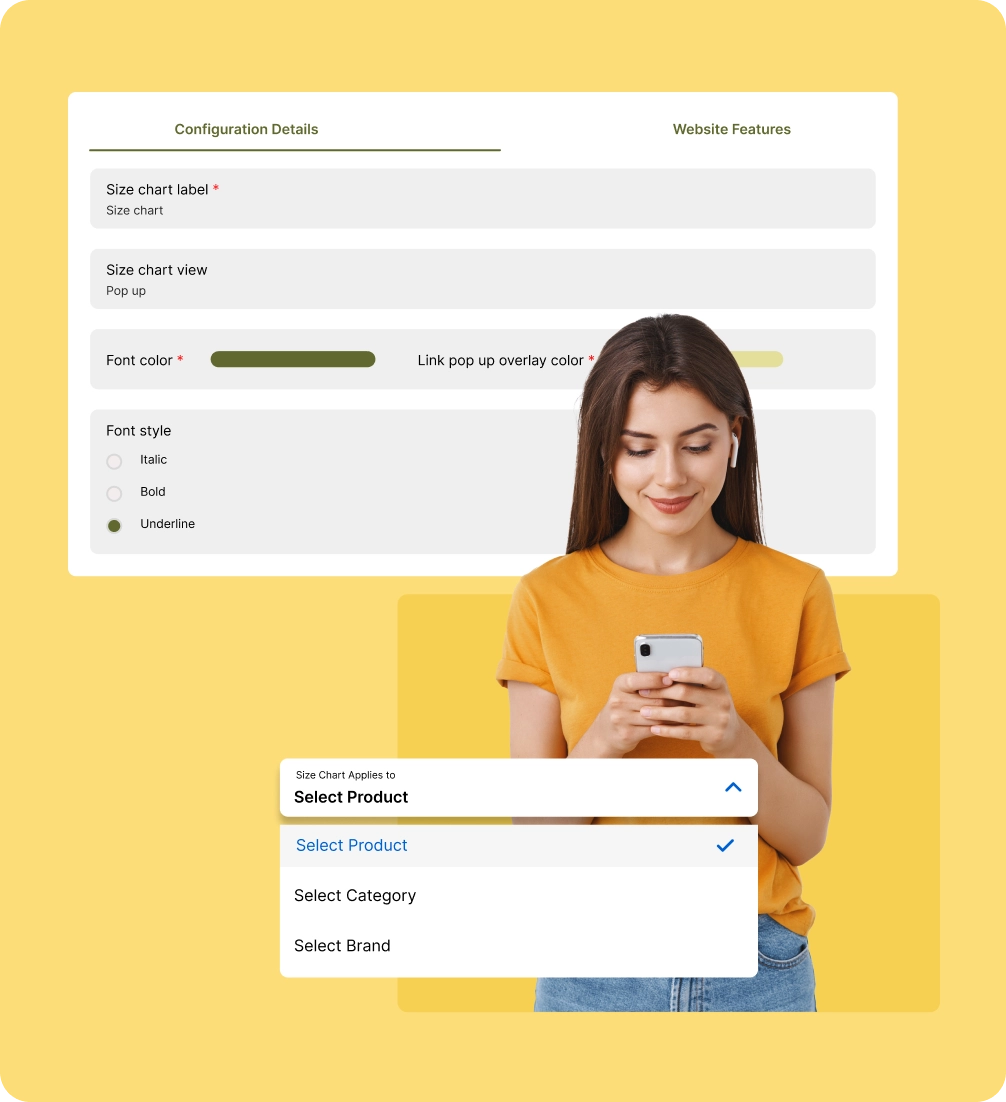
Activate the Product Size Chart
Buy and access the Product Size Chart, which leads you to the setup process where you can configure your measurement settings.
Customise your measurement details
Adjust labels, fonts, colours, and icons to align the size chart with your brand, providing a smooth user experience for your customers.
Create custom size charts
Build tailored size charts with clear measurements and visuals to help customers choose the right fit confidently.
Delegate to products and categories
Connect the size chart to your products by selecting the products and categorising them, helping customers choose the right size.
Limitation of the product size
chart
Sizing is a critical challenge in ecommerce. Customers hesitate to buy when they’re unsure about fit, leading to cart abandonment and costly returns.
Sizing confusion
among customers
Without a detailed size chart, buyers struggle to match their body measurements to the right product size, leading to hesitation purchases.

Managing multiple
product sizes
As your catalog grows, handling various sizes across categories, brands, or products becomes overwhelming without a streamlined sizing system.

Lack of customization
for size chart
If the size chart isn’t customizable, store owners can’t adapt the chart’s look or format to suit their storefront, which can hurt user experience.

High returns due
to incorrect fit issues
When sizes aren’t clear, shoppers often order the wrong fit. This results in returns, exchanges, and added costs for the store operations overall.

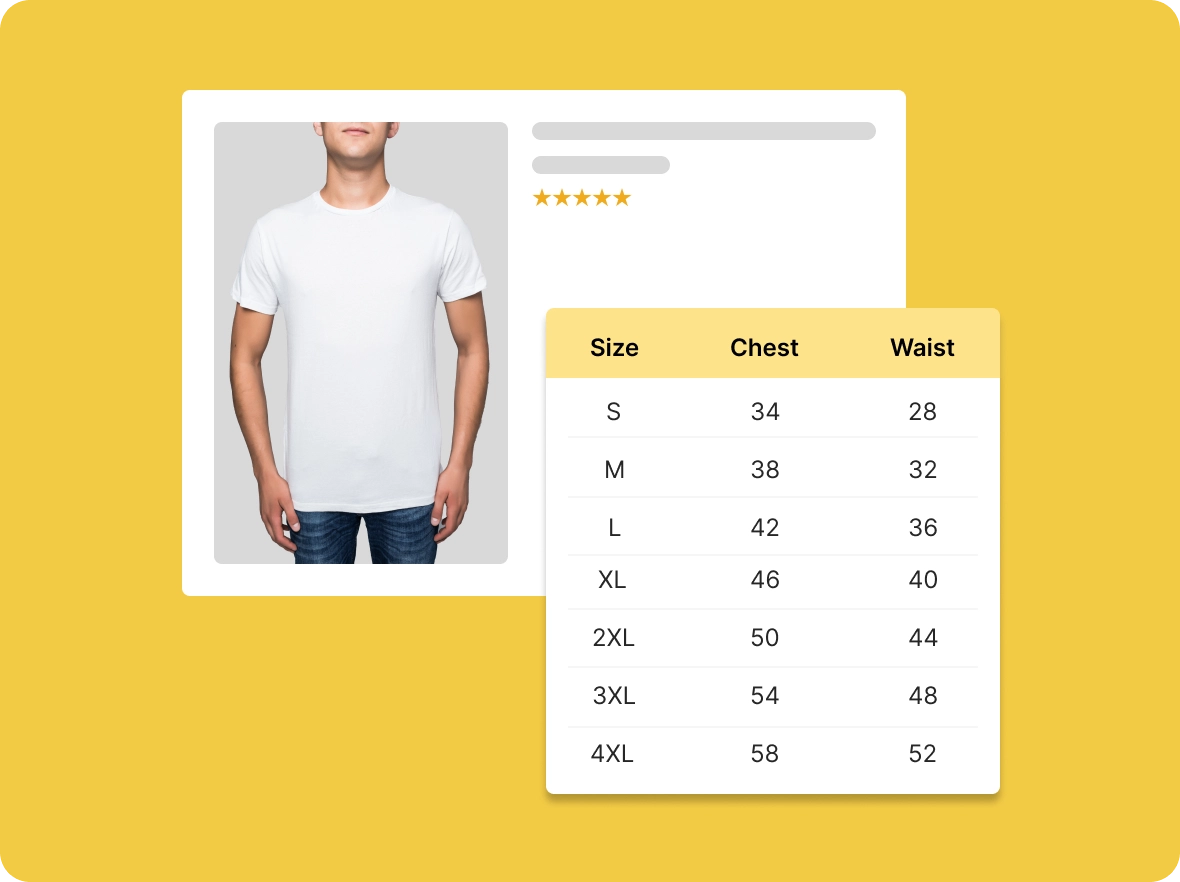
Clear and accurate size
guidance
Show detailed size charts for every product or category, helping customers choose the right size confidently without confusion or guesswork during their purchase.
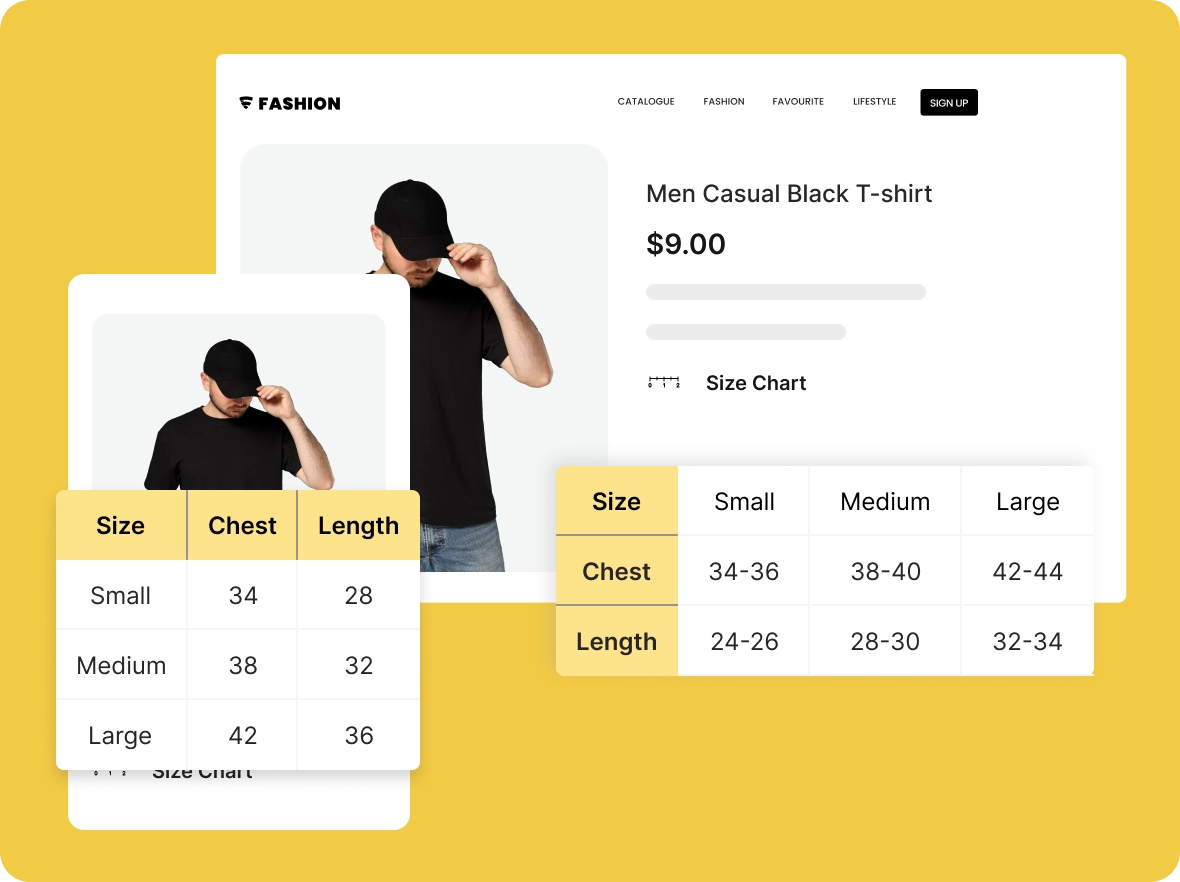
Responsive across all
devices
Size charts display clearly on mobiles, tablets, and desktops, ensuring customers can view measurements easily and make informed decisions on any device.
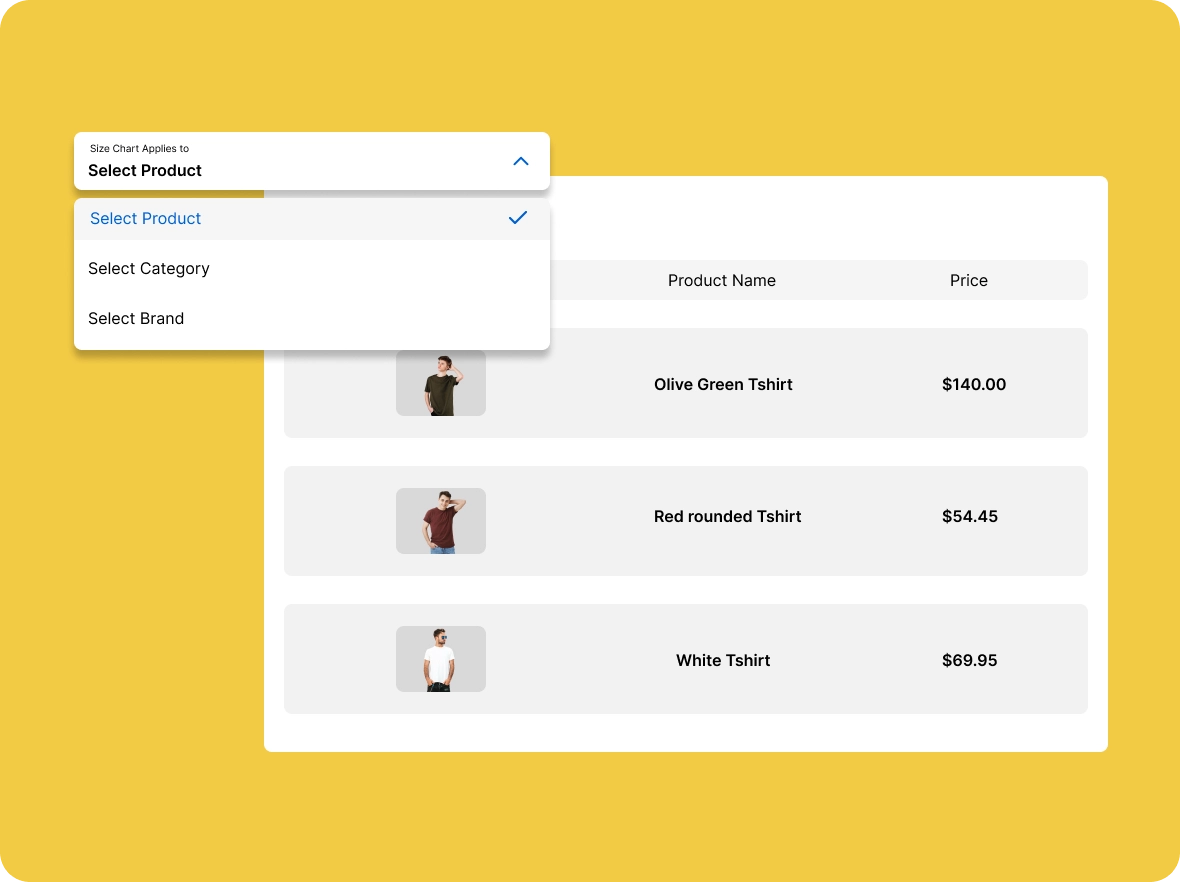
Easy management of
multiple charts
Create and assign different size charts for various products, brands, or collections, keeping everything organised in one place for smooth store management.
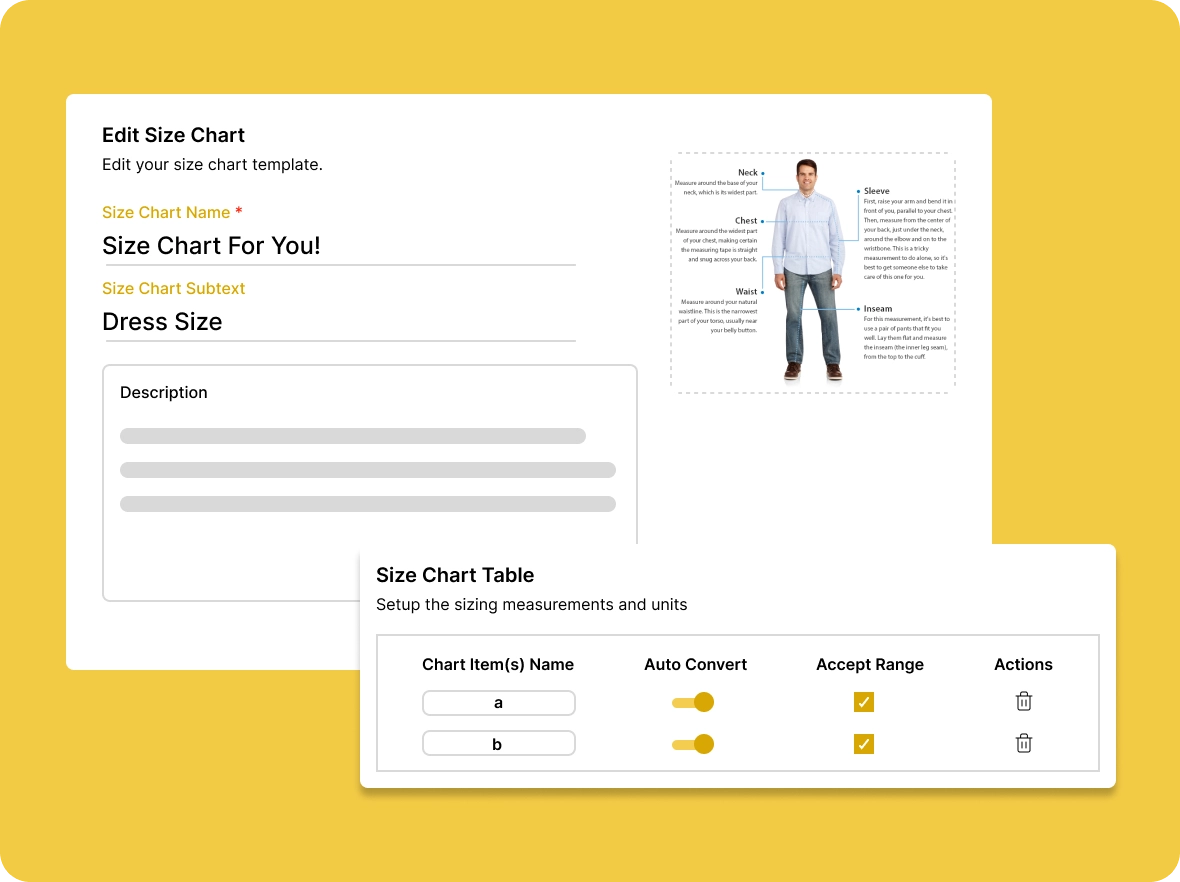
Simple updates and
maintenance
Edit or update size charts anytime, ensuring your product information stays accurate and helpful as your catalog grows and changes.
How does ZenBasket’s
Adding size charts to your products improves performance, satisfaction, and conversions for better business results.

Greater customer
buying confidence
Clear, detailed size charts boost shopper confidence, reducing hesitation and encouraging faster, more informed purchasing decisions, leading to smoother checkouts and fewer abandoned carts.

Fewer customer returns and
exchange
Providing accurate size charts sets the right expectations for customers, leading to fewer wrong purchases. This reduces the number of returns and exchanges, lowering operational costs and enhancing efficiency.

Stronger store brand
reputation
Easy-to-read, professional size charts reflect your commitment to customer satisfaction. This builds trust, fosters customer loyalty, and sets your store apart from competitors, enhancing your brand’s reputation.
General FAQs
Get quick clarity on our product and common queries. Have more questions? Connect with our support team.
You can display from the essential to the knowing size of the products that tend to explore your store and choose their size to complete the purchase.
Size charts reduce confusion around sizing, help customers pick the right fit, and can lower the chance of returns due to incorrect size selection.
You can remind them by sending a message on WhatsApp and notifications on email and sms to let them know their product is now available.
You can figure out from the buying measurements of the customers and eliminate non-moving measurements, which helps you to focus on purchased measurements.
You can roll out the promotions based on the size segmentation of the customers and create personalised email campaigns to tell them about their measurement offers.
Learn, explore, and grow
with expert resources

Blog
Discover how a well-designed size chart can turn hesitant shoppers into confident buyers. This blog explains the impact of accurate sizing on reducing returns, and improving loyalty.
Learn More >
Help Center
Make sizing easy with the size chart module, help shoppers find the perfect fit, reduce return rates, build customer trust, and create a seamless shopping experience.
Learn More >
Video Tutorial
Watch step-by-step video tutorials to learn how to create and manage product size charts with ease. See how to add measurements and images that help customers find the perfect fit.
Learn More >Let your customers find their
measurement
Guide them to discover their ideal fit with a clear, informative size chart that helps improve your store over time.