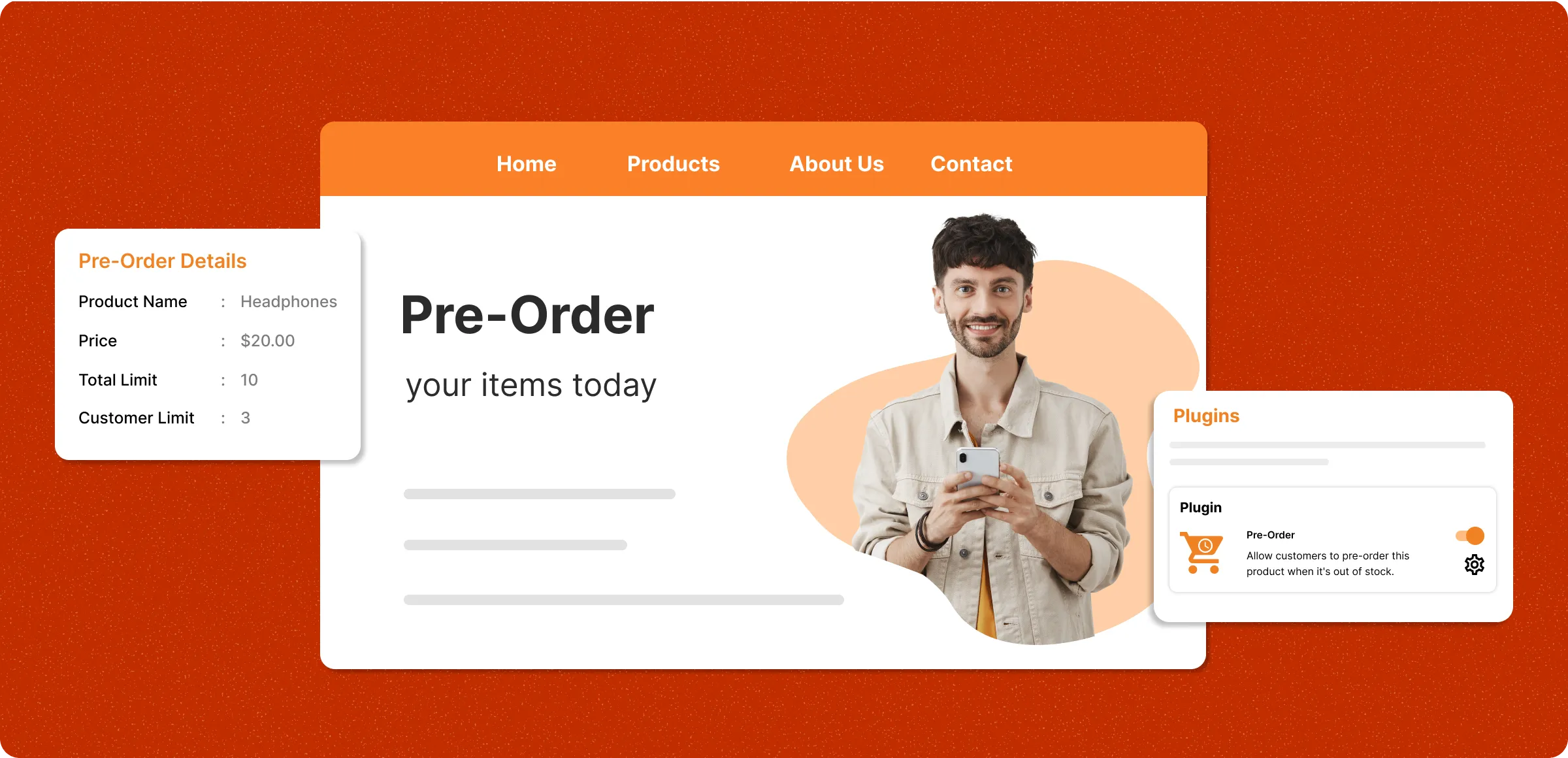
Your path to enabling pre-orders
Everything you need to turn on and manage pre-order purchases with ease.
Enable the pre-order option
Activate the pre-order plugin in your store and tailor the message customers see during checkout with ease smoothly.
Select eligible products
Select which products can be pre-ordered, set a limit on the number of pre-orders, and manage location wise control.
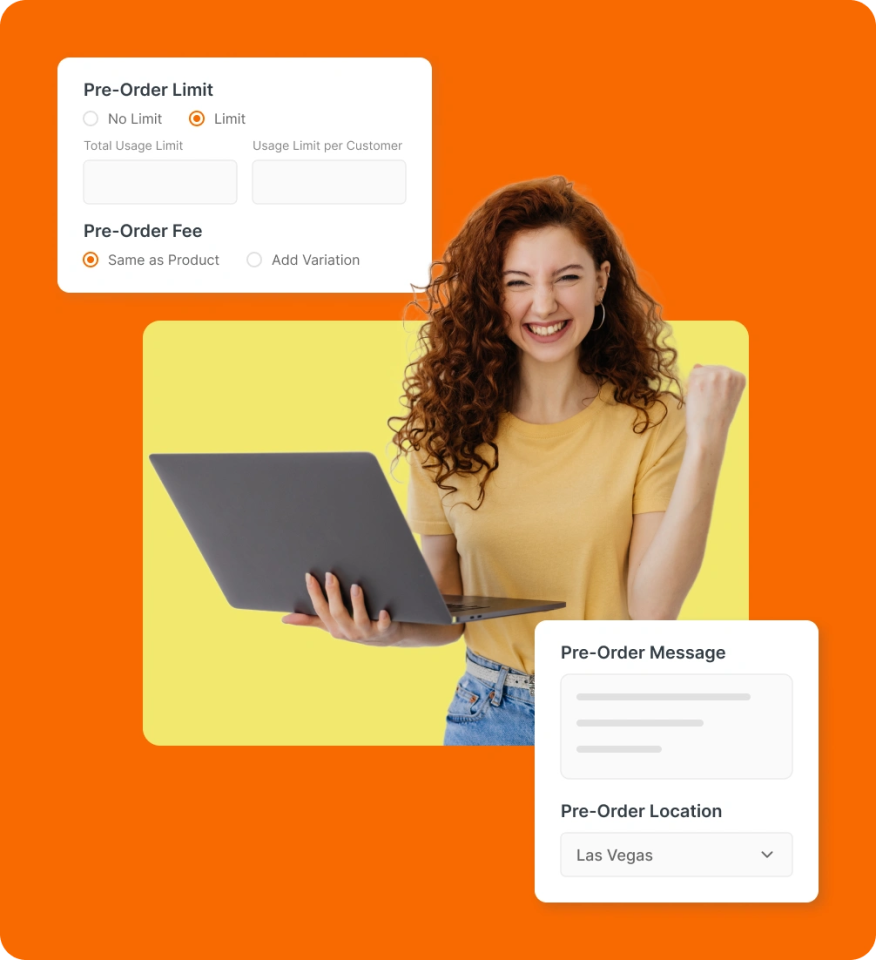
Set pricing and limits
Set pricing, define purchase limits, customize the pre-order message, and specify the locations where pre-orders are allowed.
Fulfill and update orders
Prioritize pre-order fulfilment once stock arrives and keep customers informed throughout the process in real-time.
The risk of losing sales while
waiting for stock
Delays in product availability create a gap where ready-to-buy customers disengage, reducing the chance of converting their interest into a purchase.
Lost sales from
stockouts
Every “out of stock” message drives customers to competitors, reducing immediate sales and long-term loyalty.

Cash flow
disruption
Without a way to capture interest during stock gaps, inventory planning becomes guesswork and leads to overstock or shortages.

Cash flow during
restocking
When customers can’t place orders while waiting for stock, revenue stalls and marketing efforts lose impact.

Missed buyer
retention
Shoppers who leave during stock shortages are harder to bring back, leading to lower repeat purchase rates.

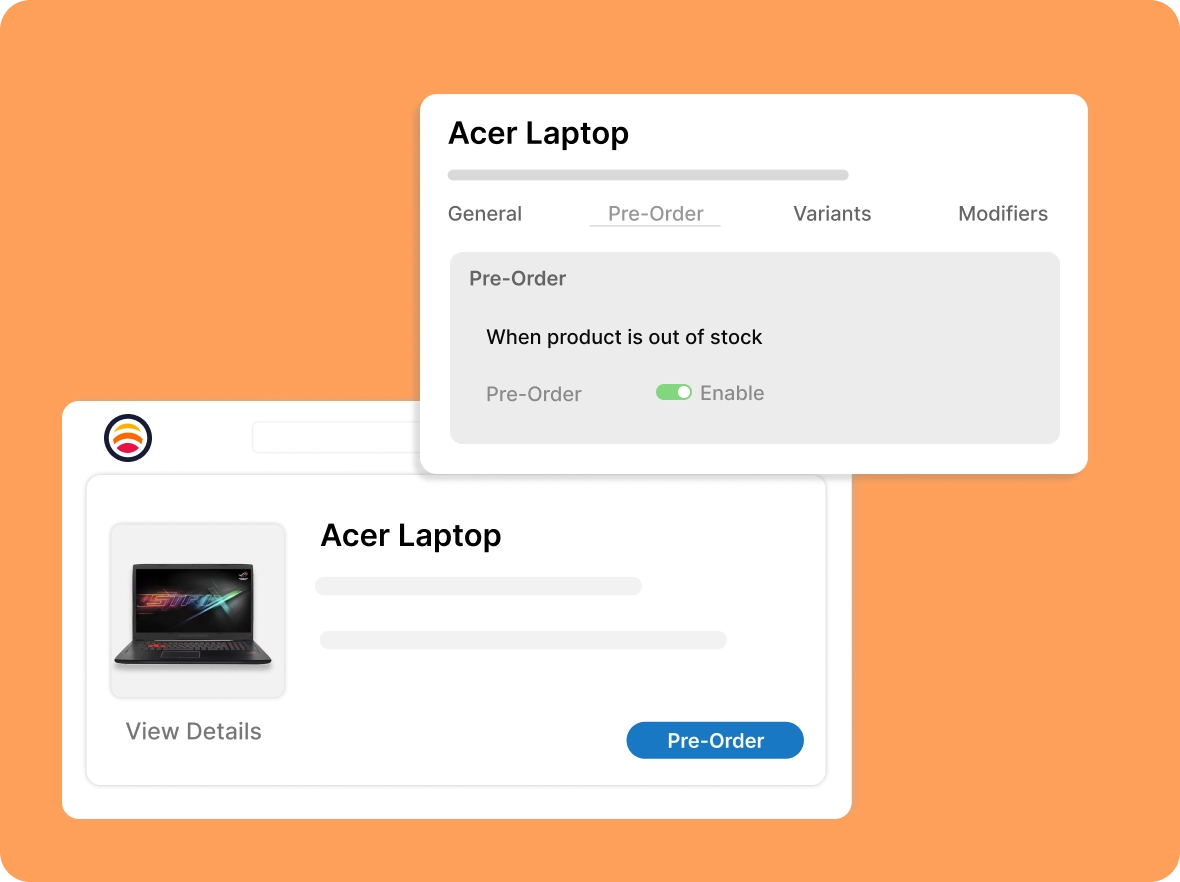
Sell products even when out of stock
Instead of displaying ‘Out of Stock’, show a Pre-order button, allowing customers to commit to purchasing immediately, ensuring sales even before inventory arrives.
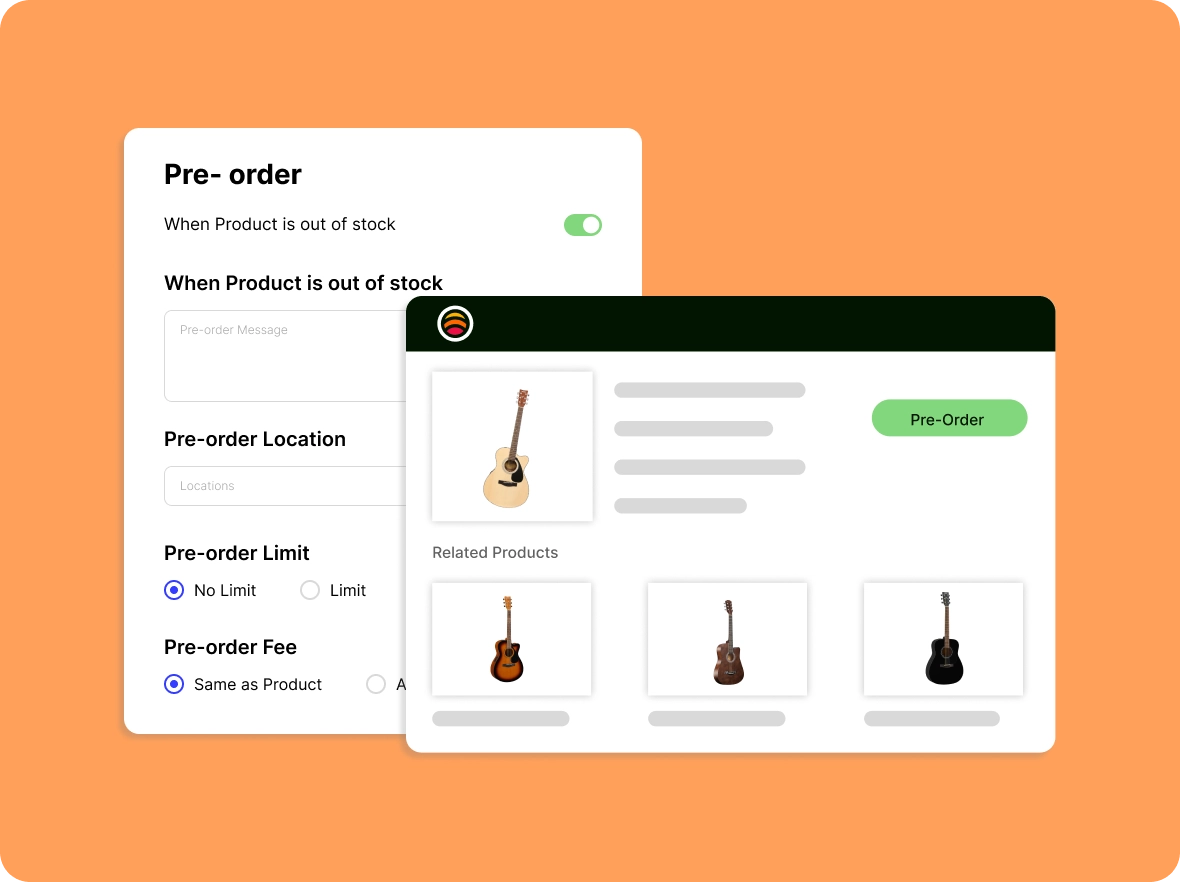
Enable product
pre-orders
Manually enable pre-orders for selected products to align with your sales strategy and inventory planning, giving you full control over which items are available for pre-order.
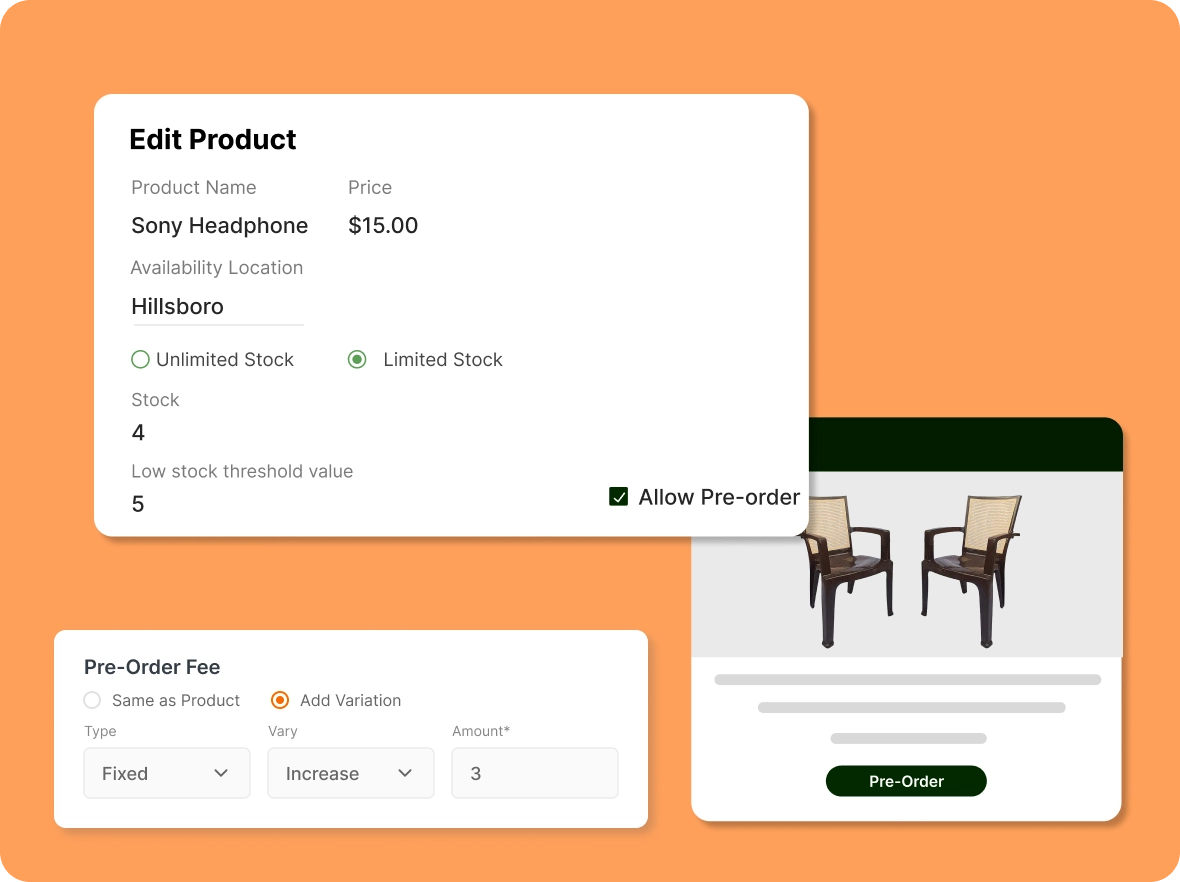
Tailor the buying
experience
Set a custom pre-order message, define order limits, and establish pricing rules to align with your brand values and meet customer expectations.
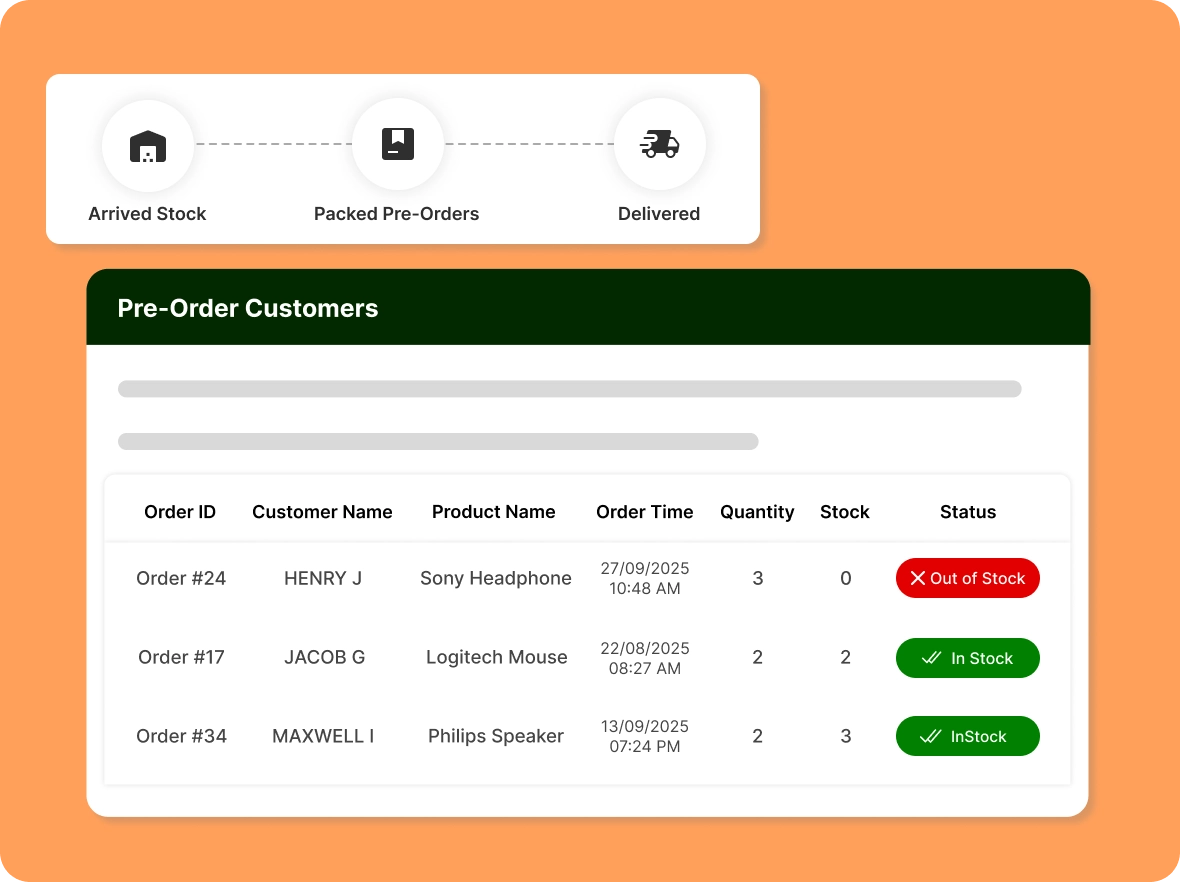
Manage pre-orders
effortlessly
Track pre-orders and manage them from one central location. Prioritize loyal buyers, send stock arrival emails, and streamline the entire process to ensure a smooth customer experience.
Sell through every
Whether out of stock or on the way, ZenBasket helps manage sales efficiently. Generate revenue with pre-orders and inventory control.

Smarter planning with
demand insights
Increase your average order value by showcasing related products customers are most likely to purchase together. This creates a seamless cross-selling experience that boosts revenue without any extra marketing effort.

Increase sales with time-
limited pre-orders
Suggest the right add-ons at the right time to make purchasing easier, guiding customers toward complementary products while streamlining checkout, reducing cart abandonment, and boosting conversion rates.

Speed up the path
to purchase
Save customers time by showcasing all related products they need in one place through Frequently Bought Together, allowing them to complete their purchase quickly and effortlessly without having to search through your store.
General FAQs
Get quick clarity on our product and common queries. Have more questions? Connect with our support team.
No. Pre-orders cannot be created by the admin through the Manual Order option.
Yes. In the Pre-order Limit settings, you can either choose “No Limit” to allow unlimited pre-orders, or “Limit” to set a maximum number of pre-orders overall and per customer.
You can offer special discounts for preorder items either by creating a manual discount code or by adjusting the preorder price in the Pre-order Fee section.
No, cash on delivery is not available for pre-orders in ZenBasket. Pre-orders must be paid online at the time of purchase.
No. Pre-orders can only be enabled for physical products in ZenBasket. Digital products and Services are not eligible for pre-order.
Learn, explore, and grow
with expert resources

Blog
Read how ZenBasket’s pre-order feature helps you boost sales, generate early excitement for new products, and keep customers coming back for more.
Learn More >
Help Center
Get step-by-step guidance on enabling and customizing pre-orders for your store, from activation to fulfilment, to capture sales during stock gaps.
Learn More >
Video Tutorial
Watch a quick, engaging overview of how the pre-order function works. See how easy it is to let customers reserve products and secure sales before inventory is replenished.
Learn More >Pre-orders drive continuous
customer sales
It’s time to enable the pre-order feature in your store and keep revenue flowing year-round.