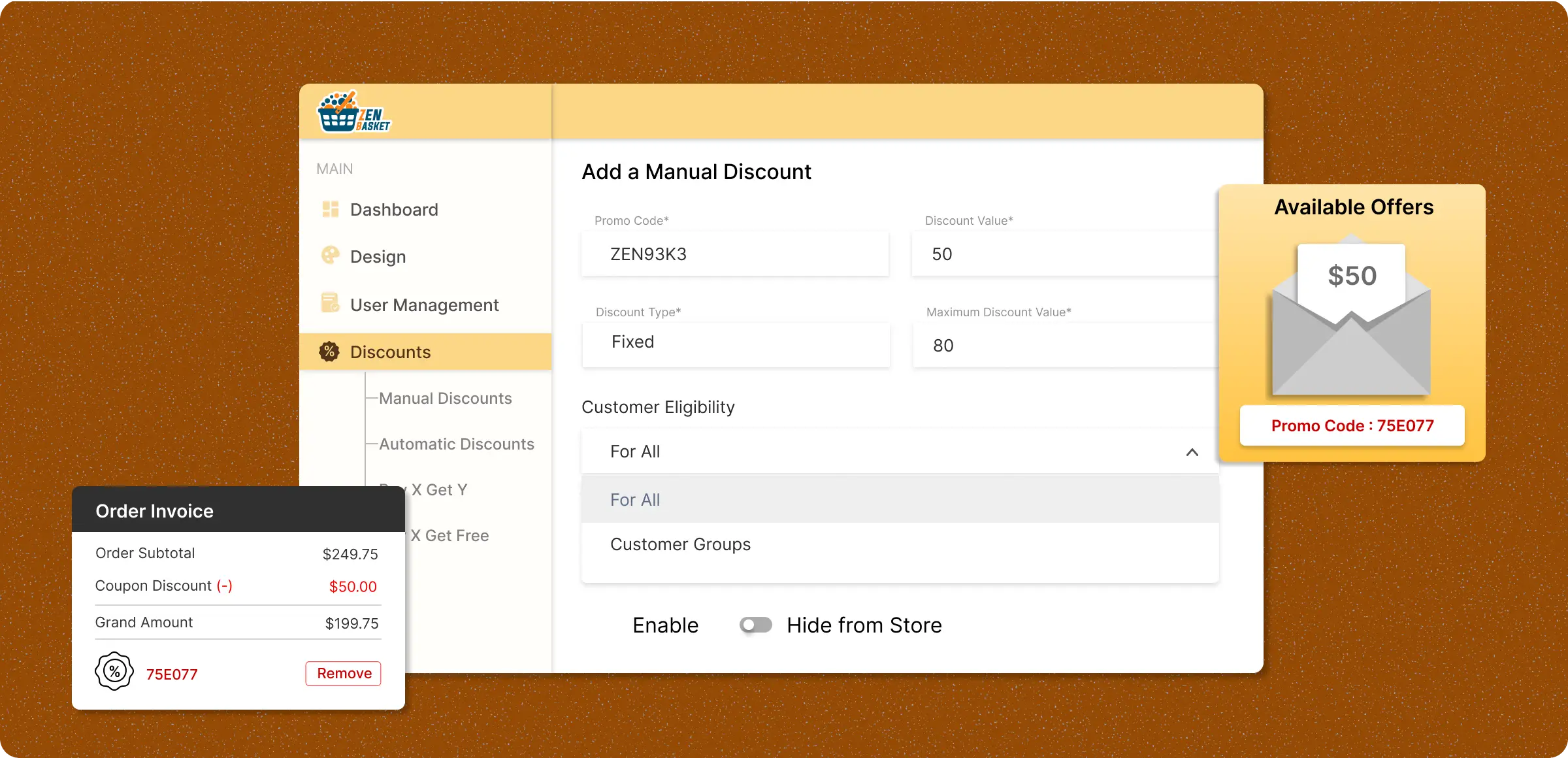
Configuring manual discounts
Adding and managing manual discounts with centralized, accessible controls to meet their needs quickly and grow your business.
Enabling the discount code
Create a promo code, select a fixed or percentage discount, and add an internal description to easily identify its purpose.
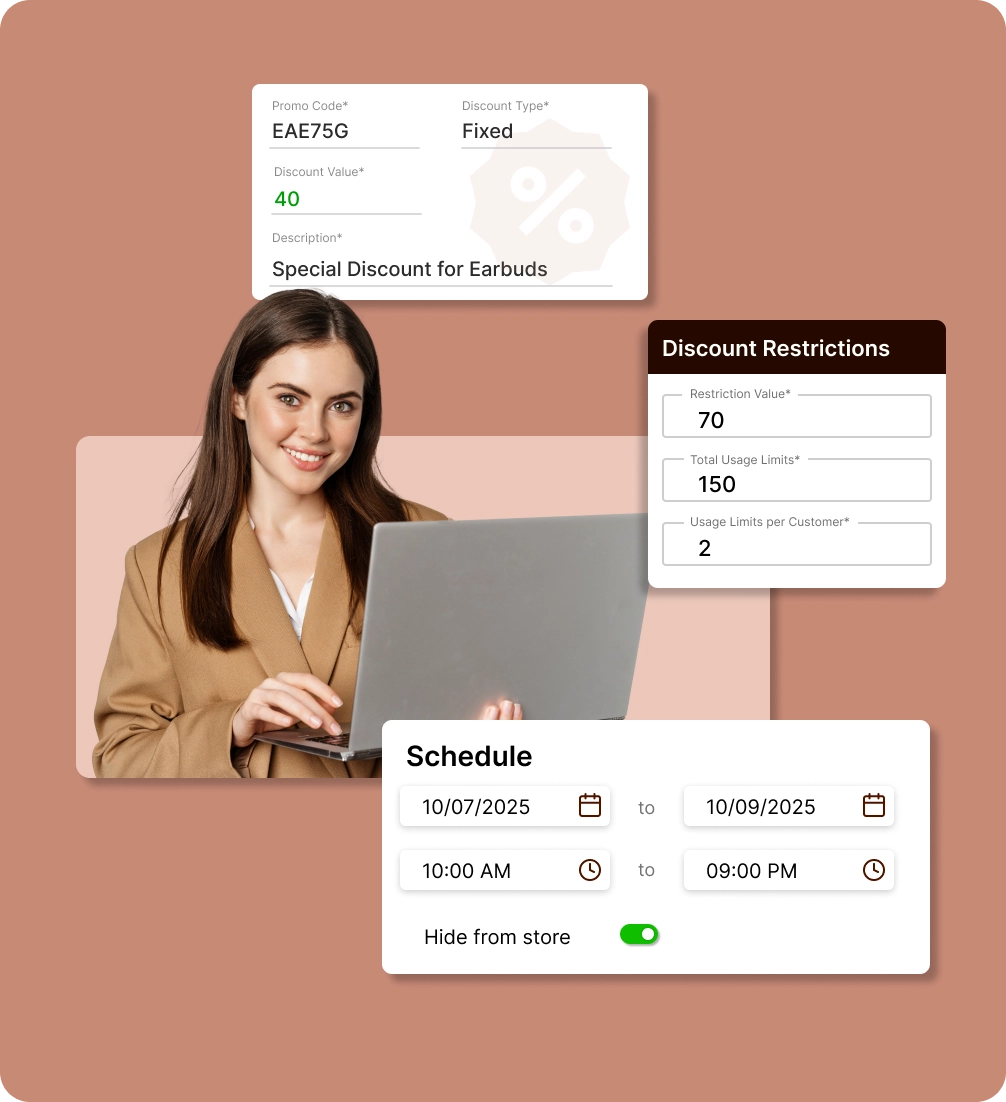
Add usage restrictions
Limit how many times a code can be used overall or per customer, and add order value or item quantity rules if required.
Schedule of the discounts
Define start and end dates for discounts to determine when they will appear publicly or remain hidden from the storefront.
Manage display settings
Decide if the discounts appear publicly or remain hidden from the storefront, and where customers can access them.
Absence of manual discount
promotions
Generalization of offers creates complexity in addressing customers' needs and preferences during their product purchasing time.
Limited control over
promotions strategy
Manually managing discounts makes it difficult to tailor offers for customers, or time periods restricting growth potential.

Disorganized customer
segmentation
Without custom offers, top customers miss out while others get generic discounts, causing dissatisfaction.

Restricted product
offerings
Default discount methods often don't work for individual products or bundles, reducing opportunities to attract new customers.

Reduced overall
market competitiveness
Inability to provide timely or unique offers allows competitors to capture your audience, causing revenue and market share loss.

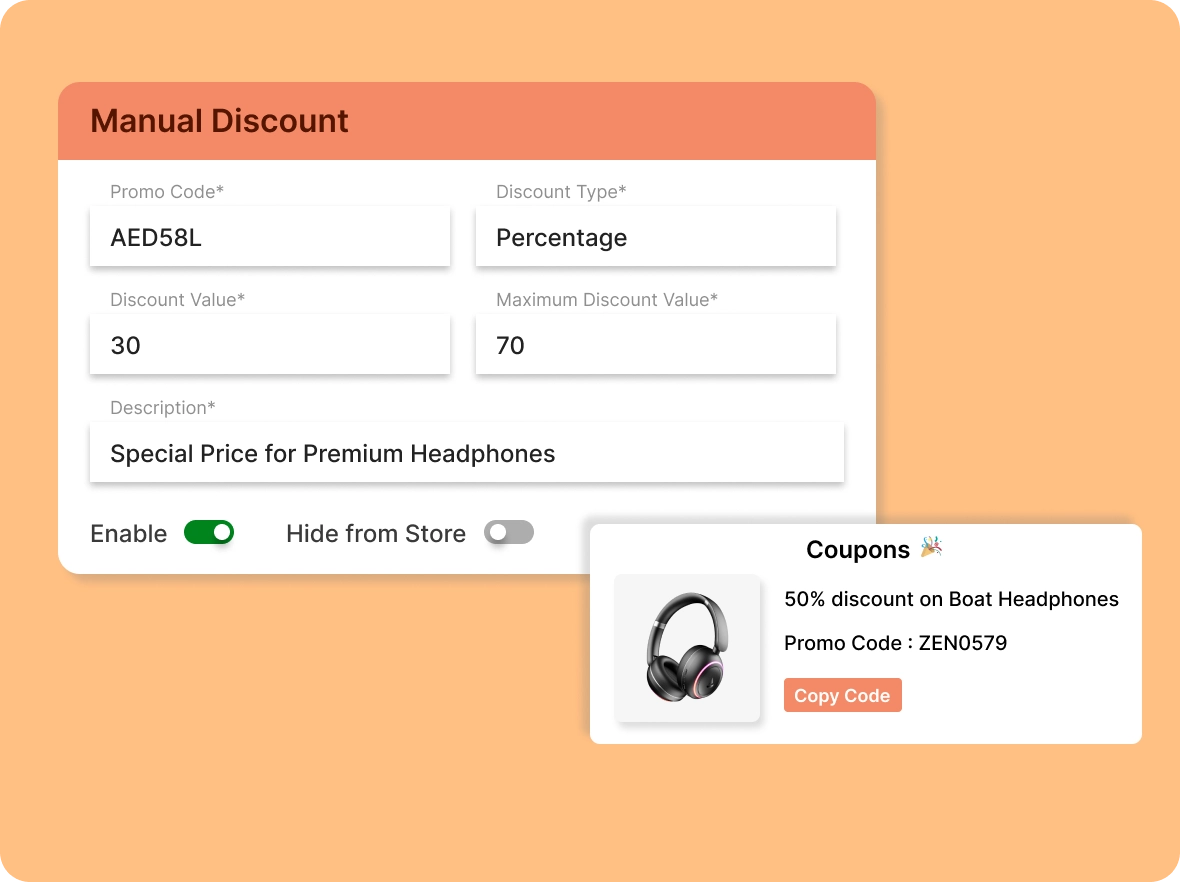
Utilization of codes to
make buying easier
Create promo codes for specific customers, limited-time drops, and support gestures to improve engagement and make them feel valued.
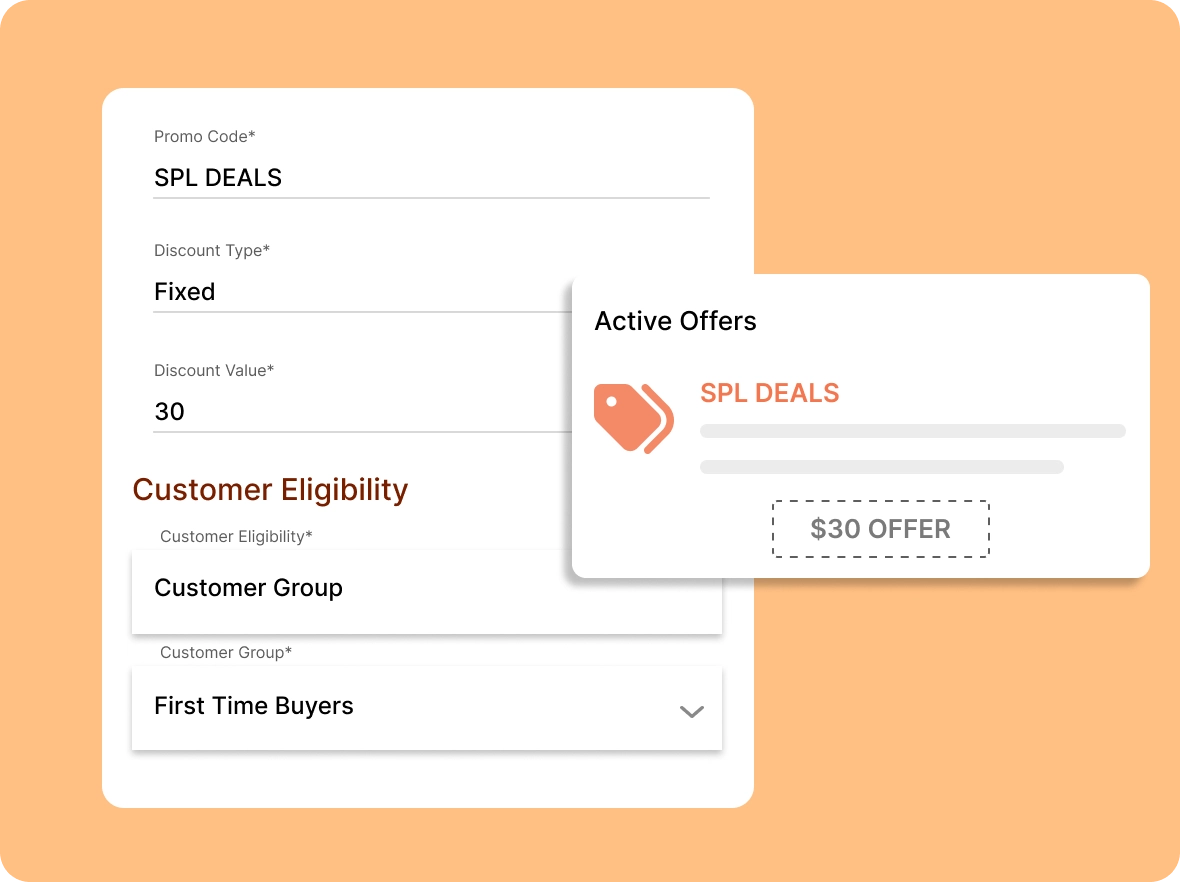
Customisation of your
offers
Set fixed or percentage-based discounts that align with your pricing strategy to let your campaigns be flexible for your entire customer base.
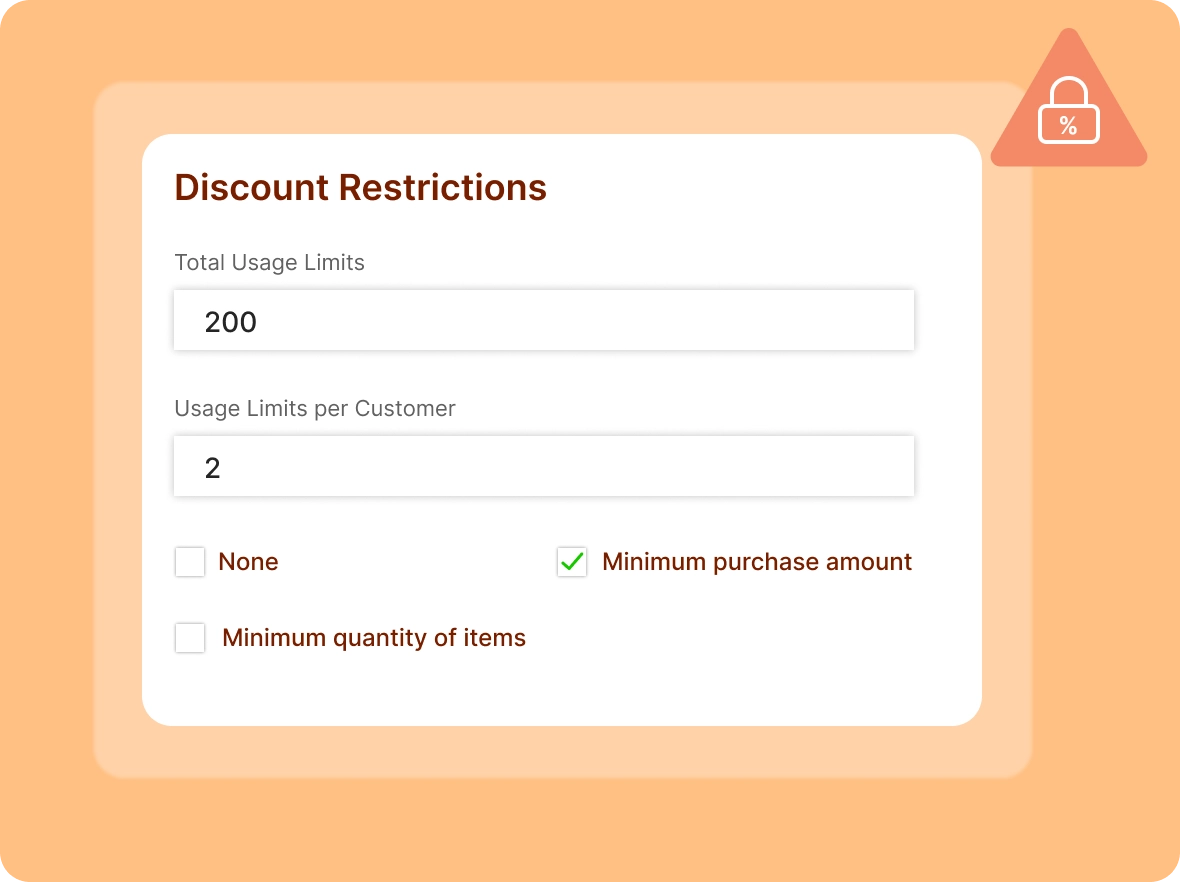
Restrictions on the
discounts
Set usage limits and redemptions per customer or per order to keep your discounts profitable, preventing overuse and misuse and maintaining control of your offers.
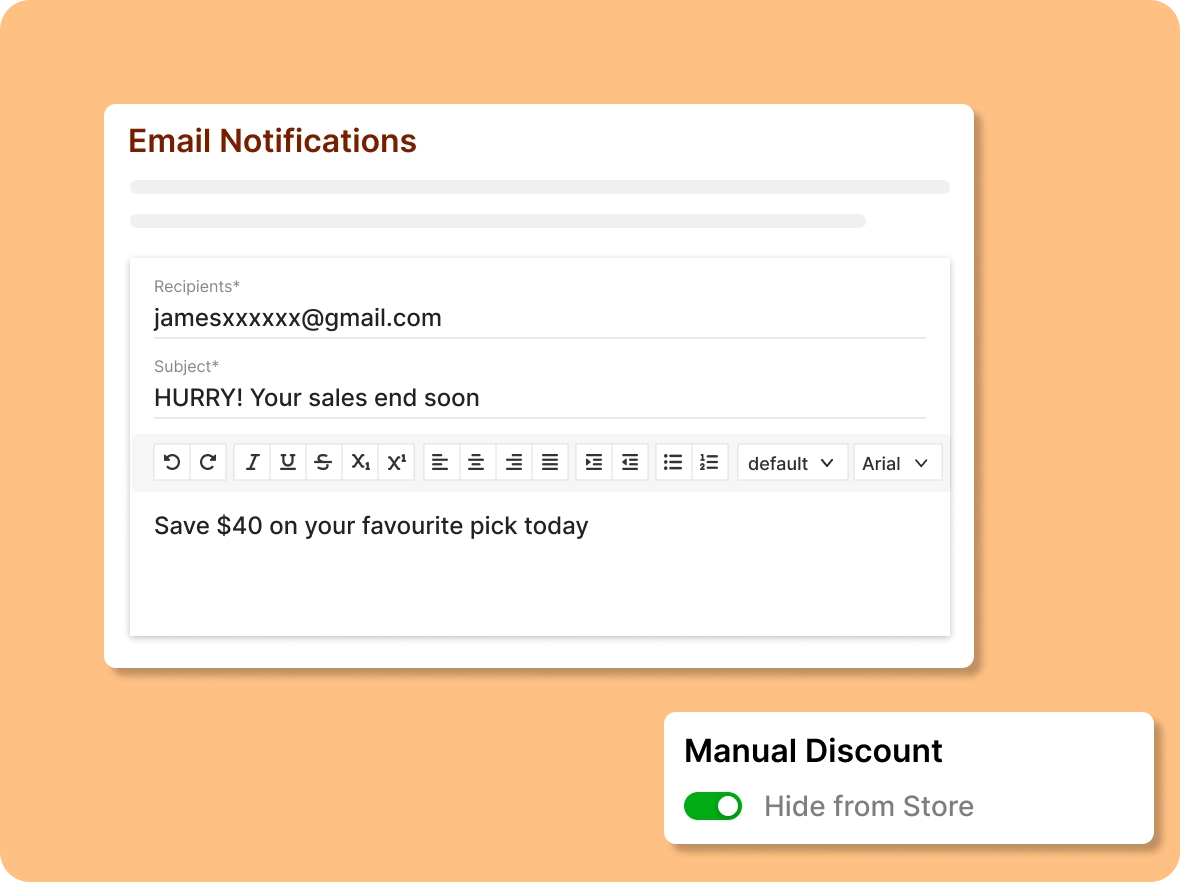
Access your offers on
specific criteria
Target the right customers by setting criteria for your offers. Apply discounts by product, category, or customer segment to reach the right audience.
Why does the manual
By manual discounts, you have central control of handling promotion campaigns that align with your sales goals and your customer needs.

Build loyalty through
personal touch
Connect with your best customers by recognizing their loyalty. Acknowledging and valuing their support encourages repeat purchases and nurtures lasting brand relationships.

Boost discoverability with
highlights
rovide timely discounts during support interactions or problem resolution to turn challenges into positive experiences. This builds trust, increases customer satisfaction, and leaves a lasting impression.

Instantly adjust promotions
to trends
Respond to trending products or competitor offers with timely promo codes tailored to your audience and marketing strategy. Quick adaptation helps you stay competitive and maximize sales opportunities.
General FAQs
Get quick clarity on our product and common queries. Have more questions? Connect with our support team.
Go to the discount module, choose a discount type, set rules, apply a promo code, and save and be done in minutes.
Yes, you can provide offers on specific products depending on the quantity to apply the offer, encourage bulk purchases, and reward loyal customers.
Yes. You can edit discount details or delete them from your dashboard at any time to maintain flexibility or adjust promotional strategies effectively.
Yes, you can provide custom discounts based on the customer's total order value to ensure they receive the right offer.
During the checkout process, click on the apply discount to redeem the coupon for their purchase, which will apply and reduce the purchase amount.
Learn, explore, and grow
with expert resources

Blog
Read this blog to explore practical strategies for setting up and managing manual discounts, helping you drive more sales, reward loyal customers, and keep shoppers engaged.
Learn More >
Help Center
Explore detailed instructions on configuring, customising, and controlling manual discounts in your ZenBasket store that cover usage limits and scheduling, helping you run promotions.
Learn More >
Video Tutorial
Get a quick walkthrough on creating and managing manual discounts in ZenBasket with this training video. Learn how to set promo codes, apply rules, and control visibility.
Learn More >Nurture with personalised
discounts
Setting up manual discounts based on your customers' preferences encourages purchases and helps you gain long-term customers.