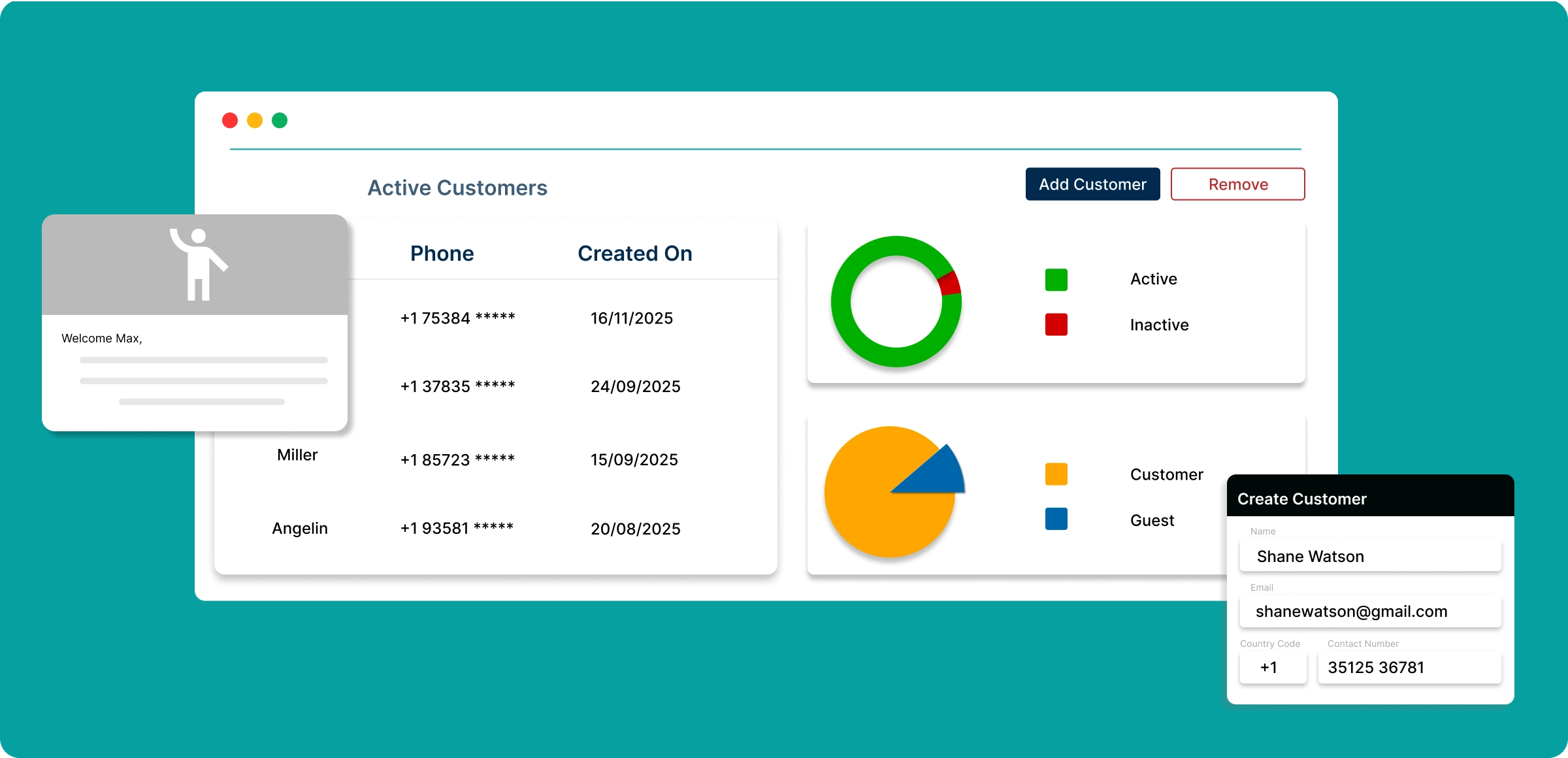
Customer management workflow
Manage your customers with ZenBasket. Follow this guide to set up, track, and engage with your customers for better outcomes.
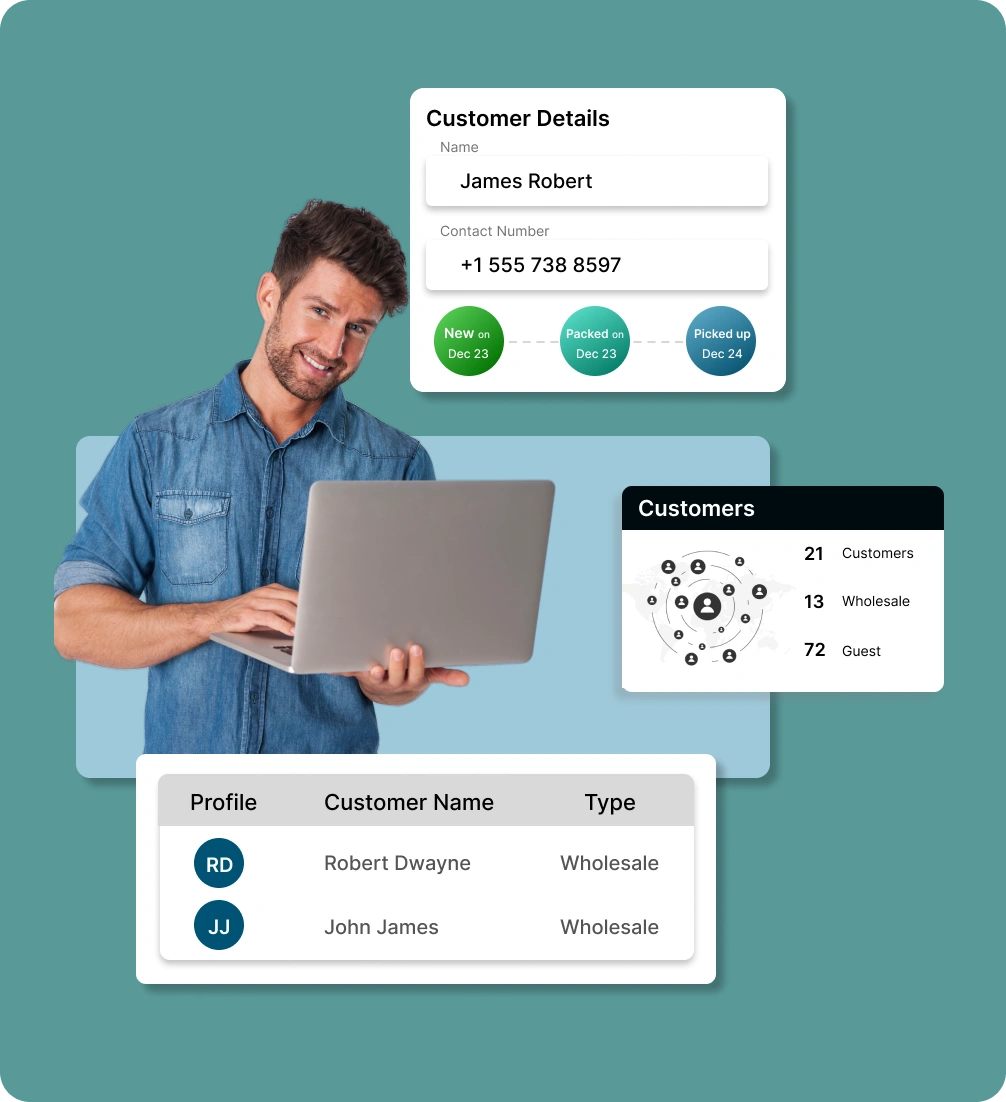
Build customer profiles
Add customer profiles yourself or let customers add them during checkout to personalize experiences and services.
Segment customers efficiently
Group customers based on behavior, purchase history, or location to manage targeting and promotions more efficiently.
Setup automated communication
Send automated emails and SMS after customer setup and approval to ensure smooth communication.
Track customer order insights
View and analyze customer orders to better understand purchasing preferences and identify repeat buying behavior.
Customer management
challenges
Without the right tools, ecommerce businesses face several obstacles that hinder growth and damage customer relationships.
Inefficient order
management
Manual order handling and fragmented workflows slow down processing, increase errors, and make it harder for admins to fulfill orders on time.

No real-time
visibility
Without real-time insights into sales, customers, and operations, admins struggle to track performance and make data-driven decisions.

Customer
management
Without customer insights, businesses can't personalize effectively, leading to lower satisfaction, retention, and long-term loyalty rates.

Complex discount
setup
Creating, managing, and monitoring discounts can be confusing and error-prone, leading to missed opportunities or revenue leakage.

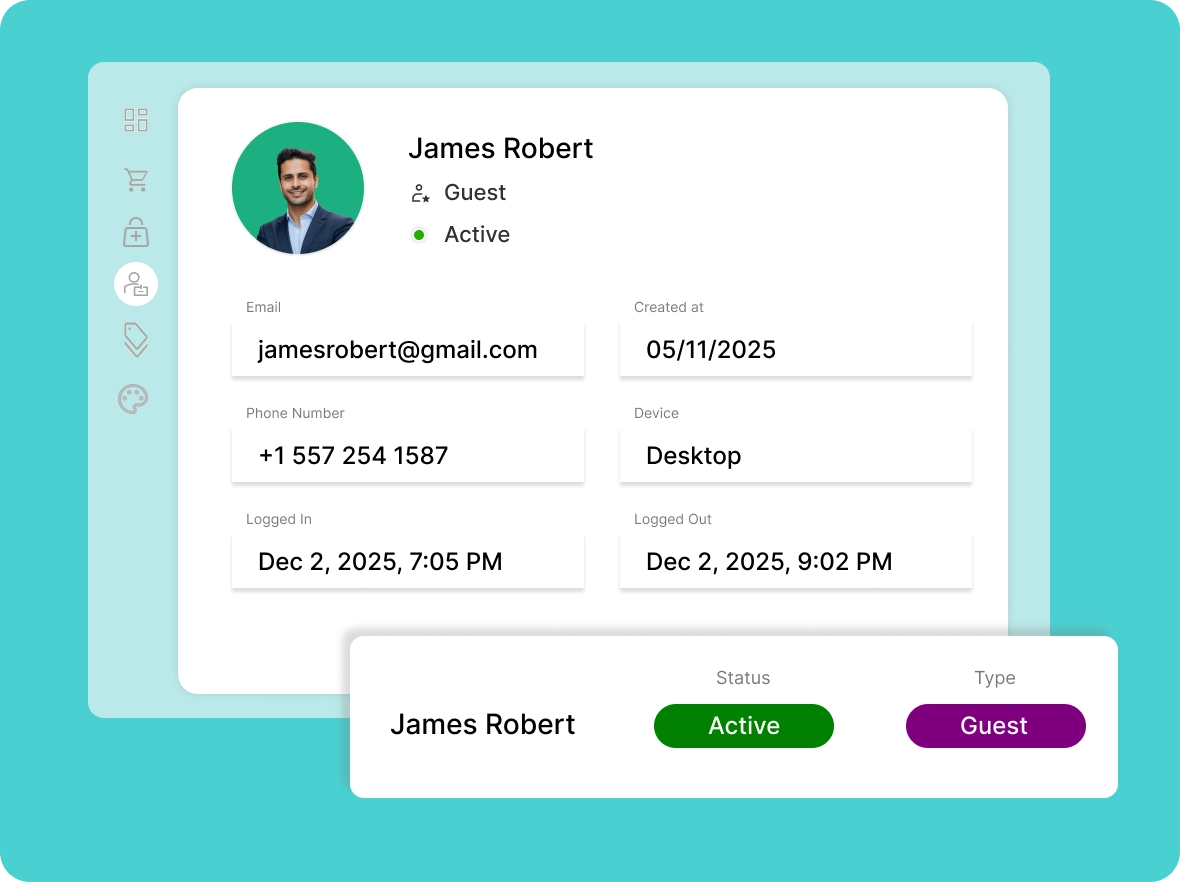
Comprehensive
customer profiles
ZenBasket creates unified customer profiles, providing a complete view of behavior, purchase history, and preferences, making it easy to personalize your services.
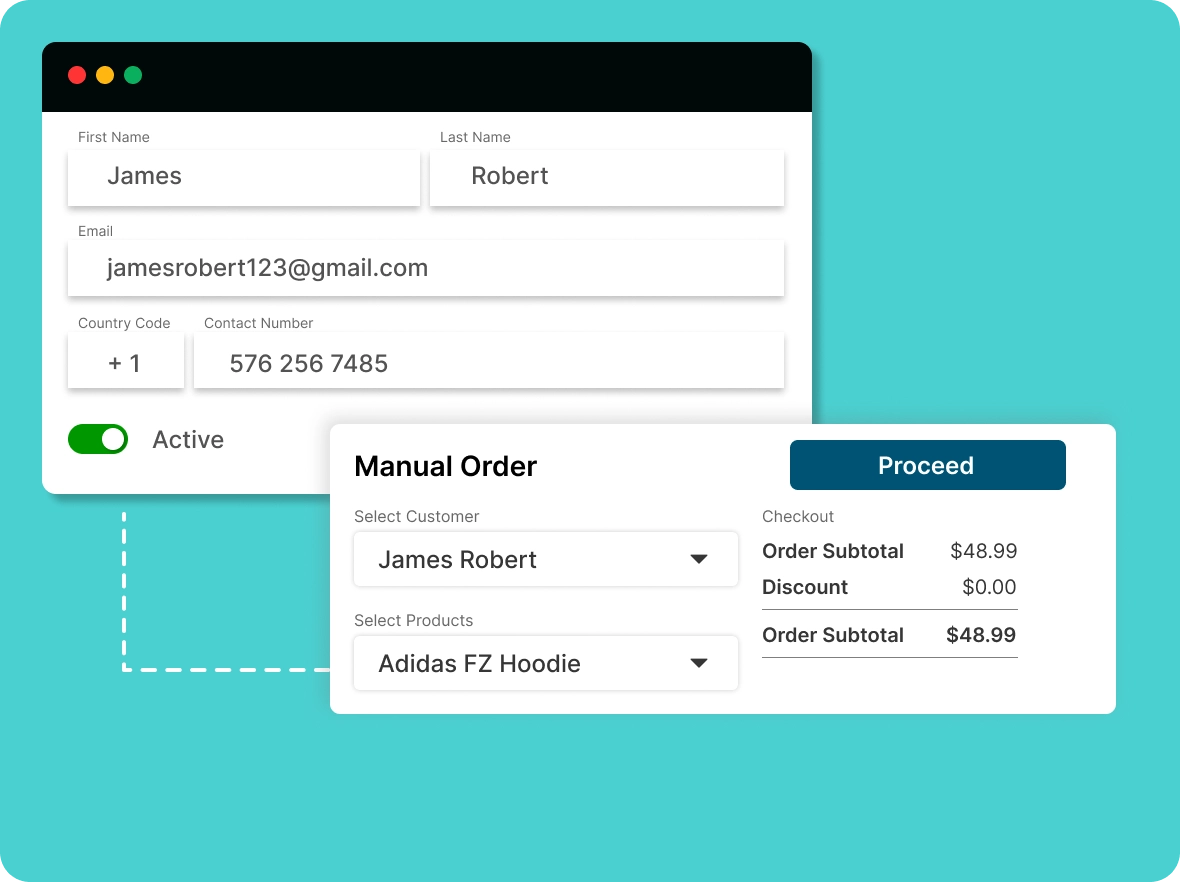
Create customer
manually
Easily add customer details directly into your store, simplifying manual orders and keeping your ecommerce operations efficient.
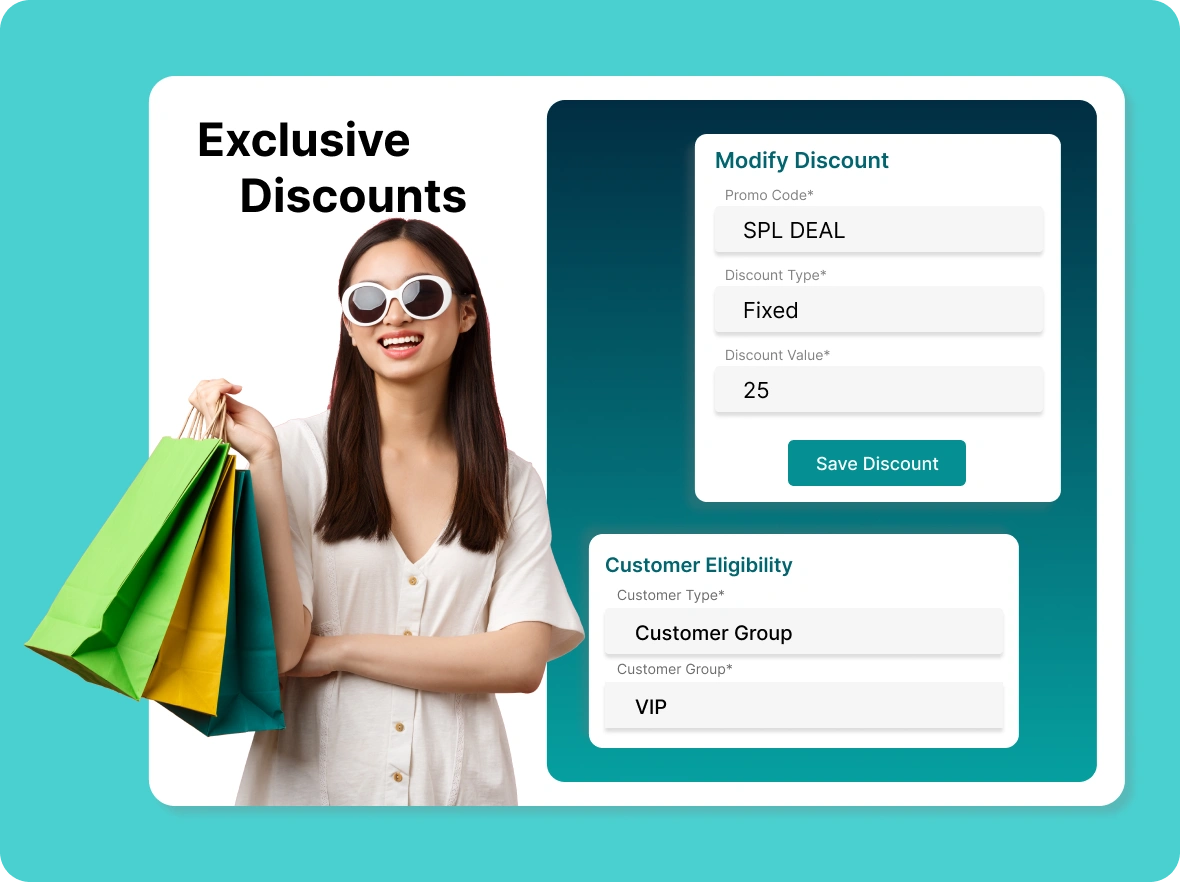
Exclusive discounts for
customer types
Create customer profiles and group them into segments, enabling you to offer exclusive, personalized discounts for each customer type.
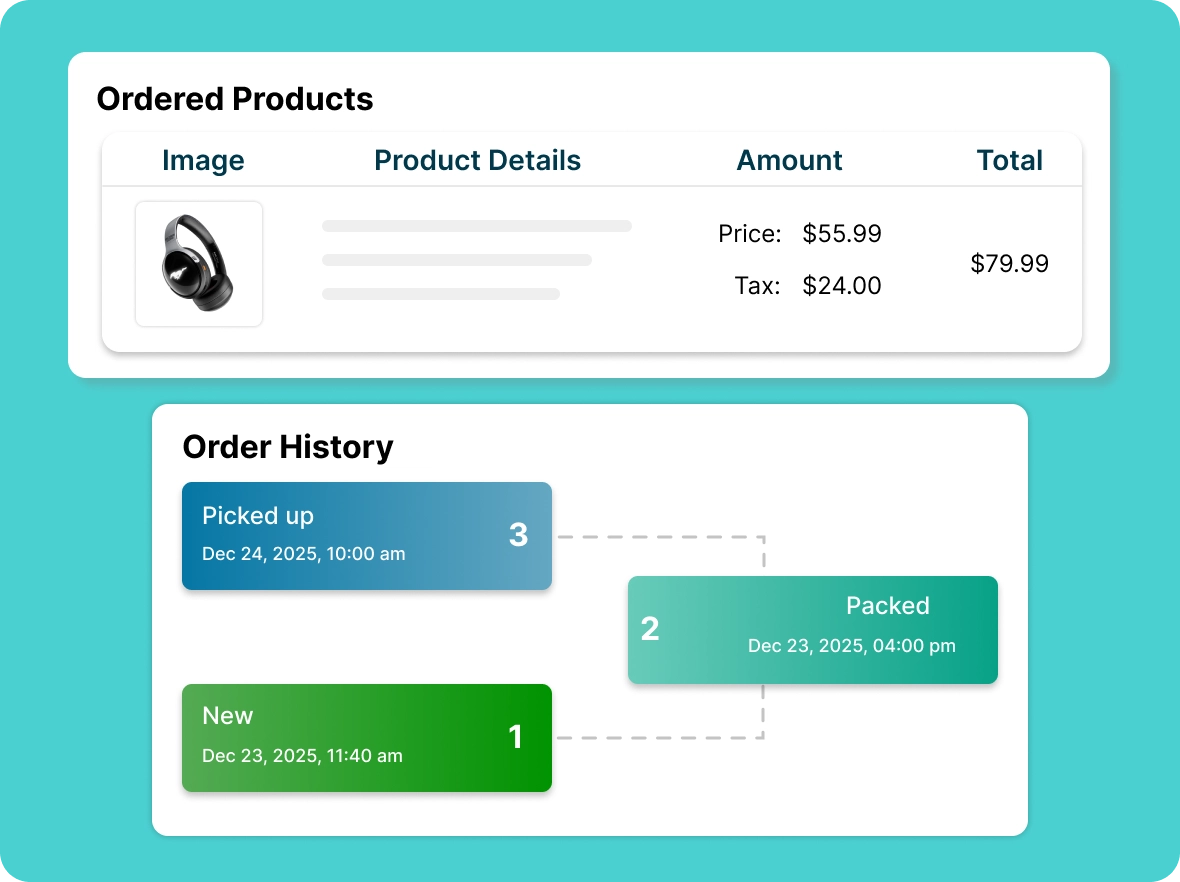
Track customer and
order history
Analyze customer order history to gain insights into purchasing behavior, recognize repeat customers, and streamline customer support.
Key advantages of
ZenBasket’s customer management system simplifies your workflow while enhancing customer satisfaction and sales.

Automated
communication
Keep customers updated with SMS for key customer interactions such as onboarding, order confirmations, and important notifications, so teams save time and communication stays consistent and reliable.

Improved customer
retention
With detailed customer insights and personalized order history, you gain a clearer view of buying behavior, build stronger long-term relationships, and drive consistent repeat purchases over time for sustainable business growth.

Centralized customer
management
Manage all customer profiles, order history, and communication records in one place, making it easier for admins to efficiently track interaction, resolve issues faster, and maintain accurate customer data.
General FAQs
Get quick clarity on our product and common queries. Have more questions? Connect with our support team.
ZenBasket helps you manage customers through organized profiles, activity tracking, audience segmentation, and easy communication.
Yes, customers can update addresses and passwords in their account settings to ensure accuracy, security, and a smoother overall shopping experience.
It helps target marketing and promotions to specific customer groups while improving relevance, conversion rates, and long-term customer relationships.
ZenBasket's customer management system allows you to engage with customers through emails, notifications, and more, all from a single platform.
Collect feedback through surveys, reviews, or direct contact to identify gaps, improve services, and strengthen customer trust consistently.
Learn, explore, and grow
with expert resources

Blog
A detailed look at customer management for online stores. Organize data, understand behavior, and build stronger relationships that drive long-term growth.
Learn More >
Help Center
Learn how customers create accounts during checkout, write store reviews, manage profiles, track activity, and view all orders for better store management.
Learn More >
Video Tutorial
In this video, discover how focusing on repeat customers with ZenBasket can boost profits, enhance customer loyalty, and grow your business faster.
Learn More >Effortless customer account
management
Keep customer information organized, track orders, and manage profiles effortlessly using ZenBasket tools.