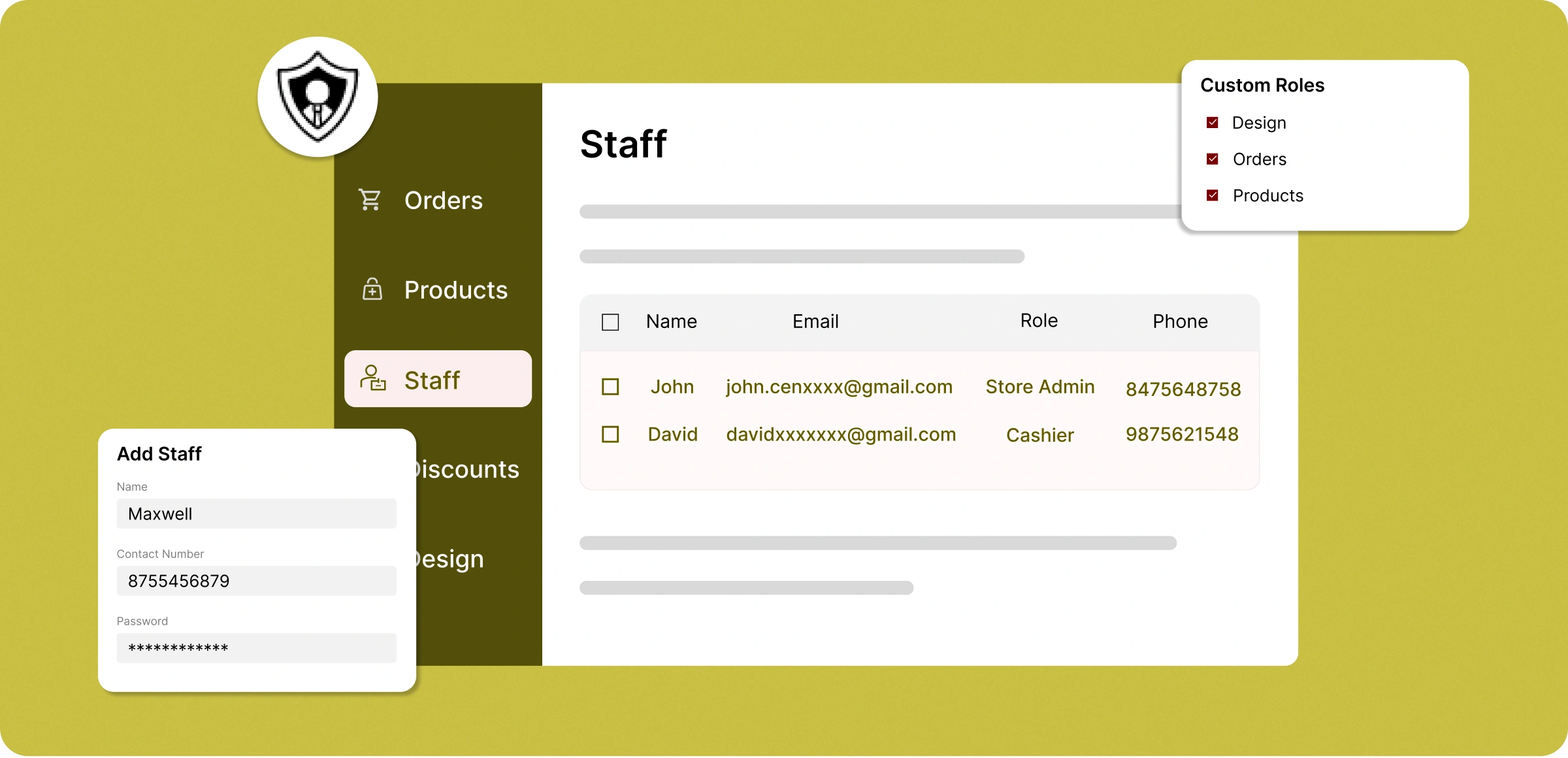
Quick staff setup
Manage your staff with a simple ZenBasket process that delivers both efficiency and control.
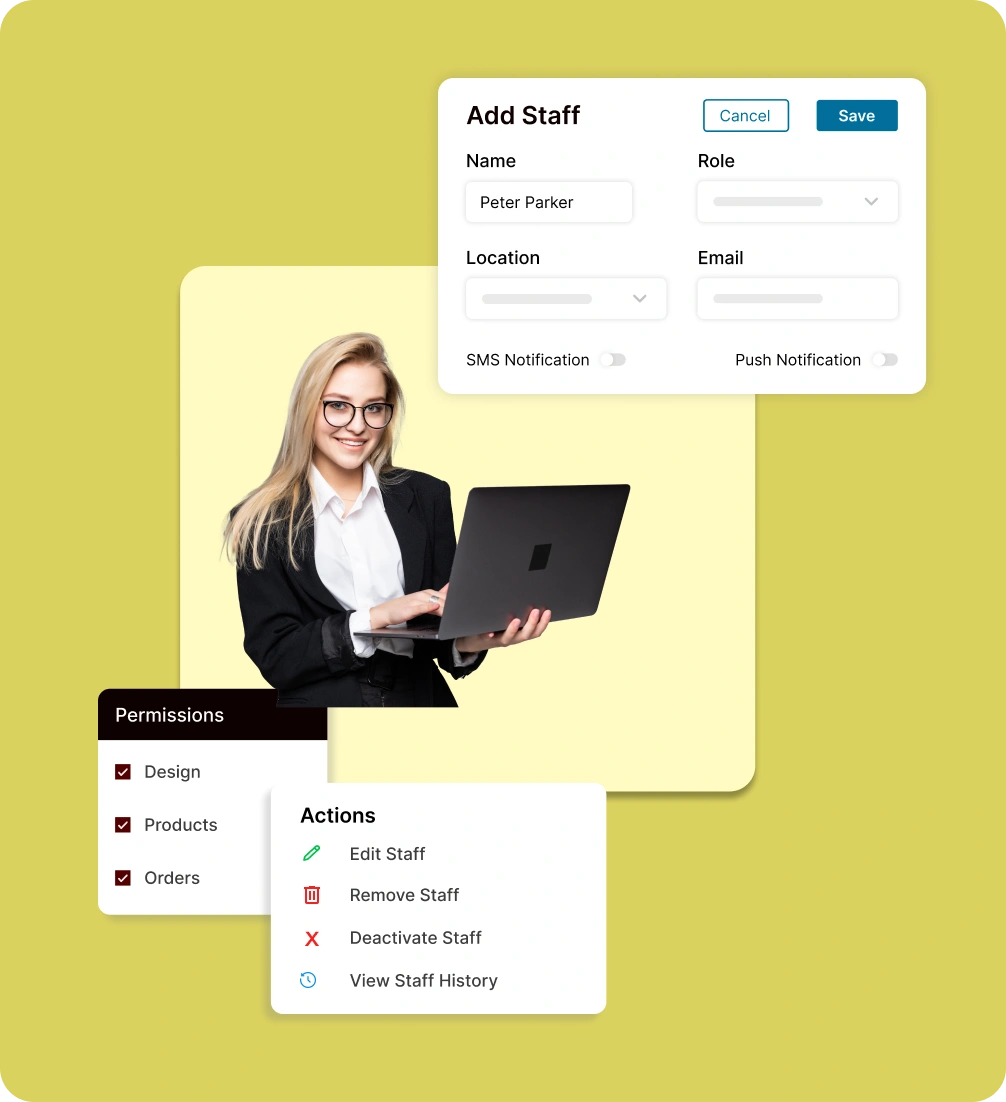
Create staff accounts
Add new staff members, assign custom roles with permissions, and enable notifications for smooth communication.
Manage roles & permissions
Define responsibilities by assigning custom roles like Store Admin, Cashier, or Accountant, and controlling staff access.
Staff account actions
Easily update staff information, deactivate accounts temporarily, or remove them completely from your store.
Enable & track staff activity
Activate or deactivate staff accounts in one click and monitor login history to ensure transparency and secure operations.
Where staff management goes
wrong
Missed sales, errors, and wasted time are common when staff responsibilities aren’t clearly managed.
High turnover and
training gaps
Frequent staff changes make it hard to keep operations consistent. Store owners waste time retraining instead of focusing on growth.

Team communication
gaps
Without structured access and clear responsibilities, important updates get lost, causing delays in order processing and customer service.

Inconsistent customer
experience
Without structured access and clear responsibilities, critical updates get lost, causing delays in order processing and customer service.

Difficulty adapting
to growth
As sales increase, managing a larger team becomes chaotic. Without proper systems, scaling often leads to confusion and inefficiency.

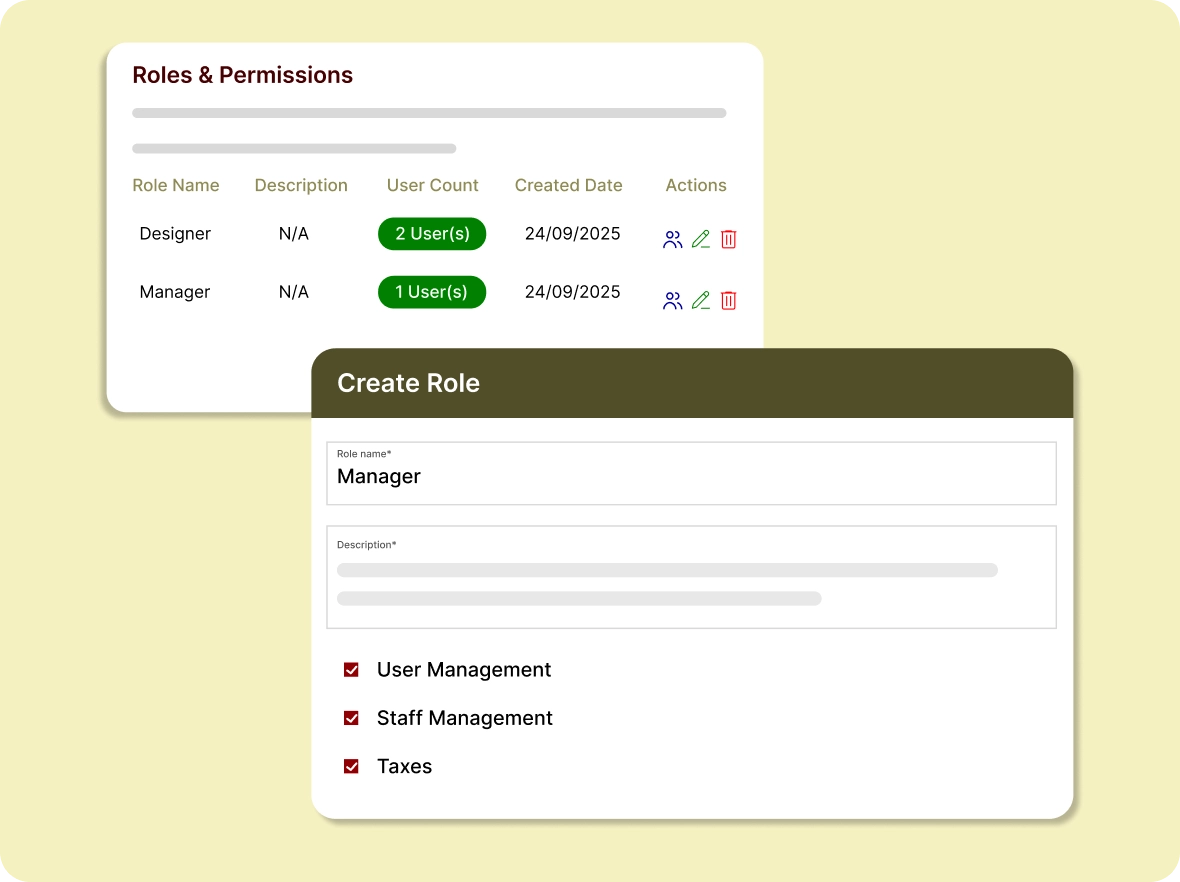
Role & permission
access control
Easily set permissions for each staff member, ensuring they only access what they need while protecting critical areas of your business.
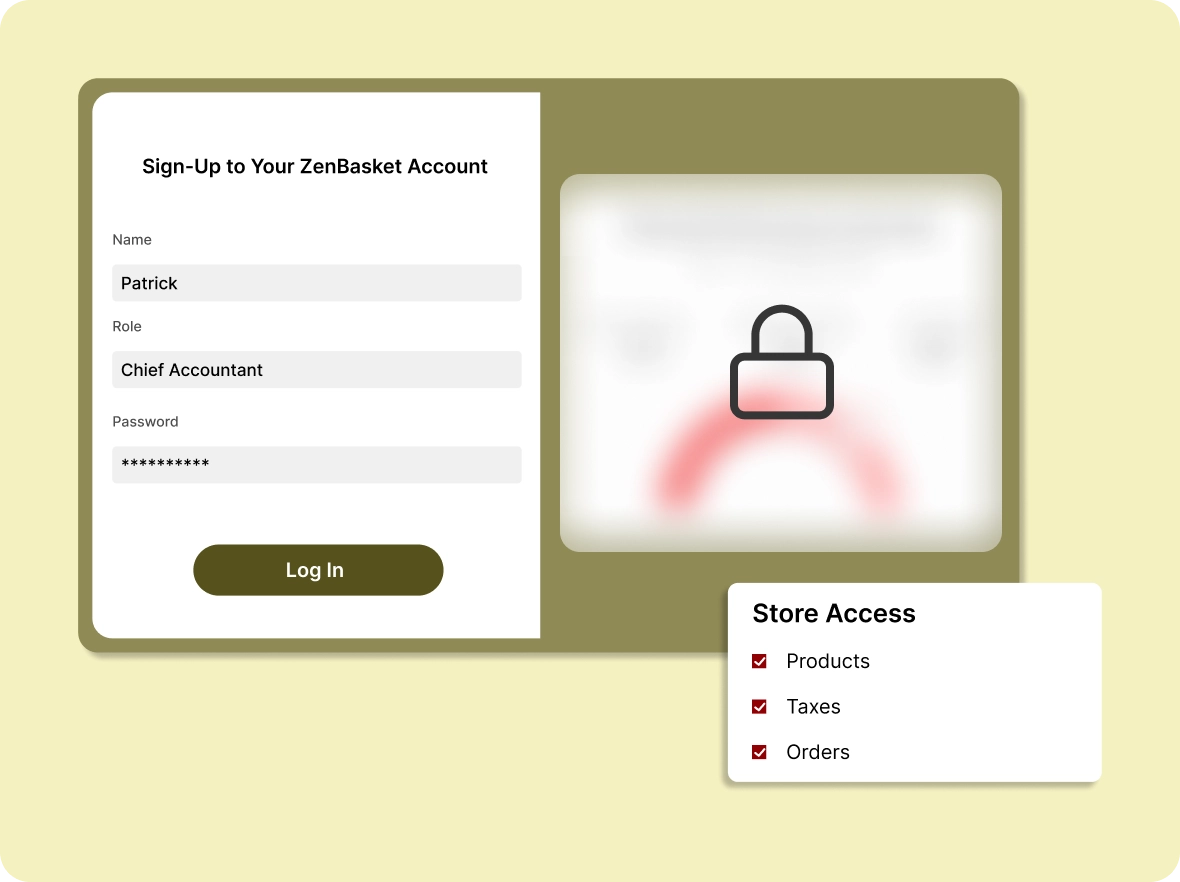
Easily protect sensitive
store data
Keep financial records and other confidential details secure with restricted logins. Staff only access what's relevant to their role, ensuring peace of mind.
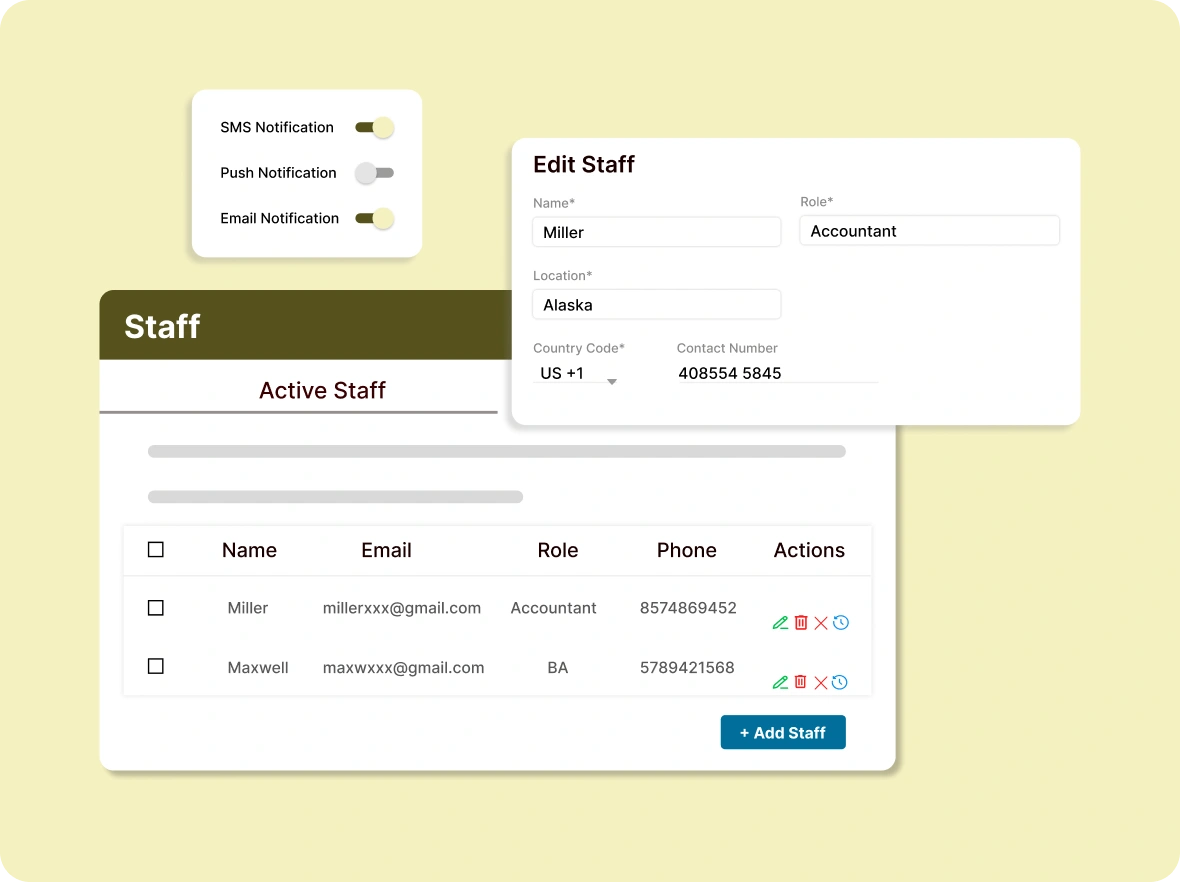
Unified team access
control
Oversee all staff accounts through a single dashboard. Create, edit, enable, or disable access anytime for smooth and secure store management.
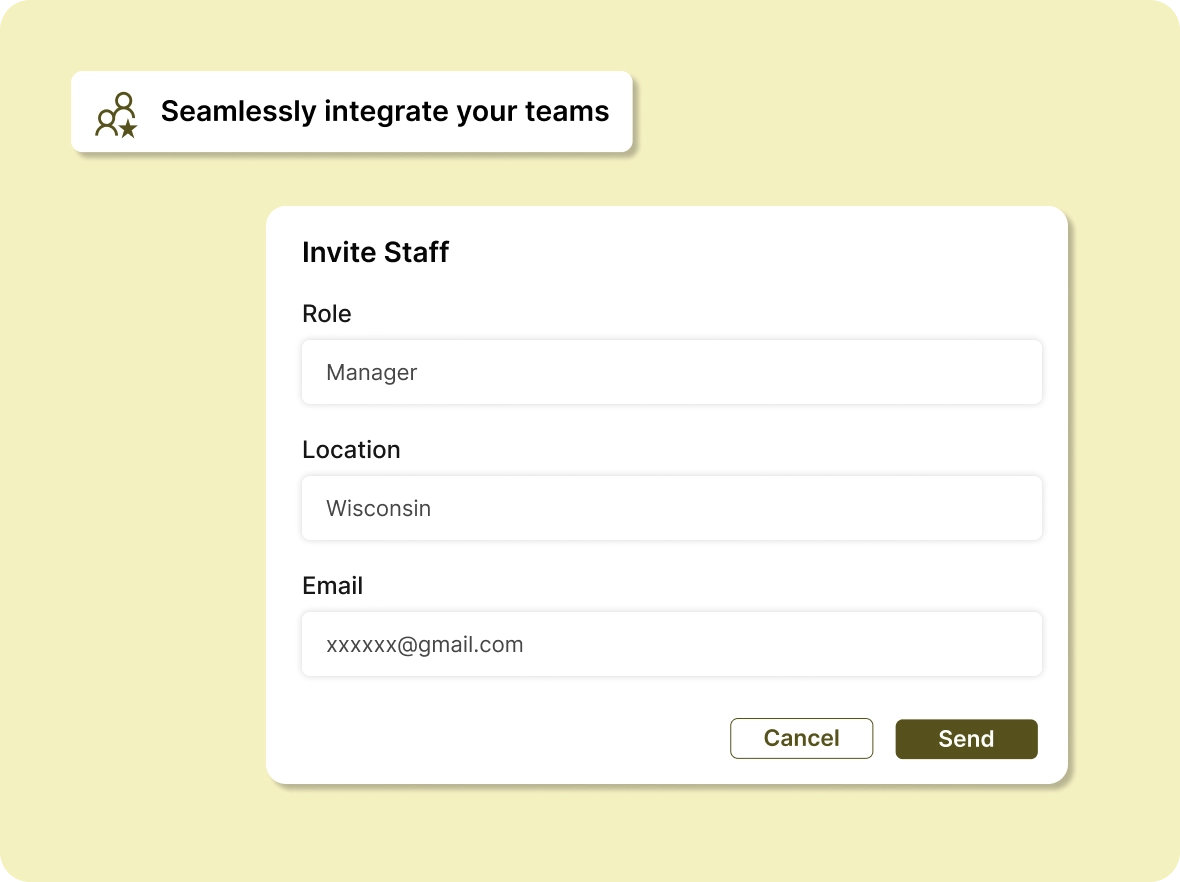
Quick team
onboarding
Send role-based invitations for quick setup and seamless, smooth collaboration. Staff get the right tools from day one without extra complexity.
Why Organize
ZenBasket’s staff management delivers value at every stage, ensuring efficient team collaboration and streamlined daily operations.

Save more time to focus
on growth
Automating staff permissions and access significantly reduces repetitive admin work. With less time spent managing accounts, you can focus more on scaling and growing your online store faster and smarter.

Boost overall team
productivity
Staff get the exact tools and proper access they need to perform their tasks efficiently. When roles are clear and responsibilities defined, efficiency and accountability naturally increase across all functional teams.

Scale effortlessly
without complications
As your team grows, adjusting roles and access permissions takes just a few clicks. ZenBasket keeps operations consistent and efficient, ensuring smooth workflows no matter the size of your staff.
General FAQs
Get quick clarity on our product and common queries. Have more questions? Connect with our support team.
Staff management in ZenBasket lets store owners create staff accounts and assign custom roles with defined permissions that control what each member can access. You can set roles such as Store Admin, Cashier, or Accountant, enable or deactivate accounts, and monitor login history from a single dashboard. This restricts access to sensitive data while keeping responsibilities clear as your team grows.
You can add multiple staff accounts based on your plan and business needs, allowing flexible role management and secure access control.
You can monitor their performance by their restriction actions in your store, such as handling reports of the store, following up on the return orders, and managing campaigns.
Yes, you can edit roles, reset passwords, or deactivate accounts whenever required to maintain security, control access, and adapt quickly to changes.
Yes. When responsibilities are clearly defined and systems are structured, customers benefit from faster service, fewer order errors, and a consistent shopping experience.
Yes, you can have access as a super admin to maintain the affiliate programs of your store, ensuring full control, visibility, and secure management of critical operations.
Learn, explore, and grow
with expert resources

Help Center
Learn everything about ZenBasket’s Staff management feature; step-by-step guidance on creating accounts, assigning roles, setting permissions, and managing access.
Learn More >
Case Study
Discover how businesses improved efficiency and security with smarter staff management. Real examples of streamlined teamwork and better store operations.
Learn More >
Video Tutorial
Watch our quick tutorial on how to create, assign, and manage staff roles in ZenBasket. A simple walkthrough to help you set up your team with ease.
Learn More >Take full control of staff access
and protect what matters most
Easily organize schedules, track performance, and keep your team aligned; all from one intuitive platform.