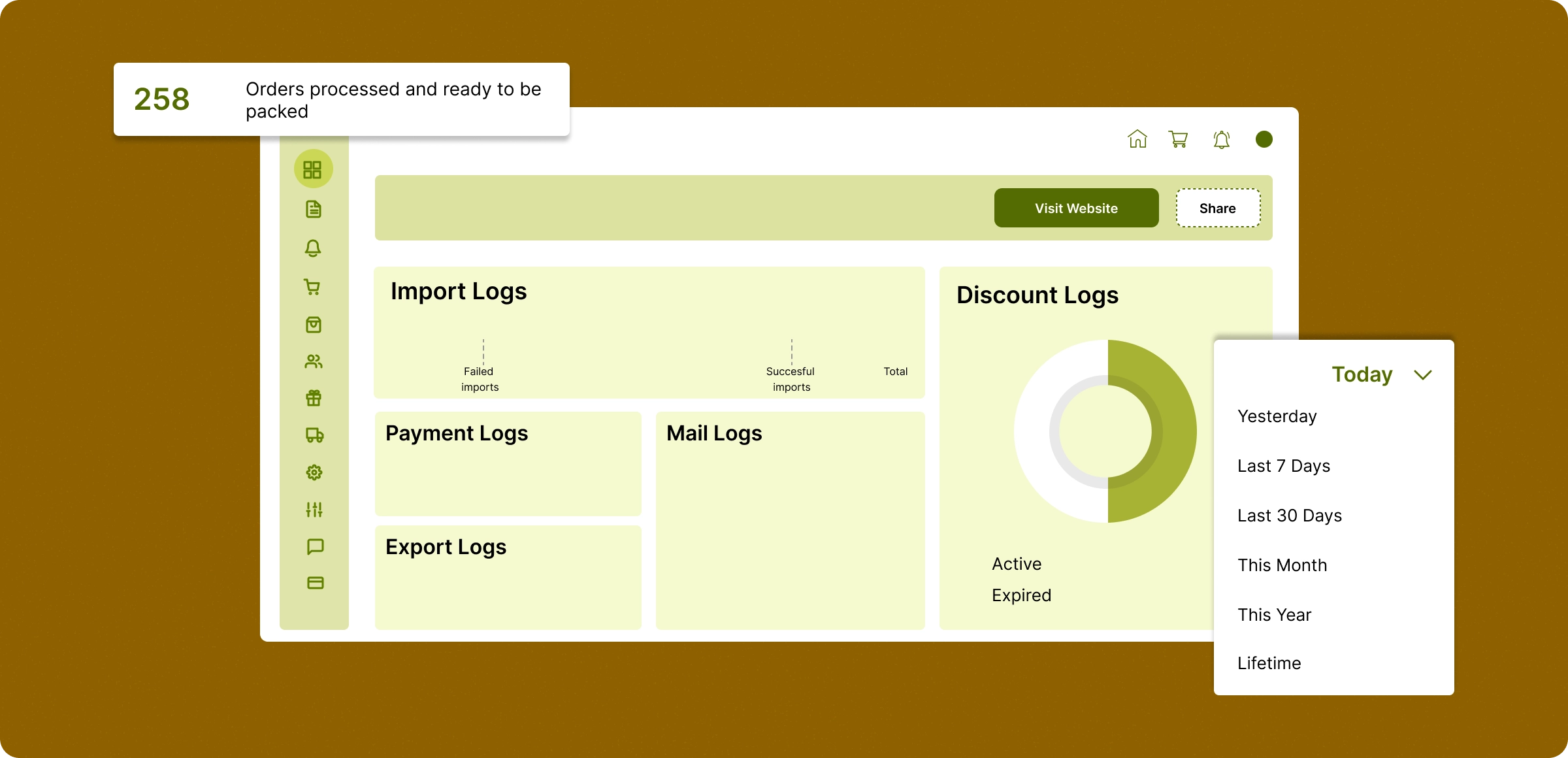
Monitoring your store operations
Analyzing your store movements that tend to redefine your approach to reach and increase your customer base.
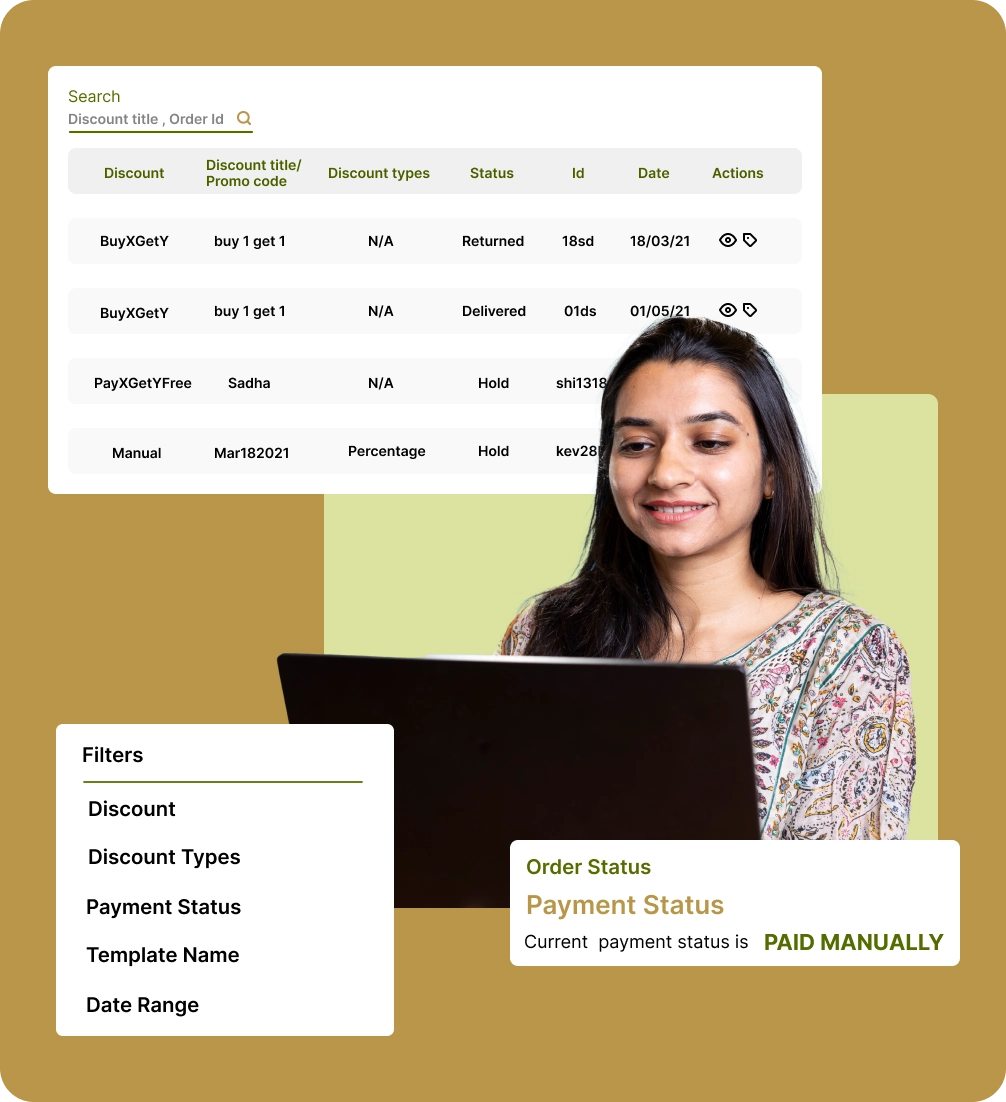
Organized log access
View important logs like emails, discounts, payments, and more within their respective modules keeping everything easy to track.
Detailed tracking and filtering
Filter logs by status, date, or module to pinpoint transactions, customer activity, and operational insights quickly.
Store performance insights
Monitor key metrics and reports from different modules to understand the store’s performance and areas for improvement.
Tracking the performance
Easily run your store by analyzing activity patterns to make smarter changes and create a better experience.
Struggles in store management
without log reports
The absence of log reports creates challenges in monitoring compliance, which can negatively impact business growth and customer experience.
Limited
accountability
It’s difficult to track transaction history and promotional campaigns that tend to create gaps in responsibilities to handle the operations.

Missed
optimization
Lack of detailed logs prevents store owners from identifying trends, improving processes, or focusing on high-performing areas.

Limited backend
visibility
Store owners struggle to understand background actions related to orders and promotions, making it harder to maintain smooth operations.

Lack of Data
Visibility
Without detailed logs, store owners may miss critical insights, affecting timely and informed business decisions and long-term growth.

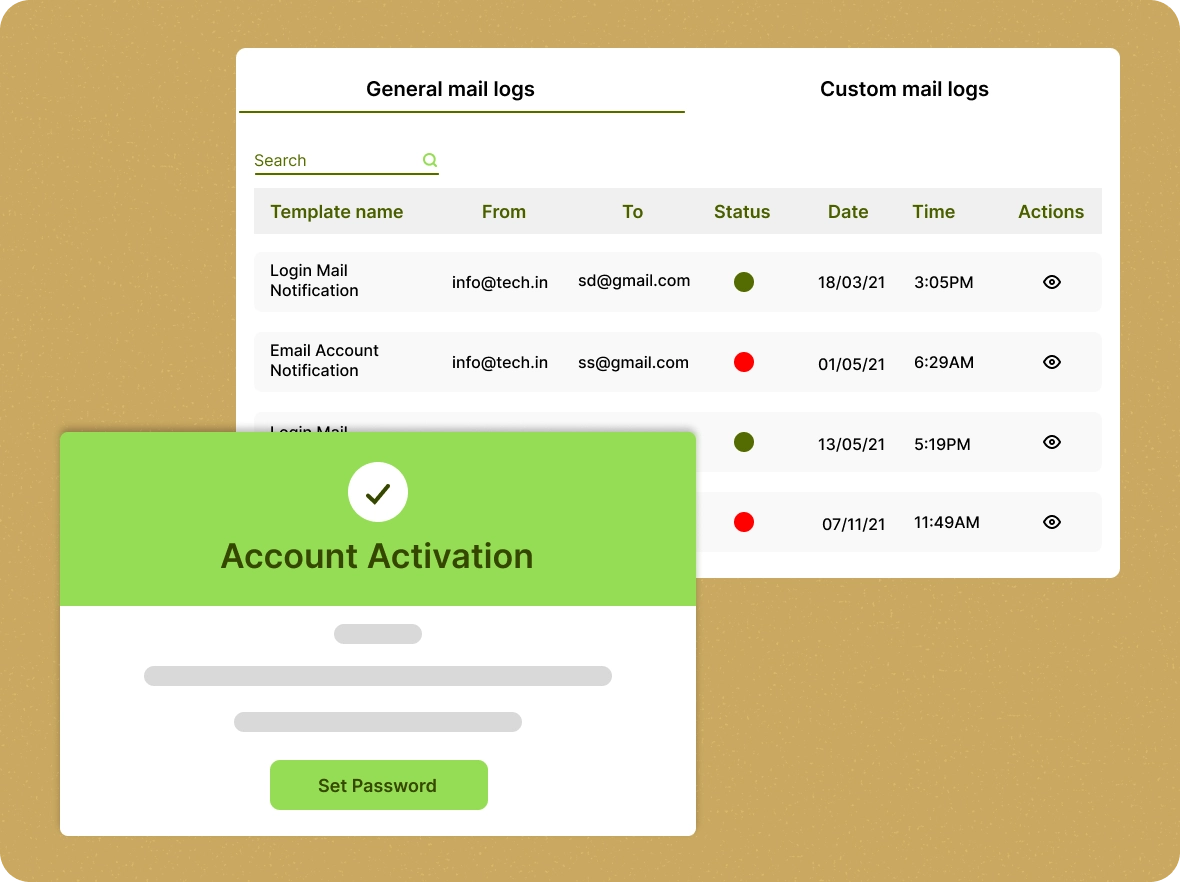
Comprehensive email
logs
Track every email sent to customers in real-time, from order confirmations to delivery updates, ensuring seamless communication at every step.
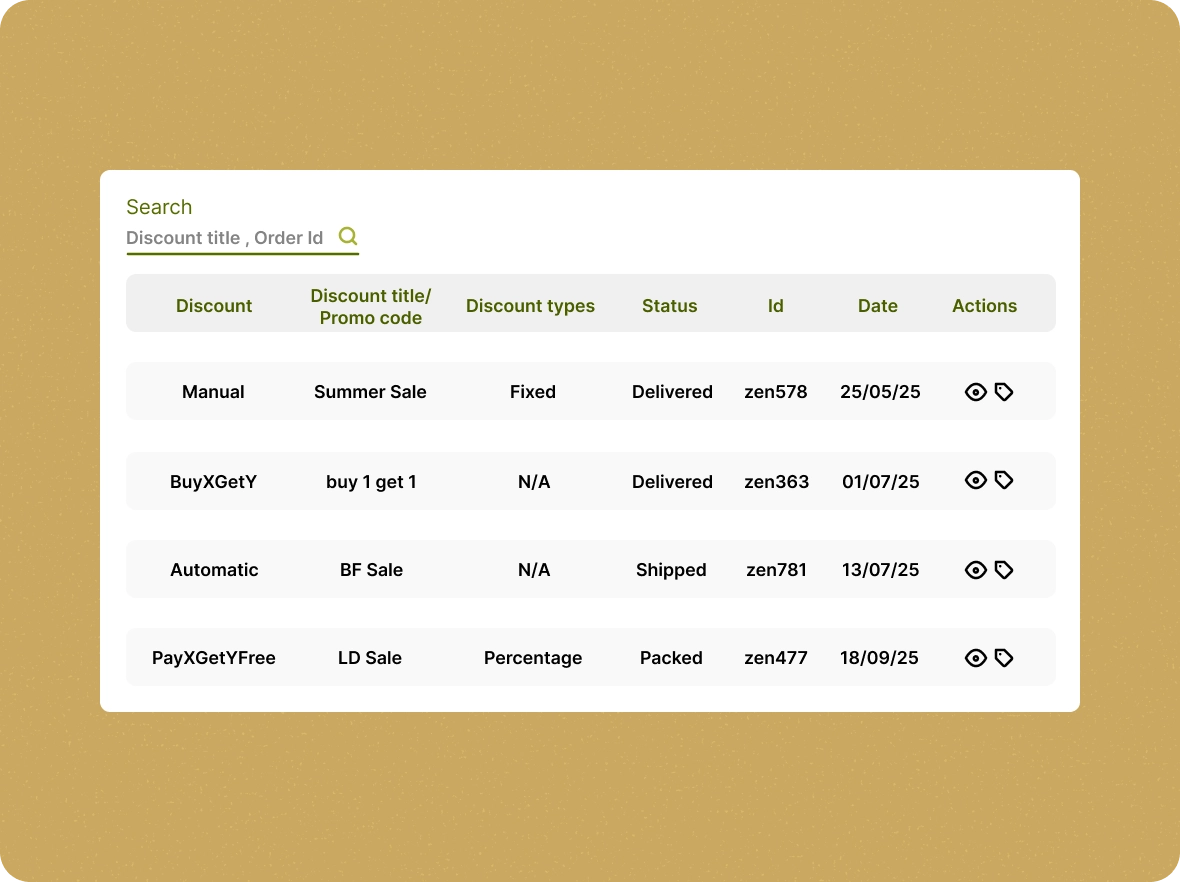
Transparency of your
discount logs
Gain detailed insights into all discounts applied across your store. Monitor usage, optimize your discount strategies, and ensure total visibility with centralized discount tracking logs.
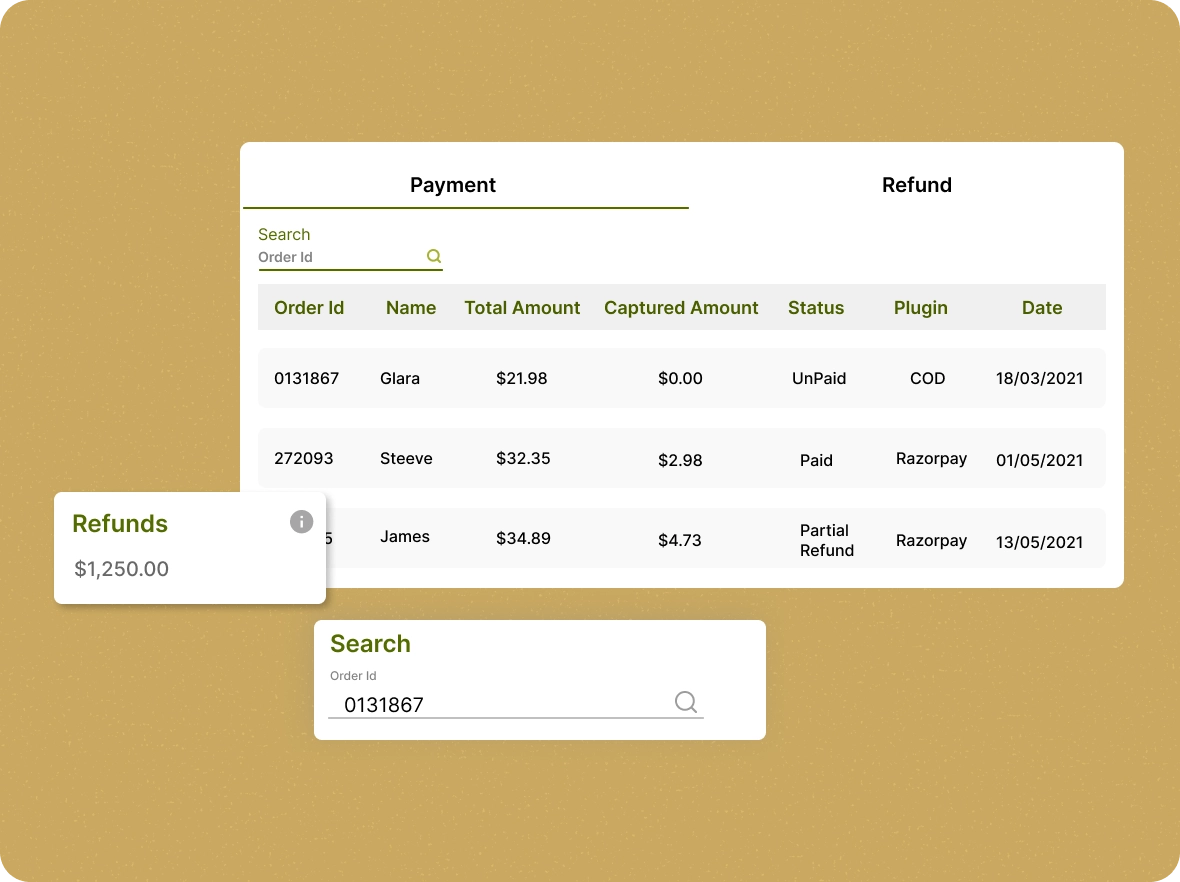
Payment & refund
logs
View track of all payments and refunds with detailed payment and transaction logs. Stay organized and informed by accessing real-time updates on every transaction.
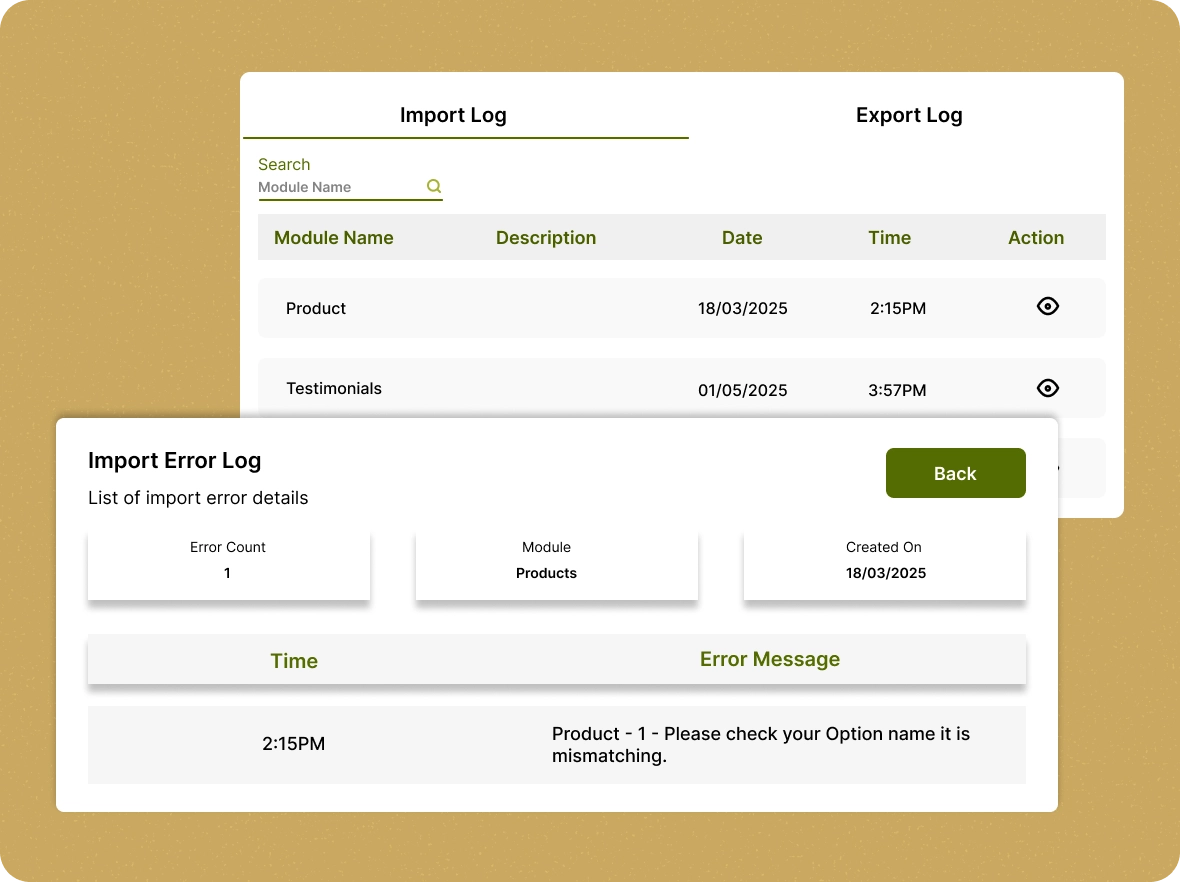
Easy data
management logs
Stay fully informed with detailed import/export activities and real-time logs, ensuring smooth, accurate, and efficient store operations.
Powerful benefits you
ZenBasket’s log reports provide the essential details that help you manage every aspect of your store’s performance.

Achieve full
transparency
ZenBasket logs provide complete visibility into your store’s activities, from payments to product imports. This transparency allows you to effortlessly monitor and optimize your operations for maximum efficiency.

Make informed, real-time
decisions
With up-to-date insights from ZenBasket logs, you can make smarter, more accurate, data-driven decisions. This empowers you to enhance performance and fuel growth in every aspect of your business.

Quickly identify and
resolve issues
ZenBasket logs help you quickly spot potential issues, such as payment failures or discount discrepancies. With immediate access to this data, you can address problems before they disrupt your store’s operations.
General FAQs
Get quick clarity on our product and common queries. Have more questions? Connect with our support team.
ZenBasket provides five main log reports: Mail Logs, Discount Logs, Payment Logs, Import/Export Logs, and Transaction History Logs.
Compare existing information on the sheets with the current data to detect unregistered information and add the missed information through the import option.
Click the View icon under the Actions column to see the full content of a sent email, including the subject line, and recipient information.
Logs Reports help store owners monitor payments, track data operations, maintain accountability, and make data-driven decisions to improve store efficiency.
You can click on the view order details to know your customer purchased products by using your offers, which leads to providing an offer related to their preferences.
Learn, explore, and grow
with expert resources

Blog
Read this guide to learn how to use ZenBasket’s logs to track sent emails, check delivery status, preview content, and improve your customer communication.
Learn More >
Help Center
Get step-by-step guidance on using ZenBasket’s email logs to track and manage your email campaigns, ensuring optimized performance.
Learn More >
Video Tutorial
Watch this tutorial to learn how to access and utilise ZenBasket’s payment and transaction logs, helping you track transactions and ensure financial accuracy.
Learn More >Get to know your store better
using logs
Use logs to monitor store activity, identify errors, and make smarter decisions with real data.