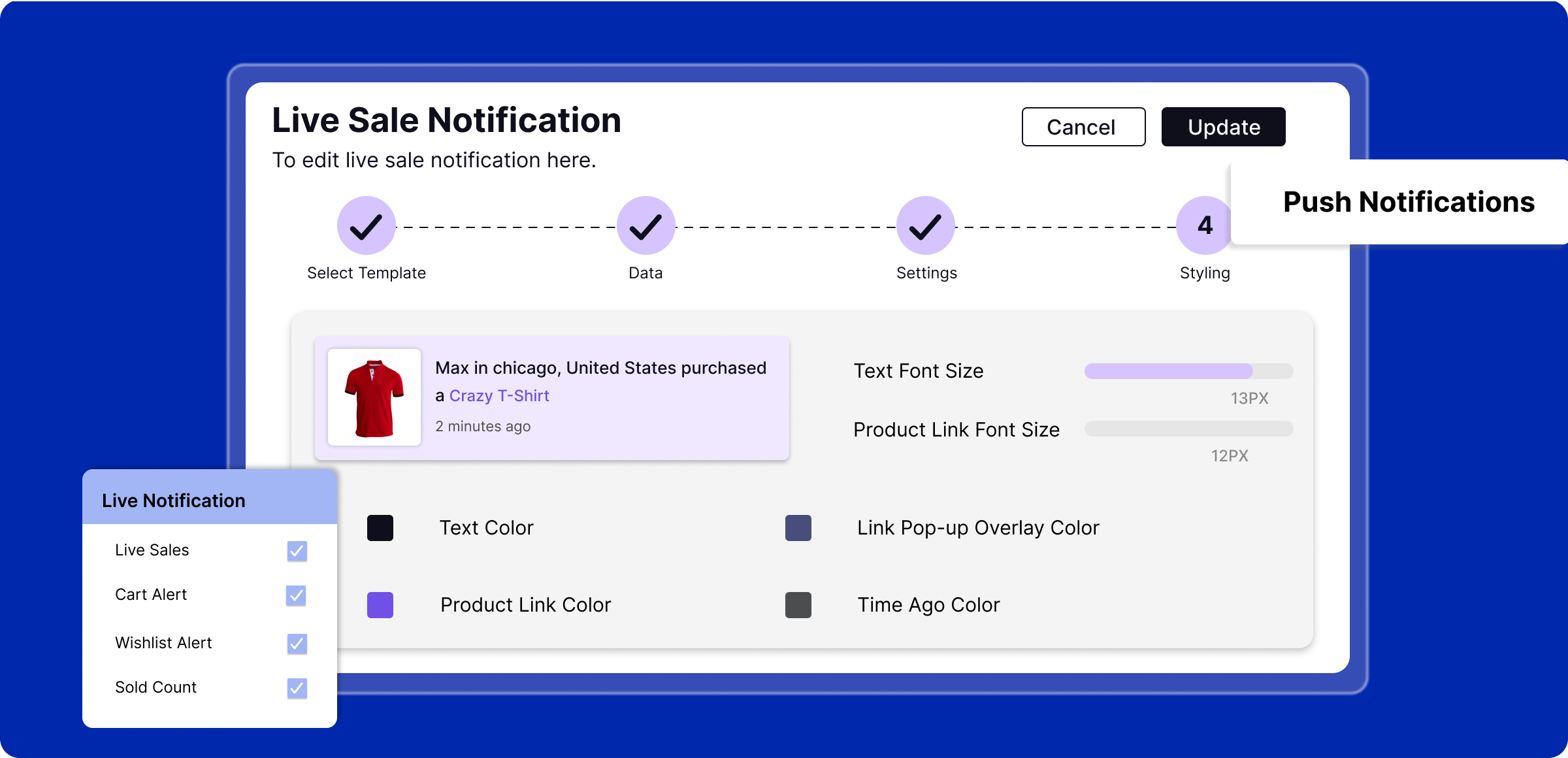
Setting up live notification
Announcing your customers’ actions through instant messaging raises awareness about their live activity in your store.
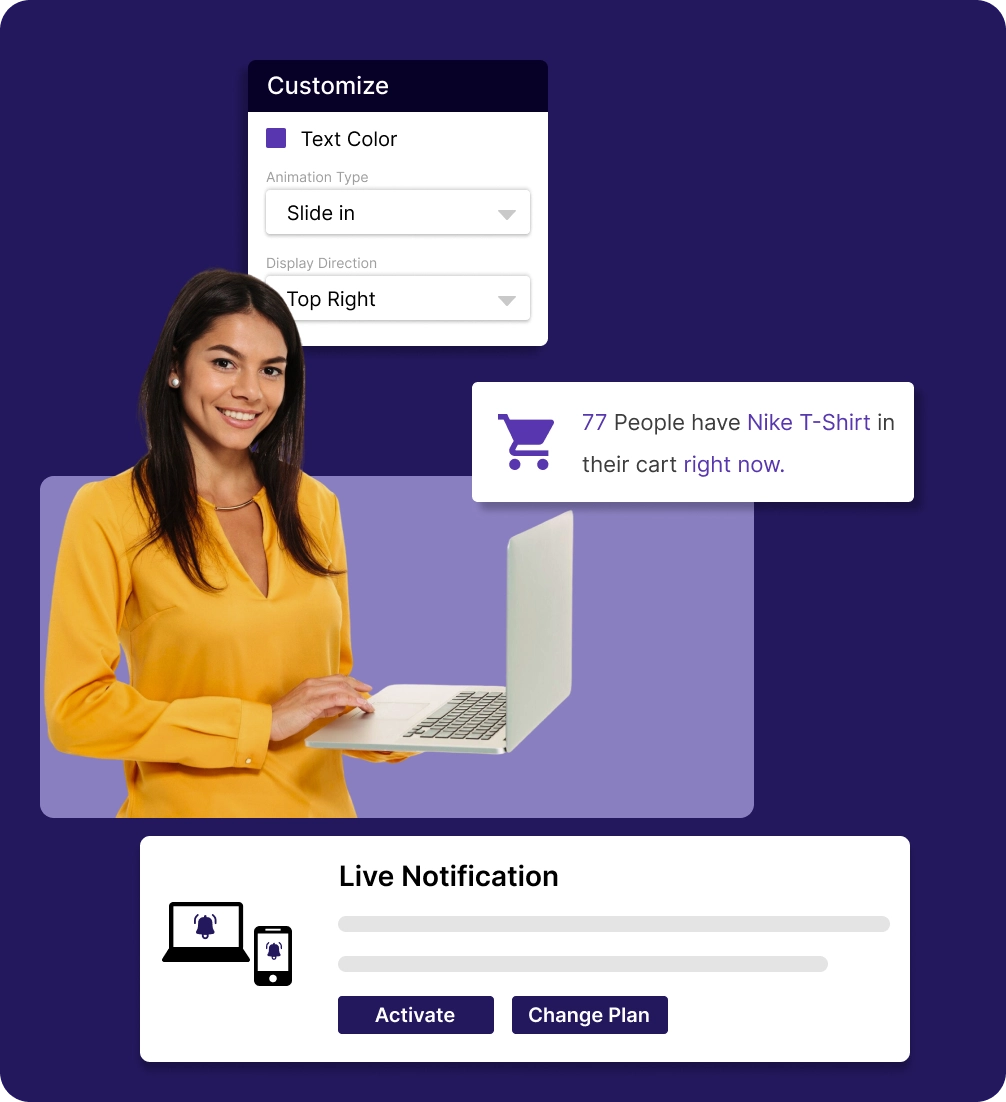
Activate live notifications
Purchase and receive immediate access to live notifications, enabling you to start sending real-time, instant updates to your customers.
Pick your events
Accentuating key moments such as recent sales, wishlist actions, online visitors, and sold counts to trigger buying interest.
Tailor appearance of the message
Custom colours, layouts and placements of the message via various devices for an easier experience for your audience.
Management of the notifications
With a single dashboard, maintain all your notifications and make adjustments to provide concise information to them.
When customer’s activities are
unnoticed
Without real-time activity signals, shoppers lose trust and urgency, delaying purchases and lowering engagement and conversions across your store.
Missing social proof
signals
Customers hesitate to buy when they can’t see others actively engaging, adding items to carts, or completing purchases.

Reduced
urgency
Without real-time cues, customers take longer to decide, increasing the chance they’ll abandon products or leave your store.

Weak product demand
visibility
Top-selling items fail to stand out when popularity isn’t showcased, reducing excitement and motivation to buy.

Poor shopper
engagement
Customers browse passively without prompts or notifications, resulting in fewer interactions and lower conversion rates.

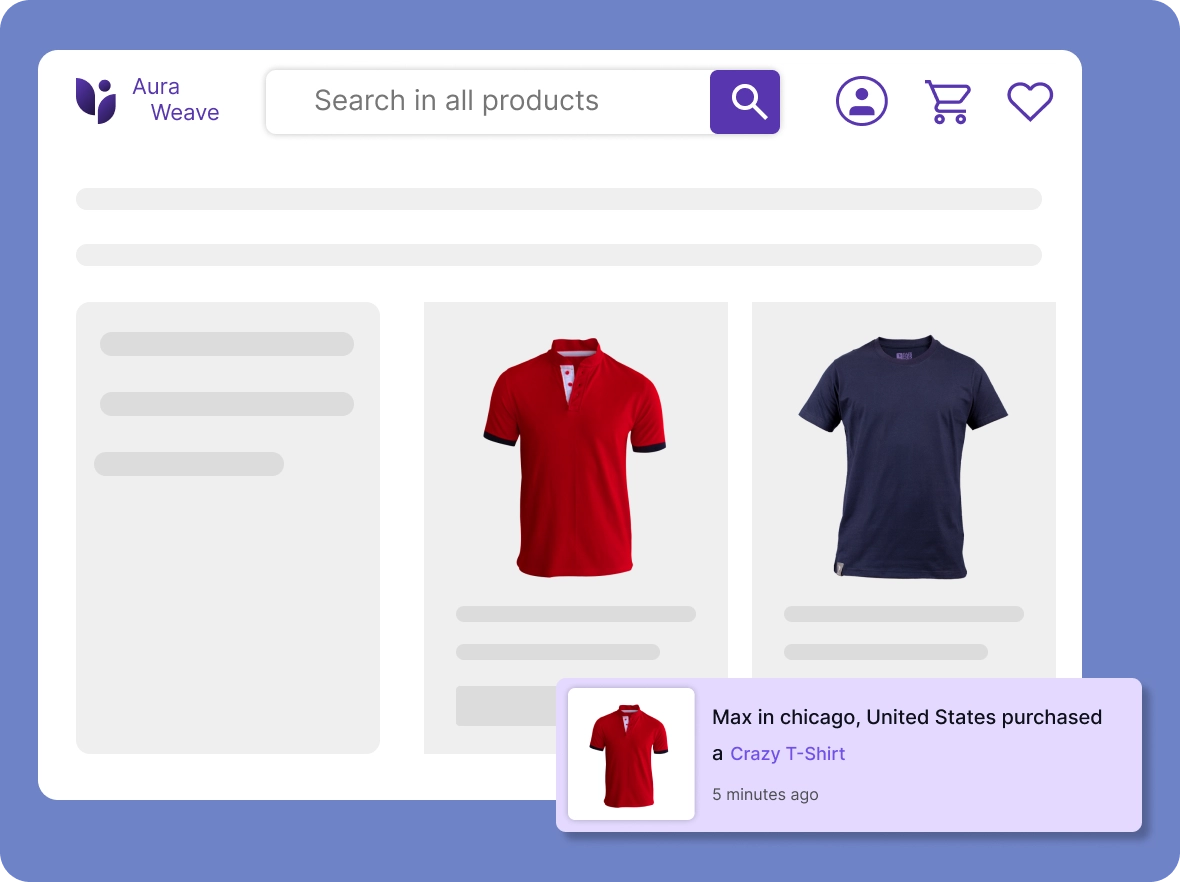
Real-time alerts for
live sales
Display live purchase notifications that create urgency for your customers, encouraging them to make decisions faster and complete a purchase.
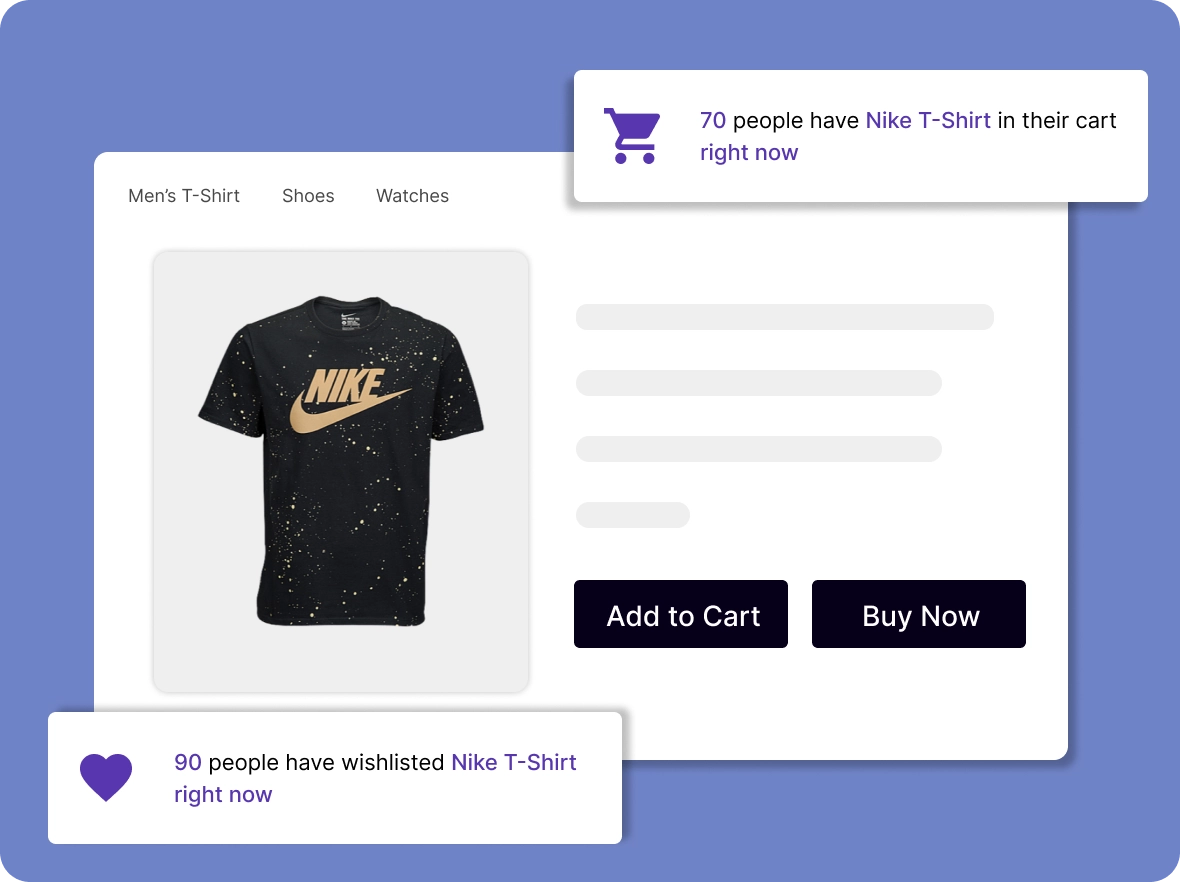
Add to cart & wishlist
updates
Present add to cart and wishlist product updates, providing social proof and encouraging customers to consider purchasing popular items.
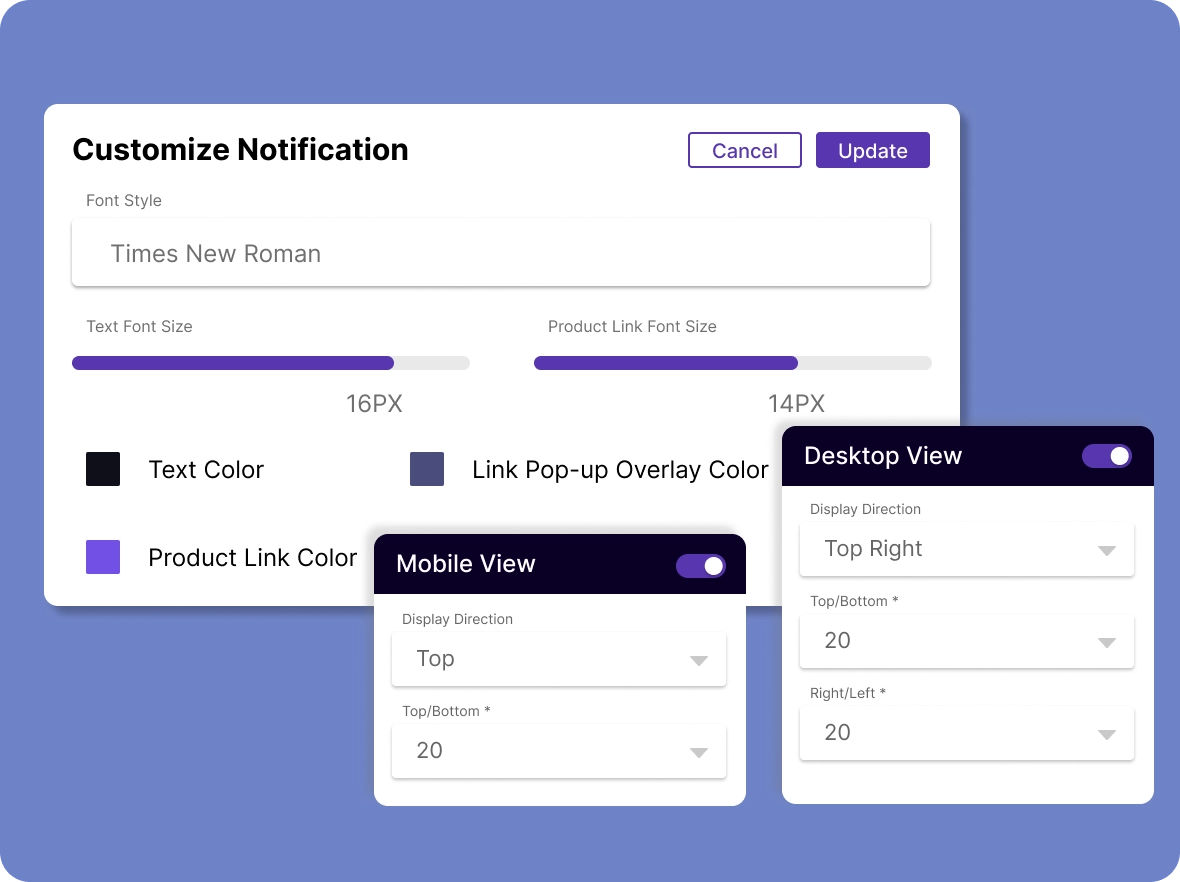
Personalized
notification content
Customize notification messages to provide your customers with clear, relevant, and timely updates, keeping them informed and engaged at every step.
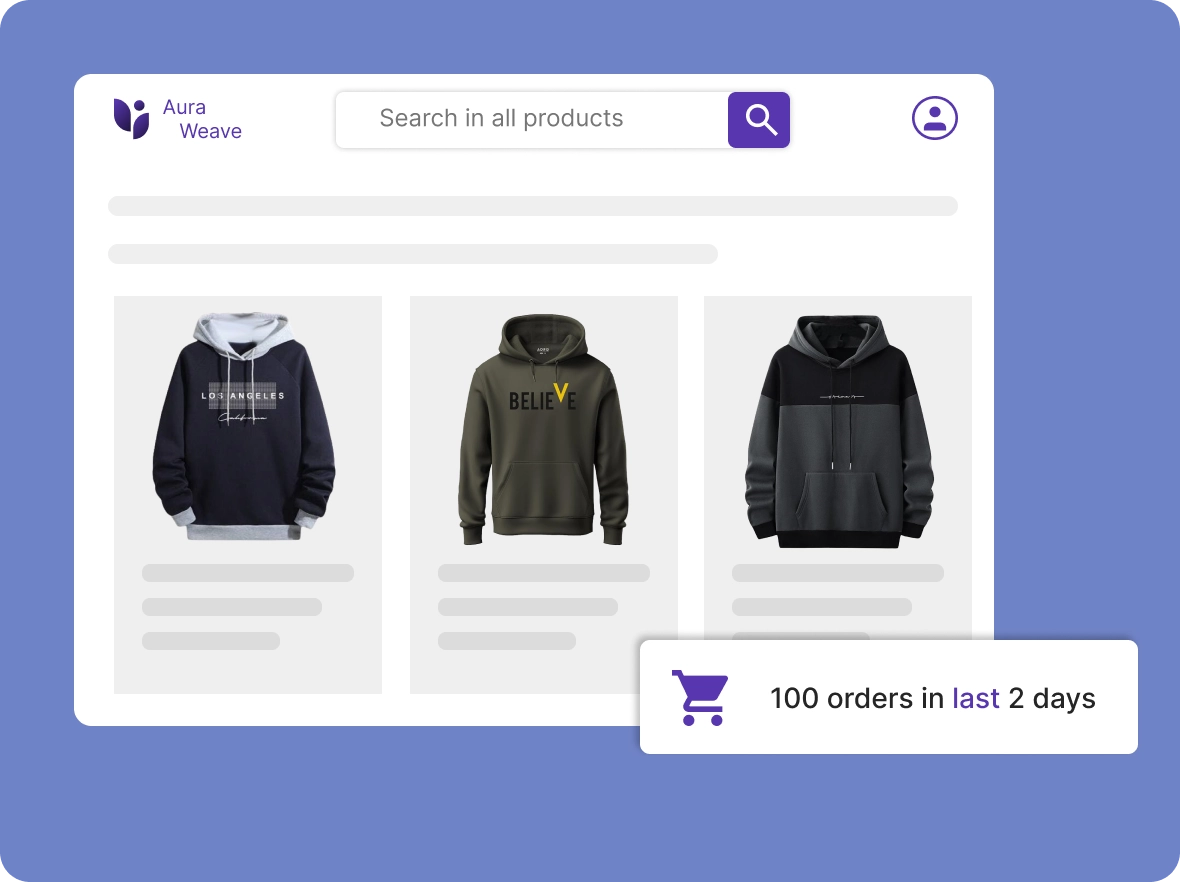
Product demand
indicators
Show real-time product demand and shopper interest by prominently displaying the number of items sold along with live notifications of visitors currently viewing the product.
Why your store needs live
Live notifications turn real-time customer actions into dynamic on-page alerts, helping you convert more visitors into confident purchase-makers.

Real-time proof
improves conversions
Showing real customer actions, purchases, and activity creates powerful social proof that quickly reduces hesitation and increases buyer confidence, increasing the chances of completing a purchase.

Engagement across every
page
Timely, relevant notifications keep customers interested as they browse. By showing real activity, they spark curiosity and guide shoppers confidently toward checkout, improving interaction.

Brand credibility and
demand visibility
Live alerts highlight trending products, active cart actions, and recent purchases. The visibility strengthens your brand image, builds trust among new visitors, and supports long-term reliability and confidence in your store.
General FAQs
Get quick clarity on our product and common queries. Have more questions? Connect with our support team.
Yes, you can choose which products to include or exclude in notifications, giving full control over what shoppers see in live alerts.
No, Live Notification is optimized for speed and performance, ensuring alerts load quickly without slowing down your store.
Yes, you can control when alerts appear, their display duration, and intervals to align with your store’s engagement strategy.
Yes, notifications refresh in real time based on live customer activity, ensuring your store always shows accurate and timely updates.
Yes, you can display notifications on specific pages, such as the home, cart, or product list, and enable them on all pages as needed.
Learn, explore, and grow
with expert resources

Blog
Discover tips, insights, and proven strategies to get the most from Live Notification. Learn how real-time alerts boost trust, engagement, and conversions across your store.
Learn More >
Help Center
Access detailed, step-by-step guides to set up and customize Live Notification. Learn how to create alerts that inform, engage, and deliver seamless real-time experiences.
Learn More >
Video Tutorial
Watch quick, easy tutorials that show how to enable, configure, and style Live Notification. Learn visually and implement alerts to enhance shopper engagement effortlessly.
Learn More >Deliver messages at the right
time
Keep informing their actions with alerts that improve store credibility and conversions over time.