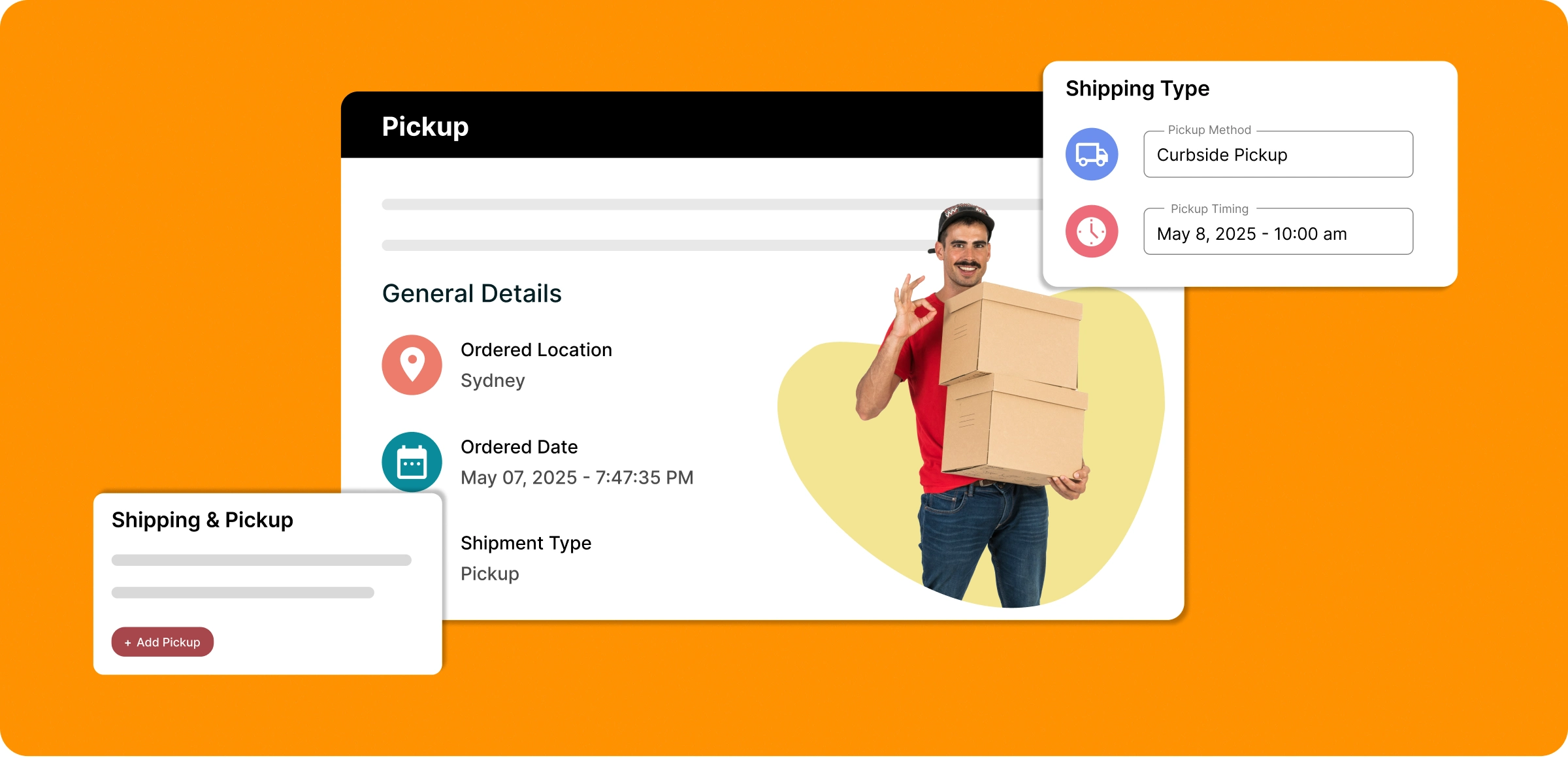
Easy pickup setup
With ZenBasket, pickup options reduce delivery time for local orders in just a few simple steps.
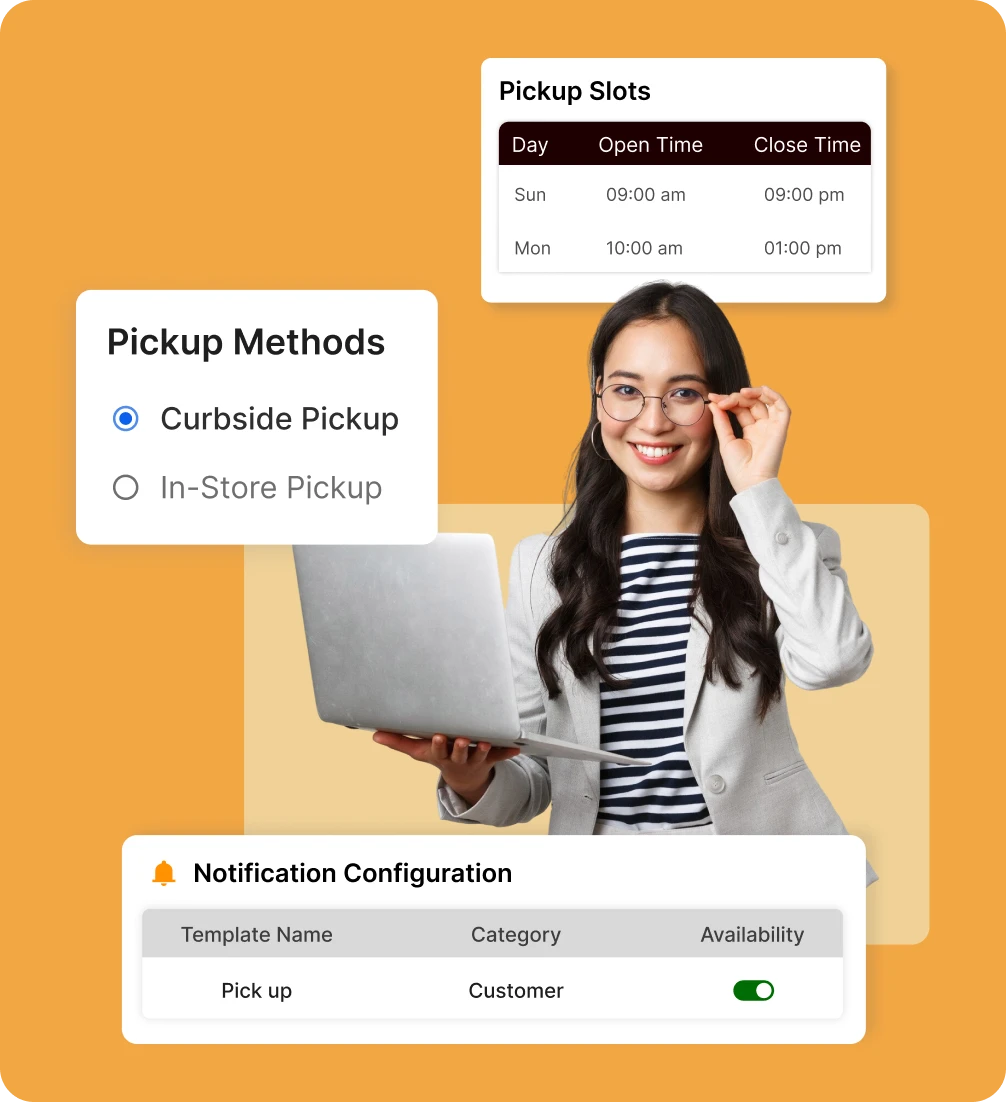
Configure your pickup
Set up your preferred pickup methods and customize availability, charges, and instructions directly from your panel.
Define time slots
Set your business hours, prep times, and pickup windows so orders are scheduled clearly and pickups stay hassle-free.
Share pickup details
Provide clear instructions, location details, and updates so customers know when and where to collect orders.
Notify and fulfill
Send pickup notifications and order-ready alerts. Mark orders fulfilled once customers collect them for a smooth handoff.
Most stores struggle with
pickup
Without the right setup, managing pickups can quickly shift from a customer benefit to an operational headache.
Scheduling chaos at
peak hours
Handling pickup requests manually leads to double bookings, customer delays, and overwhelmed store teams.

Unused inventory
and no-show orders
When customers skip their pickup, you're left with blocked stock, delayed sales, and operational waste.

No control over time
slots or location limits
Inflexible systems prevent you from tailoring pickup options by location, timing, or product; limiting your efficiency.

Unclear pickup details
cause confusion
Lack of clear instructions and real-time updates creates unnecessary friction between staff and customers during handoff.

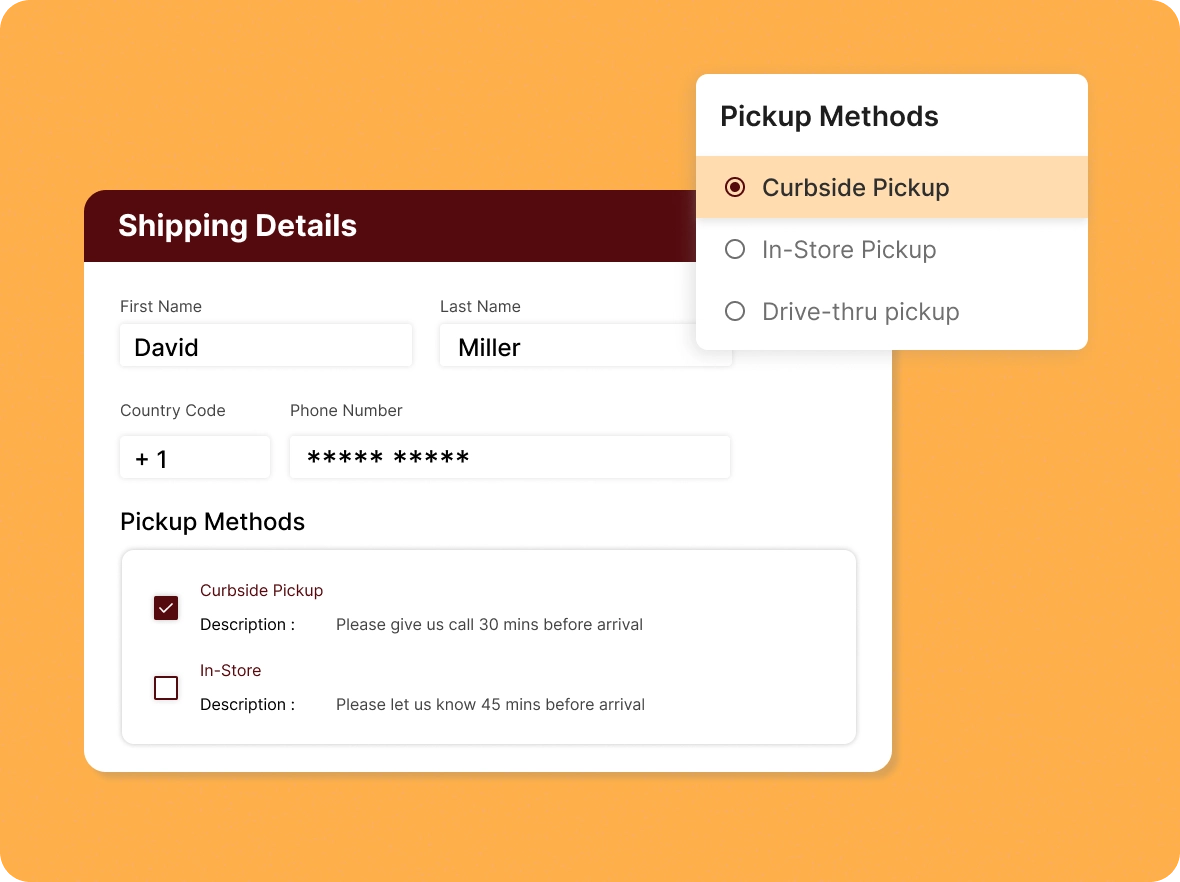
Flexible pickup
experience
Provide an easy, reliable pickup experience that keeps customers satisfied and allows you to manage everything effortlessly in one place.
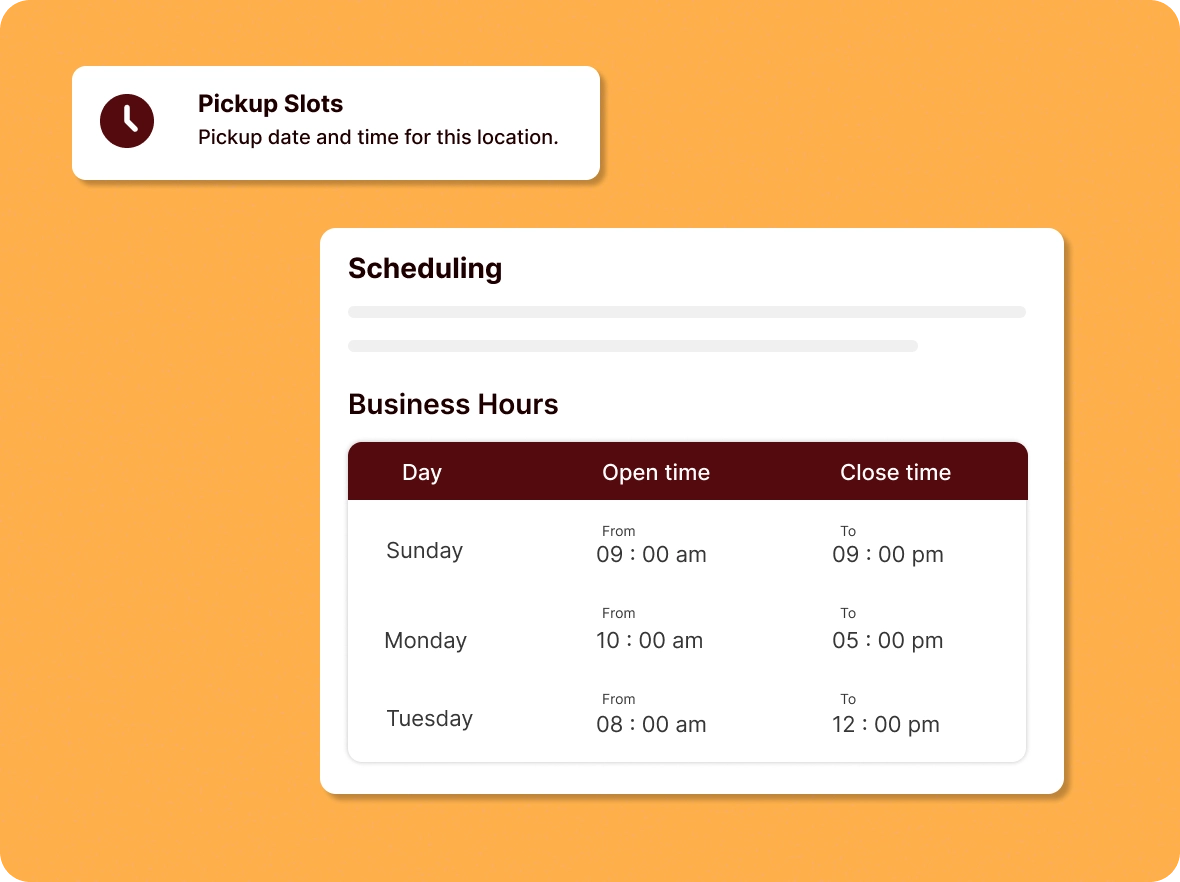
Precision scheduling for
pickup orders
Set clear business hours, prep times, and multiple pickup windows. This ensures smoother scheduling, prevents overlaps, and keeps your operations well organized.
Clear communication at
every step
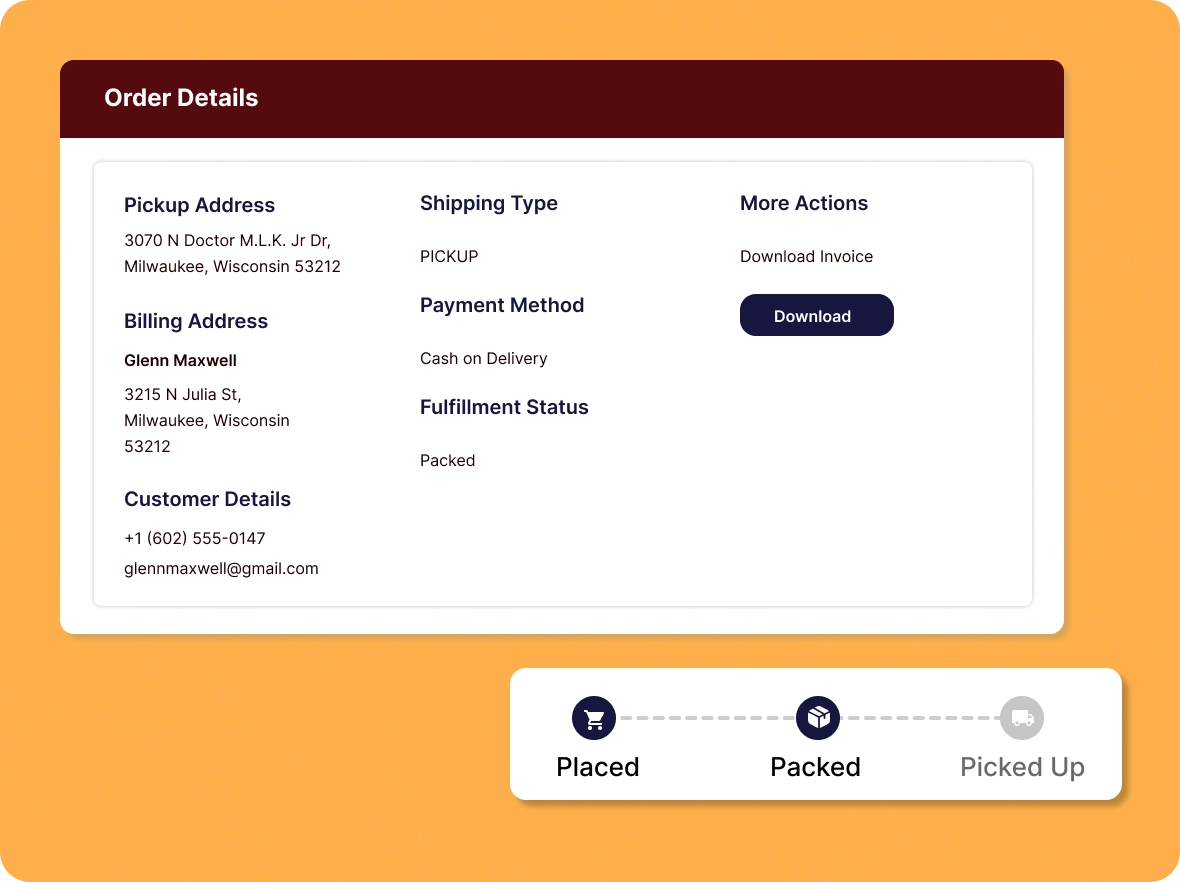
Provide pickup instructions, contact details, and real-time updates. Keep customers informed at all times to reduce confusion and create a smoother handoff.
Better operational
control
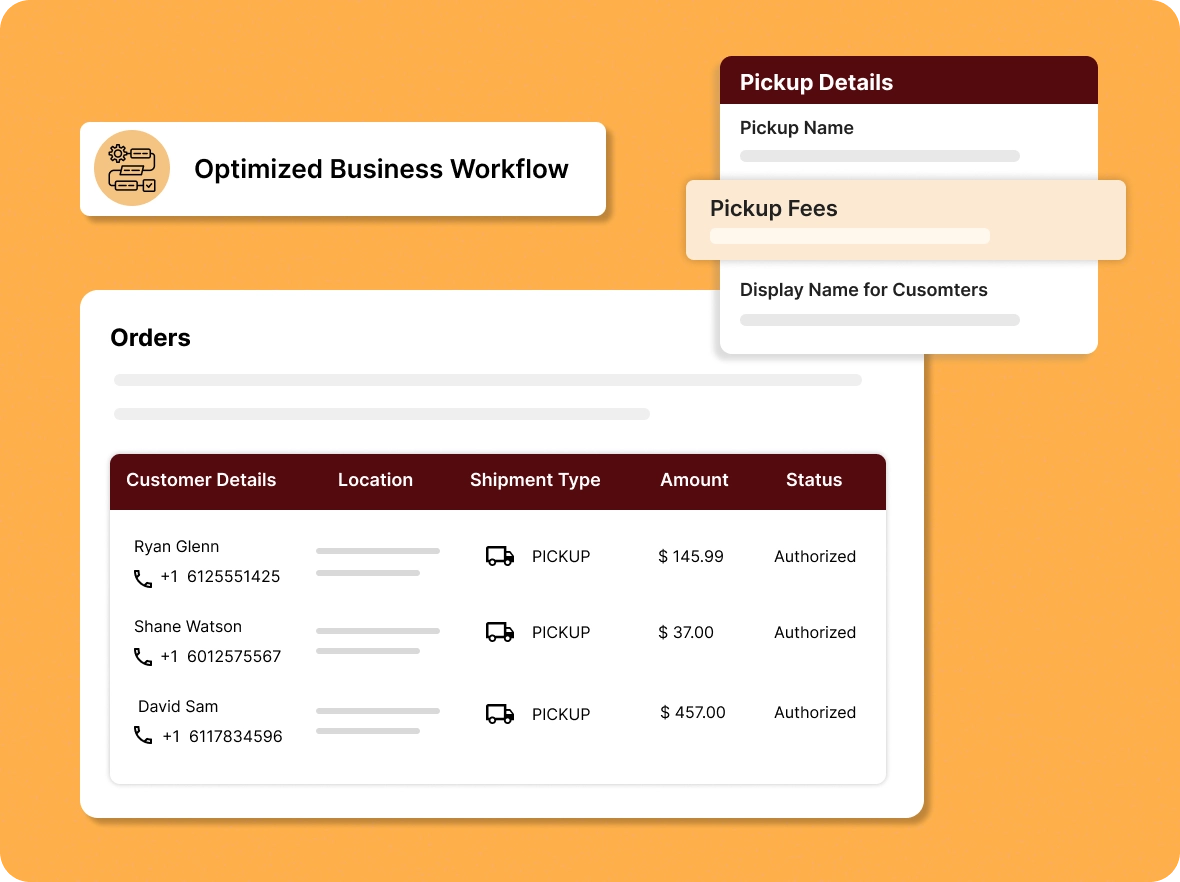
Manage multiple locations, inventory, and pickup fees with ease. Optimize your in-store pickup strategy to improve efficiency and boost customer satisfaction.
Build your business by
Pickup choices minimize delivery issues and ensure customers receive their orders on time.

Faster fulfillment,
increased orders
Pickup helps reduce shipping delays and serve customers faster, ensuring quicker turnaround times and speedy business growth within a short period of time.

Reduce costs and higher
profitability
Pickup reduces shipping costs, lowers overall expenses, and improves profit margins significantly, helping you steadily grow business profits over time.

Turn online orders into
in-store visits
Convenient pickup options let customers collect orders on their schedule, reducing delays, improving convenience, and driving more in-store traffic and sales.
General FAQs
Get quick clarity on our product and common queries. Have more questions? Connect with our support team.
Yes, ZenBasket lets you set different configurations for pickup and delivery, including custom charges, timings, and methods for each option.
Yes, ZenBasket lets you set specific zip codes for pickup, so only eligible local customers see the pickup option at checkout.
BOPIS lets customers buy online and pick up their order in-store, offering faster fulfillment and lower shipping costs.
Click and Collect allows customers to order online and pick up from a chosen location, reducing wait times and delivery costs.
Yes, customers can pay via COD or online payment for pickup orders. Store owners can also enable online-only payments if preferred.
Learn, explore, and grow
with expert resources

Blog
Master pickup with our complete guide. Learn how it improves convenience, cuts wait times, and creates a smoother customer experience from order to handoff.
Learn More >
Help Center
Follow our step-by-step guide to set up and customise pickup options. With flexible settings, you can easily manage pickup times, locations, and instructions for a smooth experience.
Learn More >
Video Tutorial
Watch pickup in action with our quick video tutorial, perfect for visual learners. Get a clear walkthrough of the setup process and see how customers interact during collection.
Learn More >Give your customers the choice
of pickup
Reduce delivery costs and waiting times by offering seamless order pickups. A smart way to enhance customer experience.