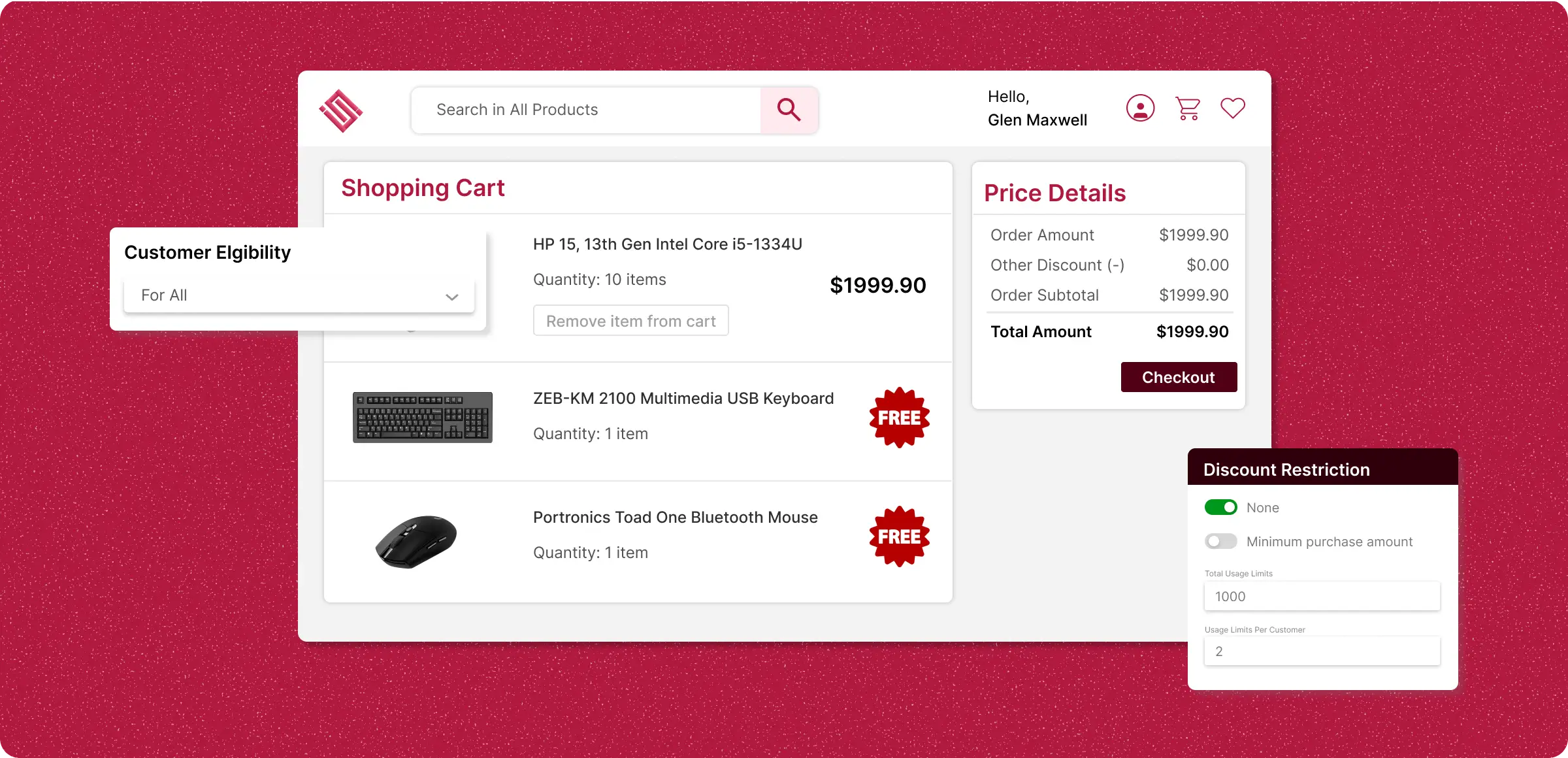
Activate pay x and get free
Reward customers with a free product when they meet a specific purchase requirement, automatically applied at checkout.
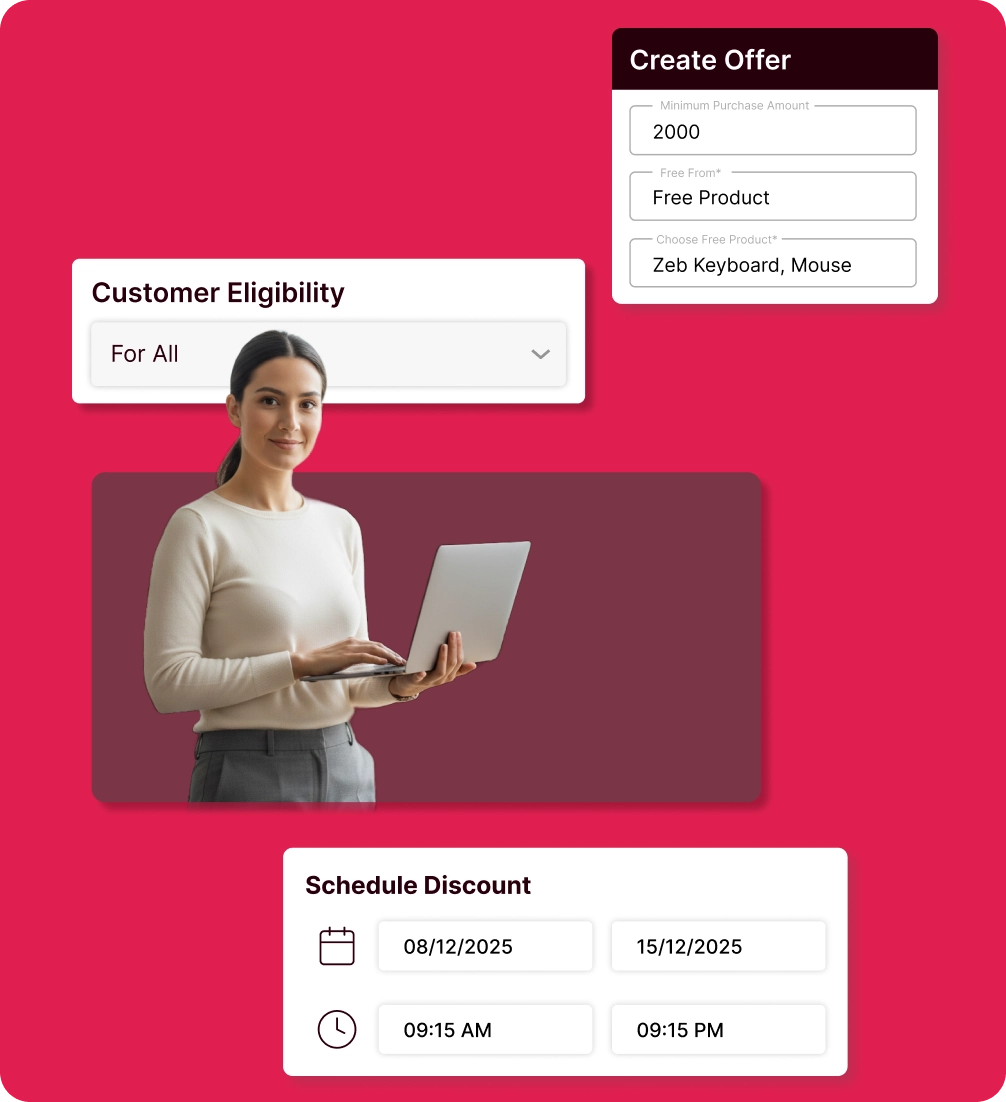
Creating the offer
Pay X and get free from the plugin and set up the offer by choosing the number of items paid to get the pay x get free feature module.
Add usage restrictions
Limit how many times a code can be used overall or per customer, and add order value or item quantity rules if required.
Schedule of the discounts
Define start and end dates for discounts to determine when they will appear on the storefront.
Manage display settings
Control whether discounts are visible to shoppers or kept hidden until specific conditions are met.
Opportunities to delight
customers lost
Customers buy less and miss out on discovering new products, lowering sales and engagement.
Reduced promotional
flexibility
Without free product promotions, designing engaging offers based on purchase value or quantity is harder.

Limited purchase
motivation
When Pay X Get Free deals aren't offered, customers are less motivated to buy more, reducing order value.

Limited exposure to
other products
These discounts help customers discover new products. Without them, shoppers stick to familiar items, leaving stock unsold.

Behind leading
market competitors
Not offering Pay X Get Free deals can make your store less competitive and lose customers to rivals.

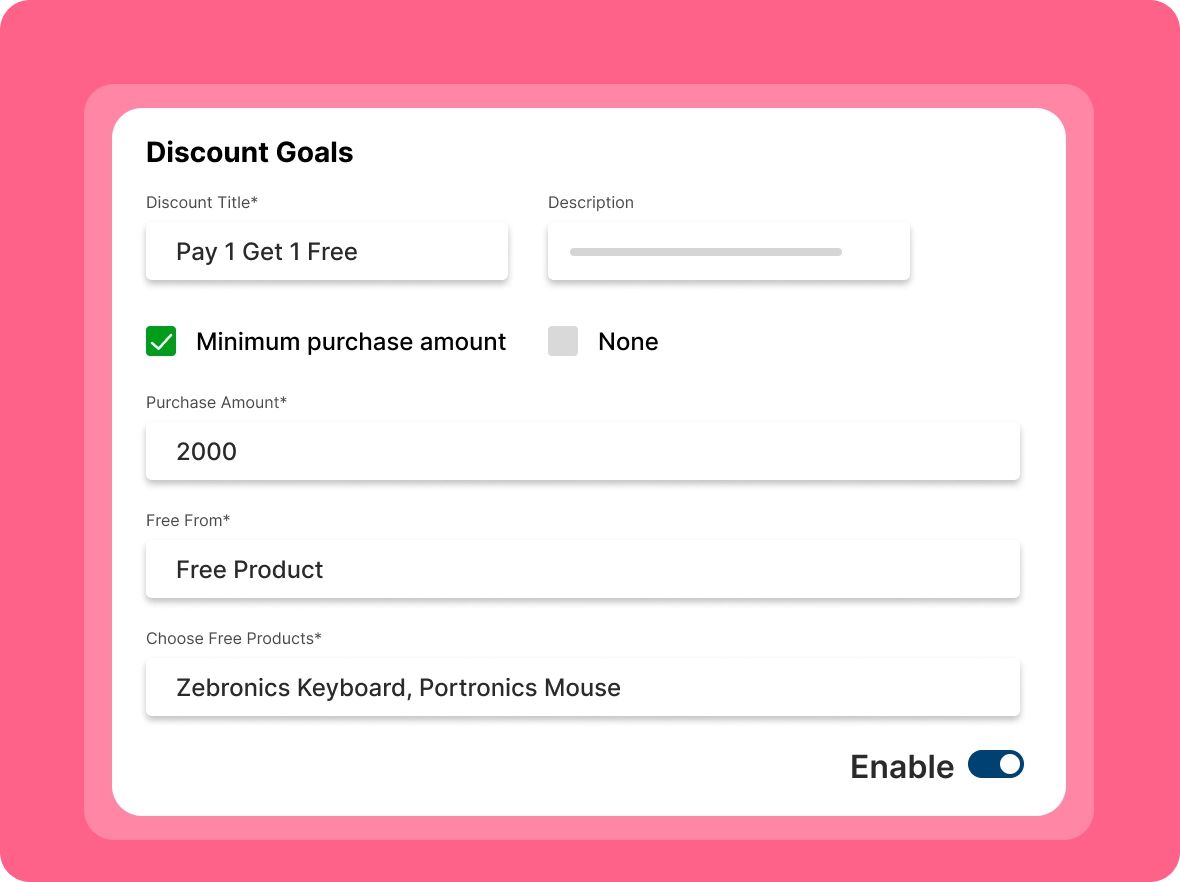
Increase AOV with
custom deals
Depending on your store's customer base, tailor your deal by setting eligibility criteria that encourage customers to add more to their carts and improve the average order value.
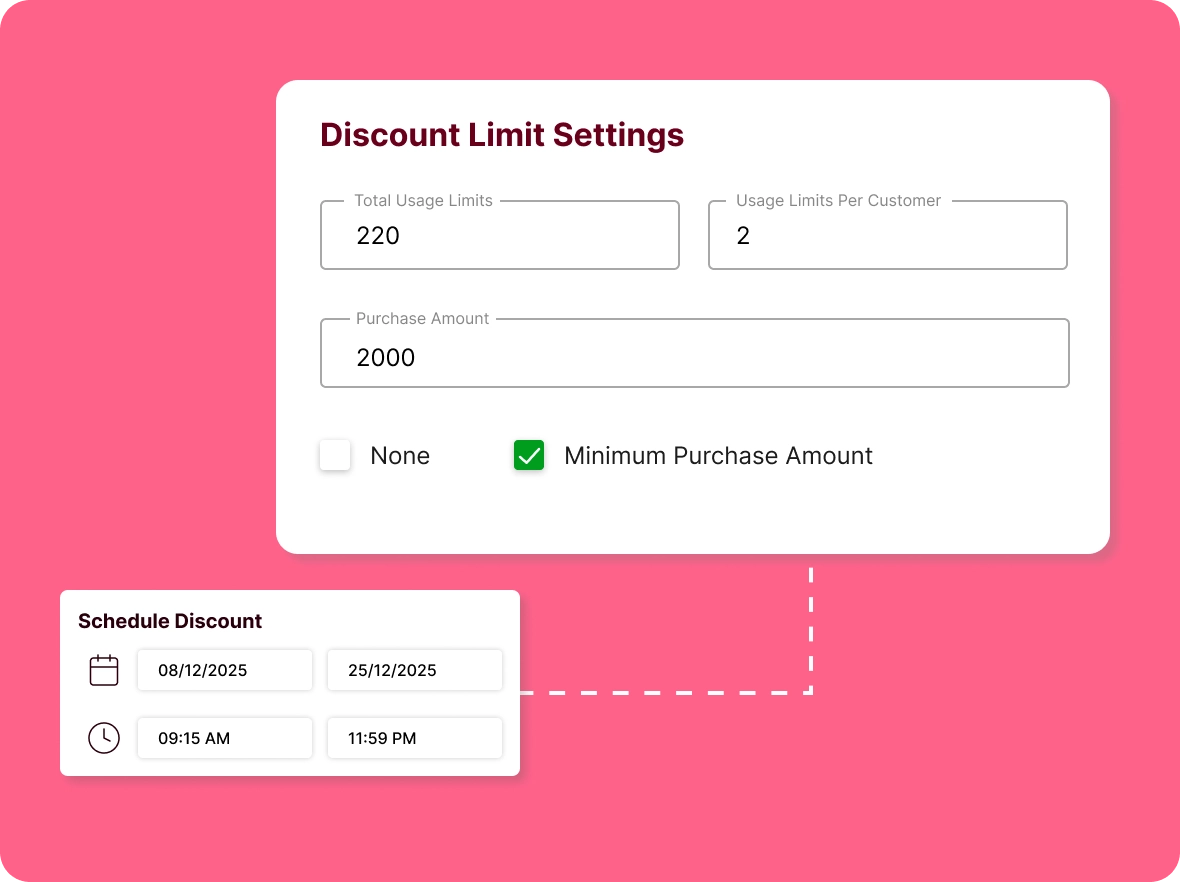
Simple control of
usage
Set specific limits on total redemptions and per-customer caps to reduce over-utilization, helping you protect your profit margins and ensuring smooth and efficient deal operations.
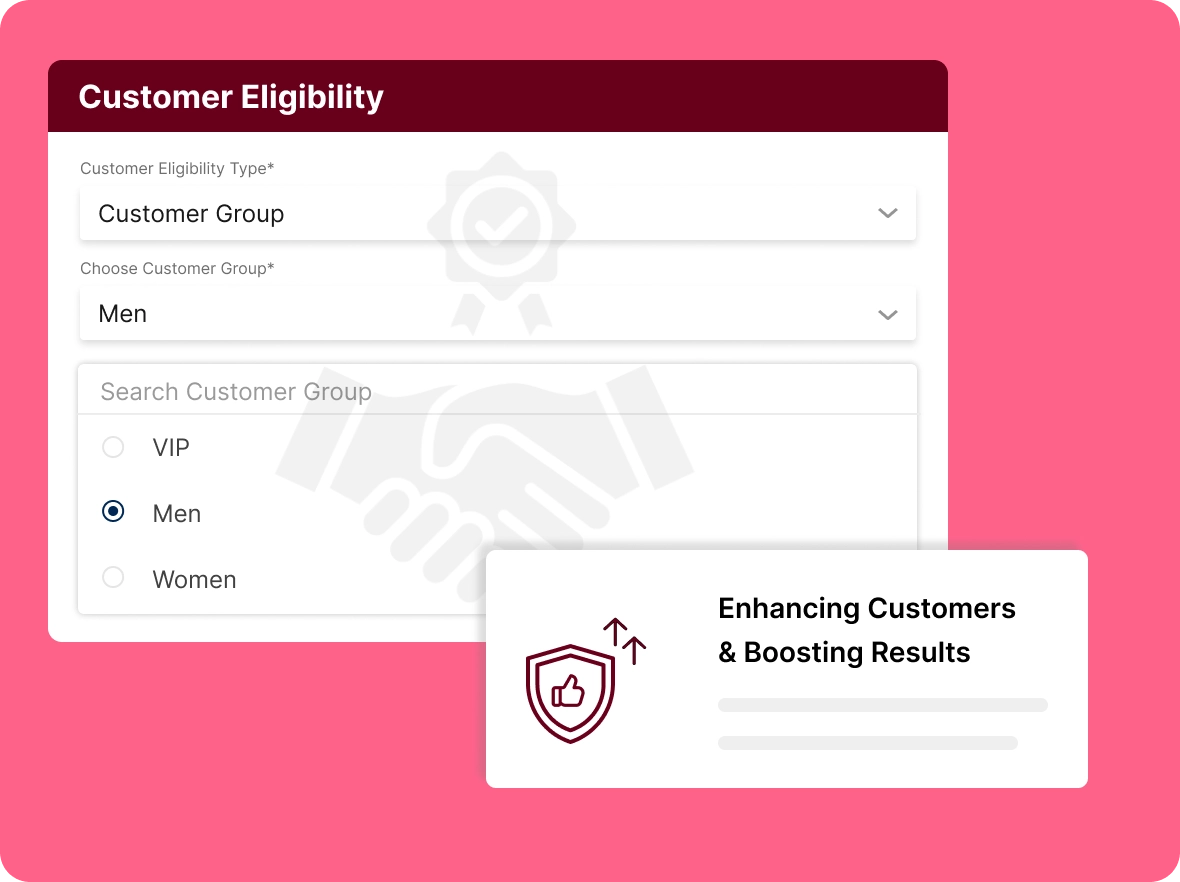
Segmentation of the
right customers
Selecting customer groups according to each category relevant to the deal that leads to reaching them on time with the preferred deals that complement customer engagement.
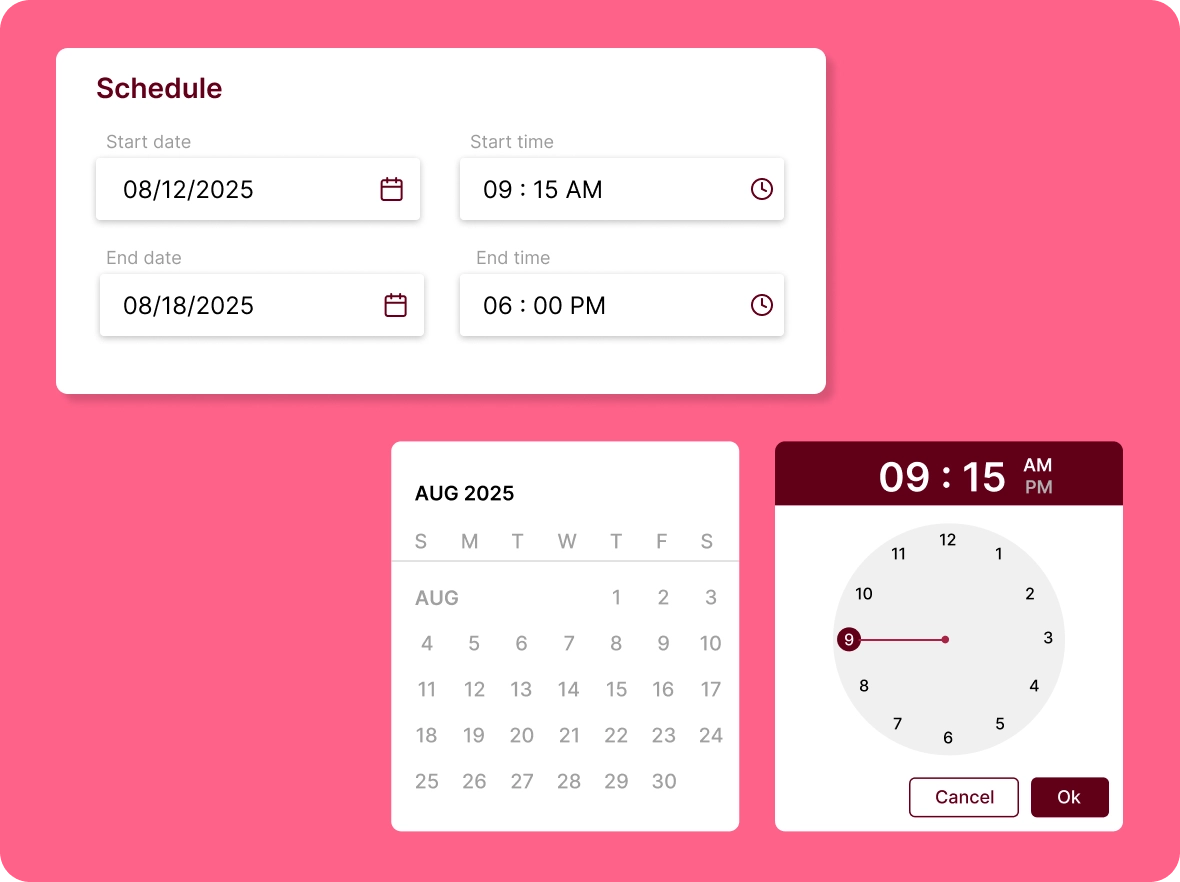
Scheduling your
deals
Fix start and end times in advance to ensure your deals reach customers on time without excluding anyone, helping you optimise your revenue and meet your sales goals.
How does the pay x get
Pay x get free discounts go beyond basic promotions that drive higher sales, fostering customer loyalty, and fueling business growth.

Increase average
basket size
Encourage customers to spend more by offering a free gift at checkout. Shoppers are often motivated to add extra items to their cart to unlock the reward, boosting average order value and driving higher sales.

Keep customers coming
back
Reward repeat buyers with exclusive offers and free gifts that create positive, memorable experiences, strengthen customer loyalty, and encourage long-term retention and repeat purchases.

Promote slow-moving
inventory
Use less popular or slow-moving items as rewards to clear inventory effectively, while providing customers with extra value and creating a more engaging shopping experience for your customers.
General FAQs
Get quick clarity on our product and common queries. Have more questions? Connect with our support team.
Once a customer’s cart meets the set criteria, the free product is automatically added—no promo code needed.
You can offer new products as a free sample with the cart items, which helps you to know the audience for it based on their searching history or pre-booking data.
No, you can provide free products, a percentage discount, or a fixed amount deduction from the customer's order value.
You can know their response by observing the checkout completion rate when the discount is applied, and more orders with discounts indicate greater customer satisfaction.
By analysing their purchase patterns, you can offer relevant products, which helps avoid the pitfalls of irrelevant discounts.
Learn, explore, and grow
with expert resources

Blog
Check out our blog to discover how to create Pay X Get Free discounts with ease, simplify your promotions, reduce errors, and drive better sales results.
Learn More >
Help Center
Step-by-step guide to easily configure, customize, and automate Pay X Get Free discounts in your ZenBasket store, helping you run smooth promotions and boost sales.
Learn More >
Video Tutorial
Discover how to set up Pay X Get Free discounts in ZenBasket to automate promotions, boost sales, reward loyal customers, and drive effortless growth for your store.
Learn More >Level up your business with the
free reward
Rewarding customers with the automated free ones that higher your sales and complement your customer base.