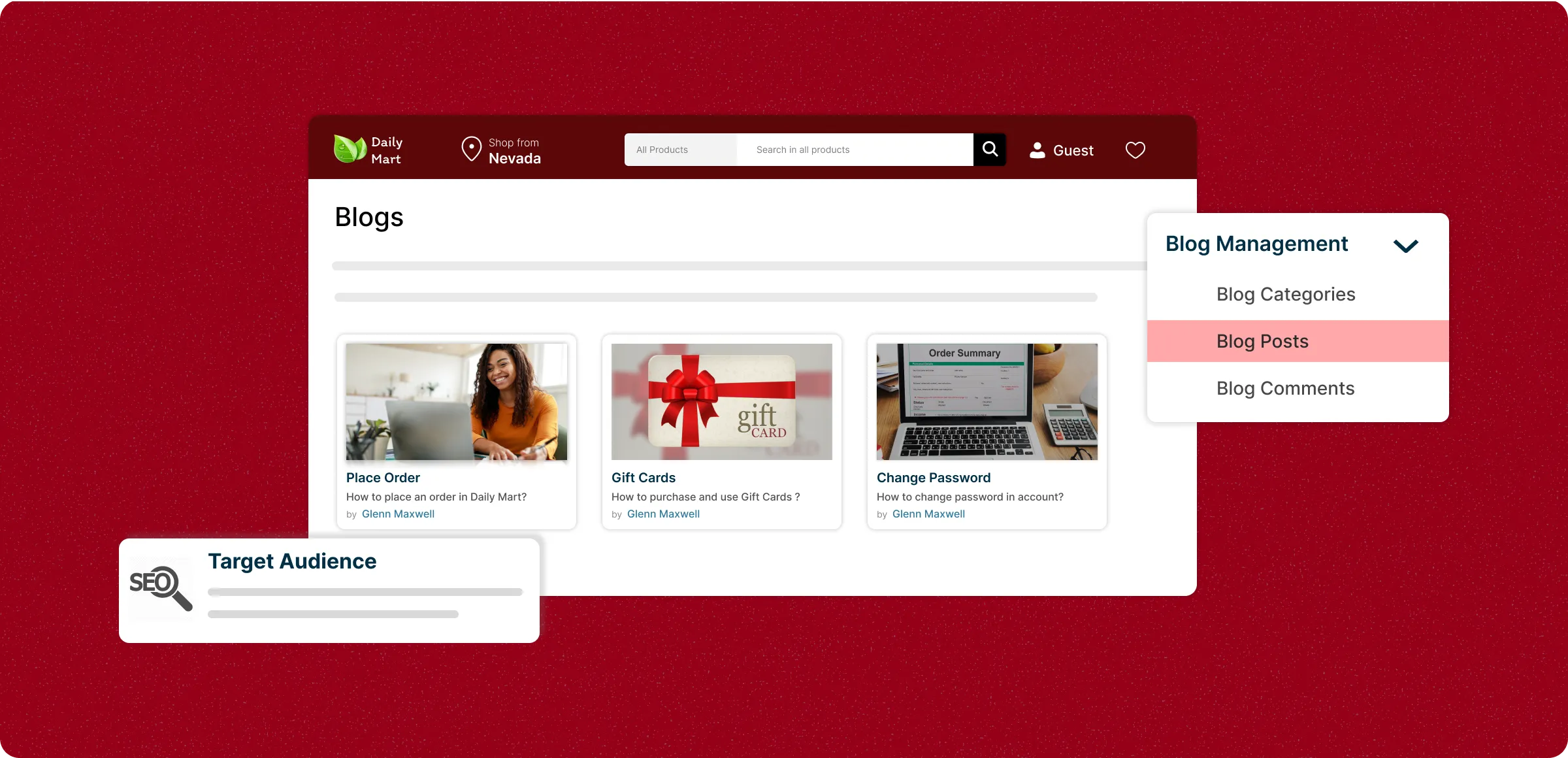
Managing blogs in ZenBasket
ZenBasket offers tools to create posts, organize categories, and connect with readers. Follow these steps to keep your blog fresh.
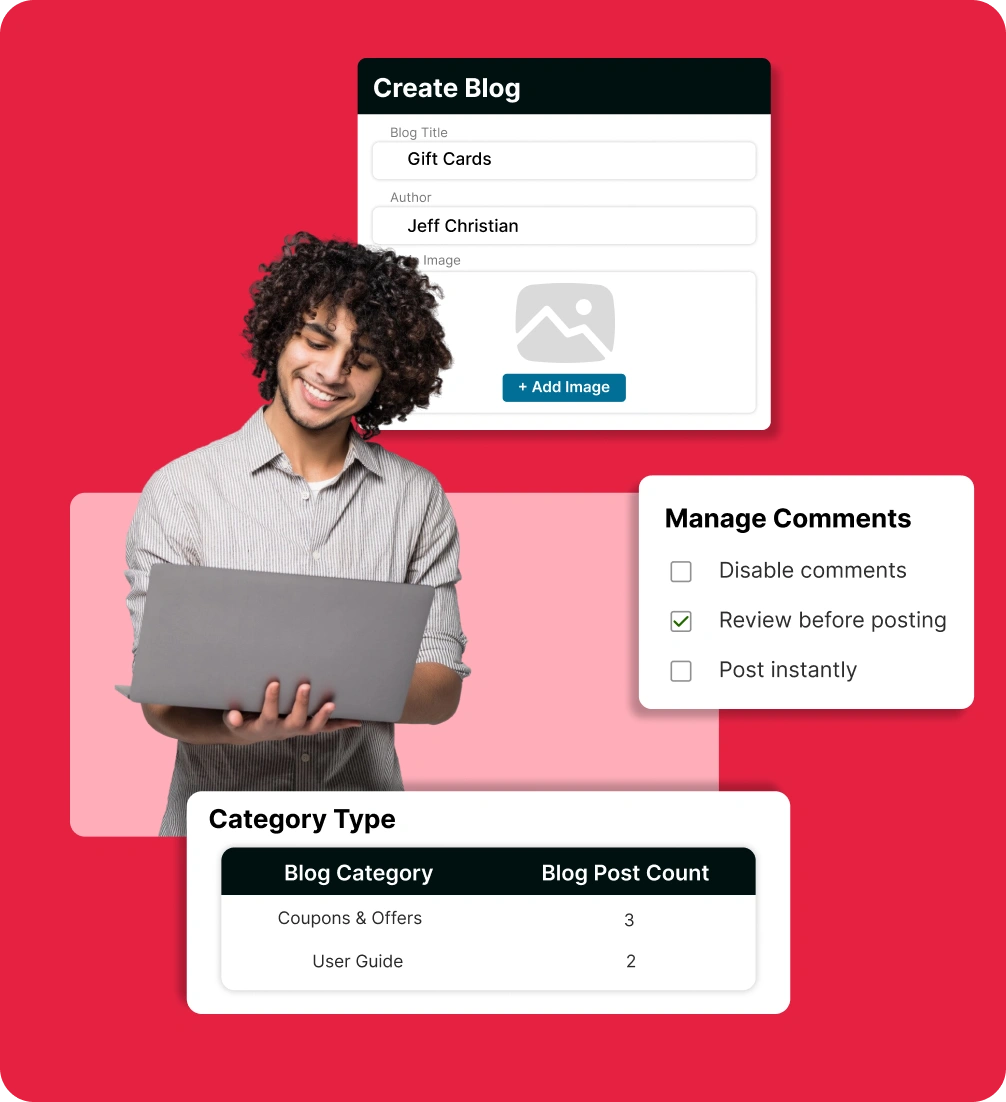
Create your blog post
Write engaging articles with titles, categories, tags, and rich content. Add images, set SEO details, and publish or schedule for later.
Organize with categories
Group posts into categories for easier navigation and better SEO. Create, edit, or delete categories to have structured blogs.
Manage reader comments
Review and approve meaningful comments, mark spam, or delete unwanted ones. Keep discussions positive and engaging.
Quick blog management
Easily search, filter, and update posts or comments. Make bulk delete to save time and keep your blog running smoothly.
Blog management challenges
that affect growth
Running a store blog can be overwhelming when you’re already managing your business. These challenges can limit your progress and blog’s potential.
Lack of consistent
traffic
A blog without visitors offers little return. Many store owners find posts unnoticed, making it difficult to attract and engage customers.

Low return on time
and effort
Creating blog content requires time and dedication, but without strategy, it may not contribute to sales or customer engagement.

Content that fails
to engage
Publishing frequently without a clear purpose can cause readers to lose interest. Low-quality or irrelevant content often drives visitors away.

High technical
complexity
SEO, formatting, and analytics can be complex and time‑consuming, diverting attention from other store management tasks.

Create and share
with confidence
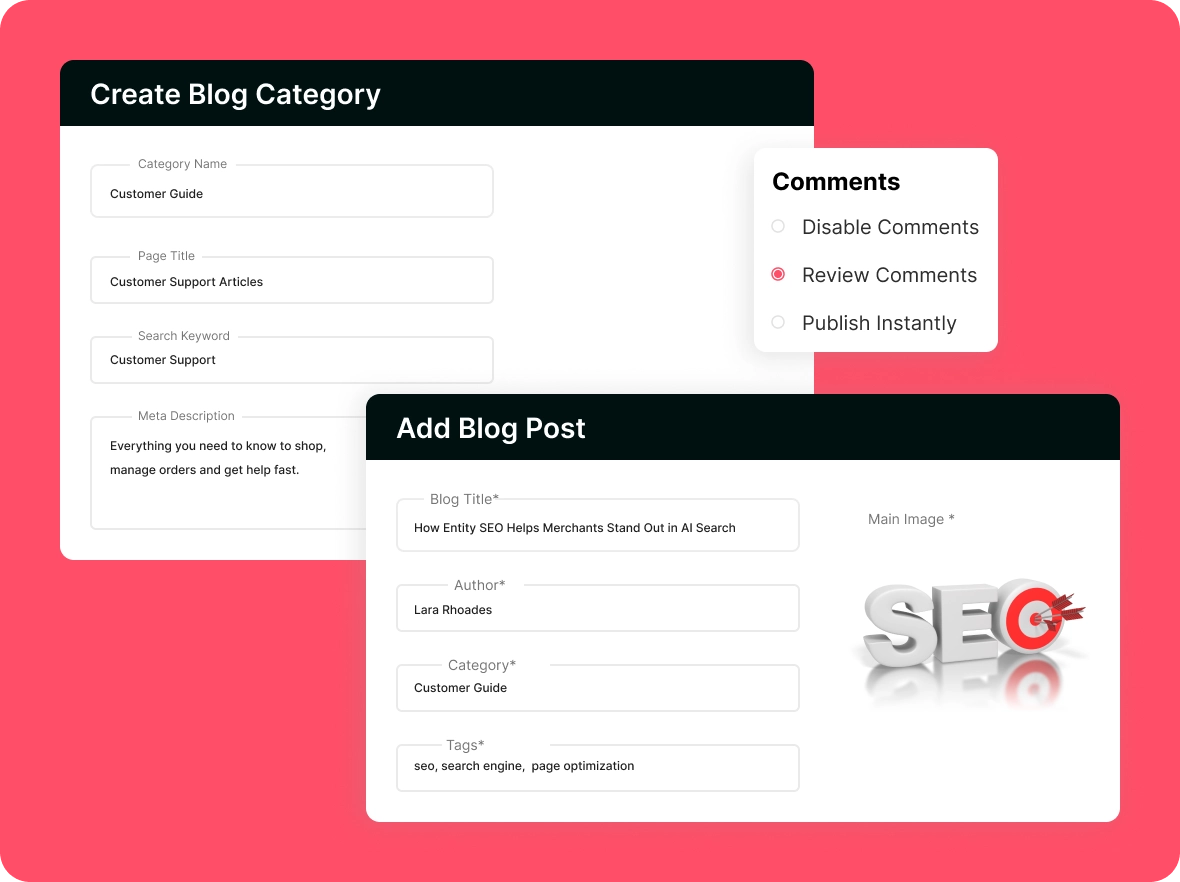
Publish well-crafted blog posts that reflect your brand’s voice. Link them to relevant categories or create new ones, ensuring your content is always organized and accessible.
Increase search
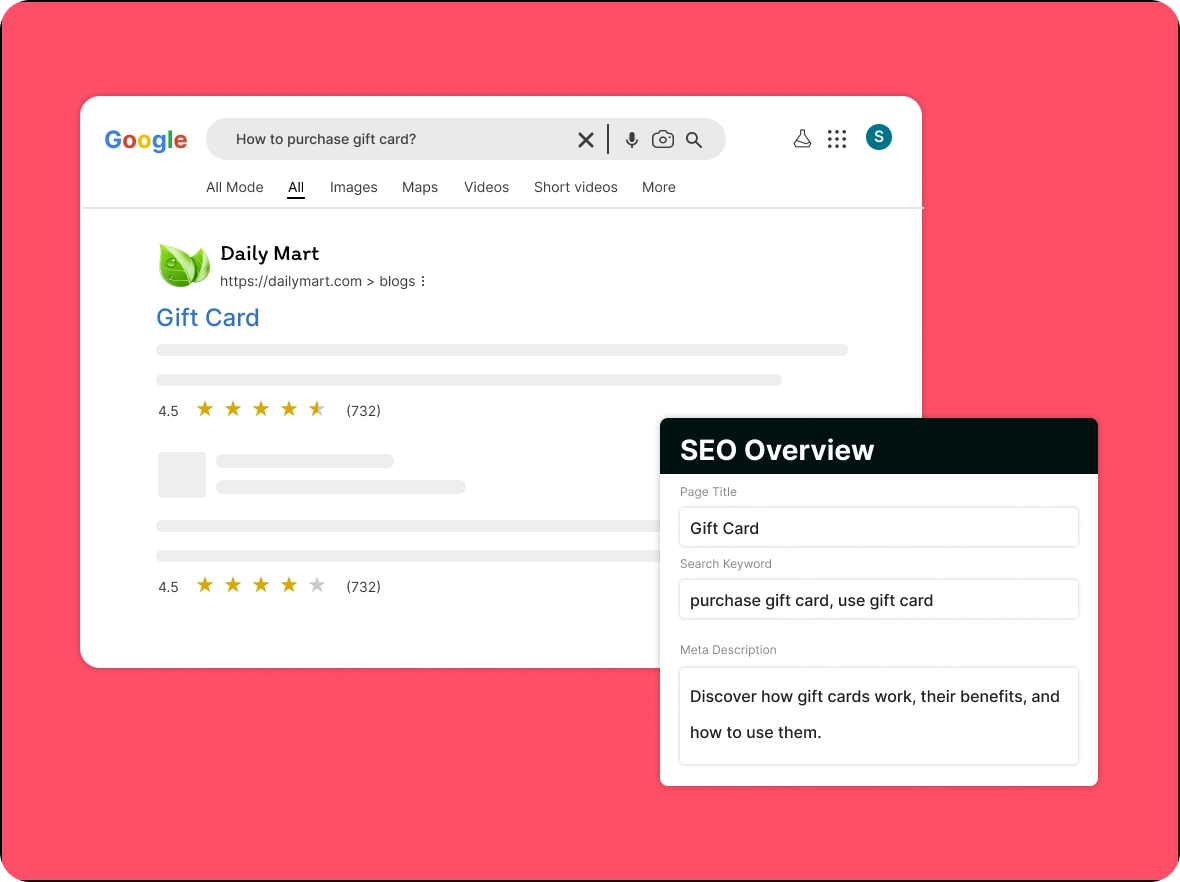
visibility
Incorporate relevant SEO-friendly tags to help your blog posts achieve higher search rankings, attracting more qualified traffic and potential customers to your store.
Foster meaningful
engagement
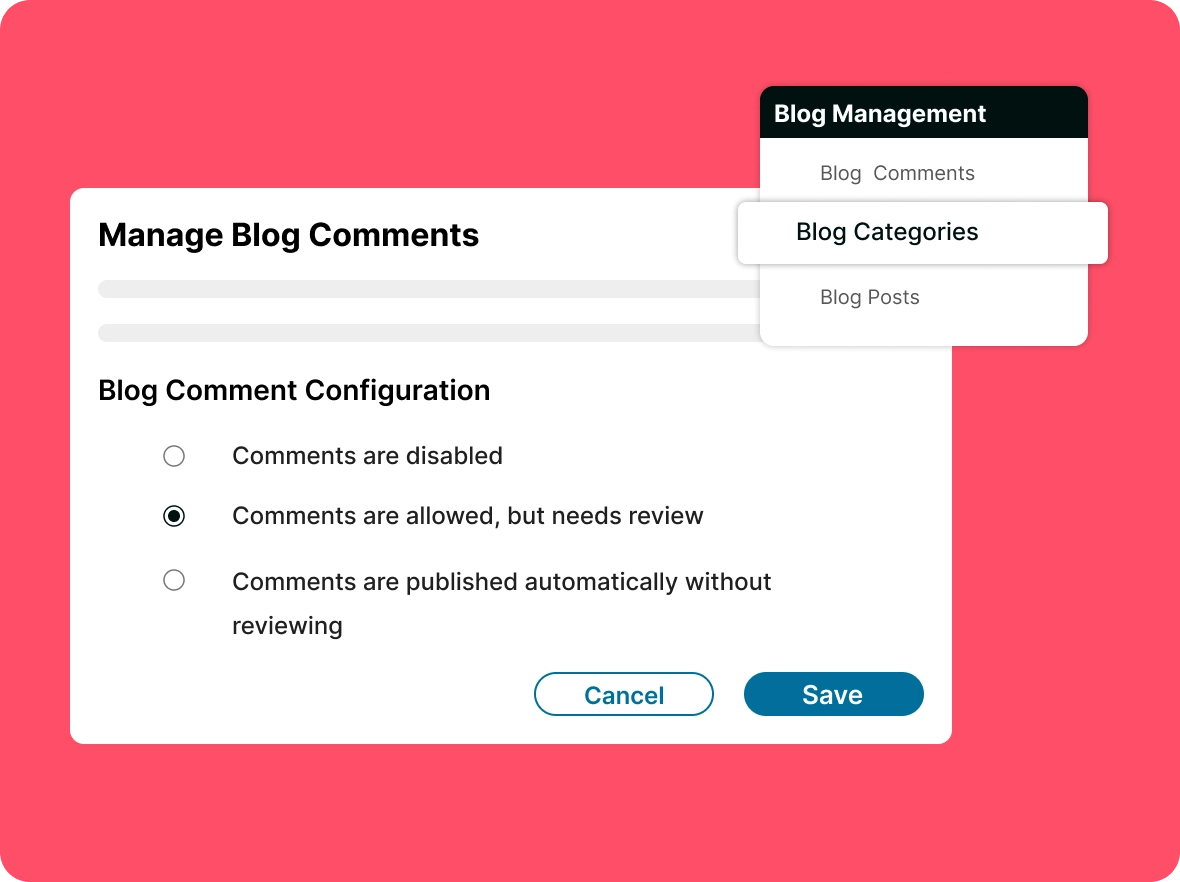
Maintain a respectful and engaging environment by moderating comments. Encourage constructive interactions that strengthen your customer community.
Organize for best
experience
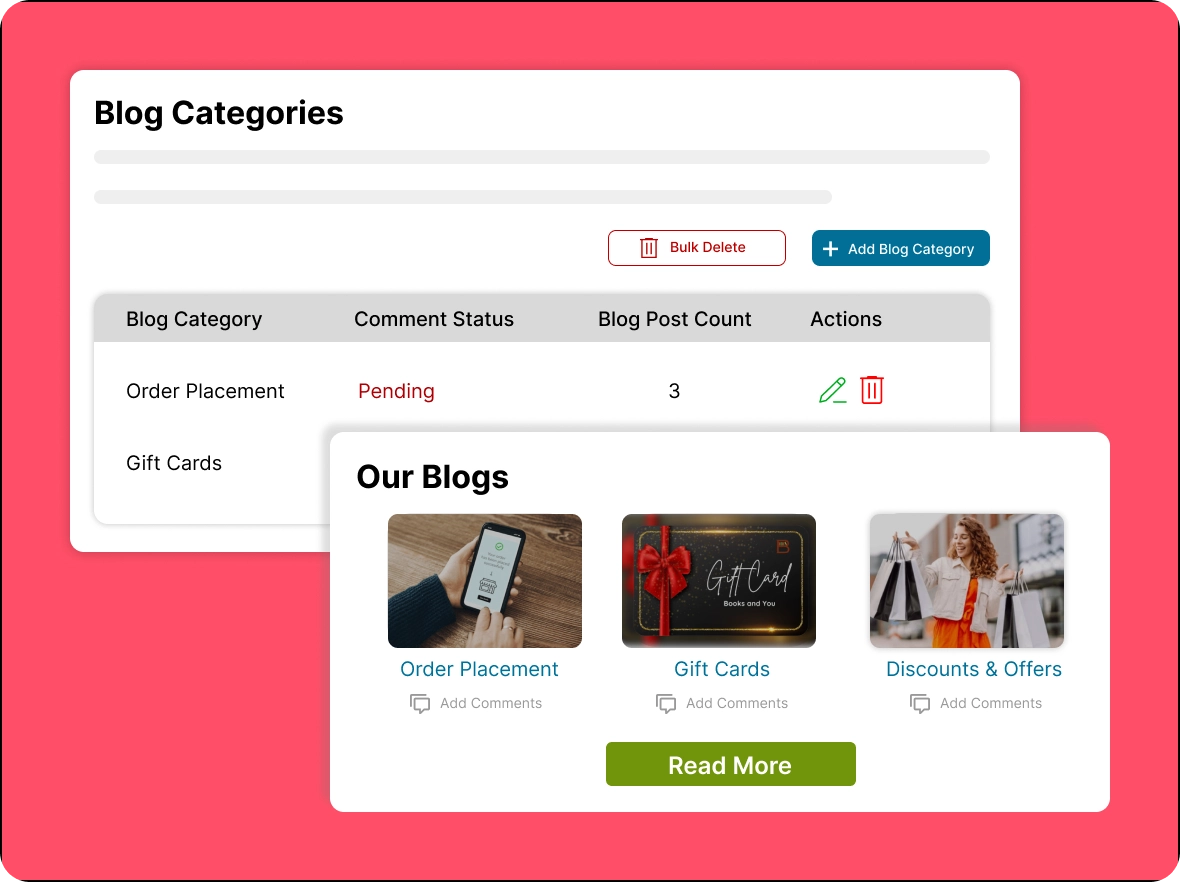
Categorize your blog content for intuitive navigation and easy access to related topics. A well-structured blog encourages readers to explore more, engage deeply, and return regularly.
Blog management: your
Turn your blog into a growth tool that drives traffic, boosts engagement, and strengthens your store’s brand visibility.

Drive more visitors to
your store’s website
Share fresh, relevant blog posts that bring more potential customers to your site, creating more opportunities for sales and inquiries. Consistently updating your blog keeps your audience engaged and returning for more.

Make social media marketing
easier
Turn your blog content into engaging and shareable social media posts that keep your store highly visible. Share on multiple platforms and use eye-catching visuals with compelling captions to boost engagement.

Stand out from
competitors
Use ZenBasket’s blog tools to publish unique, consistent content that highlights your expertise and keeps you ahead in the market. Updating your blog helps attract more visitors and build trust with your audience.
General FAQs
Get quick clarity on our product and common queries. Have more questions? Connect with our support team.
Updating posts every few months keeps content fresh, improves rankings, and ensures information stays relevant and accurate.
Not necessarily. ZenBasket offers built-in SEO tools that simplify keyword usage, formatting, and optimization even for beginners.
Yes. Scheduling allows you to plan your content calendar and publish posts automatically on the dates you select.
Focus on long-tail keywords, optimize titles and meta tags, ensure mobile-friendly pages, and publish original, high-quality content.
Blog writing covers content creation, while blog management includes strategy, SEO, planning, publishing, and performance tracking.
Learn, explore, and grow
with expert resources

Blog
Engage your audience, build trust, and cultivate a vibrant community with interactive posts, updates, and engaging stories on ZenBasket blogs strategically over time.
Learn More >
Help Center
Use ZenBasket to publish valuable and informative content that connects with readers, sparks conversations, and strengthens your community over time.
Learn More >
Video Tutorial
Foster engagement and loyalty by consistently sharing valuable and relevant content and connecting with your followers through ZenBasket’s blog features every day.
Learn More >Start blogging smarter with
ZenBasket today
Use ZenBasket’s blog management to build your brand voice and grow your audience effortlessly.