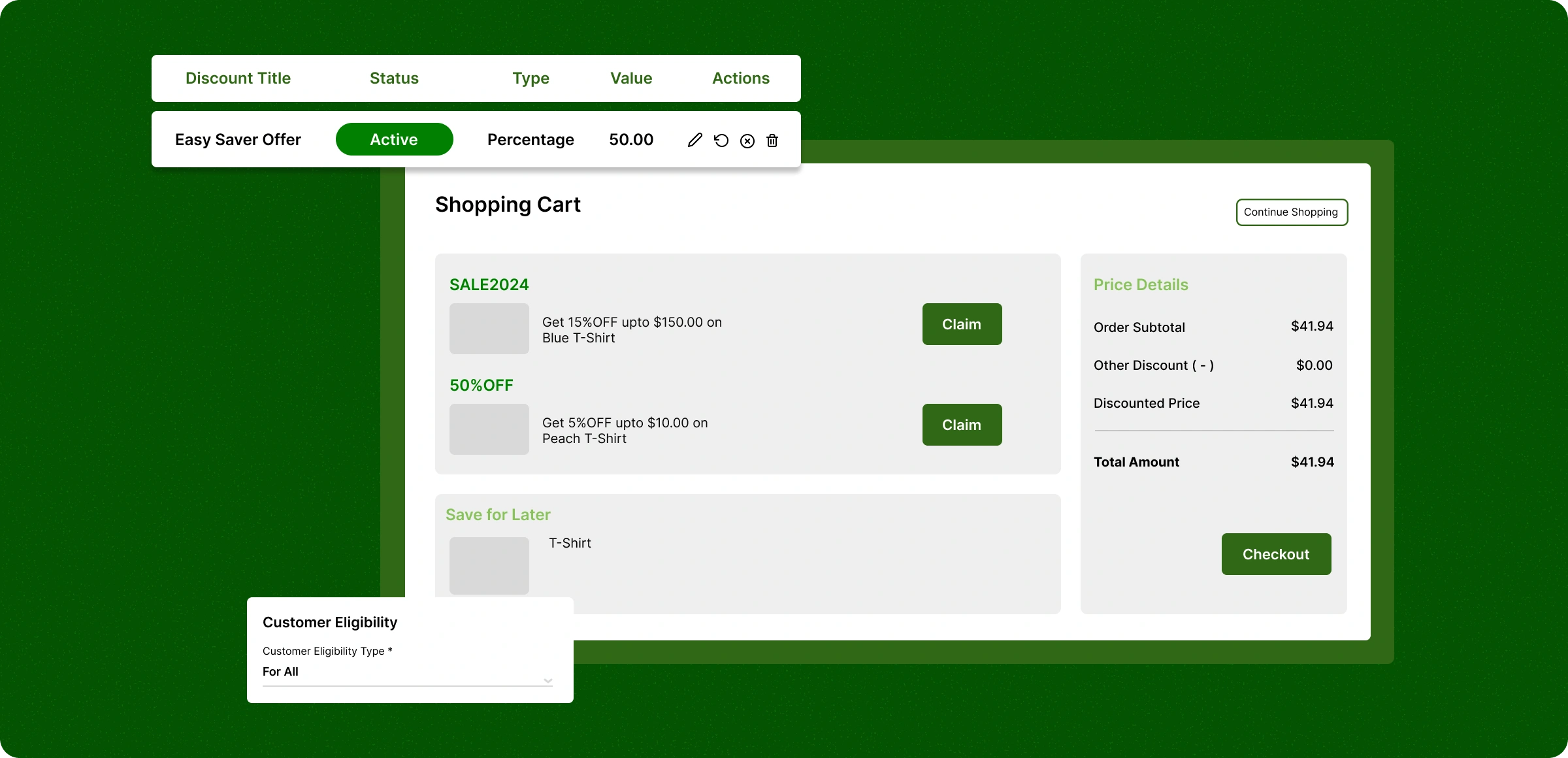
Configure the automatic discounts
Creating and managing discounts to foster increased order value and retain customers.
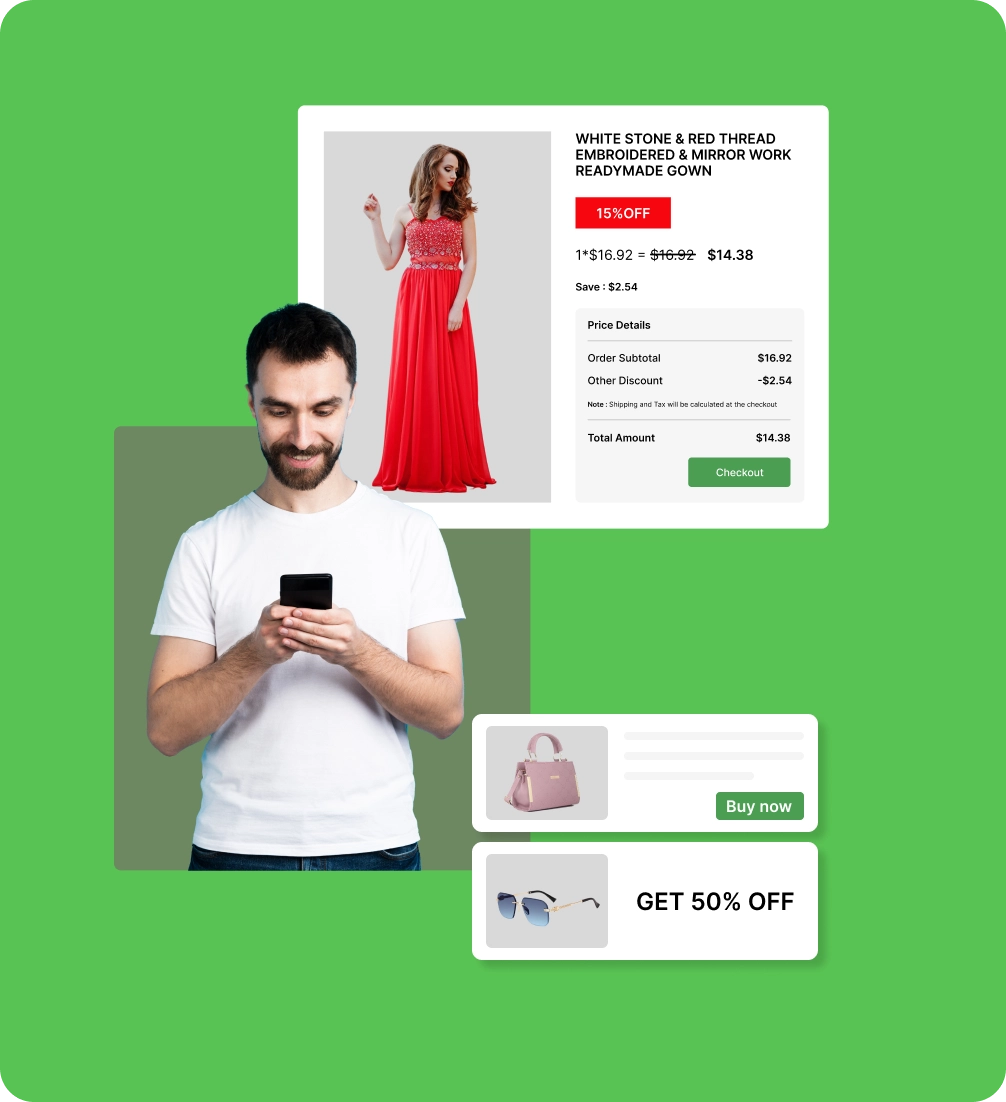
Define the discount
Set up discounts that align with your business objectives, specifying which products or customers should be eligible.
Apply to eligible items
Eligible products automatically receive the appropriate discounts, providing a seamless and efficient checkout experience.
Monitor performance
Providing real-time data on how each discount performs, so you can see where to focus and stop guessing to concentrate on better ROI.
Improve with smart insights
Using performance data and customer trends to fine-tune your strategy make your campaigns aligned with your business goals.
Why do certain discounts
hold you back?
Manually handling emails leads to disorganized messages and often fails to deliver to the right people.
Forget the coupon
codes
Customers often forget codes, leading to abandoned carts and missed sales—even when discounts are available.

Checkout Gets
Slower
Typing in codes makes checkout longer and harder, adding an extra step that can make customers give up.

Inconsistent
promotions
When discounts vary too often, customers lose confidence, creating confusion and fewer repeat purchases.

Applied for the
one-time
Once the promo code is entered, you can't go back to check products, which may cause the offer to be lost.

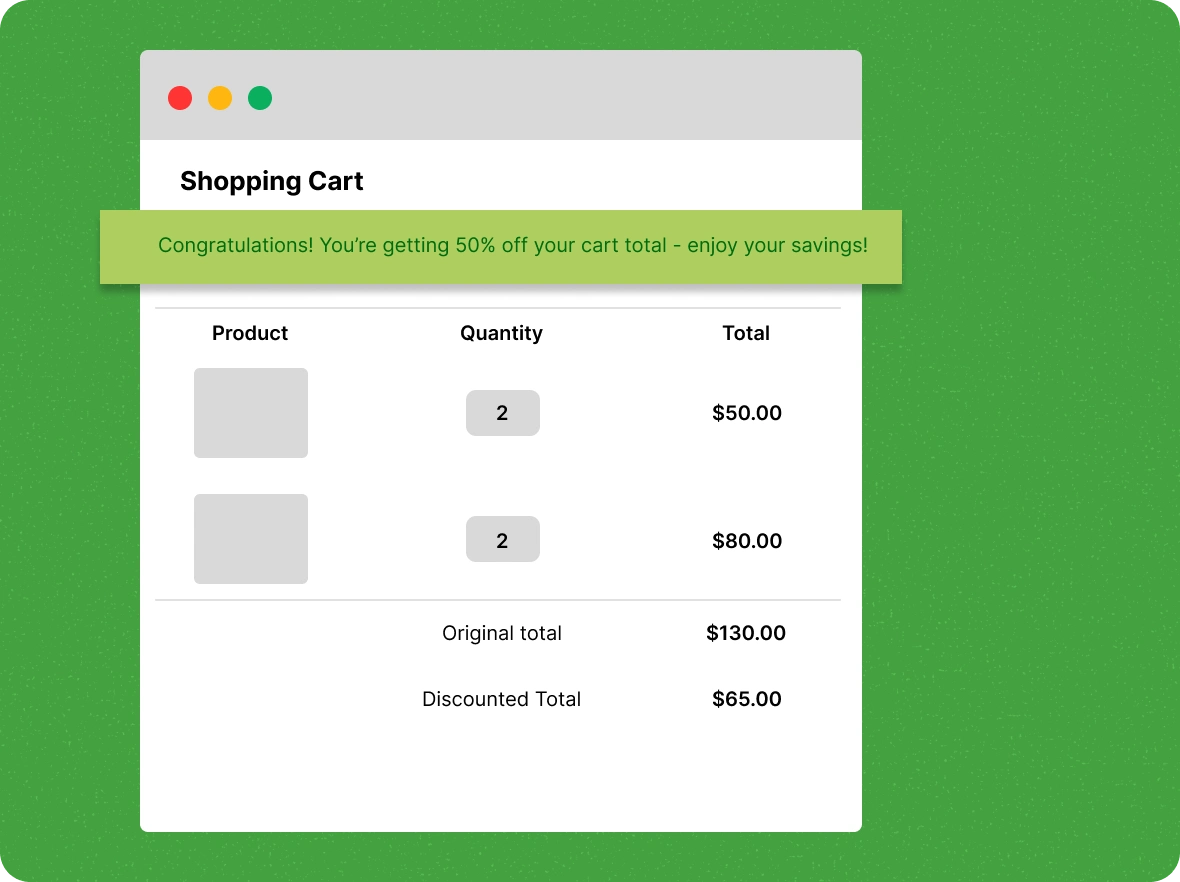
Hassle-free discount management
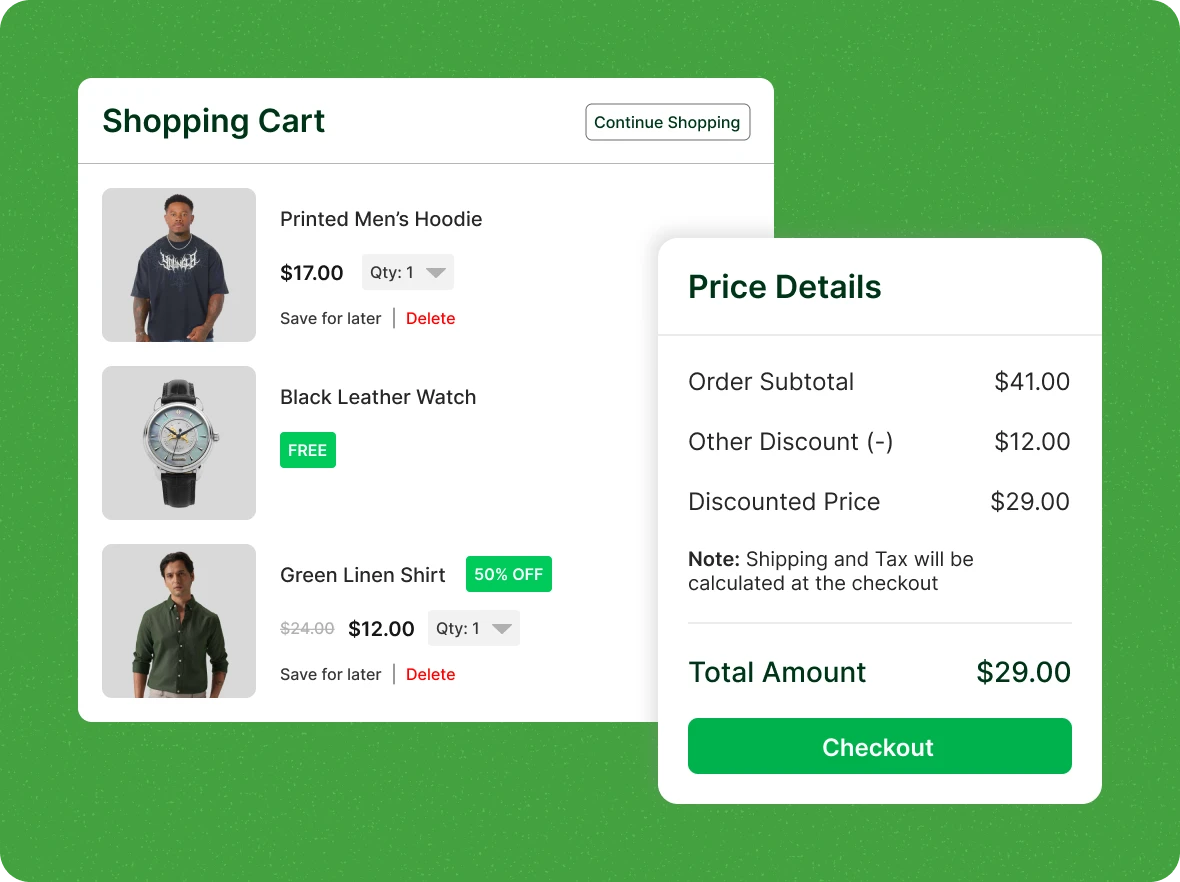
Simplify discount management with automatic discount application at checkout, allowing customers to choose from available offers when multiple discounts apply.
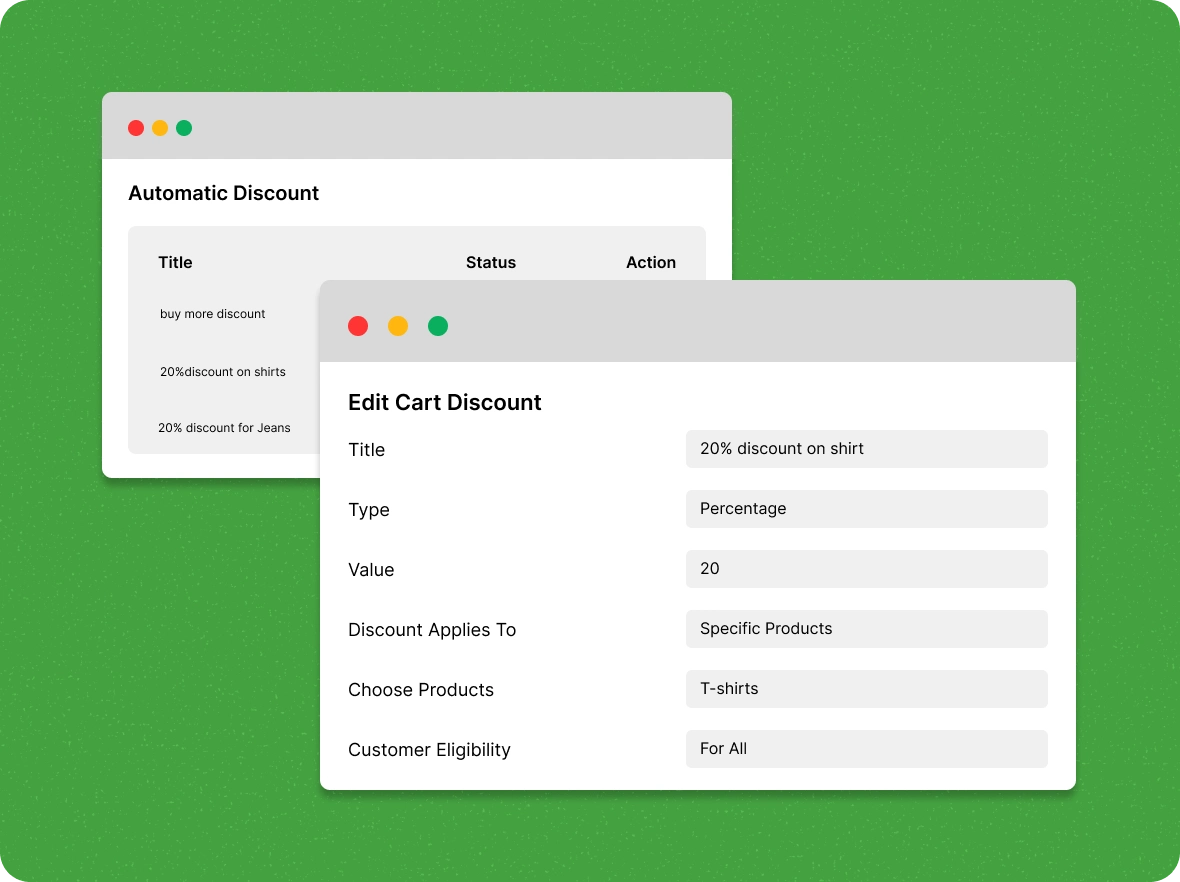
Personalize your
discount rules
With ZenBasket, you can create flexible discount rules based on total cart value, selected products, purchase quantity, or customer type.
Automated promotion scheduling
Prepare a plan for the discounts to start and stop automatically during flash sales, festivals, and seasonal offers, helping you grab your audience.
Control discount
usage
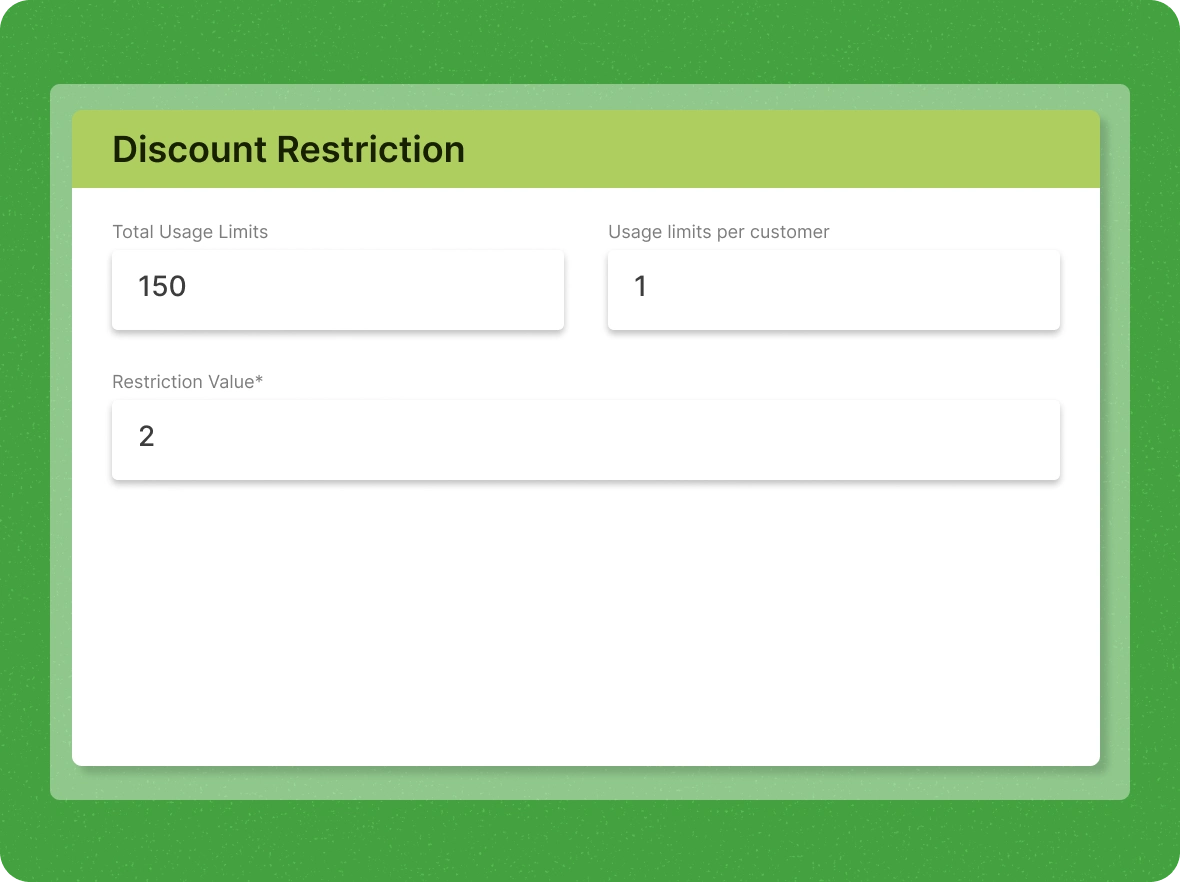
Ensure your promotions work effectively by setting total usage limits, per-customer limits, or minimum purchase requirements, helping you manage discounts fairly and boost sales.
Unbeatable benefits
Automatic discounts turn casual shoppers into loyal customers, improve their experience, and reduce friction during checkout.

Run flash deals that
create urgency
Set up limited-time deals that go live and expire on schedule. With no manual changes required, you can create urgency that motivates buyers to act fast while maintaining full control over timing and terms.

Grow average order value
with ease
Encourage customers to buy more by setting up spend-based or quantity-based discount tiers. As customers add more to their carts to unlock better deals, your average revenue per transaction naturally increases.

Delight returning
customers automatically
Apply personalized discounts for returning customers, encouraging repeat purchases, and boosting lifetime value. This smart automation rewards loyalty and drives sustained growth for your store.
General FAQs
Get quick clarity on our product and common queries. Have more questions? Connect with our support team.
Use automatic discounts for limited-time offers, bulk purchases, or storewide promotions to create urgency and encourage faster buying decisions.
You can manage multiple automatic discounts at once, but only one discount applies per order to prevent stacking and maintain pricing control.
You can showcase discounts as a message on the homepage, product page, and checkout page to capture your audience and encourage them to make a purchase.
Yes, you can use the Disable option to stop the discount instantly without showing it to customers, ensuring no visible changes occur.
Yes. You can set up automatic discounts that apply exclusively to selected brands, giving you better control over promotions.
Learn, explore, and grow
with expert resources

Blog
Read this blog to see how automatic discounts can boost sales, increase conversions, and encourage repeat purchases while building customer loyalty.
Learn More >
Help Center
Figure out how to offer automatic discounts at checkout and on the cart. Customers must add all eligible items for the discount.
Learn More >
Video Tutorial
An automatic discount is applied when conditions are met. Watch this video to learn how to set up 'Automatic Discounts' in your ZenBasket store.
Learn More >Double the gains with automatic
discounts
Give your customers instant savings and drive more sales, activate automatic discounts today!