Organize your email outreach
Systematize emails and send them to help customers rely on the store and encourage them to make a purchase.
Set up automated emails
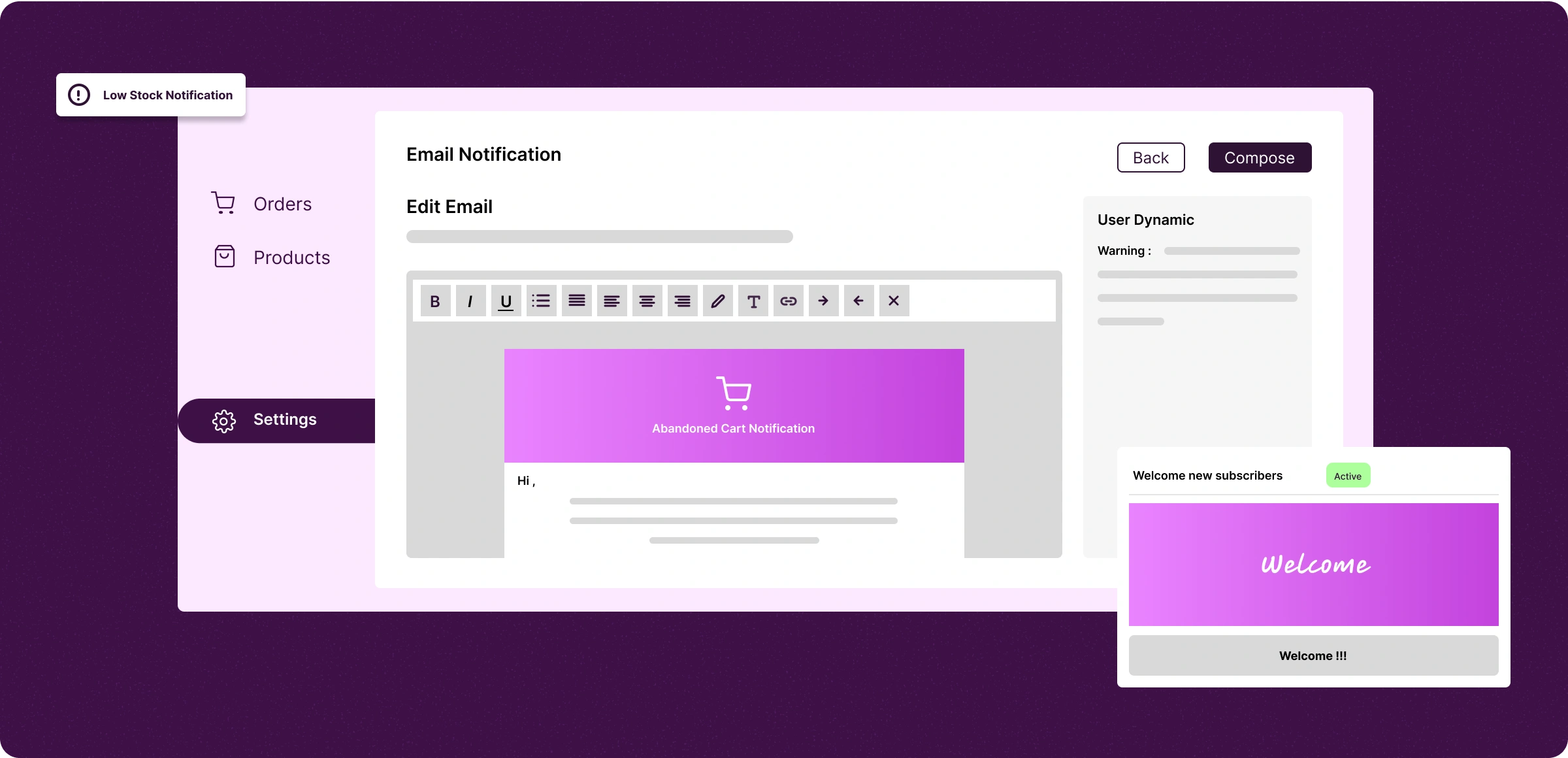
Configure emails by customizing the mail templates and selecting triggers such as account sign-ups, orders, or restocks.
Activate emails
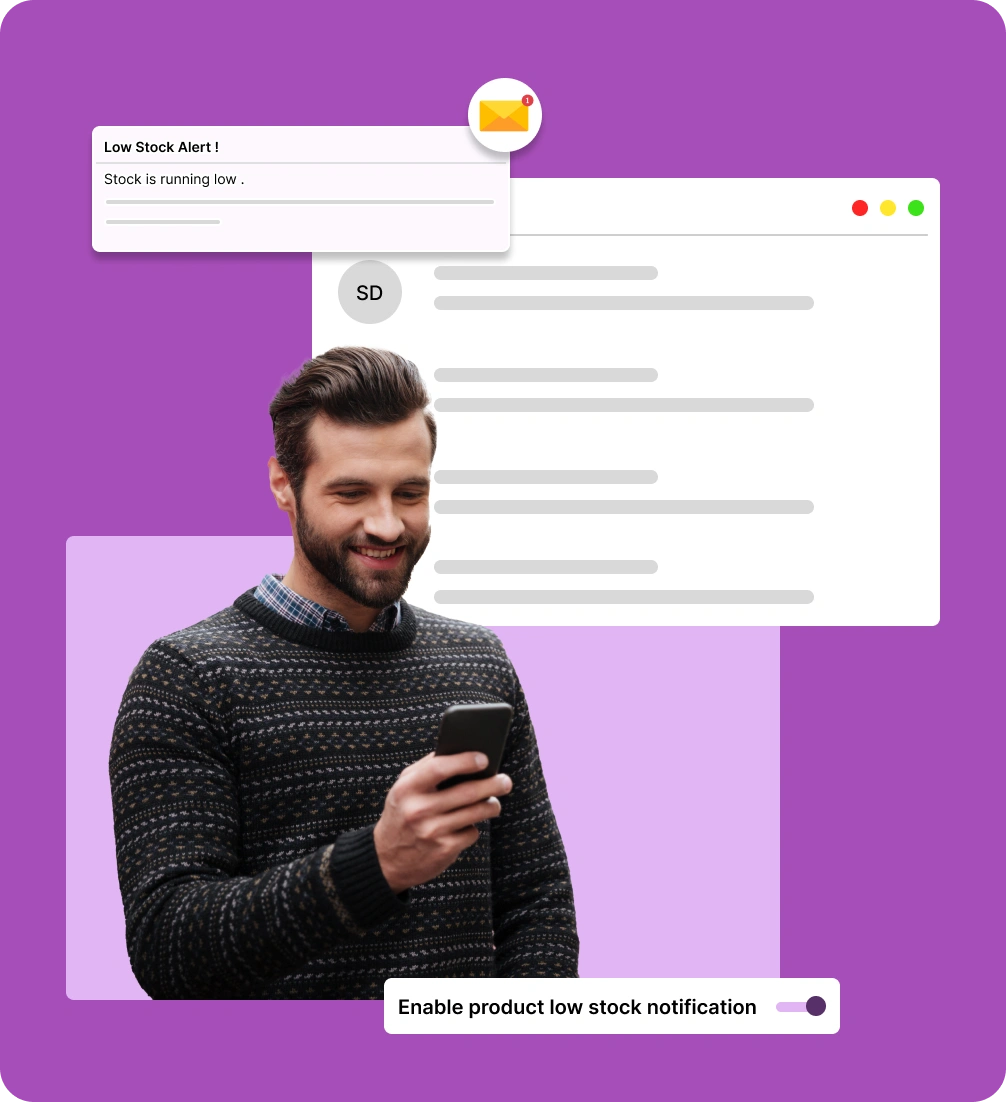
Enroll customers in campaigns using emails like welcomes, order confirmations, return updates, and stock alerts.
Simplify communication
Ensure your customers receive real-time information through auto-run emails that improve the overall experience.
Email logs management
View and track both general and custom email logs in the centralized dashboard for better visibility and control.
Limitations of manual email handling
Manually handling emails leads to disorganized messages and often fails to deliver to the right people.
Email overload
fatigue
Manually choosing customers for order updates and back-in-stock alerts can be overwhelming and error-prone, leading to email fatigue.

Delayed
notifications
Sending their order details and purchase information late reflects poor email management and may make customers decide not to buy from you.

Missed
opportunities
Sending emails at the last minute of promotions and cart recovery can cause you to miss part of your customer list and reduce expected returns.

Limited
personalization
Manually managing customer details is time-consuming, resulting in missed orders and fewer opportunities to deliver personalized offers.

Start of the
engagement
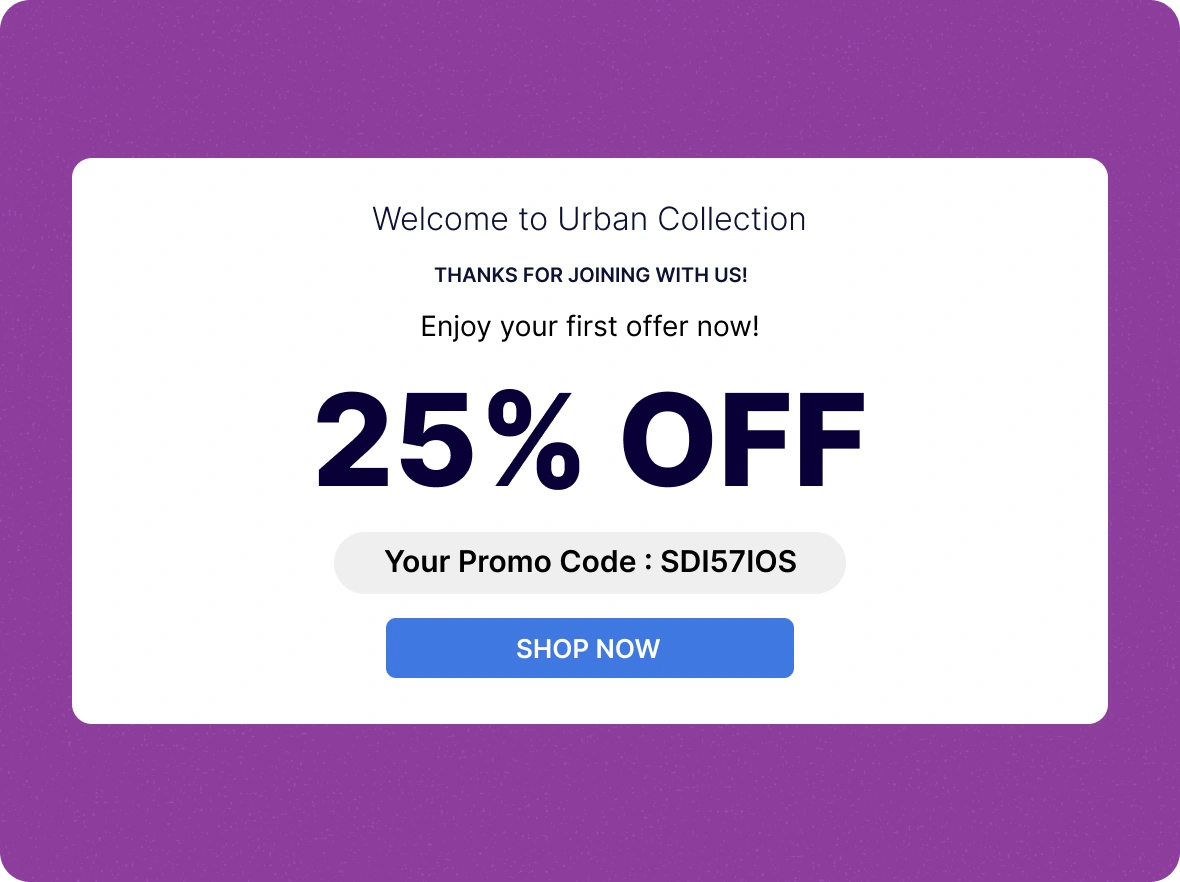
Sending welcome emails and further emails helps customers continue exploring your products and offers while strengthening your first impression.
Customer-related
notifications
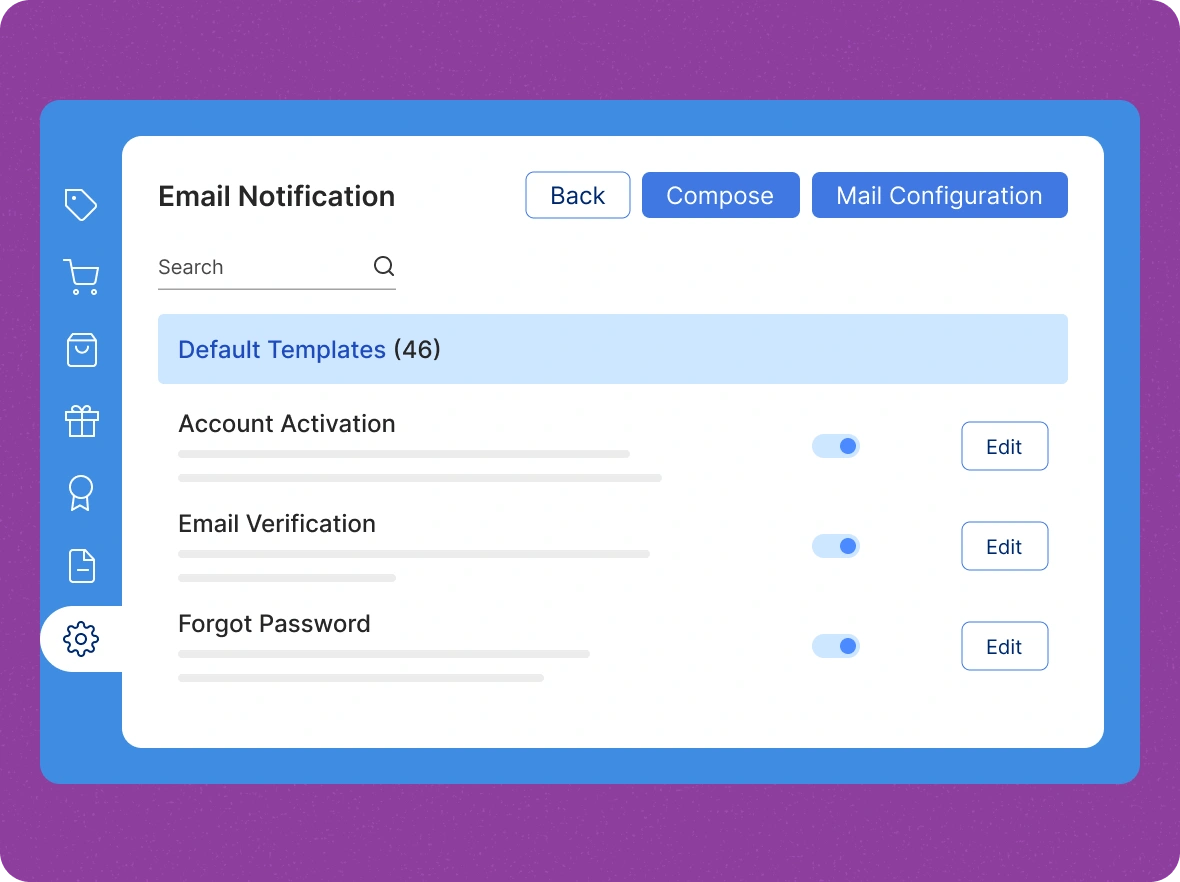
Send timely, automated emails for account activation, email verification, and password recovery to ensure a smooth and secure customer experience.
Order-related
emails
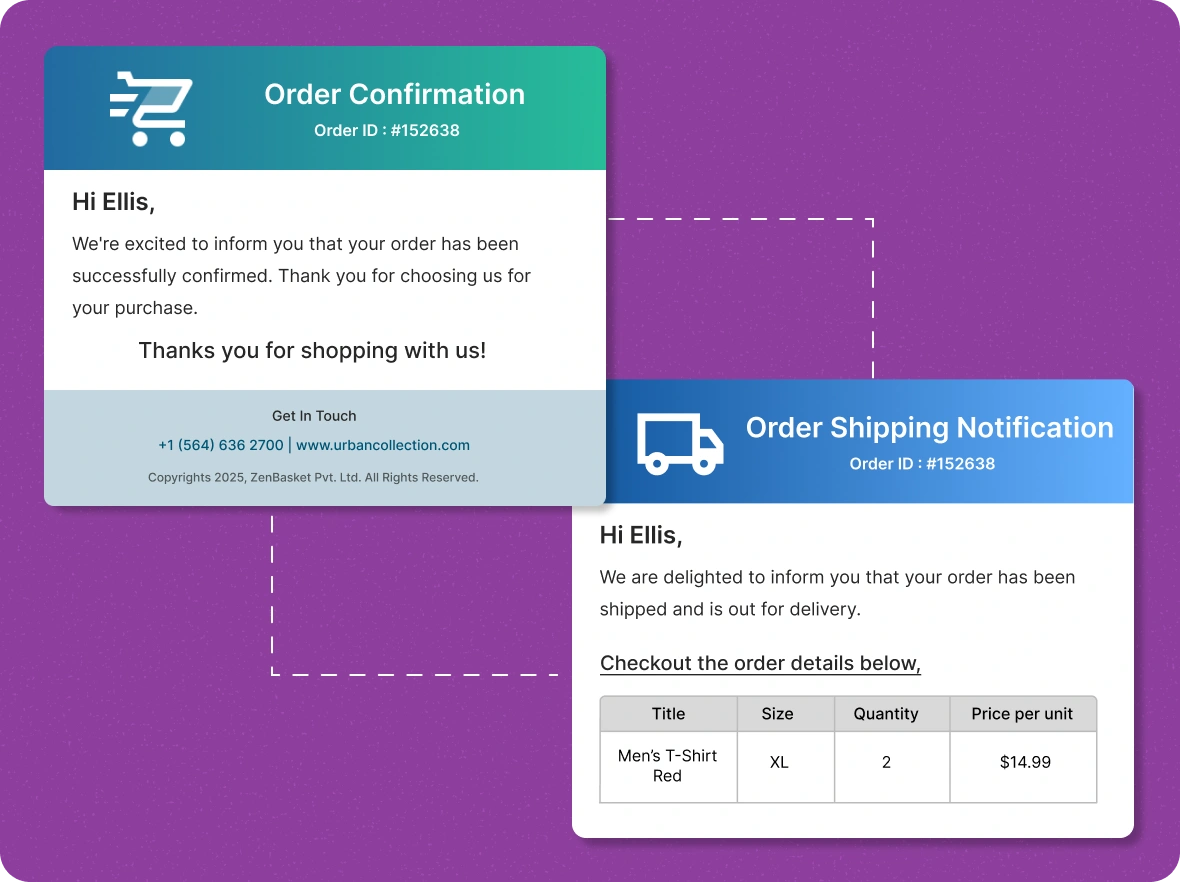
Automate all order-related emails, from confirmation to shipping updates, to help customers get accurate information and improve communication between you and your customers.
Easy custom
messaging
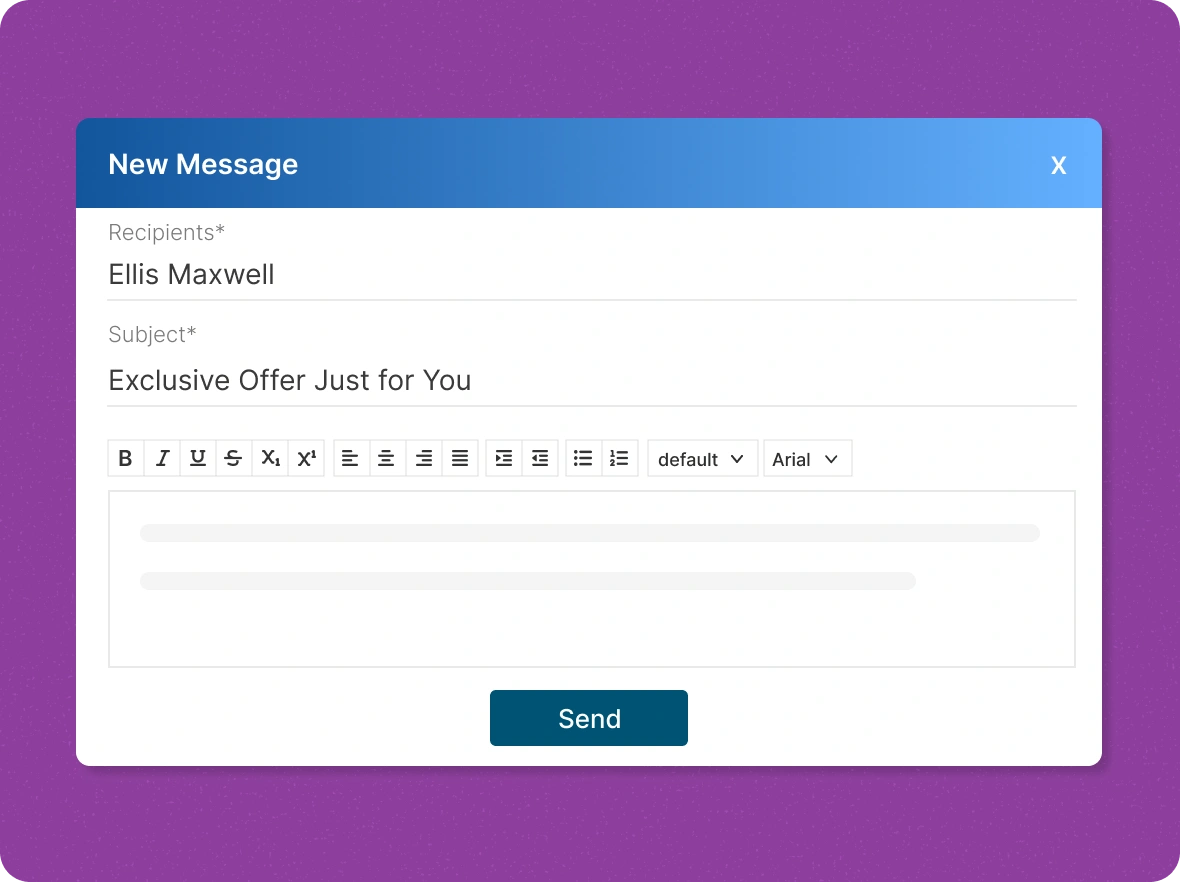
Create custom emails for every customer, keeping them informed, engaged, and building lasting relationships right from your dashboard.
Reward of the
With ZenBasket’s, you gain the advantage of streamlined communication, improved customer experience, and consistent brand messaging.

Time-consuming smart
automation
Automating your email communications frees up time for your team to focus on what really matters: growing your business that helps you while ensuring customers receive timely.

Increase customer
satisfaction
Automated emails improve customer satisfaction by providing consistent and accurate updates that help them know their order details or back-in-stock information to keep track of their purchases.

Drive conversion through
marketing
Automation allows you to send timely and relevant marketing messages to the right customers at the right time, in the form of special promotions and reminders about abandoned carts.
General FAQs
Get quick clarity on our product and common queries. Have more questions? Connect with our support team.
Yes, you can send fully personalised custom emails, allowing you to tailor content, tone, and messaging to match your audience, brand voice, and communication goals.
Automate order confirmations, shipping updates, account alerts, promotional campaigns, and restock notifications to save time and stay consistent.
Easily customize templates with our drag-and-drop editor or code them to match your brand style and messaging perfectly.
You can handle it with a single dashboard of your running campaigns that tend to control those messages without navigating to another page.
Yes. You can preview and send test emails to verify design, links, and content accuracy before sending them to customers.
Learn, explore, and grow
with expert resources

Blog
A blog explores proven techniques for crafting compelling email subject lines that capture attention, boost engagement and open rates, and improve campaign success.
Learn More >
Help Center
Learn how to create, send, and track effective email campaigns in ZenBasket. Discover tools to engage customers and reduce cart abandonment, with automation and real-time insights.
Learn More >
Video Tutorial
In this video, learn how email marketing builds customer relationships, drives traffic and sales, and delivers targeted messages based on user segments and funnel position.
Learn More >Free from chaos with automated emails
Let automated emails bring order to your inbox, so you can focus on what truly matters.