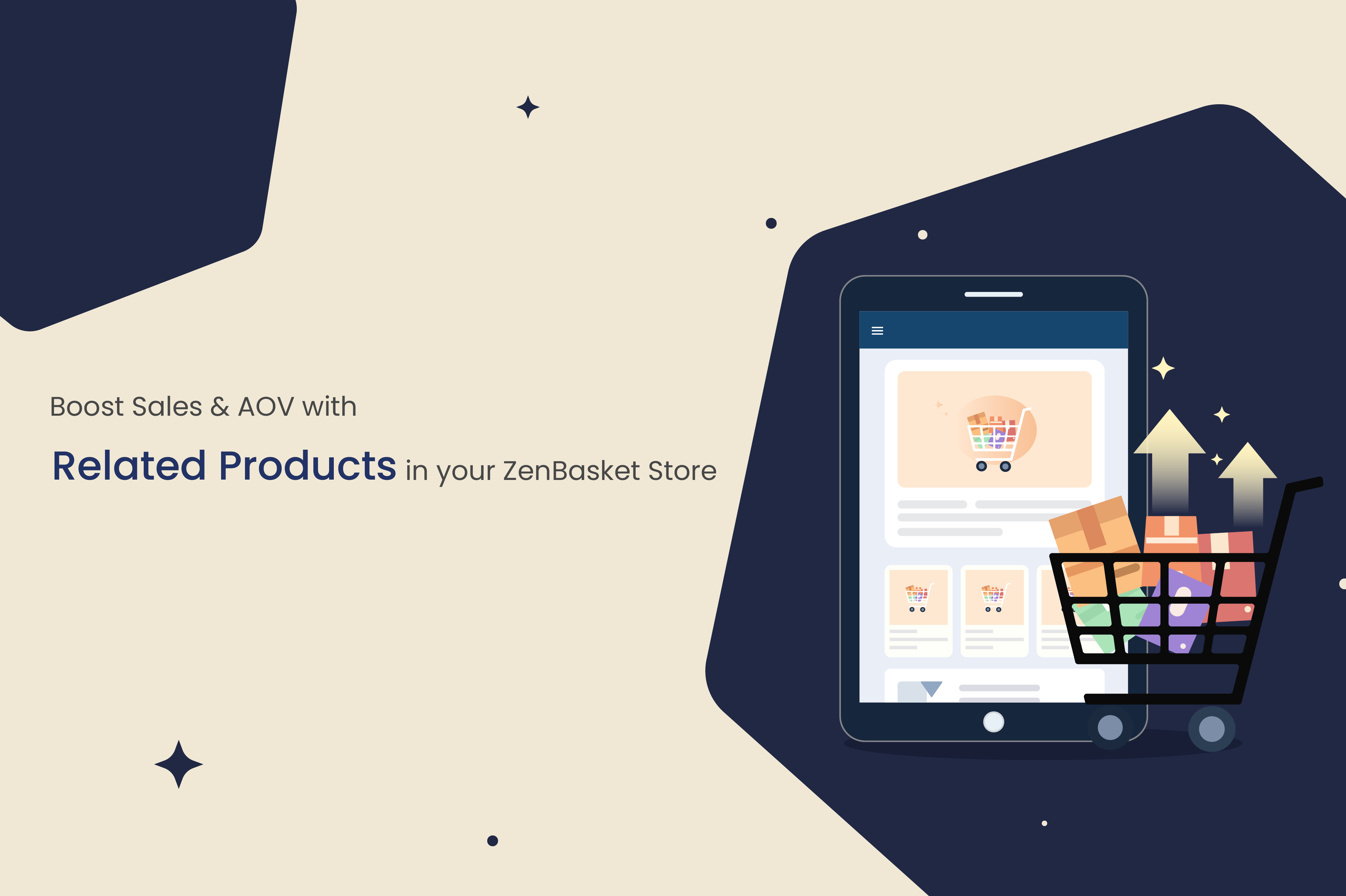
In today's competitive ecommerce landscape, customers expect smart and convenient shopping experiences. Related products have become a non-negotiable tool for any successful online store. These strategic suggestions help shoppers discover items that perfectly complement what they're viewing, often before they even realize they need them.
But what exactly are related products, and how can you effectively implement them in your ZenBasket store? Let's explore how this powerful feature can transform your customer's buying journey and boost your store's performance.
Understanding Related Products
Related products are item recommendations shown to customers based on the product they are currently viewing or have added to their cart. You'll typically see these in sections labeled "You May Also Like," "Frequently Bought Together," or "Complete the Look."
A simple example: When a customer looks at a smartphone, they might see recommendations for phone cases, screen protectors, or wireless chargers. These suggestions anticipate customer needs and make it easier to complete a purchase with all essential items.
The Psychology Behind Effective Product Recommendations
Why do related products work so effectively? The answer lies in human psychology and shopping behavior:
- Decision Simplicity Theory: Customers experience cognitive load when making purchasing decisions. By presenting relevant, complementary products, you reduce the mental effort required to find matching items. A customer looking at a smartphone appreciates having case and charger options presented together, eliminating a separate search.
- The "Complete the Set" Mentality: Humans have a natural tendency to want complete collections. When you show items that naturally go together-like a camera with a tripod and memory card-you tap into this psychological driver, making multi-item purchases feel more satisfying.
- Social Proof in Action: Sections like "Frequently Bought Together" leverage social proof, a powerful marketing principle. When customers see that others have purchased certain combinations, they feel more confident in their own buying decisions.
The Two Powerhouse Strategies: Upselling vs. Cross-Selling
To maximize impact, it's crucial to understand two key techniques:
- Upselling encourages customers to buy a higher-end or upgraded version of their current choice.
Example: Suggesting a laptop with more RAM or a premium model with enhanced features. - Cross-Selling motivates customers to buy additional, complementary items that work well with their main product.
Example: Recommending a tripod, memory card, and camera bag to someone purchasing a camera.
Why Your Ecommerce Store Needs Related Products
Integrating strategic product suggestions delivers multiple benefits that directly impact your bottom line:
- Increase Average Order Value (AOV): Combine upselling and cross-selling strategies to naturally elevate the total amount customers spend per order.
- Boost Sales Through Strategic Cross-Selling: Transform single-item purchases into multi-product orders. A customer buying a dress might add matching accessories, directly increasing your revenue.
- Enhance Customer Experience: Save shoppers time and effort by showing them what they might need. Customers get relevant suggestions right where they need them, reducing friction.
- Drive Higher Conversion Rates: A smooth, helpful shopping experience reduces decision fatigue. When customers easily find add-ons or better alternatives, they're more likely to complete their purchase immediately.
- Improve SEO Performance: Related products create a network of internal links between your product pages. This helps search engines better understand your site structure and product relationships, potentially improving your search rankings.
Implementing Related Products in ZenBasket
Mastering Upsell Implementation
Strategic Upsell Planning:
Identify which products have natural premium alternatives and what price points represent logical upgrade paths.
Implementation Process:
- Navigate to Products → All Products in your dashboard.
- Click on the product you want to enhance with upsell opportunities.
- Find and select the "Related Products" option.
- Choose the "Upsell Products" tab.
- Use the search function to find appropriate premium products that represent genuine upgrades.
Advanced Upsell Strategy: Tiered Upselling
Offer good/better/best options to accommodate different budget levels and clearly highlight the benefits of each premium version.
Excelling at Cross-Sell Implementation
Cross-Sell Opportunity Identification:
Analyze your order history to identify frequently purchased combinations and think through the real-world usage of each product.
Implementation Process:
Access the product you want to build cross-sells around.
Open the "Related Products" settings.
Select the "Cross-Sell Products" tab.
Use the interface to search for and select complementary items that solve problems or enhance the main product's utility.
Advanced Cross-Sell Strategy: Usage-Based Bundling
Group products that are used together in real-world scenarios, like "Complete Your Workshop" for a power tool or "Perfect for Picnics" for a cooler.
Advanced Management Techniques
- Link Back Functionality: This feature creates bidirectional relationships. When you link Product B to Product A, you can automatically create the reverse relationship, ensuring a cohesive recommendation ecosystem.
- Bulk Management Tools: For larger catalogs, use bulk editing to apply the same related products to multiple items, remove outdated recommendations, and update sets efficiently as your inventory changes.
- Performance Monitoring: Regularly review which related products are generating the most additional sales. Use this data to refine your strategies.
Start Transforming Your Store Today
Related products are far more than a decorative feature-they're a direct pathway to increased revenue and superior customer satisfaction. By strategically implementing upselling and cross-selling in your ZenBasket store, you guide customers toward products they'll appreciate while significantly boosting your performance.
The best part? With ZenBasket's intuitive tools, you don't need technical expertise. The power to increase sales is just a few clicks away. Activate the Related Products feature today and start unlocking the full potential of every customer visit.