As your online store grows, managing a large catalog can quietly turn into one of your biggest time drains. Manually updating prices, stock, SKUs, and images for hundreds of products isn't just boring-it's risky, because small errors can easily slip through.
That's where the ZenBasket Bulk Editor comes in.
Instead of editing products one by one, ZenBasket lets you review and update many products from a single, unified view. Whether you're preparing a seasonal sale, updating supplier pricing, or cleaning up your catalog, the bulk editor helps you work faster, stay accurate, and keep your store looking professional.
What is ZenBasket bulk editor?
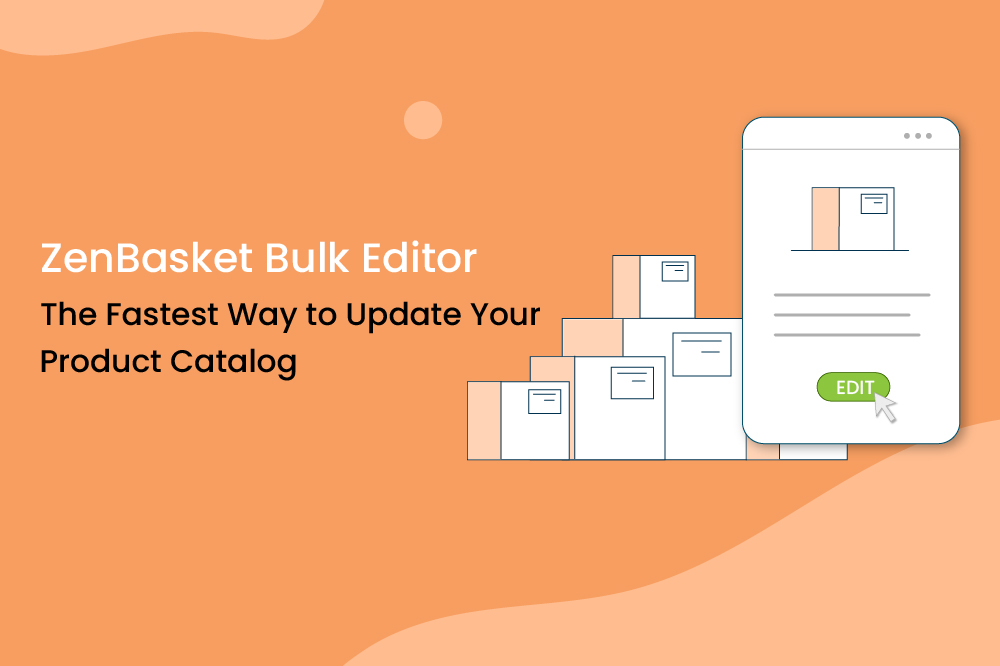
The ZenBasket Bulk Editor is a built-in tool that lets merchants edit multiple products at once from a single page.
With it, you can:
- Update key fields like product name, selling price, MRP, SKU, wholesale price, and stock
- Adjust shipping-related details such as weight and dimensions
- Add or change product images without opening each product individually
- Filter and search your catalog to focus only on the products you need to change
In other words, it turns what used to be a long, repetitive process into a focused, high-impact workflow-perfect for stores with medium to large inventories.
How to access and use ZenBasket bulk editor
Once enabled via the Product Bulk Edit plugin in ZenBasket, the Bulk Editor appears directly within your All Products section. From there, you can:
- View a list of products in one place
- Search by product name to quickly locate specific items
- Use category and location filters to narrow down which products you want to update
- Expand each product row to see editable fields like pricing, stock, and shipping details
You can also manage product images from this same interface:
- Upload new images from your device
- Reuse visuals from your Store Image Gallery
- Choose from the ZenBasket Gallery where available
Advanced functions and tips
The ZenBasket Bulk Editor is more than just a big spreadsheet of products. With a few smart habits, it becomes a powerful operations tool.
1. Use filters to create "work batches"
Instead of editing your entire product catalog at once, filter by category, location, or product type. This lets you focus on specific segments-like "winter collection" or "products from supplier X"-and keeps your updates consistent.
2. Standardize pricing and discount strategies
Bulk editing is perfect for:
- Applying promotional prices during sales
- Updating wholesale price lists
- Aligning MRPs across a category or collection
3. Keep shipping data accurate
Accurate weight and dimension details are essential for reliable shipping calculations and better customer experience at checkout. With bulk editing, it's much easier to maintain this data as your product catalog evolves.
4. Refresh outdated images at scale
When your visual style improves or you run a brand refresh, you can update images for many products from one place instead of hopping between product pages.
Common issues and solutions
Even with a powerful tool, merchants can run into a few common challenges. Here's how to think about them:
Inconsistent data after bulk changes
If product details look inconsistent, it's often due to manual edits over time. Use filters and work in small, logical groups (by category or brand) to ensure uniform changes.
Missing shipping fields
If shipping details aren't visible for a product, check whether shipping is enabled for that item. Shipping attributes are only available when the shipping toggle is active
Image upload problems
If an image isn't uploading, verify the file type and quality. Make sure it's in a supported format (JPG, JPEG, GIF, WebP) and not corrupted. Using original files instead of random internet downloads also reduces issues.
Overwriting the wrong products
Before making broad edits, use filters and search to double-check the product list you're editing. It's good practice to start with a smaller batch when learning or testing a new bulk strategy.
Benefits of using ZenBasket bulk editor
Implementing the Bulk Editor in your daily or weekly store management routine offers clear, measurable benefits:
- Massive time savings: Replace dozens (or hundreds) of individual edits with one consolidated session.
- Higher data accuracy: When you can see and edit multiple products side-by-side, it's easier to spot mistakes and maintain consistent naming, pricing, and stock patterns.
- Faster reaction to market changes: Update prices or stock as suppliers change costs, respond to demand spikes, or quickly roll out promotions across a whole category.
- Better merchandising and customer experience: Up-to-date pricing, accurate stock levels, correct shipping details, and high-quality images all work together to build trust and reduce friction at checkout.
- Scalability as you grow: As your product catalog grows from a few dozen to hundreds or thousands of SKUs, bulk editing becomes a necessity rather than a nice-to-have.
Conclusion
Running an ecommerce store is not just about getting more traffic-it's also about managing your catalog efficiently behind the scenes. The ZenBasket Bulk Product Editor helps you do exactly that.
By centralizing key product fields, shipping details, and images in one bulk editing view, ZenBasket makes catalog management faster, cleaner, and more scalable. Whether you're preparing for a big sale, updating supplier costs, or refreshing visuals, the bulk editor lets you make changes confidently-without wasting hours on repetitive work.
If you're serious about growing your store and keeping operations under control, the ZenBasket Bulk Editor is a feature you'll rely on repeatedly.
FAQ
1. Is the Bulk Product Editor suitable for small stores?
Yes. Even smaller stores benefit from bulk editing when running promotions, updating prices, or cleaning up data. As your catalog grows, the tool becomes even more valuable.
2. How does bulk editing help my overall store performance?
Bulk editing helps you keep prices, stock levels, and product information accurate and up to date, which leads to fewer customer issues, smoother checkout experiences, and a more professional, trustworthy store.
3.Do bulk edits in ZenBasket affect my existing product SEO?
No. Bulk edits update product details without harming your SEO. However, changing product names, URLs, or images may affect search visibility, so it's best to review key SEO fields before publishing large updates.
4.What image formats does ZenBasket support in the Bulk Editor?
ZenBasket supports JPG, JPEG, GIF, and WebP formats. It's recommended to use original images for best quality and branding consistency.
5.Can I reuse images across multiple products?
Absolutely. You can select images from your Store Image Gallery or ZenBasket Gallery, making it easy to reuse visuals across similar products or variants.