Businesses choose to migrate their websites for many different reasons sometimes because their current platform feels slow or outdated, other times because they want a modern storefront experience that supports better SEO, stronger security, or global expansion. Some brands migrate to consolidate multiple sites into one, rebrand, or move to a system that’s easier to manage with low or no code. At its core, website migration is often a strategic upgrade that unlocks new revenue opportunities through improved speed, user experience, and long-term scalability.
What Is Website Migration?
Website migration refers to major changes made to your website that affect its structure, platform, URL paths, content, functionality, or design.
A migration is more than a simple update; it’s a structural shift that requires planning and technical oversight.
Types of Website Migration
1. Platform or CMS migration
This is one of the most common types of website migration. It involves moving your entire site from one platform or content management system to another for example, shifting from a self-hosted setup to a fully managed commerce platform, or switching from a legacy CMS to a modern one. A platform migration typically changes everything from templates to backend logic, product data, content, and integrations. Businesses usually choose this route when they want better performance, improved security, easier management, or more advanced commerce features.
2. Hosting migration
A hosting migration happens when a website is moved to a new server environment or hosting provider. While the domain and platform can remain the same, the infrastructure underneath changes. This type of migration is often done to improve loading speed, handle higher traffic, reduce downtime, or upgrade the technology stack. Hosting migrations look simple on the surface but require careful handling of DNS, SSL certificates, databases, and caching layers to avoid interruptions.
3. Domain migration
Domain migration refers to moving your entire website from one domain name to another for example, from oldbrand.com to newbrand.com. This type of migration is often tied to rebranding, mergers, or the need for a more memorable domain. Although only the domain changes, not the site itself, the migration can significantly impact SEO because every URL technically becomes new. Proper 301 redirects, updated sitemaps, and thorough testing are critical to prevent ranking and traffic loss. refers to moving your entire website from one domain name to another for example, from oldbrand.com to newbrand.com. This type of migration is often tied to rebranding, mergers, or the need for a more memorable domain. Although only the domain changes, not the site itself, the migration can significantly impact SEO because every URL technically becomes new. Proper 301 redirects, updated sitemaps, and thorough testing are critical to prevent ranking and traffic loss.
4. URL structure migration
A URL structure migration involves changing the format or hierarchy of your URLs without necessarily changing the domain or platform. For example, a business might shift from a structure like /blog/post-title to /articles/post-title, or reorganize category and product URLs for better SEO. This kind of migration affects internal links, navigation patterns, and search engine indexing. A comprehensive mapping plan is essential because even small URL changes can cause broken links or traffic drops if not redirected correctly
5. Website redesign migration
A redesign migration happens when a new site design, theme, or layout replaces the existing one. Although it may look like a visual update, a redesign often changes templates, site architecture, mobile experience, and content placement all of which can influence rankings and user behavior. Redesign migrations are typically done to modernize the storefront, improve conversions, or align with new brand guidelines. Pre-launch testing is crucial to prevent performance issues or layout inconsistencies.
6. Content migration
Content migration focuses on transferring large volumes of content such as blog posts, product pages, images, downloadable files, or knowledge base articles to a new system or structure. This process ensures that metadata, formatting, SEO tags, and internal links remain intact during the move. It is especially important for businesses with long-standing content libraries or complex catalogs. Poor content migration can lead to duplicate pages, missing assets, or incorrect URLs.
7. Infrastructure or tech-stack migration
This type of migration upgrades the underlying architecture of the website, for example, moving from a monolithic system to a headless or composable setup, or adopting new frameworks and CDNs. It doesn’t always change what the user sees but significantly affects performance, scalability, and long-term flexibility. Brands typically consider this when preparing for rapid growth or when their existing infrastructure becomes difficult to maintain.
8. Subdomain or subfolder migration
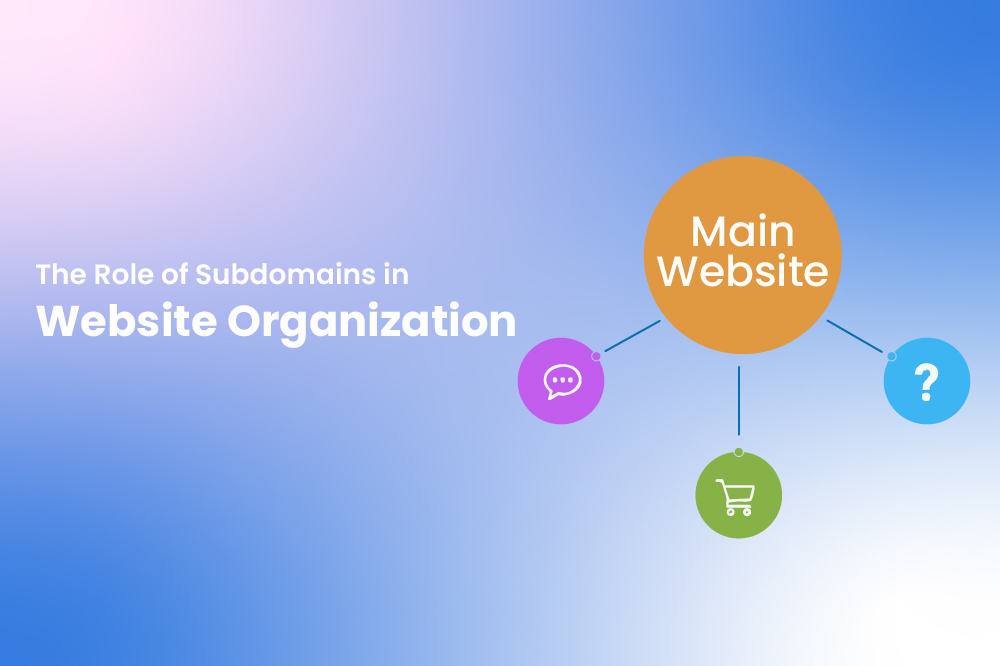
Sometimes content is moved between subdomains and subfolders, such as shifting the blog from blog.example.com to example.com/blog. This type of migration is usually done for SEO strategy alignment or content consolidation. Because search engines treat subdomains differently from subfolders, this migration needs precise redirects and indexing checks to avoid fluctuations in visibility.
9. Protocol migration (HTTP → HTTPS)
Although this is now standard practice, moving from HTTP to HTTPS is still considered a form of migration. It ensures secure data transmission and is essential for SEO because search engines prioritize secure sites. While the transition is usually straightforward, it still requires updating links, securing certificates, and ensuring that both users and search bots are correctly redirected to the HTTPS version.
Website Migration Checklist
A detailed checklist helps ensure no critical step is missed. Before, during, and after migration, consider the following:
Pre-migration checklist
- Full backup of all databases, files, and media.
- Crawl existing URLs, metadata, and internal links.
- Identify high-priority pages. (top traffic, conversions)
- Prepare a staging site for testing.
- Map existing redirects and SEO elements.
During migration checklist
- Transfer all content, media, and metadata.
- Implement 301 redirects for all changed URLs.
- Test forms, checkout, search, and integrations.
- Verify page layouts, templates, and responsive design.
- Ensure analytics tracking is in place.
Post-migration checklist
- Submit updated sitemaps to search engines.
- Monitor crawl errors and broken links.
- Validate redirects and canonical tags.
- Check core web vitals and site speed.
- Track traffic, rankings, and user engagement.
A thorough checklist reduces risk and ensures all technical, content, and SEO elements are addressed.
Risks of Website Migration (and Why Planning Matters)
Website migration itself isn’t inherently risky, what makes it dangerous is improper planning or execution. Without a structured approach, even small oversights can lead to significant issues that impact traffic, SEO, and user experience.
Common risks include
Sudden drops in organic traffic - If redirects or URLs aren’t handled correctly, search engines may lose access to your pages.
Lost rankings due to broken redirects - Improperly mapped redirects can cause your high-ranking pages to disappear from search results.
Missing or duplicate pages - Content can be lost or unintentionally duplicated, confusing both users and search engines.
Outdated metadata - Titles, descriptions, and schema may not carry over properly, affecting SEO.
Slow site performance - Hosting changes, unoptimized assets, or new templates can reduce page load speed.
Inconsistent design or broken UI - Layout issues, broken buttons, or navigation errors can harm user experience.
Tracking and analytics inaccuracies - Analytics scripts or tracking codes may fail, leading to unreliable performance data.
Why planning matters
All of these risks can be prevented or minimized with careful preparation, testing, and a structured migration plan. By auditing your current site, mapping URLs, and thoroughly testing functionality before launch, you can preserve SEO value, maintain traffic, and deliver a seamless experience for users.
Website Migration Best Practices
Even a carefully planned migration can encounter issues. Following best practices ensures a smooth, SEO-safe transition.
Core Best Practices
- Plan thoroughly: Document the type, scope, and goals of your migration.
- Use a staging site: Test everything before going live.
- Map URLs correctly: 301 redirects preserve SEO value.
- Audit content and metadata: Ensure nothing is lost or duplicated.
- Monitor KPIs post-launch: Track traffic, rankings, performance, and conversions.
- Communicate changes: Inform stakeholders and update marketing/analytics tools.
- Avoid peak periods: Schedule migration during low-traffic times.
Adhering to these practices protects SEO, ensures a seamless user experience, and positions your website for improved performance and growth.
Simplify Your Migration With the Right Tools
Migrating a website can feel daunting, but having the right platform and support can make the process significantly easier. Whether you are upgrading your own online store or managing migrations for clients, choosing a solution that is secure, flexible, and easy to manage is crucial.
Why ZenBasket can help?
- Seamless migration tools: ZenBasket simplifies product transfers, reducing the risk of lost details or misinformation.
- User-friendly platform: Its intuitive interface ensures minimal technical friction, making it easy for both site owners and developers to manage the migration.
- Optimized performance & scalability: ZenBasket provides robust infrastructure that improves site speed and supports growth, helping your website handle increased traffic or new features.
- SEO and Analytics support: Improve your search rankings and track data with SEO and analytics features, ensuring a smooth transition.
- Support for client projects: Agencies and freelancers can confidently migrate client sites without compromising on quality or deadlines.
Using a platform like ZenBasket can turn website migration from a complex, stressful task into a strategic upgrade. With the right tools and support, you can safeguard your traffic, enhance user experience, and unlock new opportunities for growth whether it’s for your own website or for the clients you serve.