The world of online shopping is expanding rapidly, providing customers with the convenience of being able to shop anytime from anywhere. But there’s a challenge: without face-to-face interactions, how do you make sure your customers are happy and keep coming back? This is where customer service for online businesses becomes really important.
In this blog, we’ll show you how ZenBasket can help you provide top-notch customer service that keeps your customers satisfied and your business thriving.
Why Good Customer Service Matters in Online Shopping
Imagine buying something online and not getting the help you need when you have a problem. Frustrating, right? If customers don’t get excellent support, they might not shop with you again, and they could even tell others about their bad experiences.
Good customer service is about being helpful, easy to reach, and solving problems quickly. ZenBasket understands this and offers tools that make customer service for online businesses simple and effective.
How ZenBasket Helps with Customer Service
ZenBasket isn’t just a platform to sell your products - it’s designed to make sure your customers have a great experience. Here’s how:
1. Easy Communication with Customers
Providing quality customer service can help differentiate your business from competitors and create a positive reputation. Improve the level of assistance provided to customers by facilitating easy communication.
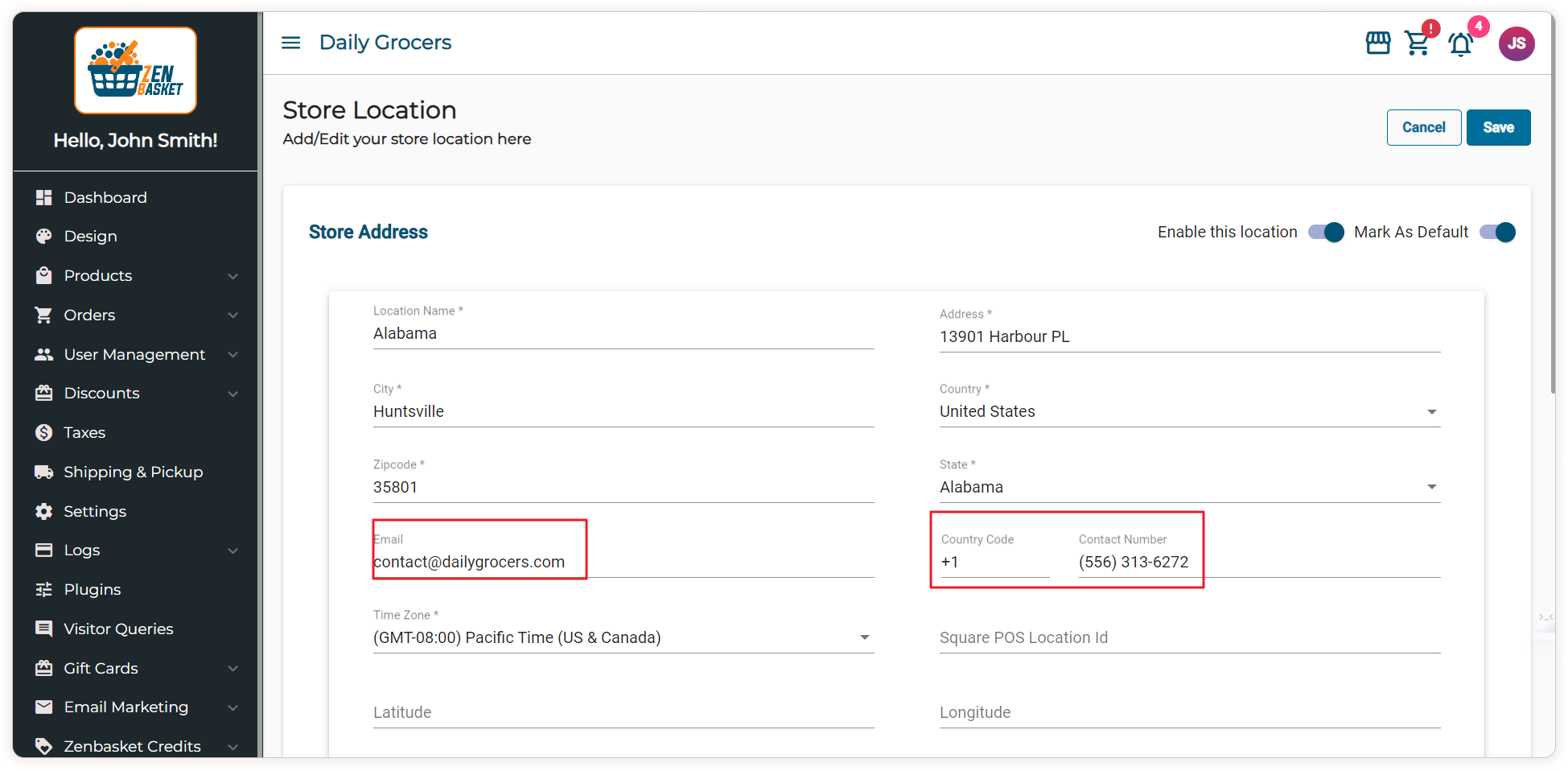
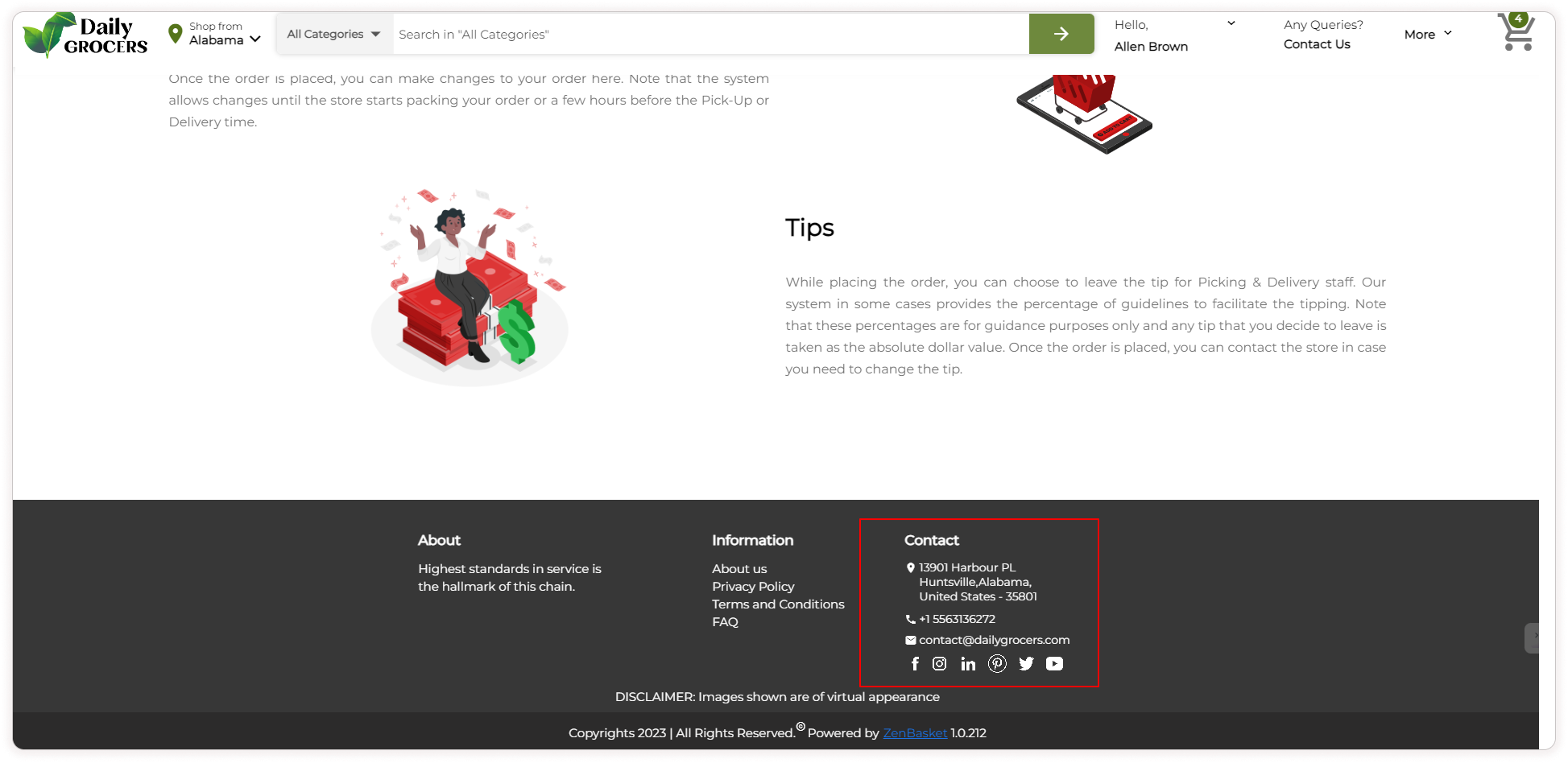
- Phone and Email Support: By adding your contact information to ZenBasket's store location page, enables customers to reach out for inquiries or assistance via phone calls or emails on your website, resulting in enhanced connectivity and responsiveness to their needs.
Store admin setup :
Contact details at the store location page
Storefront view :
Contact details at the storefront
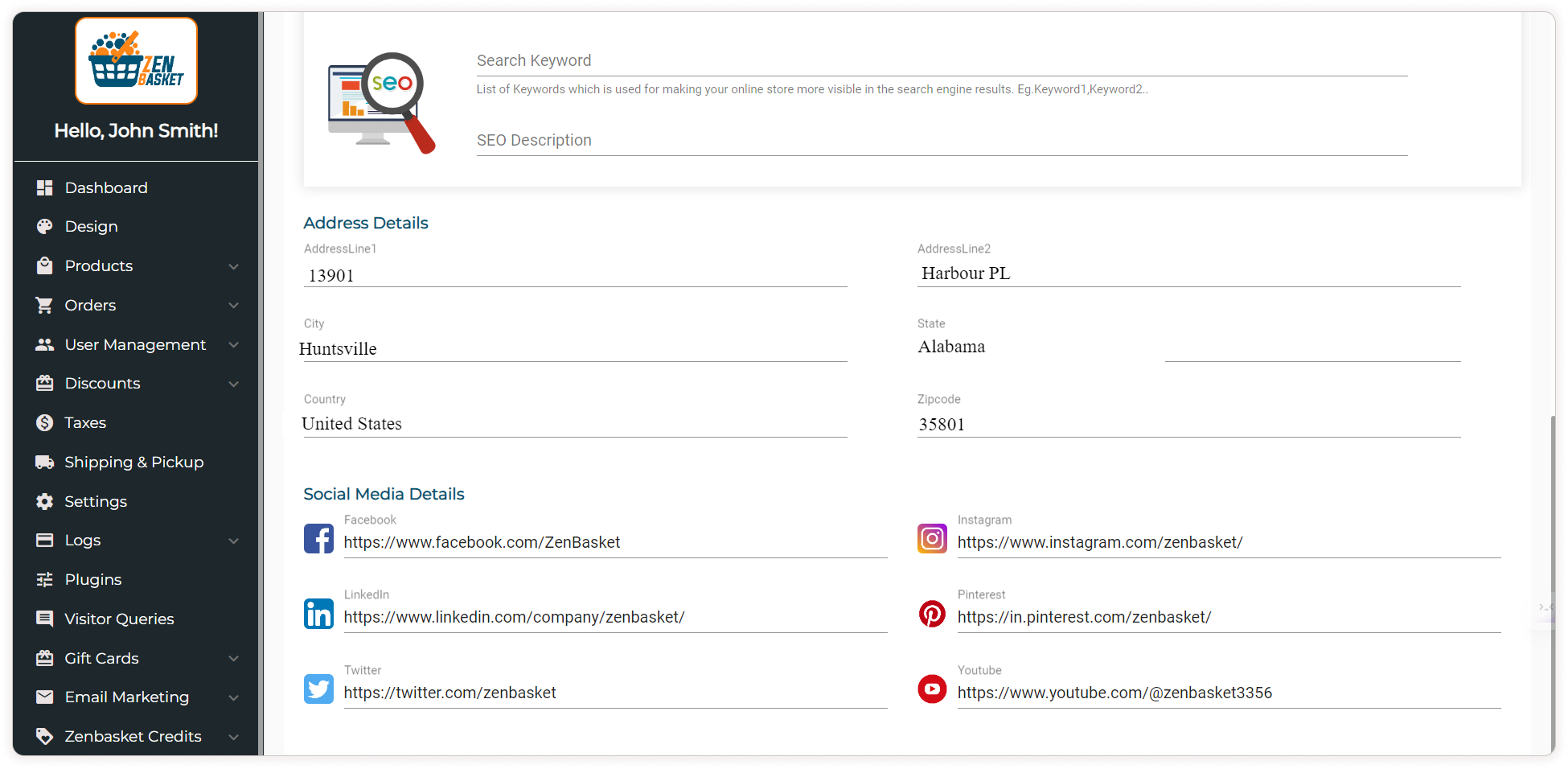
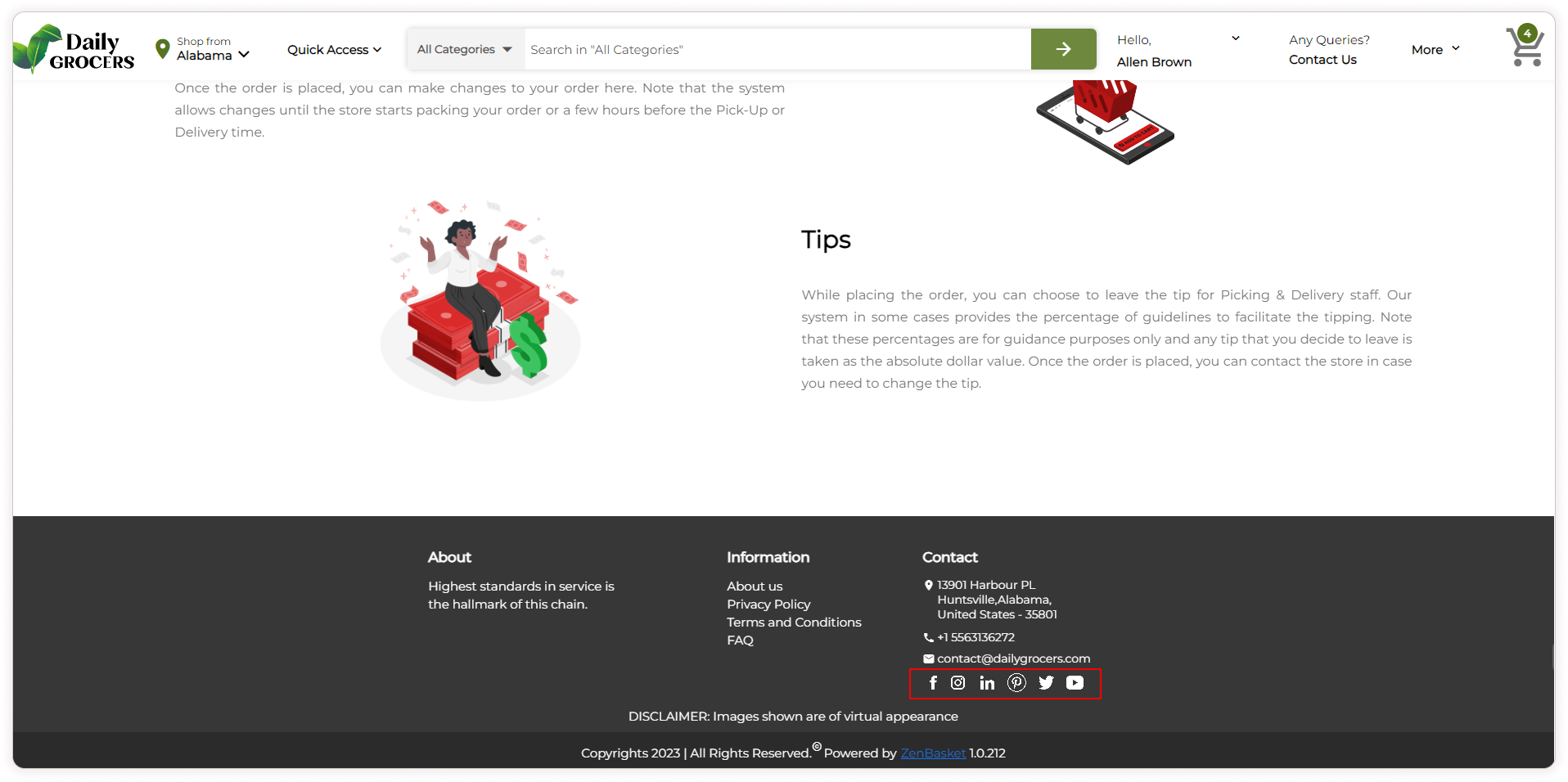
- Social Media Support: Customer support via social media messaging refers to the practice of providing assistance and addressing customer concerns through social media platforms. By linking your social media accounts to your store, you can increase your online presence and connect with customers directly on platforms they frequently visit. This approach utilizes the popularity and accessibility of social media to provide convenient and real time support to customers, fostering engagement and building strong customer relationships.
Store admin setup:
Social media link from the admin side
Storefront view :
Social media links at the storefront
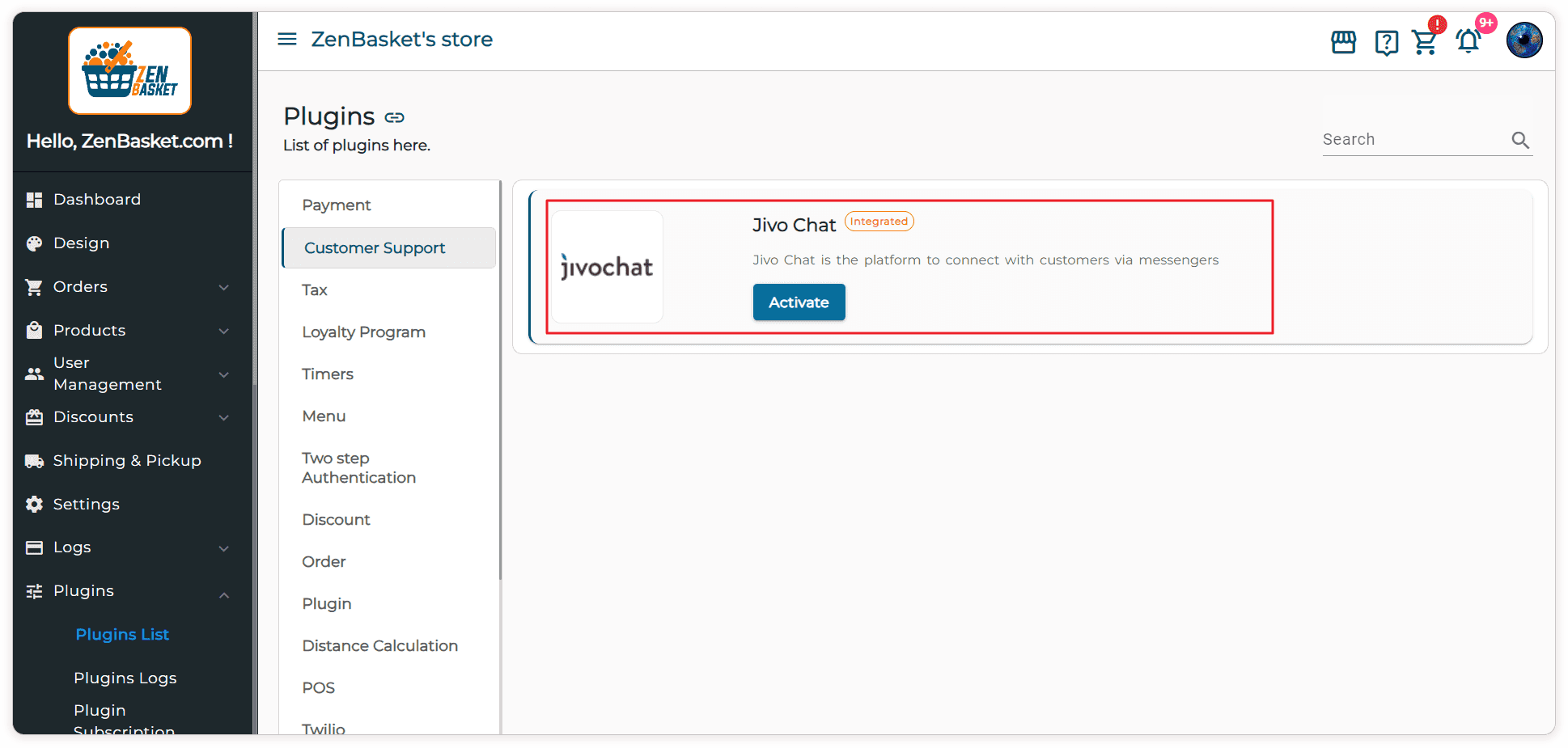
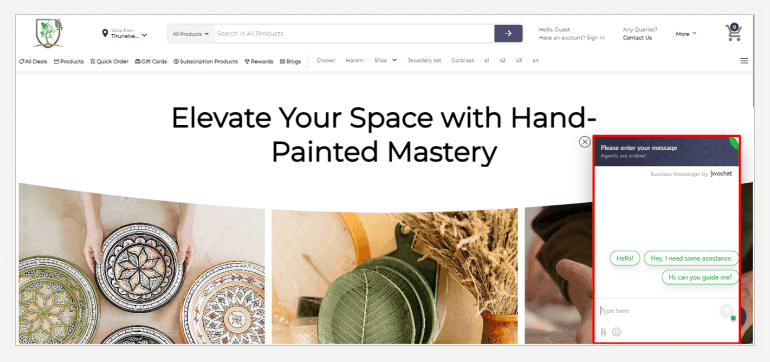
- Live Chat Support: JivoChat is a real-time communication tool that allows you to interact directly with customers on your website. It integrates a chat widget into the store, enabling customers to ask questions, seek assistance, or resolve issues instantly while browsing products.
Store admin setup :
You can activate JivoChat from the store's admin panel
Storefront view:
The JivoChat box will now appear, allowing customers to enter their queries
Quick Answers with a FAQ Section
Sometimes, customers have questions but don't want to wait for a reply. That's where the FAQ (Frequently Asked Questions) section comes in.
Setup: Collect questions that your customers frequently ask via calls, messages and emails, and include them in your ZenBasket store's FAQ section. This gives customers instant answers without needing to contact you.
When customers can find answers on their own, they’re happier and more likely to shop with you again.
Store admin setup:
FAQ from admin side
.png)
Storefront view :
FAQ at storefront
.png)
Simple Visitor Query Management
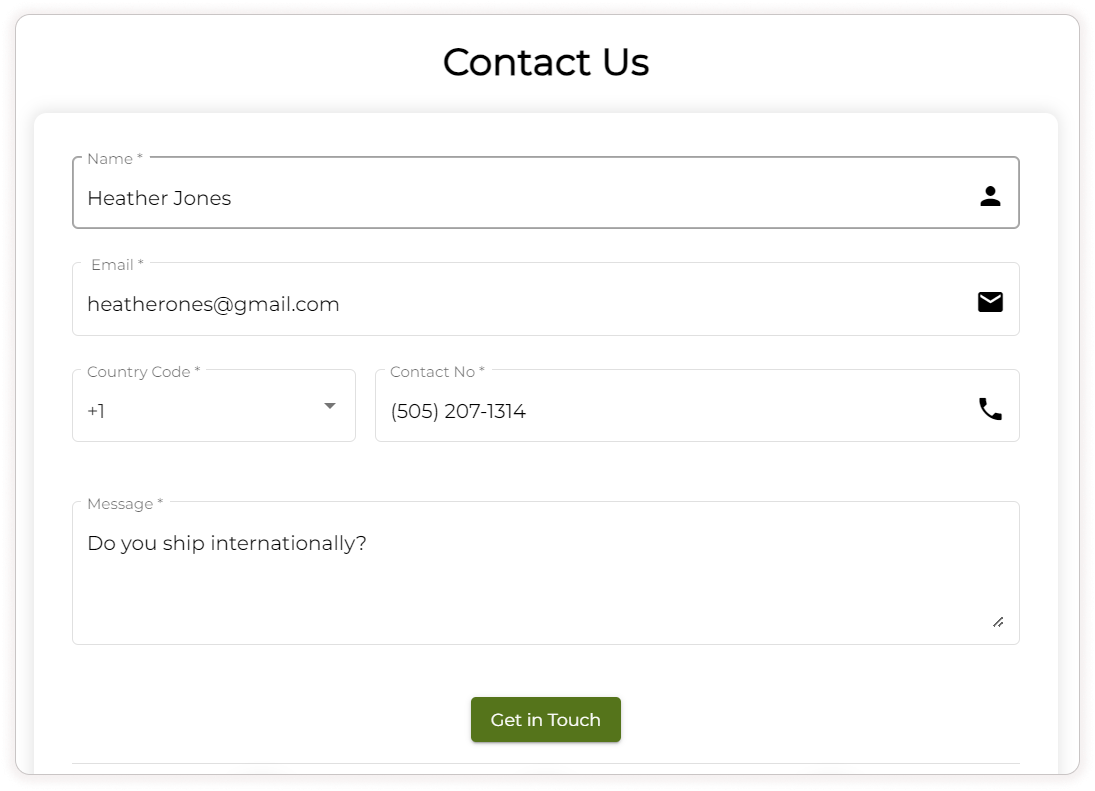
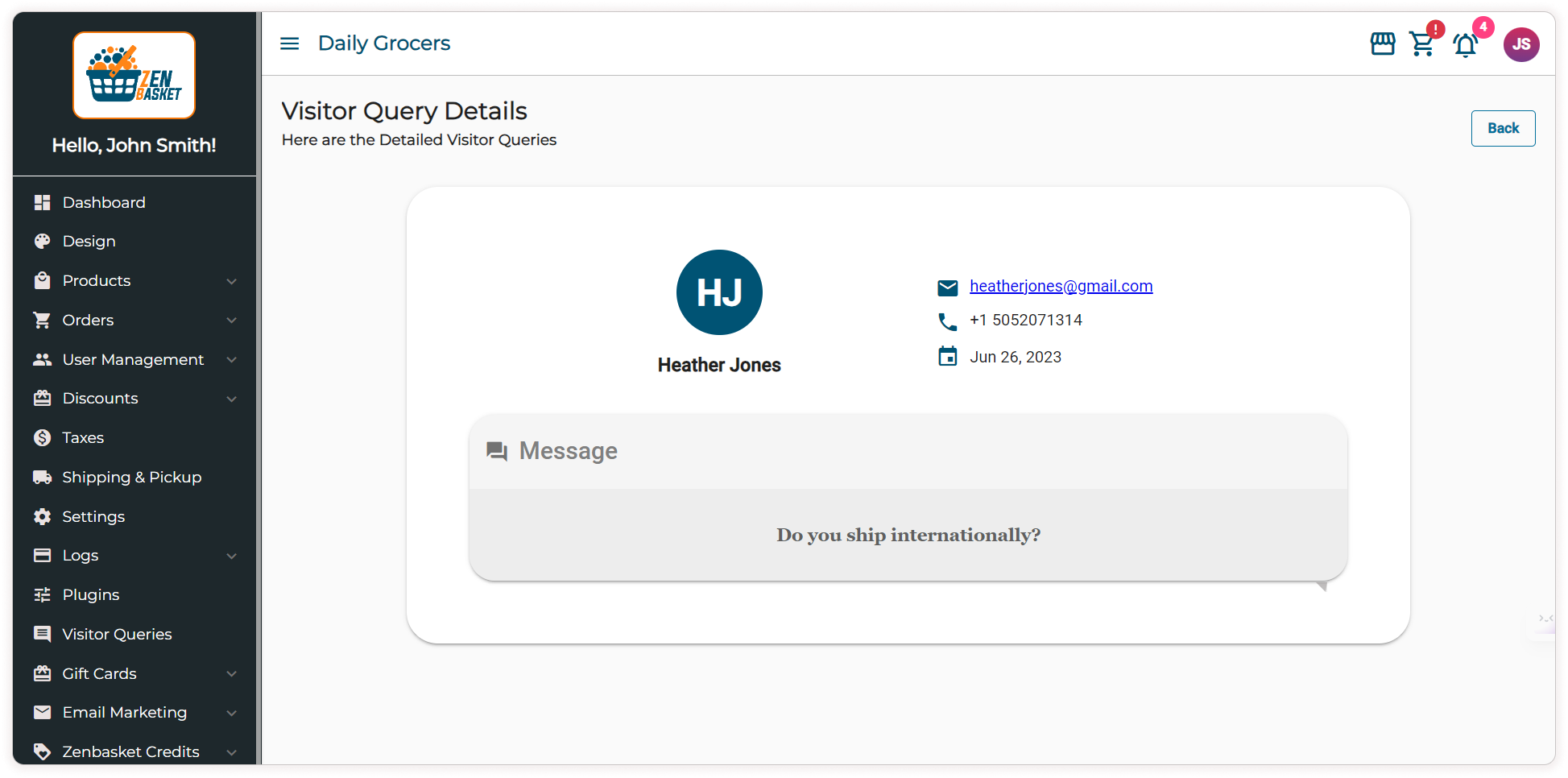
ZenBasket's "Contact Us" form streamlines the process of delivering exceptional customer service by offering customers a simple and convenient way to submit their queries or requests on your website. These inquiries can be easily accessed and managed through the visitor queries section. This feature enables businesses to efficiently address customer inquiries, fostering effective direct communication and ultimately resulting in heightened customer satisfaction.
Storefront view :
Contact Us form for customer
Store admin setup:
Visitor queries from the admin side
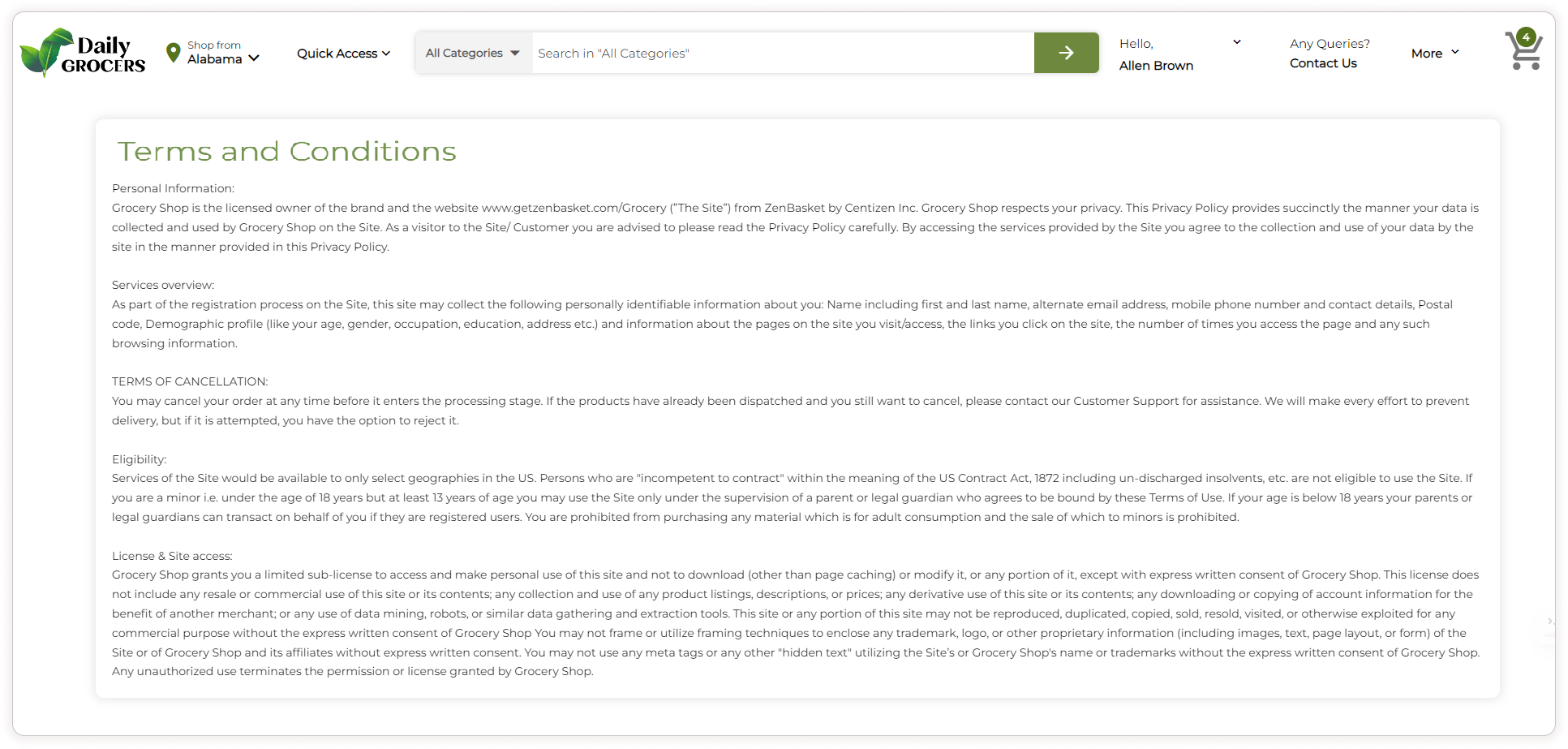
Clear Policies and Terms of Service
Having policies and terms of service on your website is an indirect but effective way to communicate with your customers. The practice of creating a clear outline of terms, conditions and policies of your business, stating your specific requirements, assists in managing your business more efficiently. This will establish transparency, build credibility and improve the customer experience.
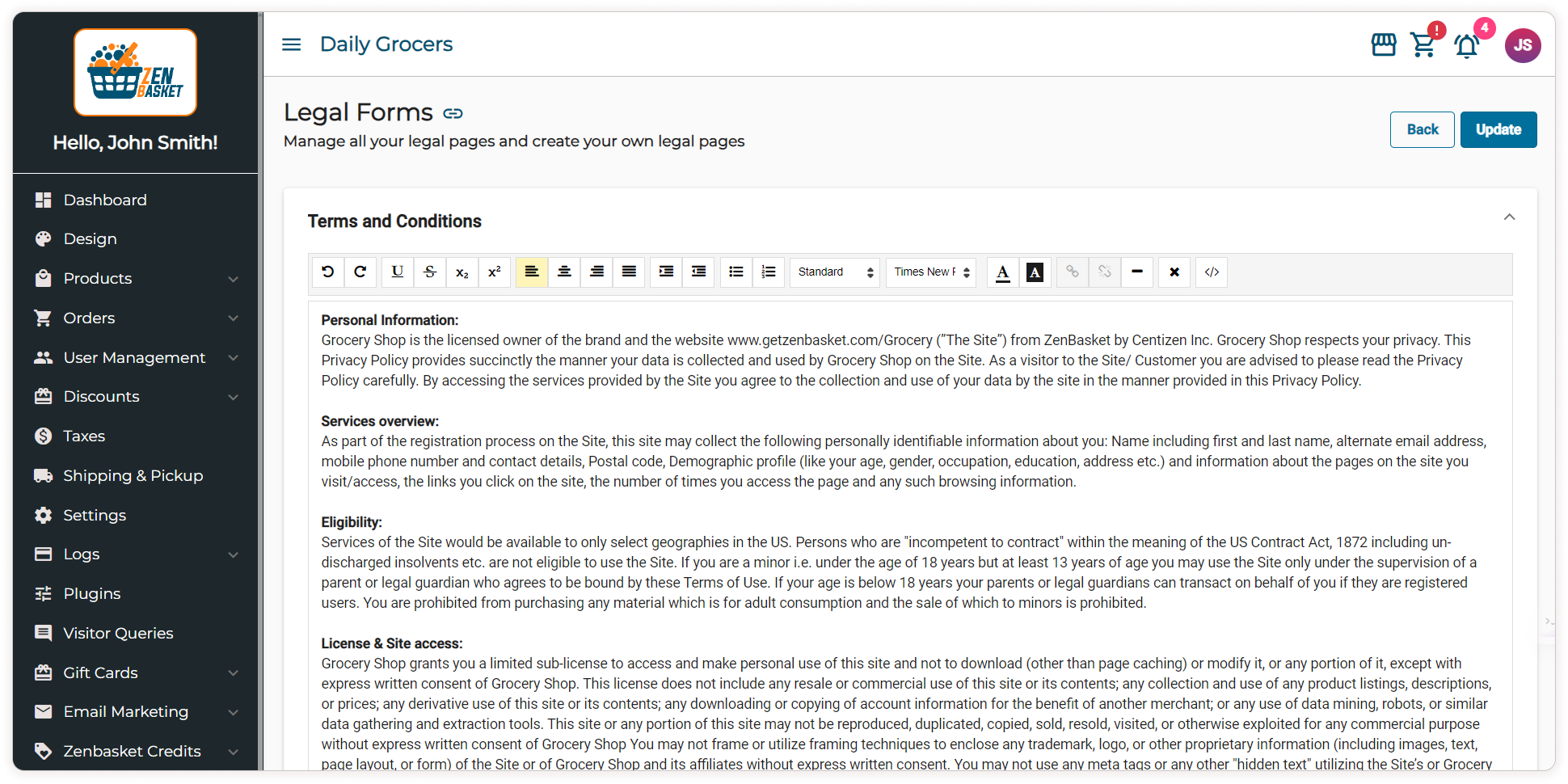
Setup: ZenBasket lets you add and display clear terms and policies on your store. This helps customers know exactly what to expect, making them feel more comfortable shopping with you.
Store admin setup:
Legal forms Admin side
Storefront view:
Terms & conditions at the storefront
Make Customer Service a Priority
Inadequate customer service can have serious consequences for an online business. When customers experience poor support, they may choose not to use the store again, resulting in lost revenue. Additionally, dissatisfied customers are likely to share their negative experiences with friends and relatives, harming the brand's reputation. The effects can escalate further as unhappy customers may give negative reviews, further damaging your brand's name. With ZenBasket's customer focused solutions, businesses can avoid these negative outcomes, cultivate customer loyalty and protect their brand reputation.
Why Choose ZenBasket to Build an Online Store?
ZenBasket isn’t just about selling products; it’s about creating a positive experience for your customers. With features that make customer service easy, ZenBasket helps you build trust and keep your customers coming back.