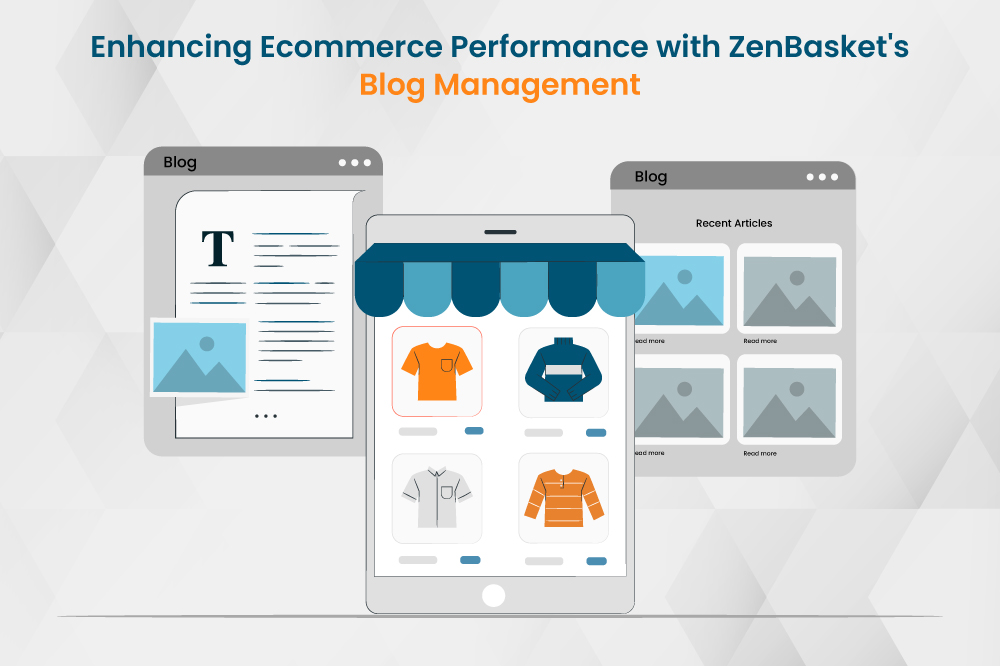
Blogs are a great way to attract organic traffic to your website. It's important to maintain a strong connection with your customers and keep them informed about your business and products. ZenBasket's blog management is designed for this purpose. Regularly updating your blog not only engages your customers but also makes your online store more visible on search engines. This, in turn, attracts more visitors to your store and leads to greater customer satisfaction. In this blog post, we will discuss ZenBasket's blog management and how it can help your online store succeed in the digital landscape.
Why is blogging essential in ecommerce industry?
Improved SEO: Blogging can improve SEO by posting unique and informative content. This signals to search engines that your website is authoritative, which can help improve search engine rankings and attract organic traffic.
Lead generation: Blogging can help you generate leads by offering valuable content that encourages people to subscribe to your blog or sign up for your email list. This enables you to nurture them until they are ready to make a purchase
Customer engagement: Blogging can help you build relationships with your customers by providing them with a platform to interact with you and your brand. This can help you create a sense of loyalty and community around your business.
Tips on writing blog content
1. Know your audience
Before you start writing, it's important to understand who you're writing for.
- Who is your target audience?
- What are their interests, needs, and pain points?
- What kind of content do they find valuable?
Once you have a clear understanding of your audience, you can tailor your content to their specific needs and preferences.
2. Choose attention-grabbing headlines
Your headline is the first thing people will see, so it needs to be attention-grabbing and informative. It should accurately reflect the content of your post and entice readers to click through. Consider using strong verbs, clear language, and relevant keywords.
3. Focus on value
What makes your blog post unique and valuable? What can you offer your readers that they can't find elsewhere?
4. SEO is important
Start by identifying the keywords relevant to your niche. Understanding the intent behind user searches is crucial. Focus on long-tail keywords, which are more specific and less competitive, allowing you to rank higher and attract targeted traffic. Don't force keywords into your content. Instead, weave them smoothly into the narrative, ensuring it reads naturally and maintains its value for your audience.
5. Break up your text
No one wants to read a wall of text. Break up your content with images, videos, infographics, and other visuals. This will make your posts more visually appealing and easier to read.
6. Use strong calls to action
What do you want your readers to do after they've finished reading your post? Tell them! Use clear and concise calls to action to encourage them to subscribe to your blog, share your content, or visit your website.
How to create a blog for your online store using ZenBasket?
To add a blog post in ZenBasket, enable blog management in the plugins section. Then, navigate to the "Blog Posts" menu and click the "Add Blog Post" button. Enter a title for your blog post, the author's name, and a specific category for your blog post.
You can add images to your blog from either the ZenBasket Gallery or the Store Image Gallery. You can also insert images using the 'Insert Image' button in the text editor. To add blog content, enter the content in the text editor and edit the font.
In the Visibility settings, the toggle will be turned on by default. If you don't want the blog to be visible in your store, you can turn it off.
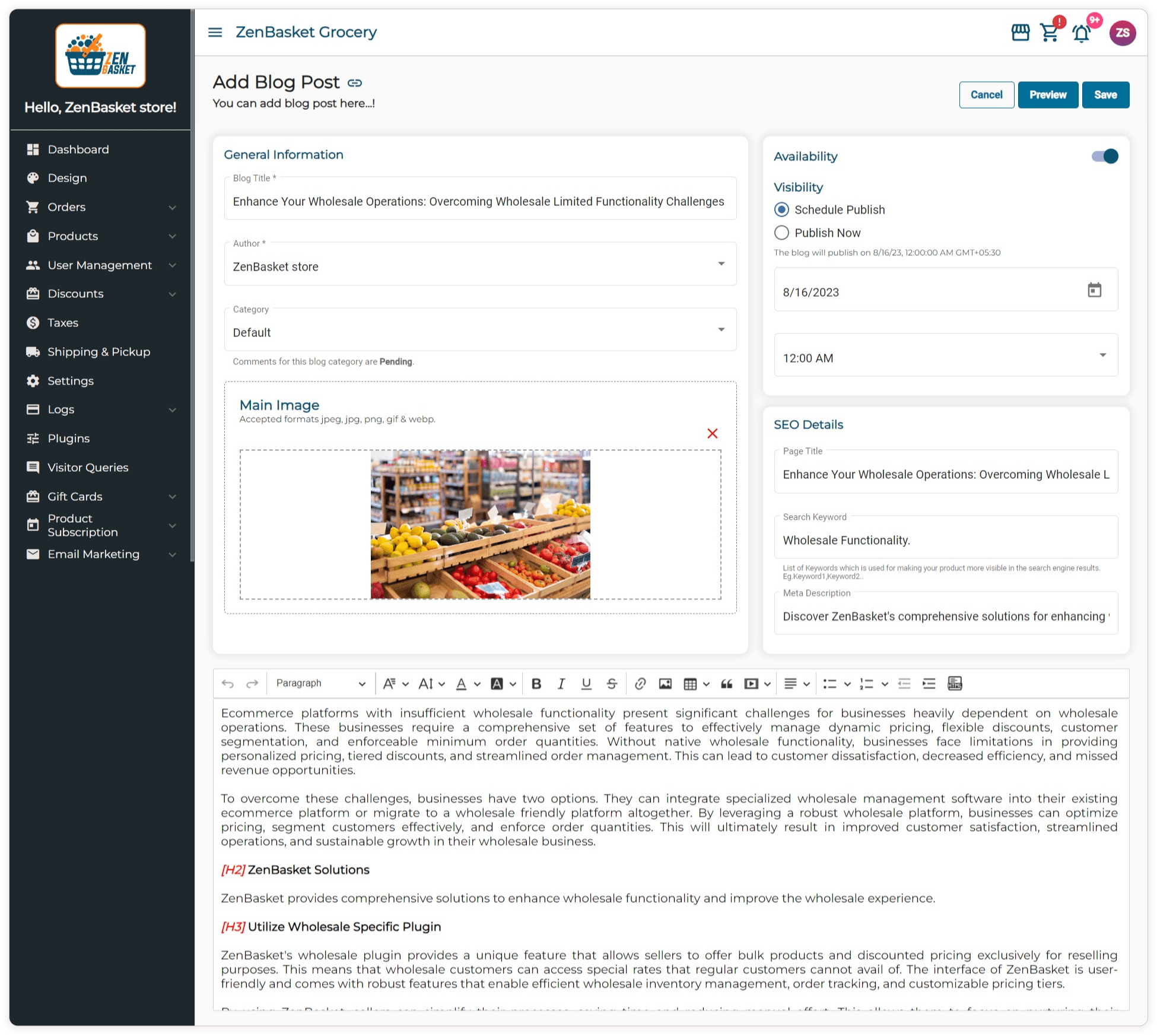
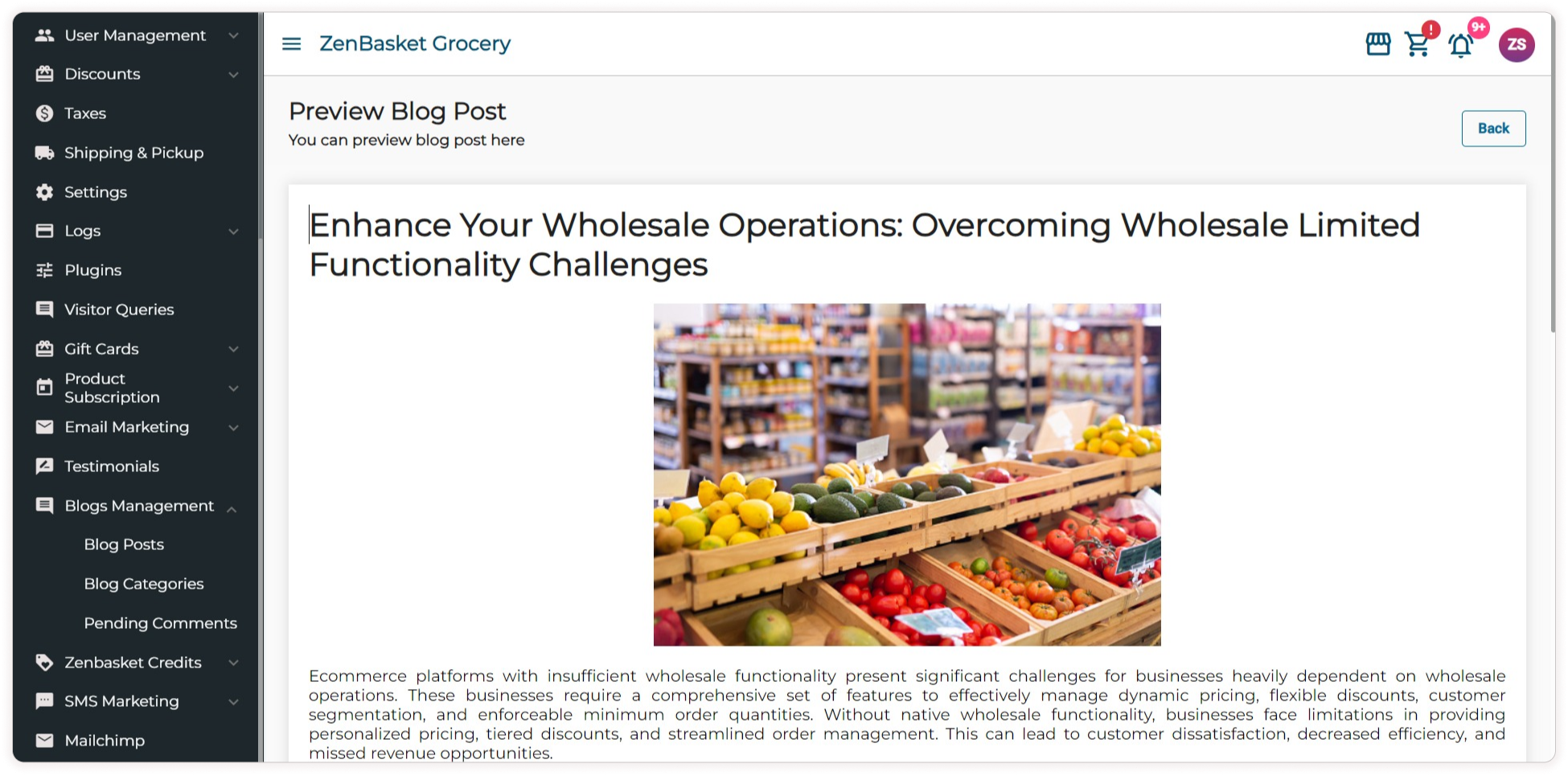
To set a publication schedule for your blog, choose the "Schedule Publish" option and indicate the date and time you want it to be published. If you decide to use the "Schedule Publish" feature while creating or editing your blog, you'll reveal the "Preview" button, which lets you review your blog by simply clicking it. Now the blog has been successfully created, and the blogs will be listed under the Blog Posts List Page.
Promote your blog
Once you've published your blog post, don't just sit back and wait for people to find it. Promote your content on social media, submit it to relevant online communities, and reach out to other bloggers for guest blogging opportunities.
Be consistent
The key to having a successful blog is to be consistent with your posting schedule. This will help you build a loyal following and keep your readers engaged.
Conclusion
Creating and publishing high-value, helpful content regularly is essential for any online business's marketing plan. By publishing content that is valuable to your audience and search engines, you can improve your SEO and rank higher on SERPs for relevant keywords. This can help you generate more traffic and leads and keep customers engaged. Make awesome blog posts with ZenBasket to make your online business even better.