Days Free Trial
Professionally Designed Theme
Transaction Fee
Dedicated Support
Why are Adobe Commerce merchants looking for alternatives?
The four friction points we hear most from merchants who have switched to ZenBasket.
01
Prohibitive Entry Cost
Starting at $22,000 annually with no monthly payment flexibility, the platform demands a massive upfront financial commitment. This high barrier to entry often makes the software unreachable for most small to mid-sized businesses.
02
Heavy Developer Dependency
Launching a store or making simple design changes requires advanced coding skills. This forces businesses to retain an expensive technical team or agency permanently just to keep the storefront functional and competitive.
03
Manual Security Burden
Unlike automated SaaS platforms, Adobe places the high-risk responsibility of monthly security patches on the user. This requires a dedicated technical team to manually protect the site against vulnerabilities and data breaches.
04
Feature Fragmentation
Essential sales tools like size charts and affiliate programs are missing from the core software. Users must source, purchase, and technically integrate various third-party plugins, leading to increased costs and potential system instability.
ZenBasket vs Adobe Commerce
An honest, feature-by-feature comparison. Data accurate as of March 2026.
Features | ZenBasket | Adobe Commerce | Notes |
|---|---|---|---|
| Starting Price | $27/month | $22,000/year | Better overall value. |
| Market Level | Beginner to Pro | Enterprise | Adobe targets $1M+ revenue |
| Free Trial | ✓ 14 days, no card | No (Demo by request) | Risk-free testing. |
| Revenue-Based Upgrades | None | Yes | ZenBasket pricing stays flat |
| Design | Drag-and-Drop | Coding required | Adobe requires a designer |
| Themes | 120+ Built-in Premium Themes | 120+ External Marketplace Themes | ZenBasket Advantage |
| Customization | Full no-code control | Limited; dev needed | ZenBasket Advantage |
| Migration Support | Support team handles | Self-serve developer tools | Technical migration |
| Maintenance | Updated automatically | Manual Monthly Security Required | Auto updates |
| Product Size Chart | ✓ Built-in | Custom code it or buy it | Adobe requires paid plugins |
| Mobile Admin App | Native iOS/Android App | Not Available | ZenBasket provides real-time push alerts |
| Guided Onboarding | Guided visual setup | Manual technical setup | Quick setup |
| 24/7 Human Support | Direct, human help included | Limited: Technical issues | ZenBasket offers hands-on guidance |
| Affiliate Program | Built-in Feature | Third-party required | Built-in growth tool. |
Reasons merchants choose ZenBasket
ZenBasket goes beyond pricing, offering a strategic edge for smarter scaling over time.

Risk-Free Scalability
You can launch instantly with a 14-day free trial (no credit card required) and grow without fear, as the platform does not charge extra for revenue-based upgrades.

Instant Mobile Management
The native iOS and Android Admin App provide real-time push alerts for orders, allowing you to manage inventory and customer service anywhere.

White-Glove Migration
Transitioning is effortless because the ZenBasket support team personally handles the migration, saving you from the “technical CLI” and command-line headaches.
Why ZenBasket performs better
ZenBasket offers automated security, high-speed native tools, and seamless as low maintenance-free growth.
Zero-Updates: No Downtime
ZenBasket manages all updates and security patches automatically, ensuring your store remains fast, secure, and always online without downtime.
- Automatic background updates for all security and system improvements.
- Eliminates maintenance downtime for a better customer experience.
- No developer dependency for critical safety and infrastructure upgrades.
- Guarantees site speed by managing technical architecture internally.
- Reduces vulnerability risks caused by delayed manual patching.
Native Architecture: Built for Speed
ZenBasket features built-in SEO and sales tools optimized for synchronization, preventing performance lag from third-party code.
- Native features designed to work in perfect synchronization.
- Avoids "plugin bloat" from relying on third-party extensions.
- Reduces code conflicts that drag down page load speeds.
- Eliminates technical tuning required to maintain high performance.
- Optimized sales tools ready for high speed from day one.
How to migrate from Adobe Commerce to ZenBasket in 5 Steps
Migrating from Adobe Commerce to ZenBasket is now effortless. Our streamlined migration ensures a fast, complete data transfer with zero record loss.
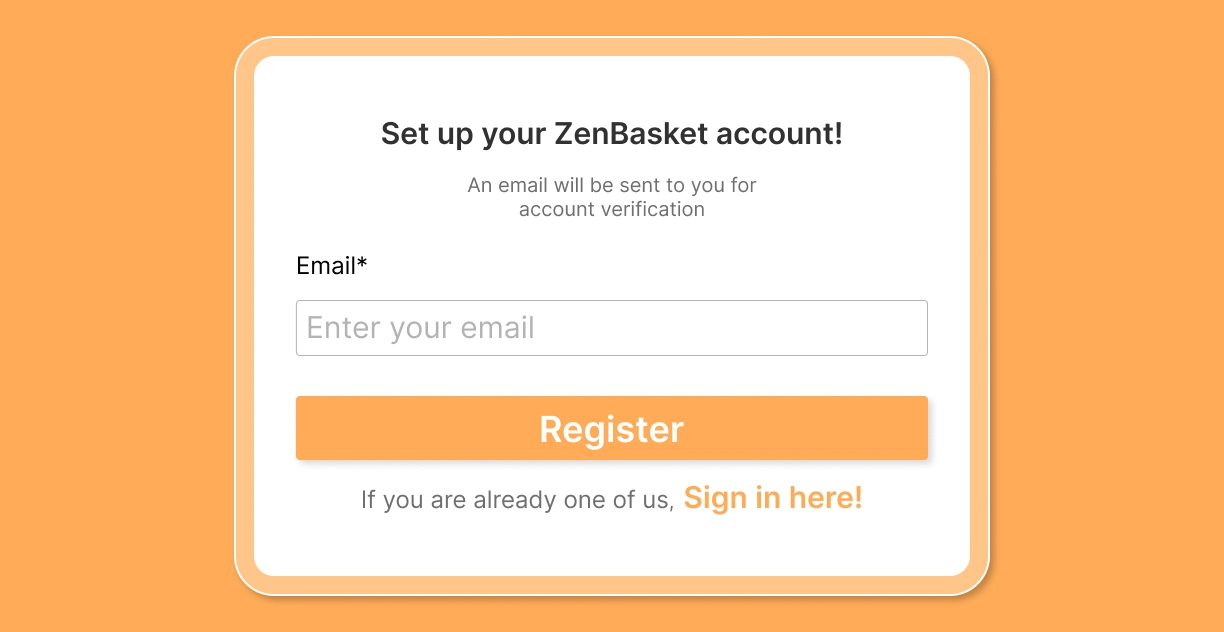
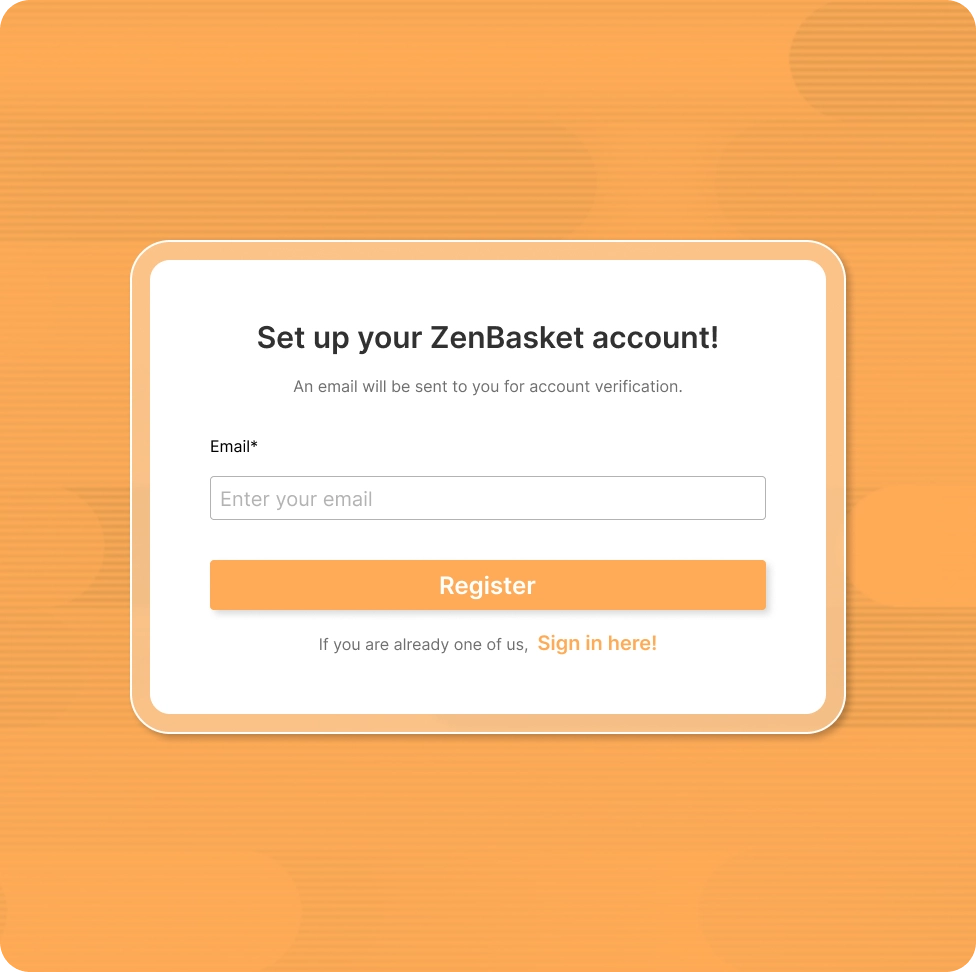
Sign up with no credit card. Your ZenBasket store is provisioned instantly, explore every feature before committing to a paid plan.
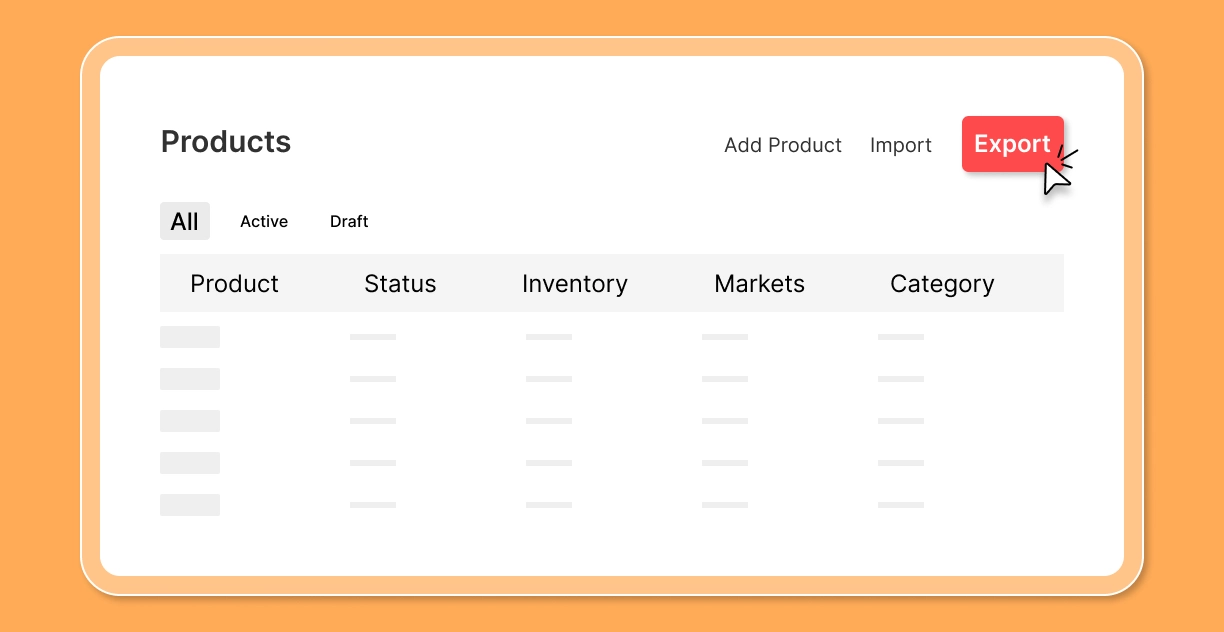
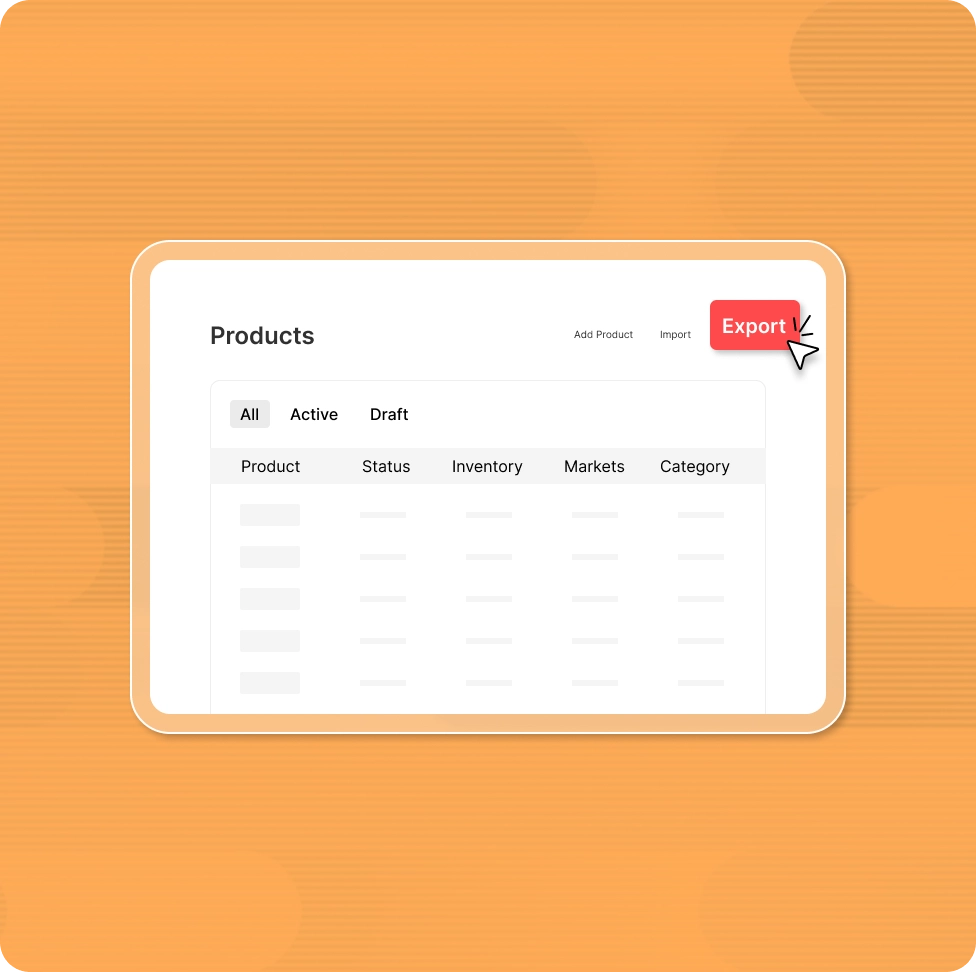
From your Adobe Commerce admin, export your product catalogue, and customer list as CSV files. Adobe Commerce allows full data exports; you own your data and can take it with you.
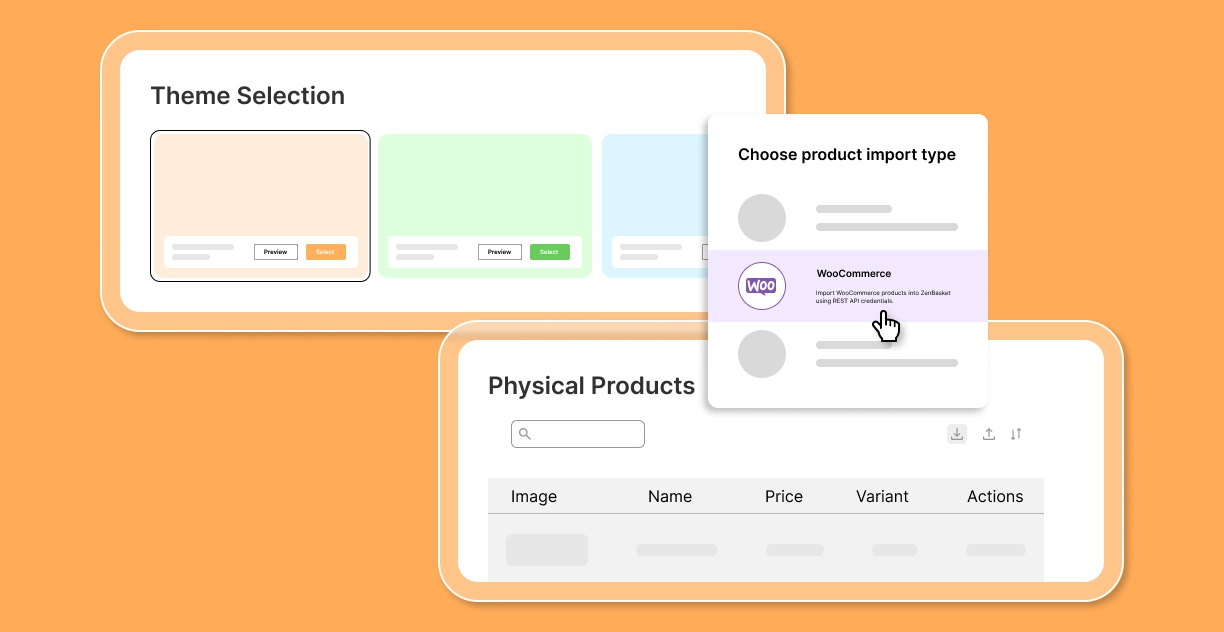
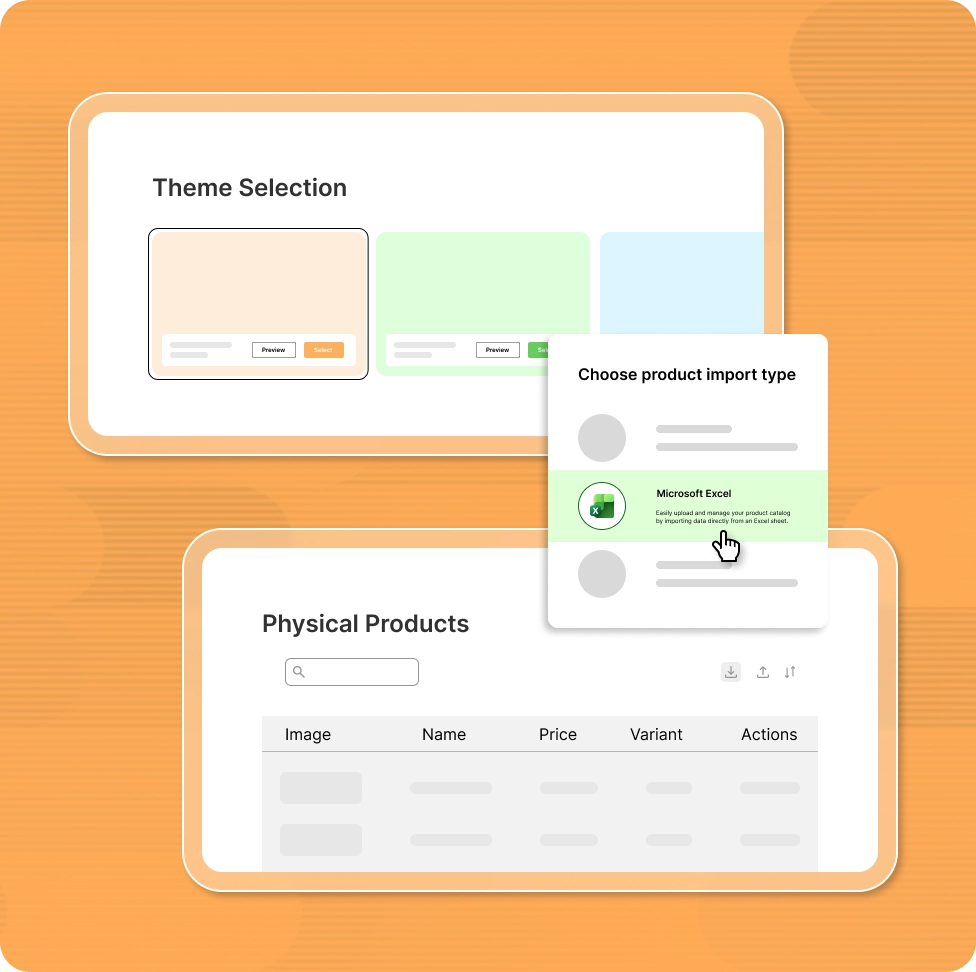
Choose a theme, import your product catalogue with ZenBasket's easy import option.
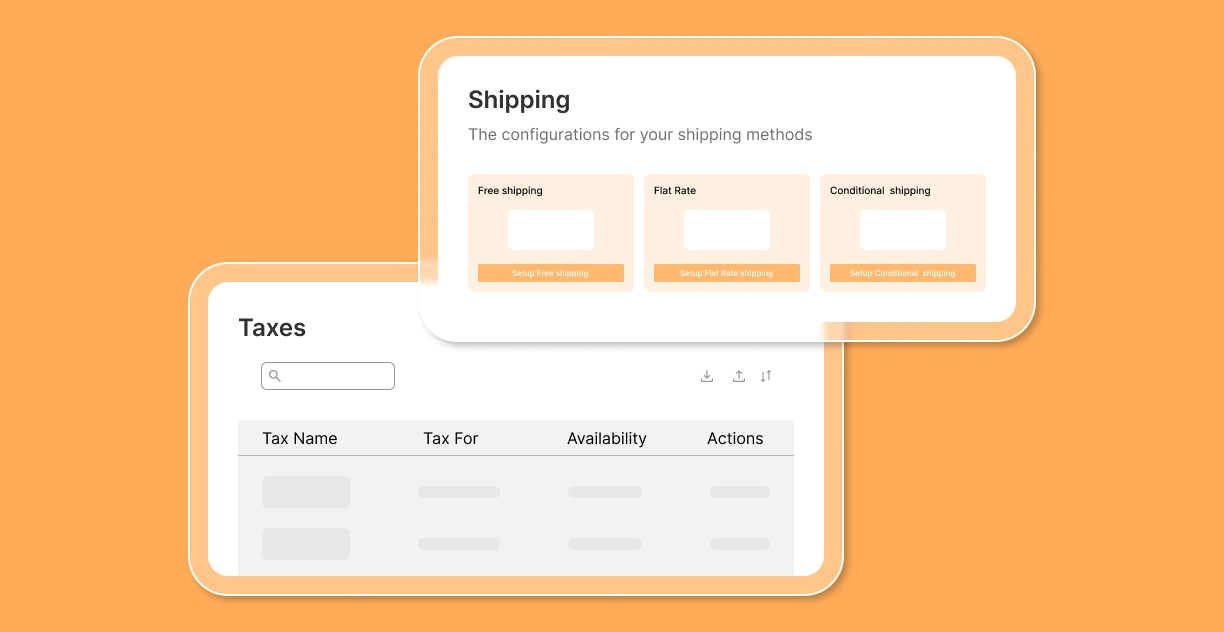
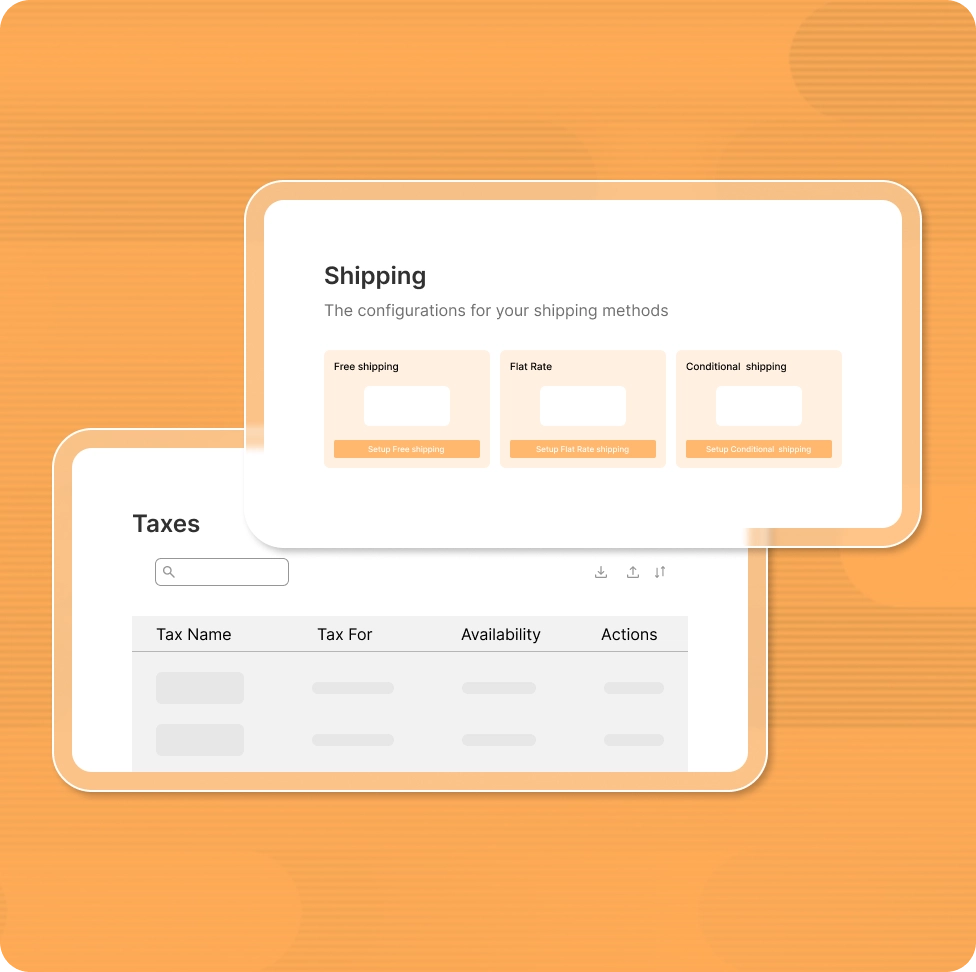
Configure shipping zones, tax settings, and payment gateways using the guided wizard.
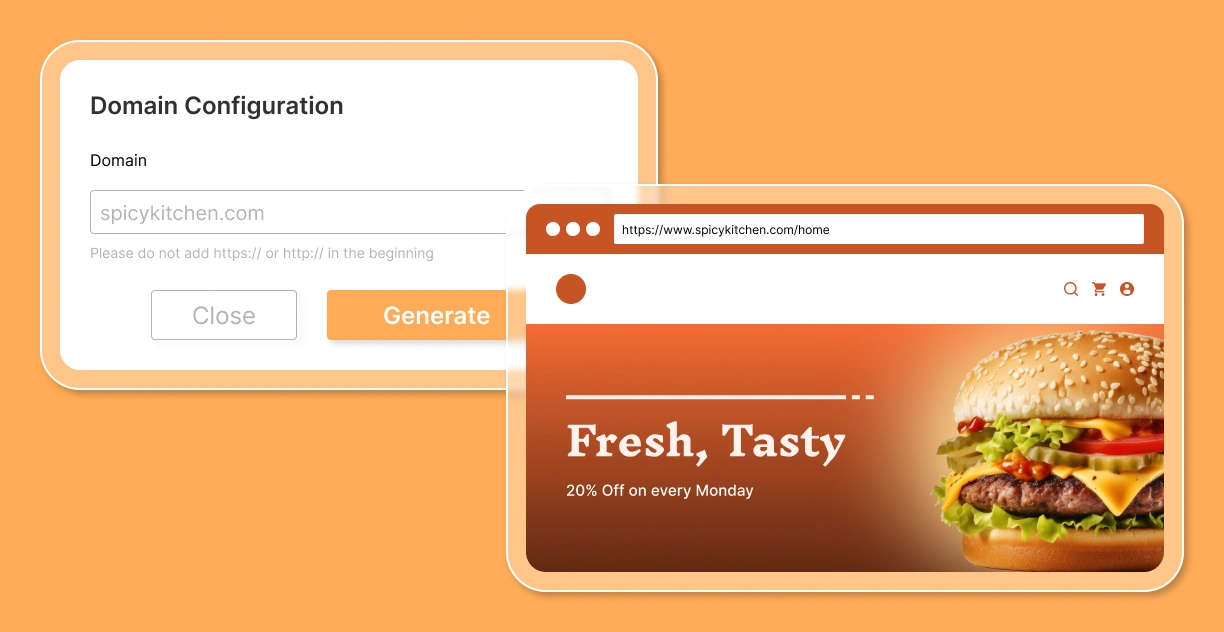
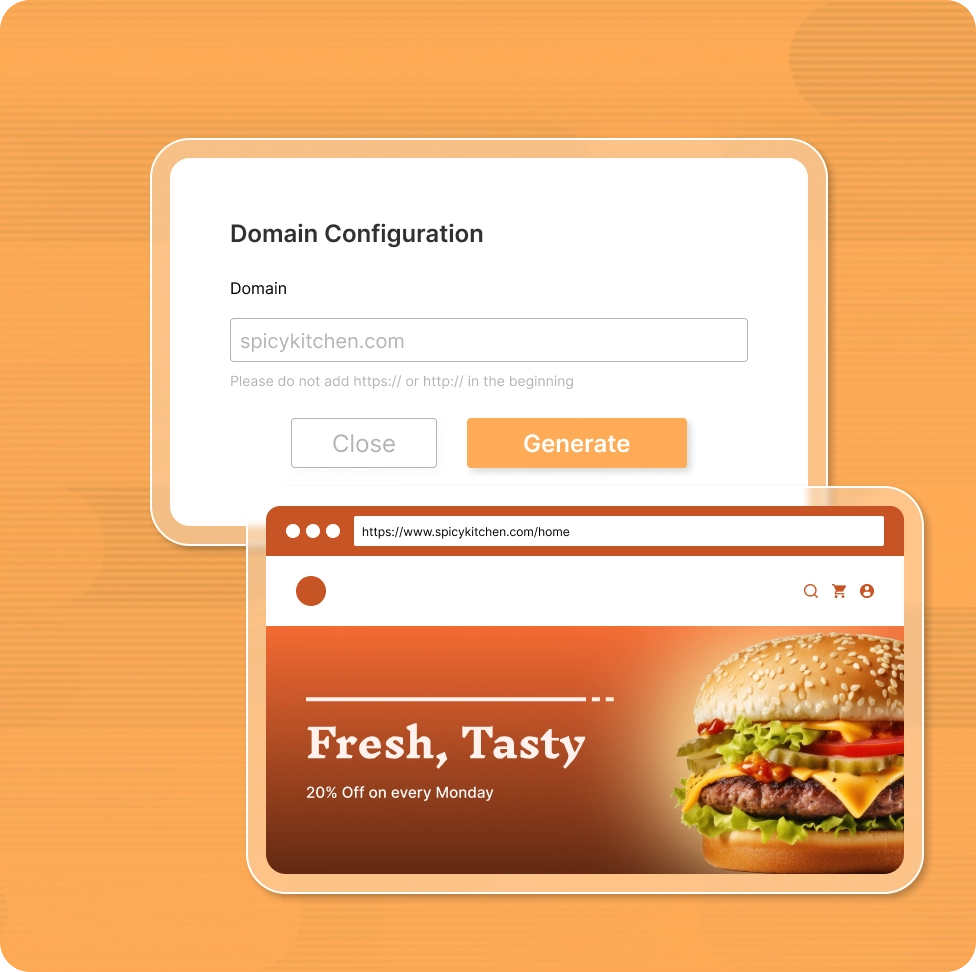
Point your existing domain to ZenBasket through your registrar's DNS settings. Once live, reach ZenBasket's 24/7 support at contact@getzenbasket.com no extra cost
General FAQs
Straight answers to the most common questions when comparing ZenBasket and Adobe Commerce.
No. Compared to Adobe Commerce, ZenBasket offers powerful features at a fixed cost.
Yes. ZenBasket’s no-code builder lets you design, update, and manage your store easily.
No. Most essential features are built-in, so you don’t rely on multiple third-party tools.
Yes. The mobile admin app lets you manage orders, products, and customers on the go.
No. ZenBasket offers predictable pricing without revenue-based or hidden costs.
Ready to switch from Adobe Commerce?
Join 1,000+ stores that chose ZenBasket: zero transaction fees, 120+themes, 50+ built-in plugins, and 24/7 expert support from day one.