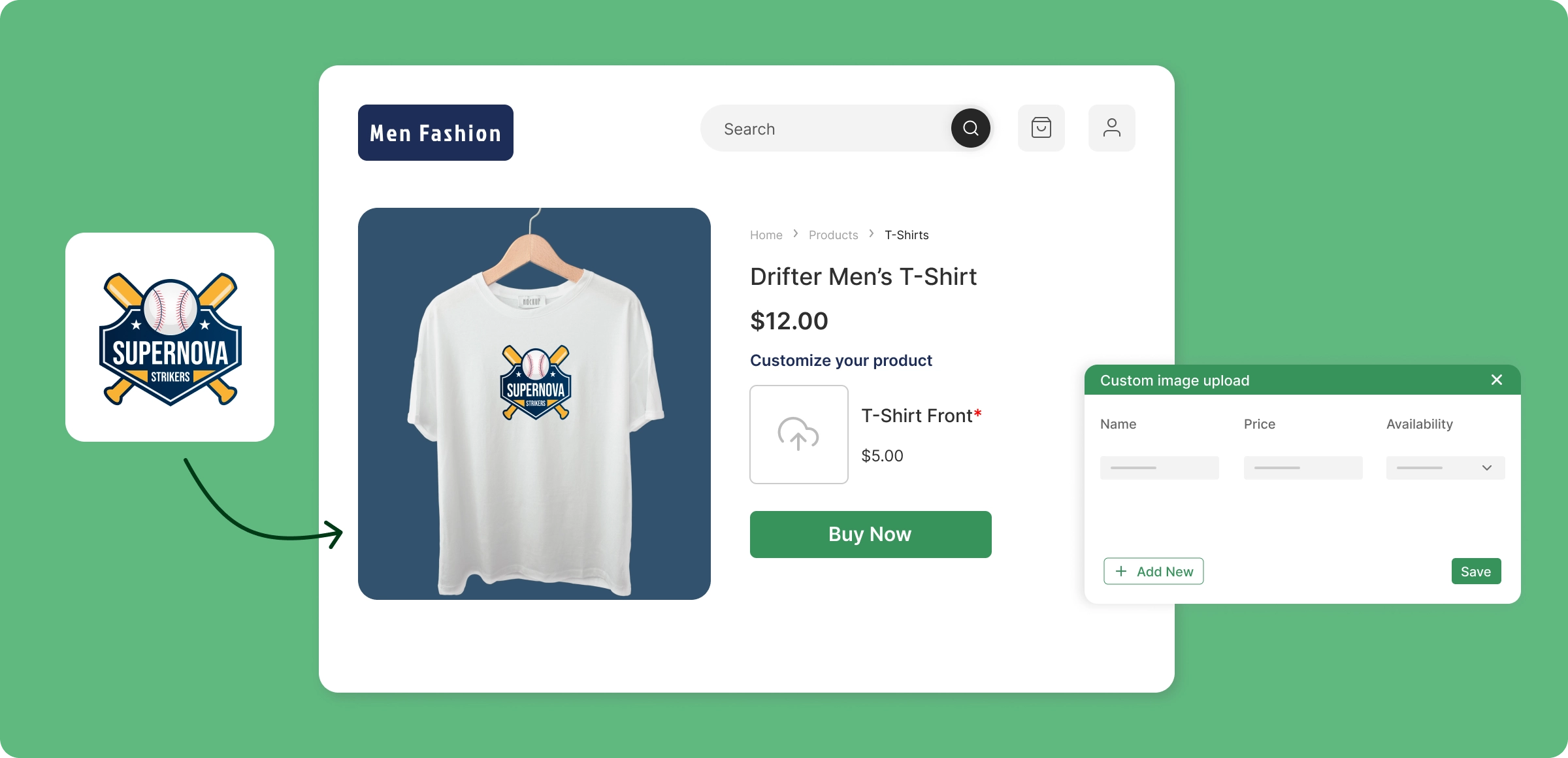
From ideas to sales
ZenBasket makes product customization simple so you can sell custom products easily and manage orders in one place.
Start custom selling
Turn on the custom sell products feature in ZenBasket to quickly start offering unique, tailored products to customers.
Upload to products
Open a product and move to general tab, check custom sell product, and set the upload name, and price.
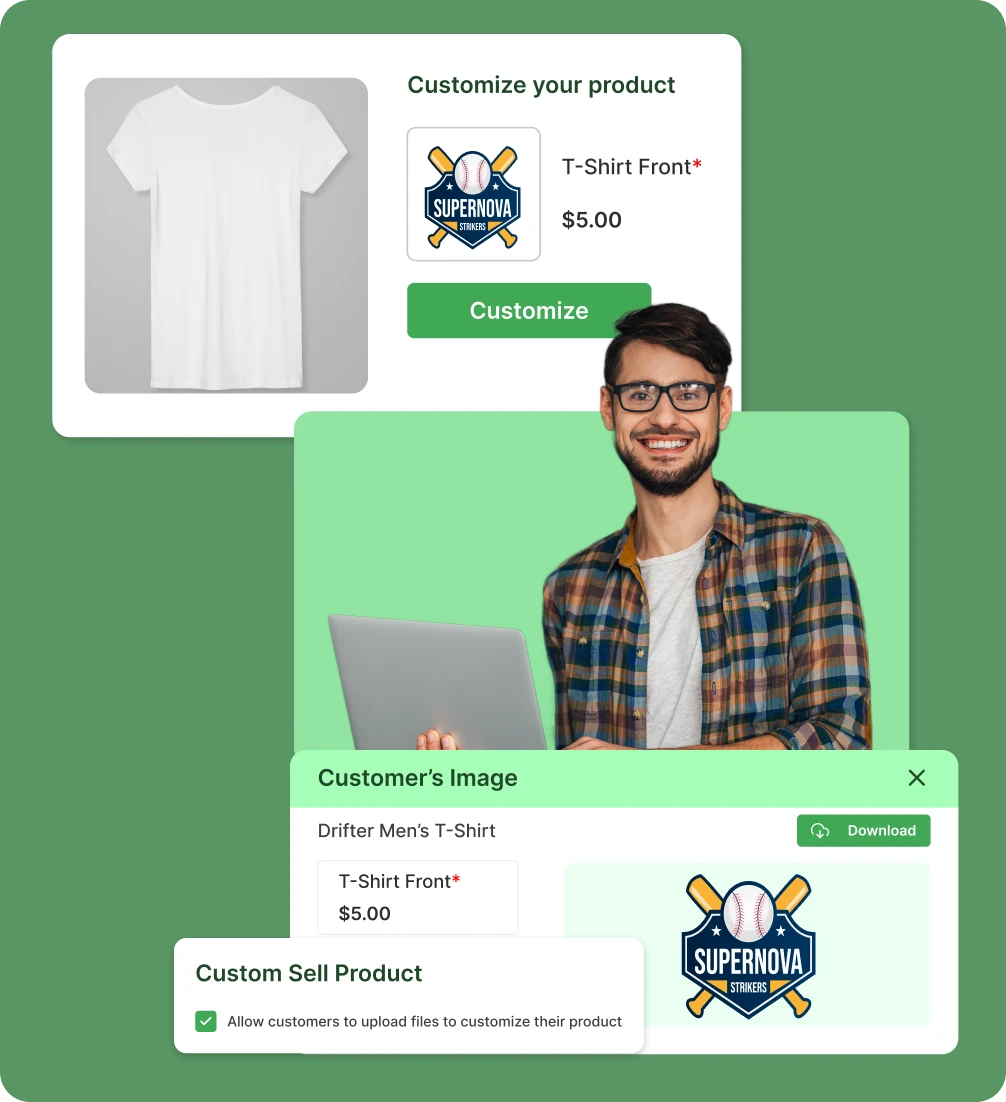
Checkout view
Customers can upload images to personalize products. Required uploads must be added before checkout.
Handle custom orders
Uploaded images are stored with the order. Admins can view or download them from the order details.
When standard products aren’t
enough
Selling only standard products limits your store’s uniqueness, growth potential, and customer retention.
Generic products lose
customers
A store without product customization feels less engaging, making it harder to inspire customers or keep them browsing longer.

Lack of product
differentiation strategy
When you sell the same products as everyone else, your store blends in with competitors and struggles to stand out in a crowded market.

Restricted revenue
growth opportunities
Selling only standard products restricts upselling opportunities and keeps your online store’s revenue from reaching its full potential.

Customers don’t come
back again
When customers can’t personalize items, they’re less likely to return for repeat purchases or recommend your store to others later.

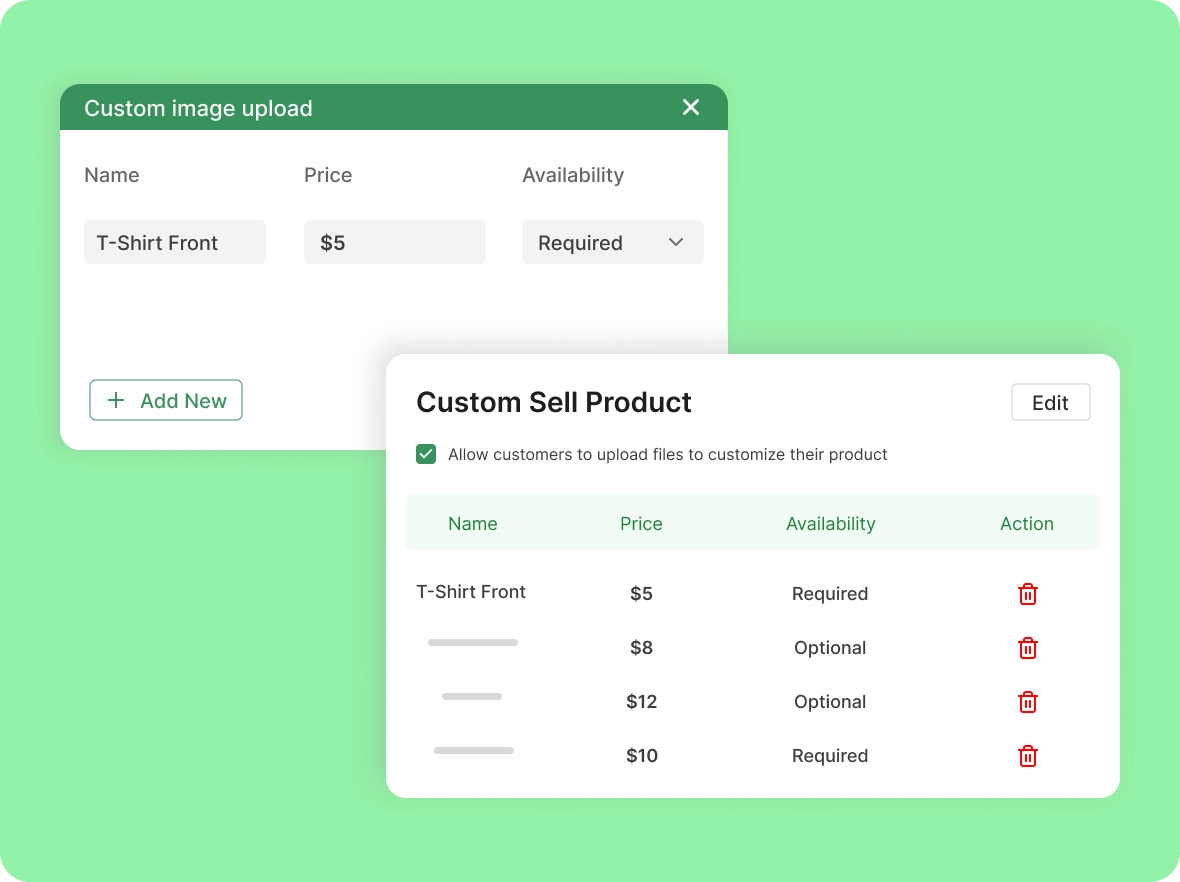
Set price for each
custom option
Charge exactly what your creations are worth. ZenBasket lets you assign separate costs to every customization, so each unique choice adds real value to your store.
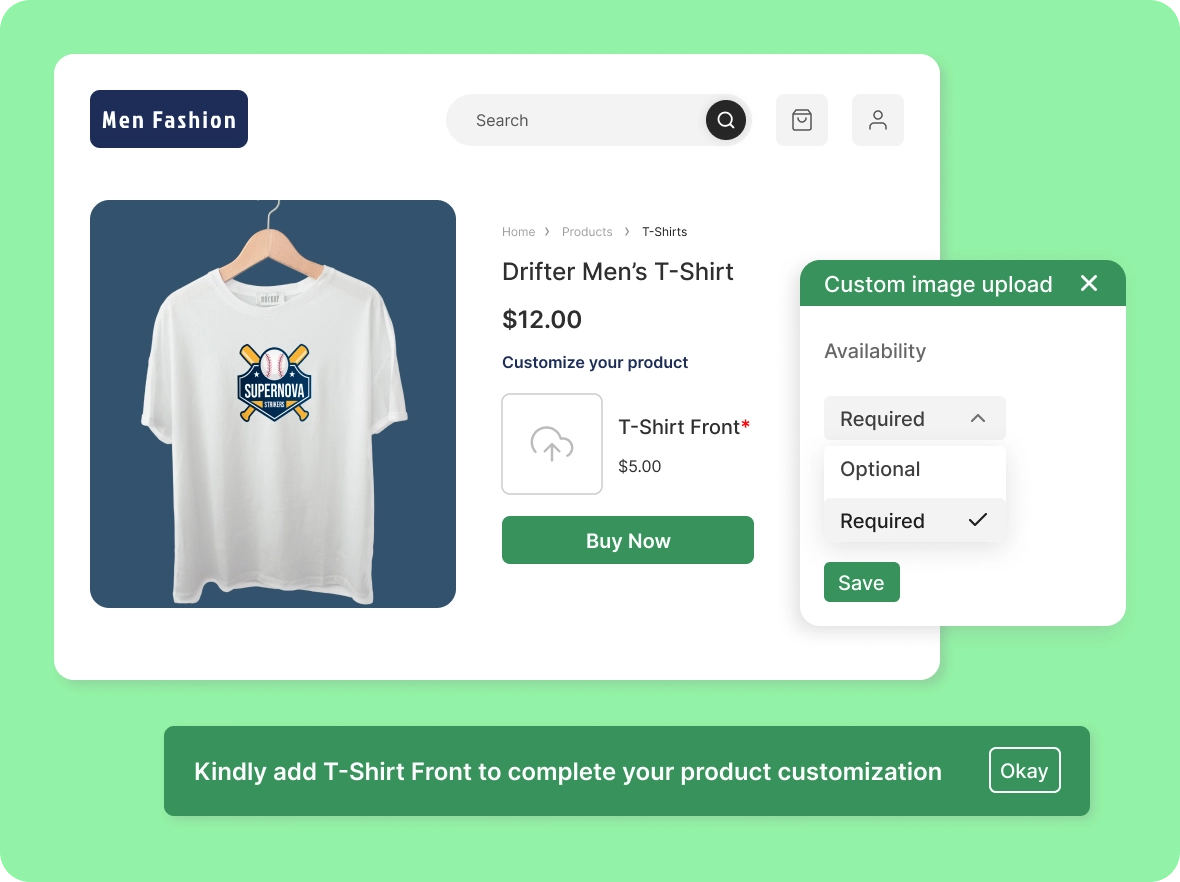
Configure image
upload settings
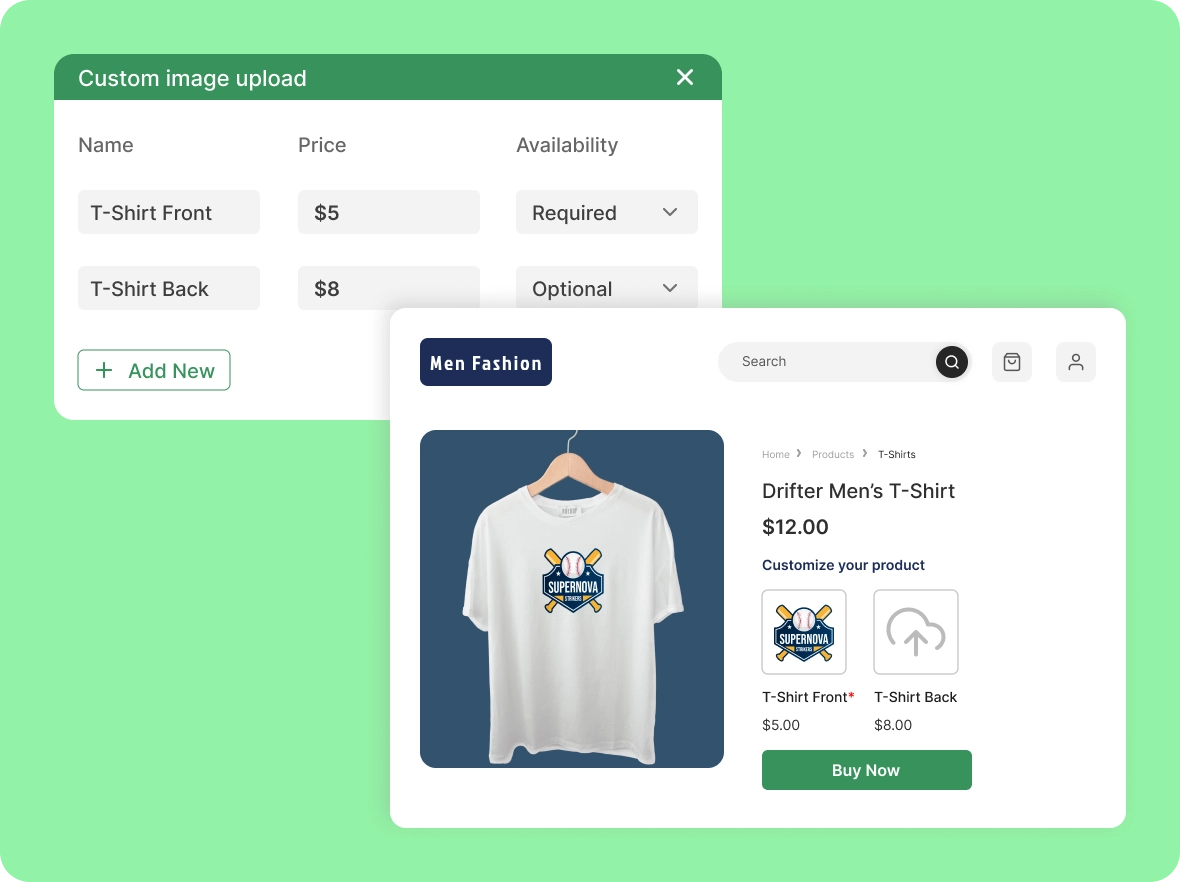
Easily set up custom image uploads by naming the option, setting a price, and you can choose whether the upload is optional or required.
Multiple custom image
options
Give customers more creative freedom. ZenBasket allows multiple image uploads per product, letting buyers share designs so you can craft truly unique one-of-a-kind items.
How your store gains from
Control the visibility, pricing, and availability of your custom products so the right customers see the right items at the right time.

Keep customers
coming back
Products tailored to individual preferences create stronger emotional connections. When shoppers feel a product is made just for them, they’re more likely to engage with your brand and return for future purchases.

Save more time on
every order
Manage all custom orders from one centralized dashboard while ZenBasket streamlines the entire product customization journey from design uploads to order processing, so you can focus on growing your store.

Differentiate your store
from competitors
Stand out in a crowded market by offering unique, customizable products. ZenBasket’s personalization features make your store memorable and give shoppers a reason to choose you over others.
General FAQs
Get quick clarity on our product and common queries. Have more questions? Connect with our support team.
It allows you to sell personalized products by letting customers upload their own designs before purchase.
Enable ZenBasket’s customization feature, add image options, set prices, and your online store can start selling custom products.
Yes! ZenBasket allows image uploads so buyers can personalise products exactly how they want during checkout for gifts, branding, and special occasions.
Absolutely. You can assign specific prices for different custom options to sell custom products at the right value.
Yes. Product customization attracts buyers, boosts engagement, and encourages repeat purchases for your online store.
Learn, explore, and grow
with expert resources

Blog
Sell custom products in 2025 with ZenBasket. Stay ahead of shopping trends, attract more buyers, and boost your store’s sales with on-demand items.
Learn More >
Help Center
Learn how to enable ZenBasket’s advanced product customization, set prices, manage orders, & sell custom products easily in your online store to boost sales and growth.
Learn More >
Video Tutorial
Watch this step-by-step guide on using the powerful ZenBasket platform to sell custom products. Learn product customization tips to increase sales and delight your customers.
Learn More >Products as unique as your
customers
Give customers products they design themselves. ZenBasket turns their creativity into your sales.