Online Food Ordering System for Restaurants and Food Businesses
Delivery apps take a cut of every order, and when a delivery goes wrong, your customer blames you, not the app.
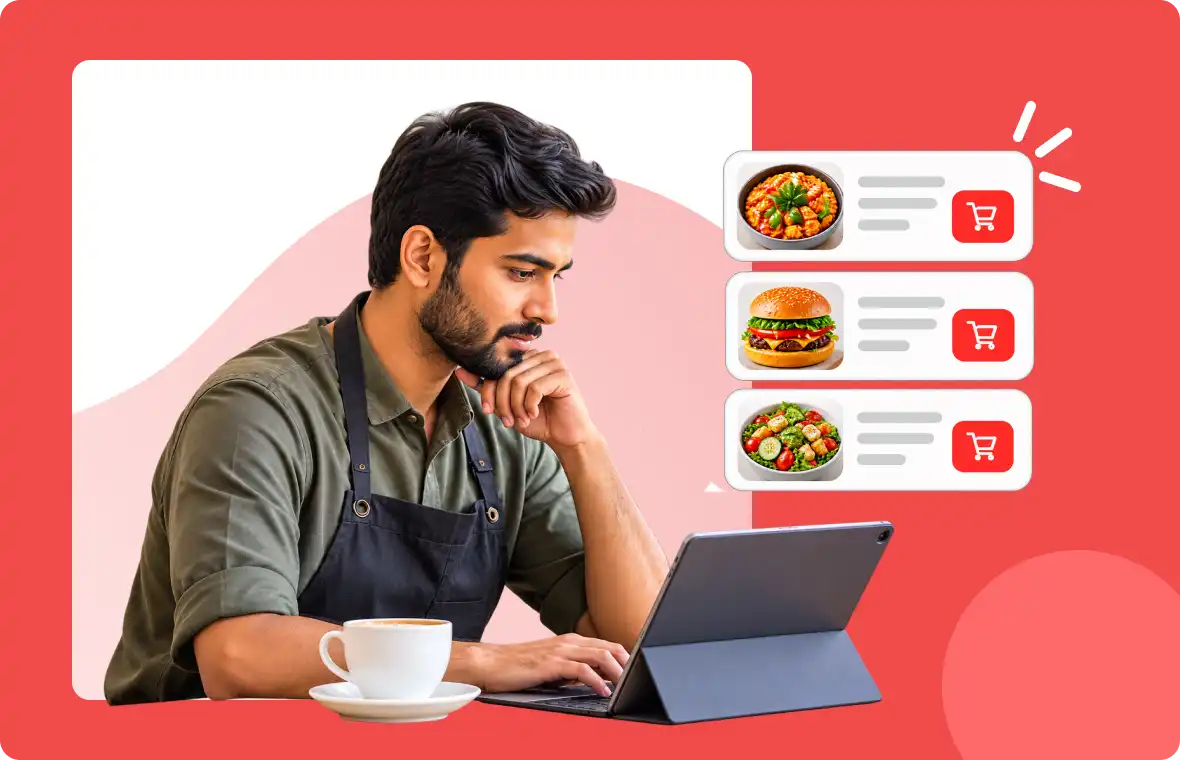
- Accept direct orders under your own brand.
- Manage menus, payments, delivery, pickup, and locations.
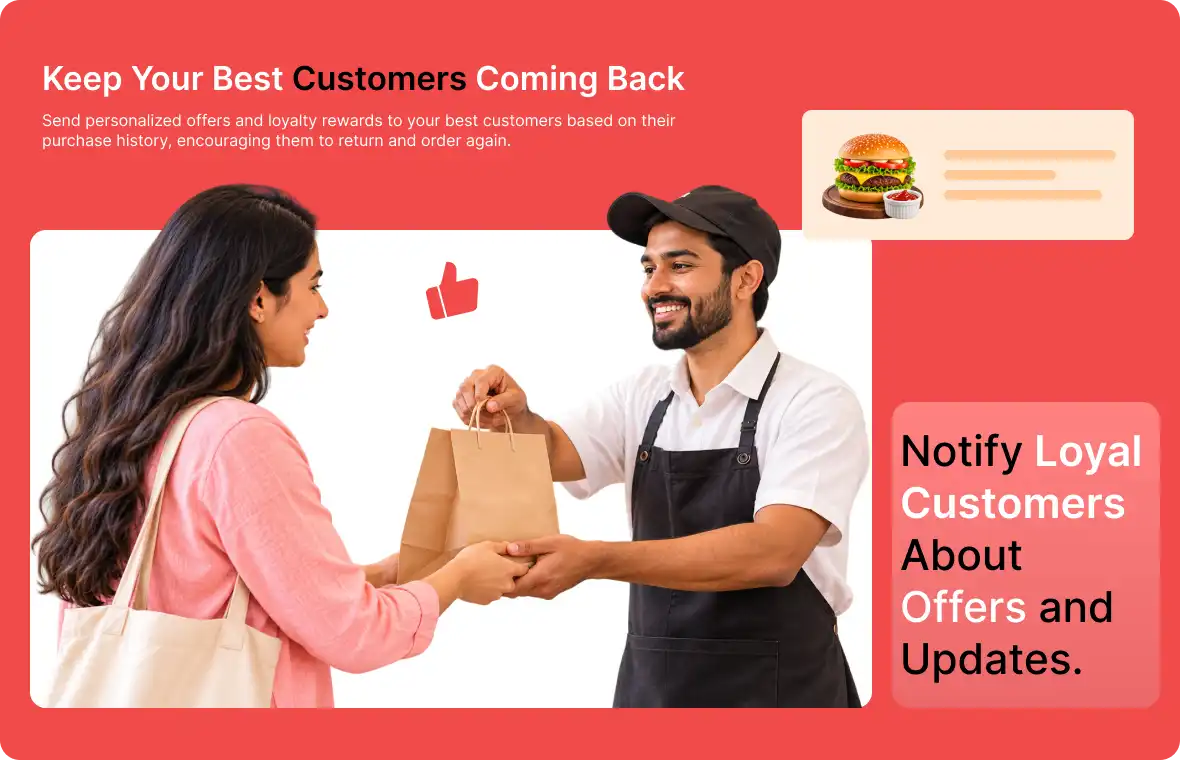
- Give regular customers a direct way to order again.
Built for different food business models


What makes direct food ordering difficult?
Prepared-food businesses need more than a basic product catalogue.
Customers remember the app, not the restaurant
A great order on a delivery app builds loyalty to the platform first; the business often has no way to reach that customer again directly.
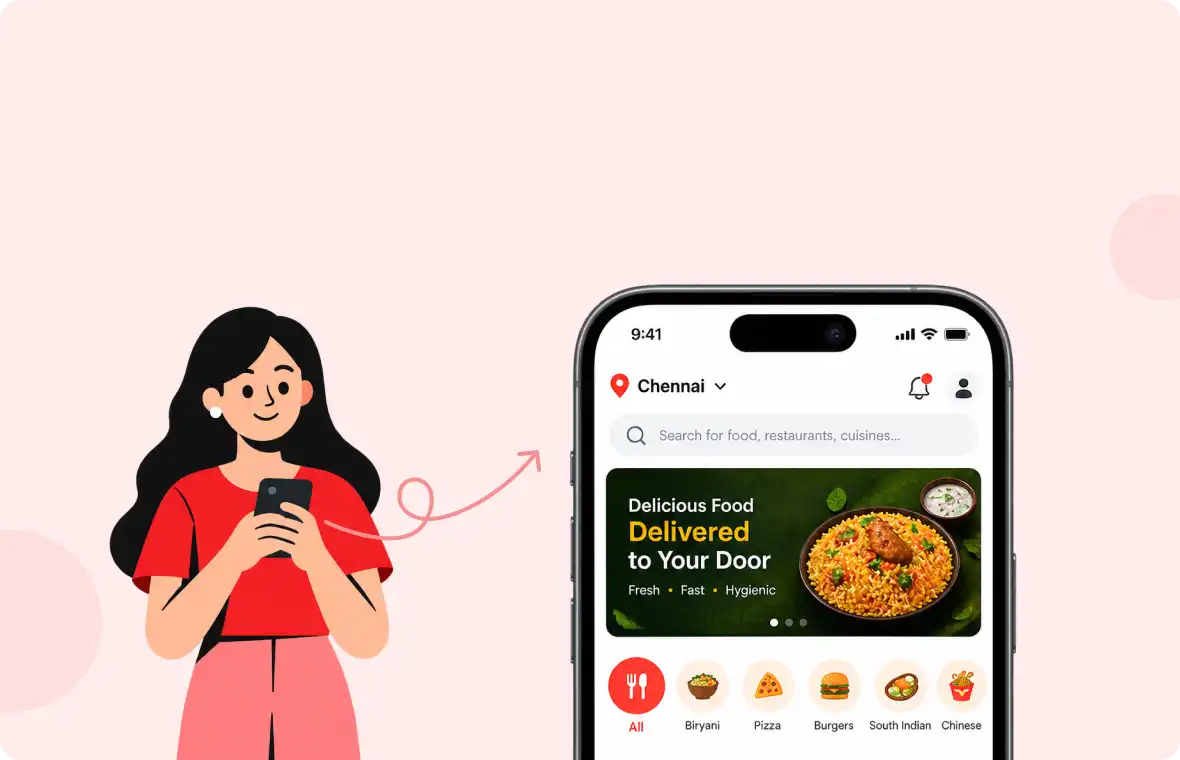
Menus change throughout the day
Breakfast, lunch, dinner, and specials need different visibility; static menus fall short.
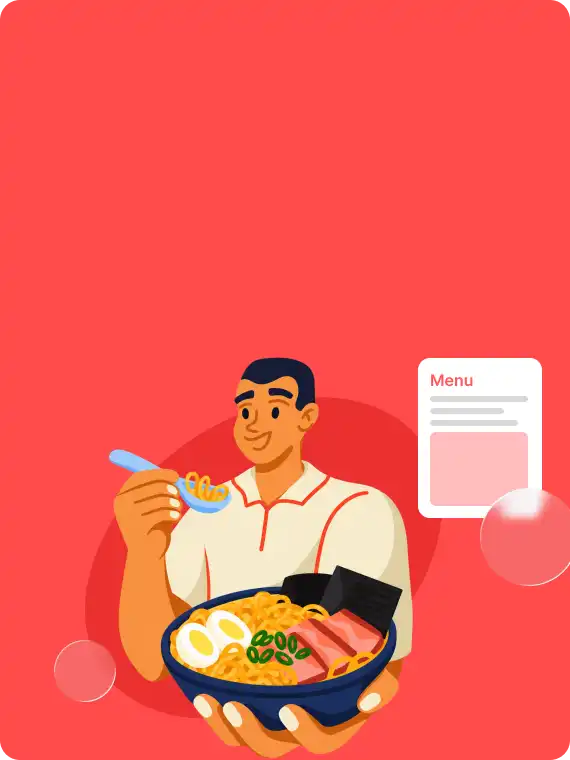
Almost every order need customization
Sizes, spice levels, toppings, and add-ons require listings that handle choices.
Fulfilment isn't one thing
Pickup, in-house delivery, and third-party providers need to work from one order queue.
Multiple locations complicate everything
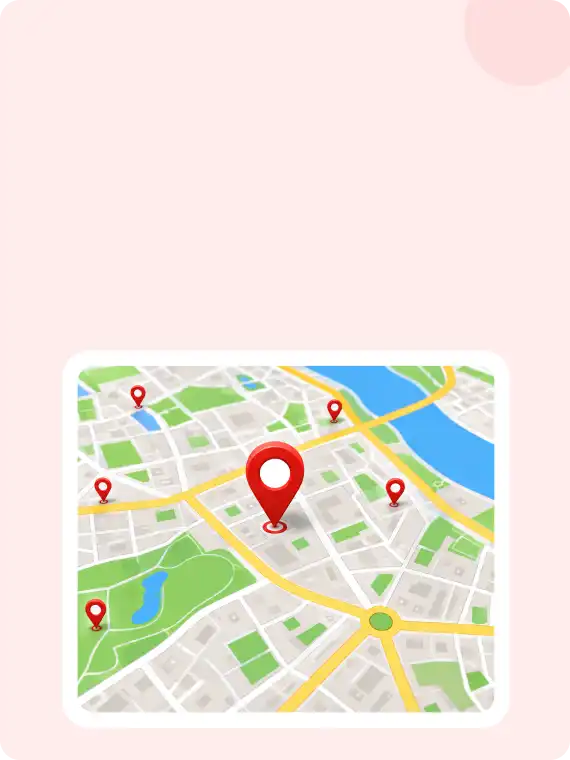
Different menus, hours, staff, and fulfilment options need multi-location support.
Delivery app commissions cut into already thin margins
Every order routed through a third-party app comes with a fee attached, on top of food, labor, and packaging costs.

Food delivery
Apps vs direct ordering
Food delivery apps help reach new customers; direct ordering makes repeat orders convenient. Most food businesses use both.
| Food Delivery Apps | Direct ordering with ZenBasket | |
|---|---|---|
| Customer discovery | Strong, built-in audience searching for the app. | Your own marketing and existing customers. |
| Who owns the customer relationship | The app, you rarely get contact details. | You, orders come with customer info you can use to bring them back. |
| Commission on each order | The Marketplace commission applies. | No ZenBasket transaction fee. (payment-gateway charges, taxes, and other costs may still apply) |
| Branding at checkout | Customer sees the app's brand first. | Customer orders through your own branded website or Store App. |
| Menu control | Often limited by the app's format and update process. | Full control over menu, modifiers, pricing, and availability by time and location. |
| Best used for | Reaching customers who don't know you yet. | Keeping the customers who already do. |
Customer discovery
Strong, built-in audience searching for the app.
Who owns the customer relationship
The app, you rarely get contact details.
Commission on each order
The Marketplace commission applies.
Branding at checkout
Customer sees the app's brand first.
Menu control
Often limited by the app's format and update process.
Best used for
Reaching customers who don't know you yet.
Customer discovery
Your own marketing and existing customers.
Who owns the customer relationship
You, orders come with customer info you can use to bring them back.
Commission on each order
No ZenBasket transaction fee. (payment-gateway charges, taxes, and other costs may still apply)
Branding at checkout
Customer orders through your own branded website or Store App.
Menu control
Full control over menu, modifiers, pricing, and availability by time and location.
Best used for
Keeping the customers who already do.
A complete ordering experience for you and Your customers
Give customers a branded ordering experience while your team manages orders and store activity from the ZenBasket Admin App.
Restaurant Store App
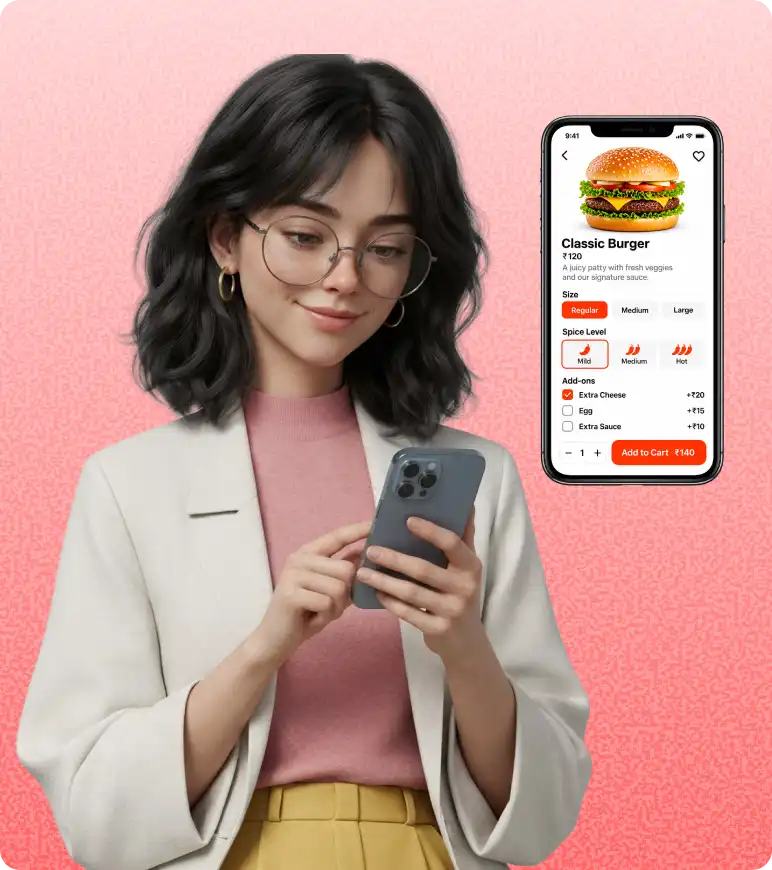
Offer a branded iOS and Android app where customers can browse menus, customize items, choose delivery or pickup, and place direct orders.

Admin App for business managementBusiness Management App
Manage orders on the go, view sales and reports, update menus and availability, and monitor payments from the ZenBasket Admin App.

See how online food ordering works with ZenBasket
Watch a practical walkthrough of how ZenBasket helps a food business present its menu, accept direct orders and manage the ordering process.
How Does ZenBasket Manage Direct Food Orders?
The online food ordering system connects the customer's ordering journey with the business's order-management workflow.
Set up your store
Configure your food business, locations and fulfilment.
Add menus & options
Add dishes, timings, modifiers and extras.
Receive direct orders
Accept website or Store App orders with payment details.
Prepare the order
Review items and update preparation progress.
Plan fulfilment
Identify pickup orders or export delivery details through Routing.
Deliver or hand over
Use your own riders or a third-party delivery provider.
Update customers
Share order confirmations and updates.
Built around how food businesses actually take orders
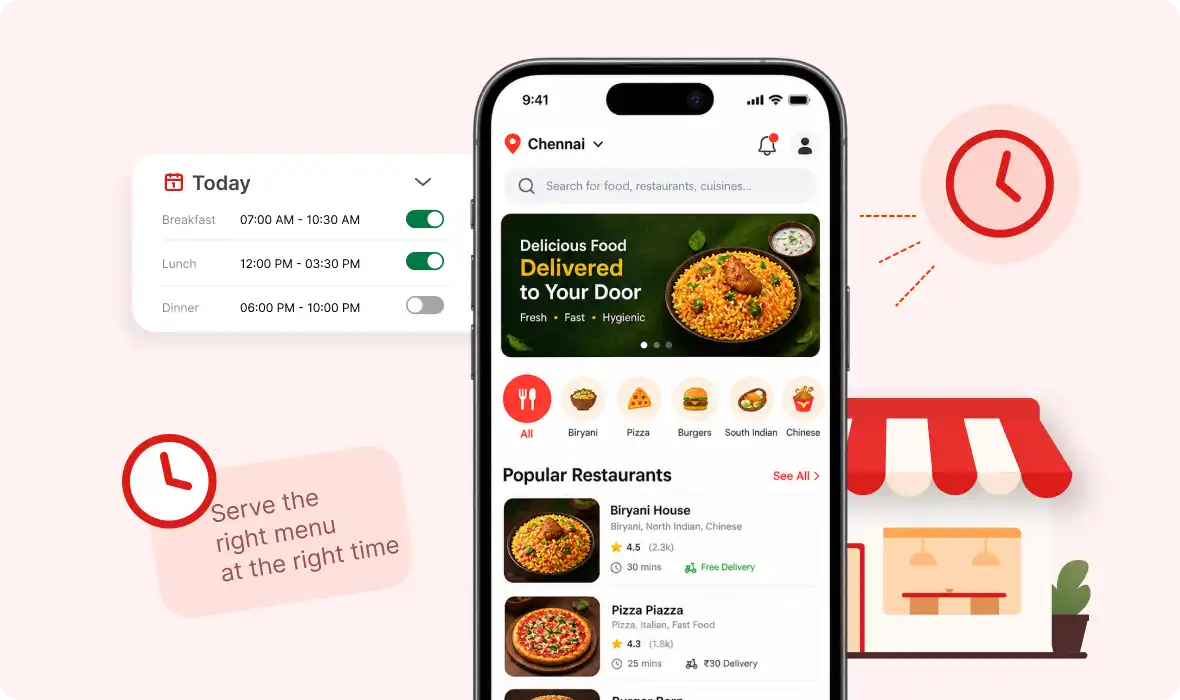
Show the right menu at the right time
Set menu availability by day, time and location, so customers only ever see what you can serve right now, and you're not fielding cancelled orders for items that aren't ready.
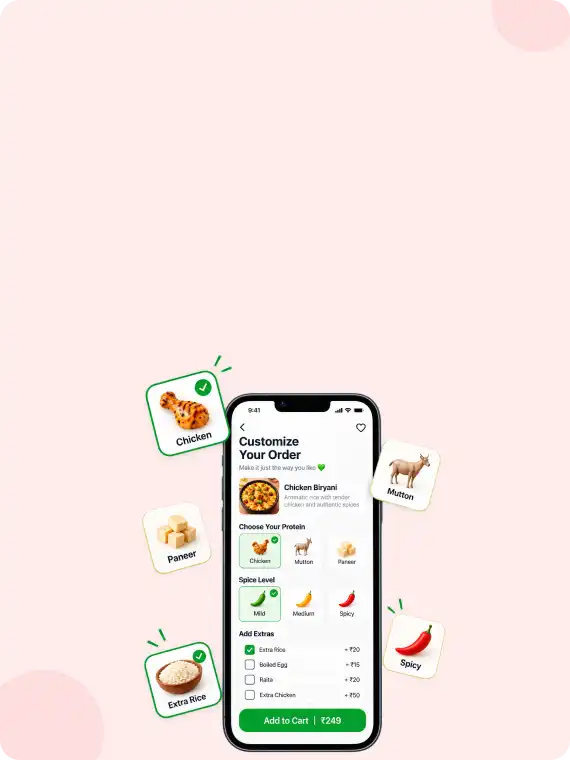
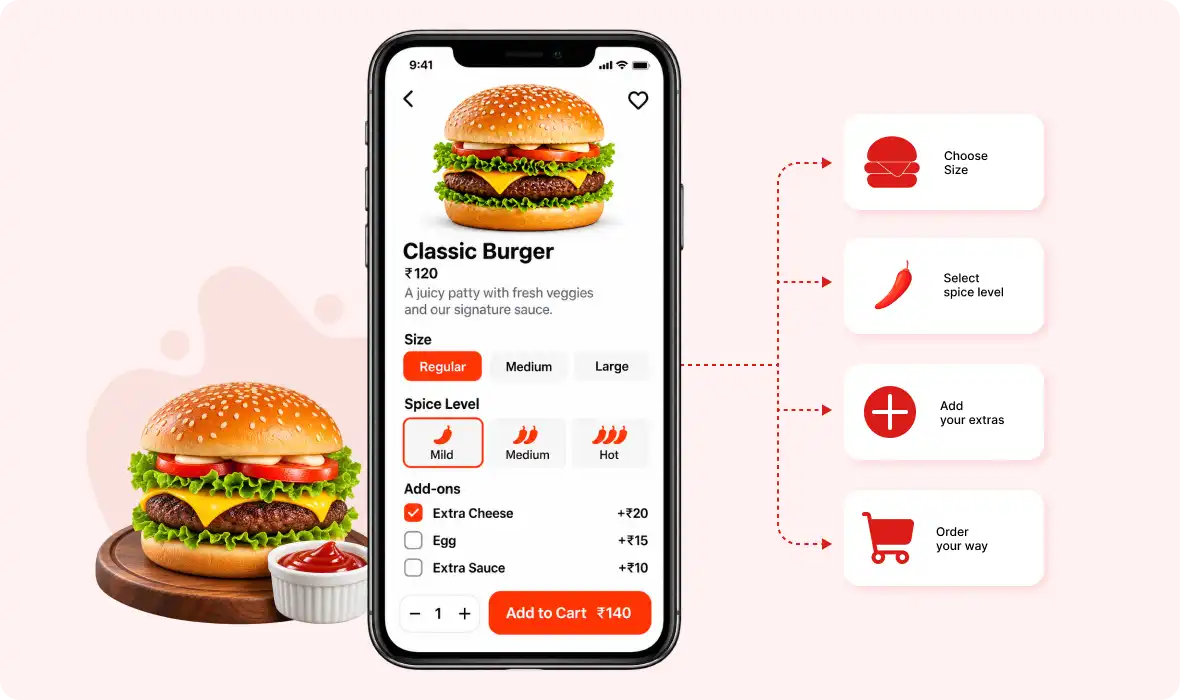
Let customers customize every order
Modifiers and add-ons let customers specify sizes, spice levels, toppings, extras and required selections upfront, so the order that reaches your kitchen is the order the customer wanted.
Show the right menu at the right time
Set menu availability by day, time and location, so customers only ever see what you can serve right now, and you're not fielding cancelled orders for items that aren't ready.
Delivery
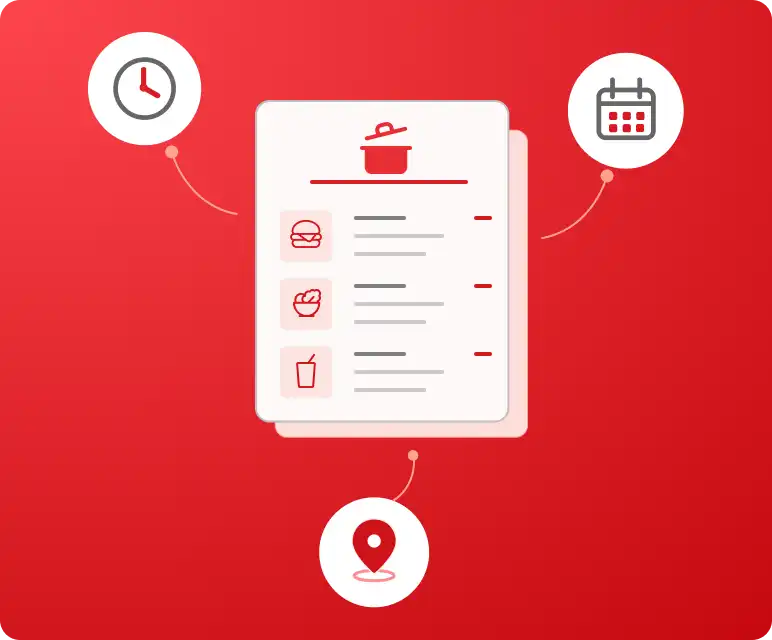
Set delivery zones, charges, minimum orders, and customer details.
Routing support
Export delivery details for fulfilment with your team or preferred provider.
Pickup
Add pickup locations and let customers choose where to collect orders.
Order progress
Update order status from confirmed to preparing, ready or completed.
Delivery boundary
ZenBasket does not provide delivery riders, automated dispatch or built-in live driver tracking. The food business remains responsible for delivery through its own staff or a chosen third-party provider.
Manage multiple food business locations
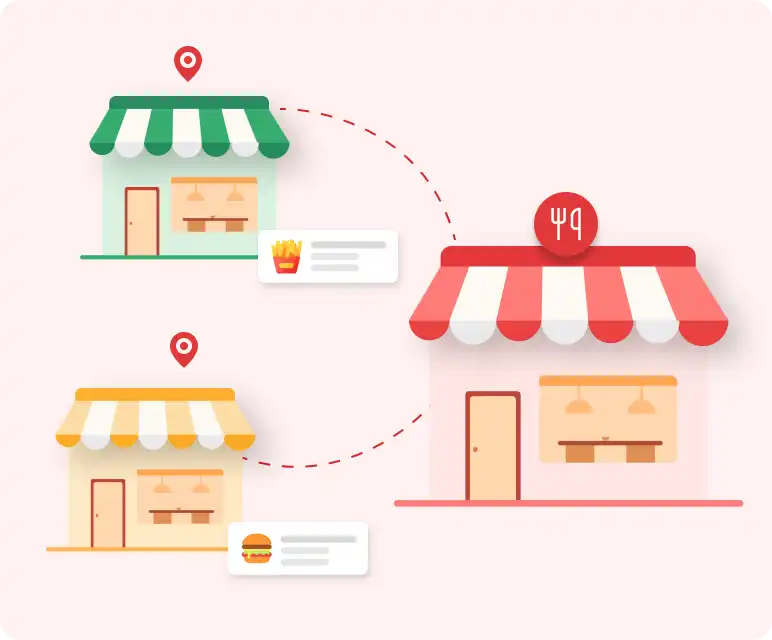
Manage multiple outlets, kitchens or pickup points from one ZenBasket account, based on your plan's location allowance, so opening a second location doesn't mean rebuilding your ordering setup from scratch.
Location-specific menus
Control which menus and categories are associated with each supported location.
Availability by location
Manage supported inventory or item availability separately for each location.
Menu timing by location
Set different service hours and menu availability for individual outlets.
Central administration
Review and manage connected locations from the ZenBasket admin and Admin App.
Make it easier for customers to complete their order
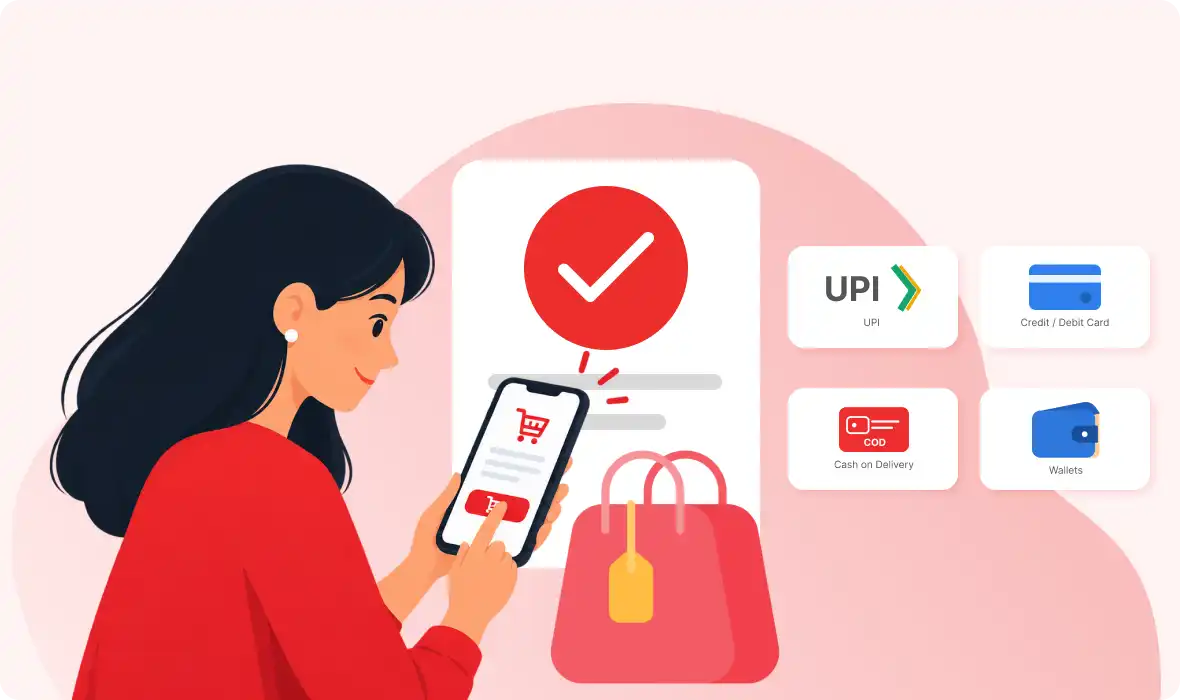
Keep checkout simple with ZenBasket's single-page checkout and offer supported online and offline payment methods by region.
What remains the food business's responsibility?
ZenBasket provides ecommerce, ordering, and store-management tools. The food business remains responsible for the accuracy and legality of the products and services it offers.
- Food safety, preparation, and allergen information.
- Licences, taxes, and local operating requirements.
- Delivery staff, delivery partners, and fulfilment compliance.
- Marketing consent and lawful use of customer information.
- Payment-provider onboarding and regional payment rules.
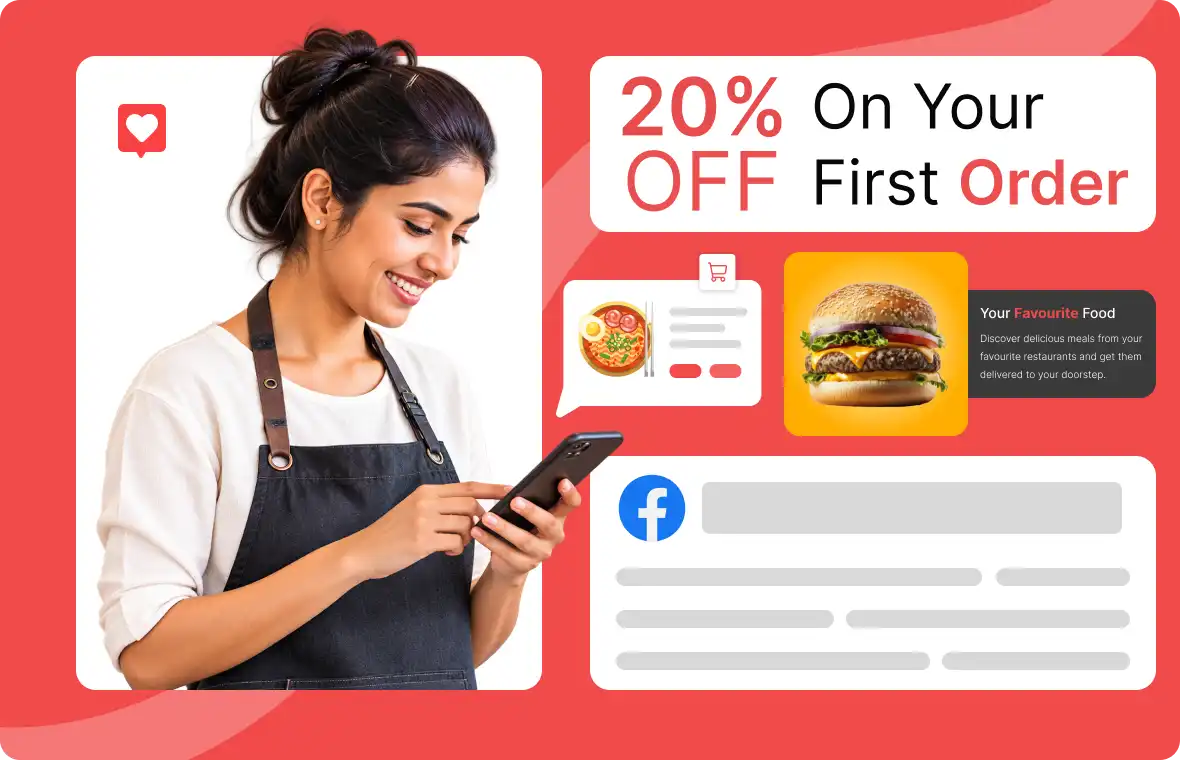
Give customers more reasons to order again
Keep your food business visible after the first order.
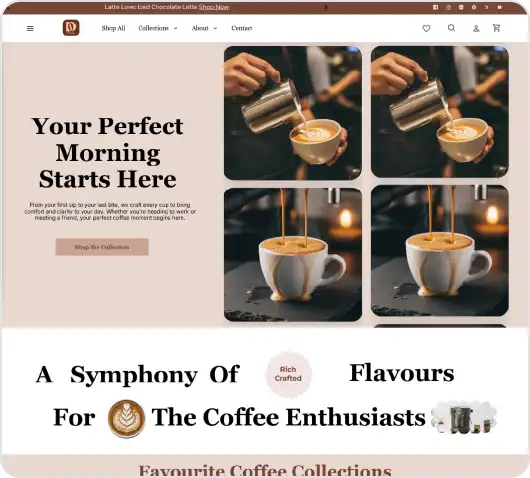
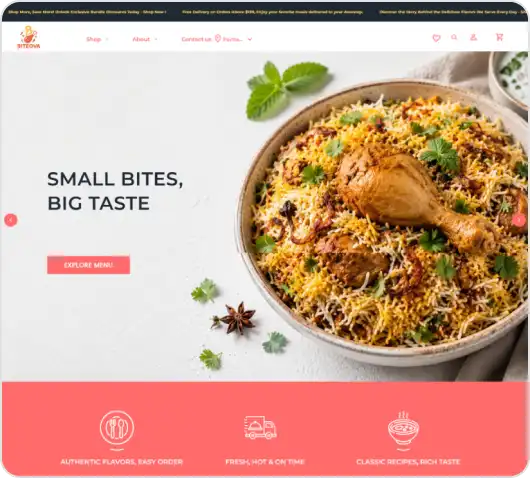
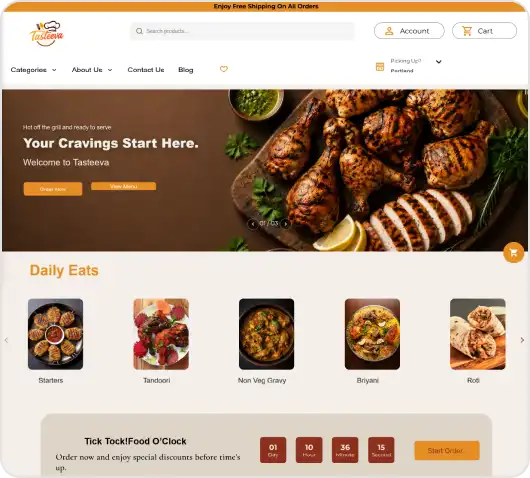
A platform trusted across industries


Real Businesses. Real Results.
"ZenBasket made our store launch seamless"
ZenBasket played a key role in launching our online store. They handled everything, allowing us to focus on the business.

“Managing products and customer orders is much simpler”“Managing Products and Orders Is Easier”
I can organize the products, update store information, and review online orders in one place. Customers also have an easier way to purchase directly from us.Organize products, update store details, and manage orders in one place. Customers can also shop with ease.

“Making it easier to discover and order online”
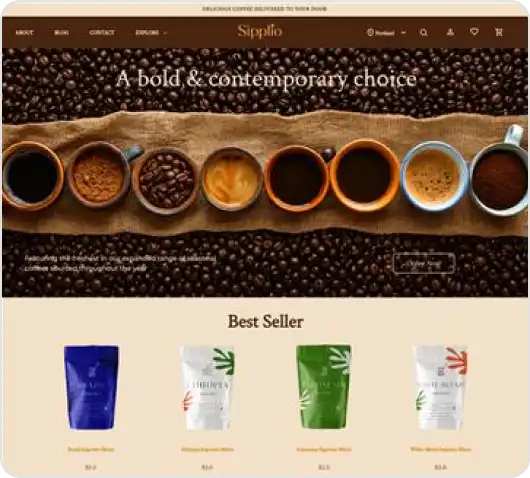
Customers can easily explore our food products online and place their orders directly with us.

"ZenBasket transformed our jewellery business"
ZenBasket has been a gamechanger for my jewellery business. After launching our website, we’ve seen a surge in orders and customer engagement.
One POS for your shop and online store.
Sell on your iPhone or iPad, with products, stock and orders synced to your ZenBasket store.

Choose a plan for your food business
Choose a ZenBasket plan based on your menu size, number of locations, staff access and operational requirements. View Current ZenBasket Pricing
- Up to 500 Products
- 2 Inventory Location
- 5 Staff Accounts
- Unlimited File Storage
- Up to 3000 Products
- 5 Inventory Location
- 15 Staff Accounts
- Unlimited File Storage
- Unlimited Products
- Up to 10 Inventory Location
- Unlimited Staff Accounts
- Unlimited File Storage
General FAQs
Everything you need to know about the product and how it works. can’ find an answer? Chat to our team.
An online food ordering system lets customers browse a menu, customize items, choose delivery or pickup, pay and place an order directly with a food business. ZenBasket connects customer experience with menu management, payments, order processing, multiple locations and status updates through the website, Customer Store App, and admin tools.
ZenBasket can support restaurants, cafés, bakeries, cloud kitchens, takeaway businesses, and multi-location prepared food brands. The best setup depends on the business’s menu structure, fulfilment model, payment region, number of locations and need for a website, paid Customer Store App or Admin App.
Yes. Food delivery apps can remain useful for discovery and third-party delivery reach. ZenBasket gives your business a branded food ordering website and optional Store App where customers can order directly. Businesses should follow the terms of any third-party platform they continue to use.
ZenBasket does not charge a transaction fee on orders placed through your ZenBasket store. Your selected subscription, payment gateway charges, taxes, delivery expenses and paid add-ons still apply. Review the current pricing and payment-provider terms before comparing your direct-order costs with third-party food delivery app fees.
Yes. ZenBasket supports menu timing by day, time and location, food-item modifiers and add-ons, and multiple inventory locations according to the selected plan. Businesses can configure choices such as toppings or extras and manage supported menu availability across connected outlets from the ZenBasket admin.
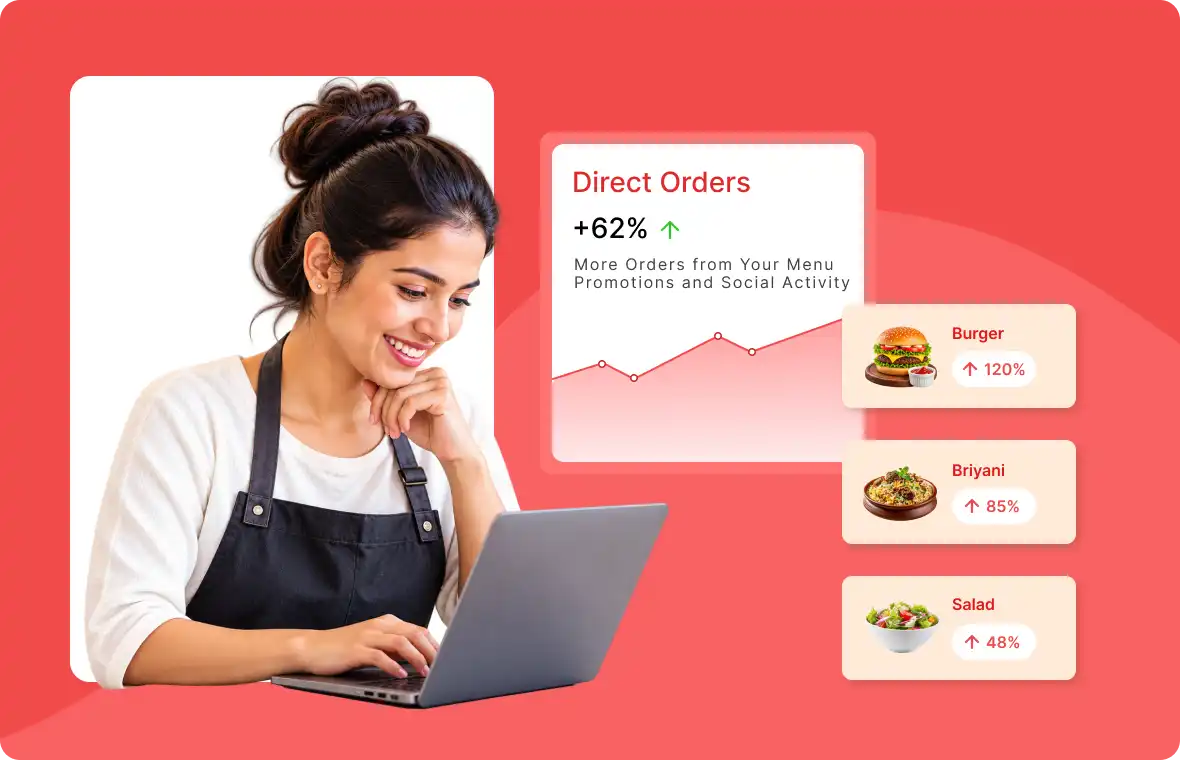
Ready to build your direct food ordering channel?
Build your online food ordering system today and give your food business room to grow into the next big brand.