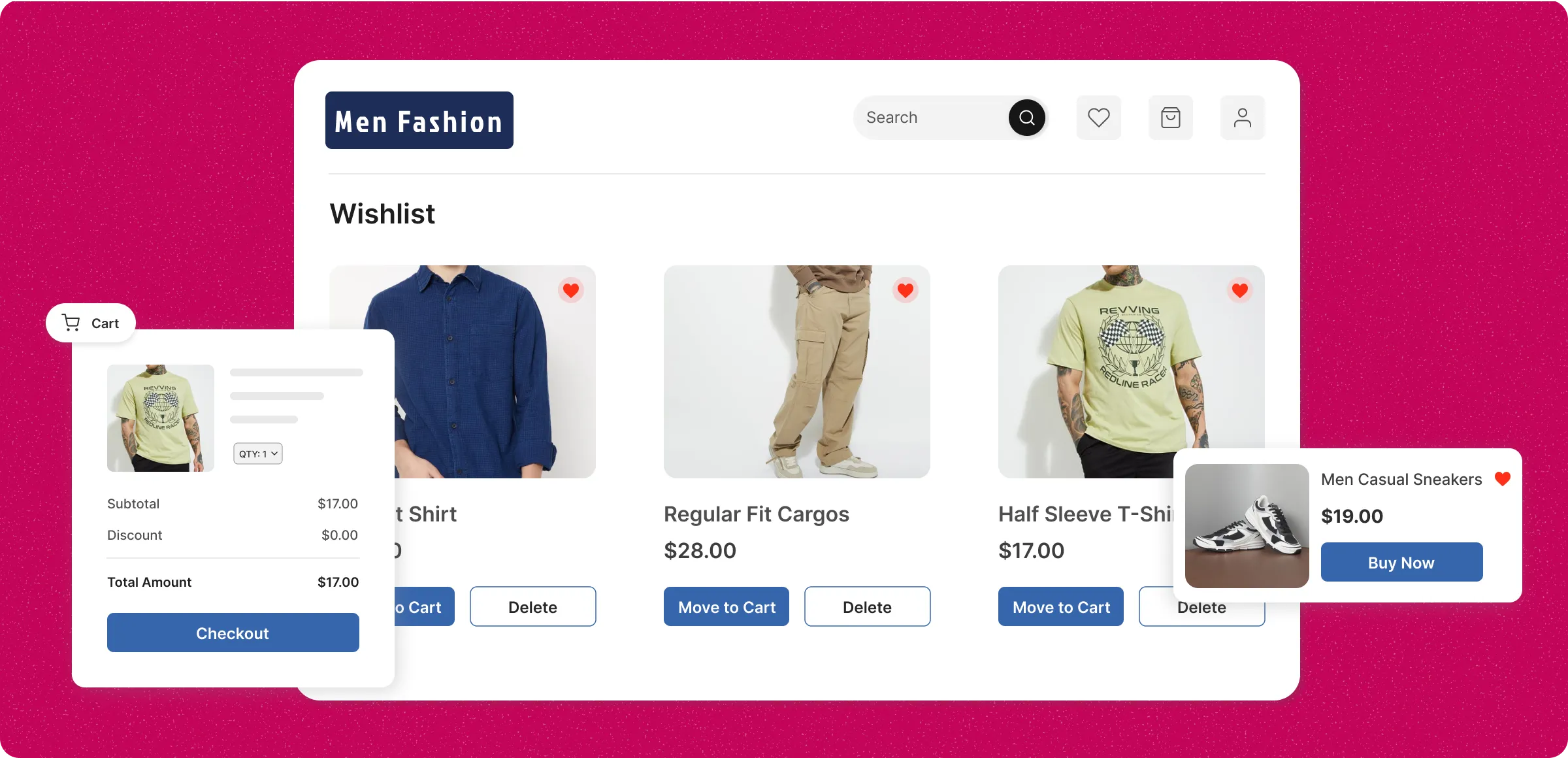
How wishlists work
Streamline customer shopping behavior and gain actionable insights by managing and tracking wishlists.
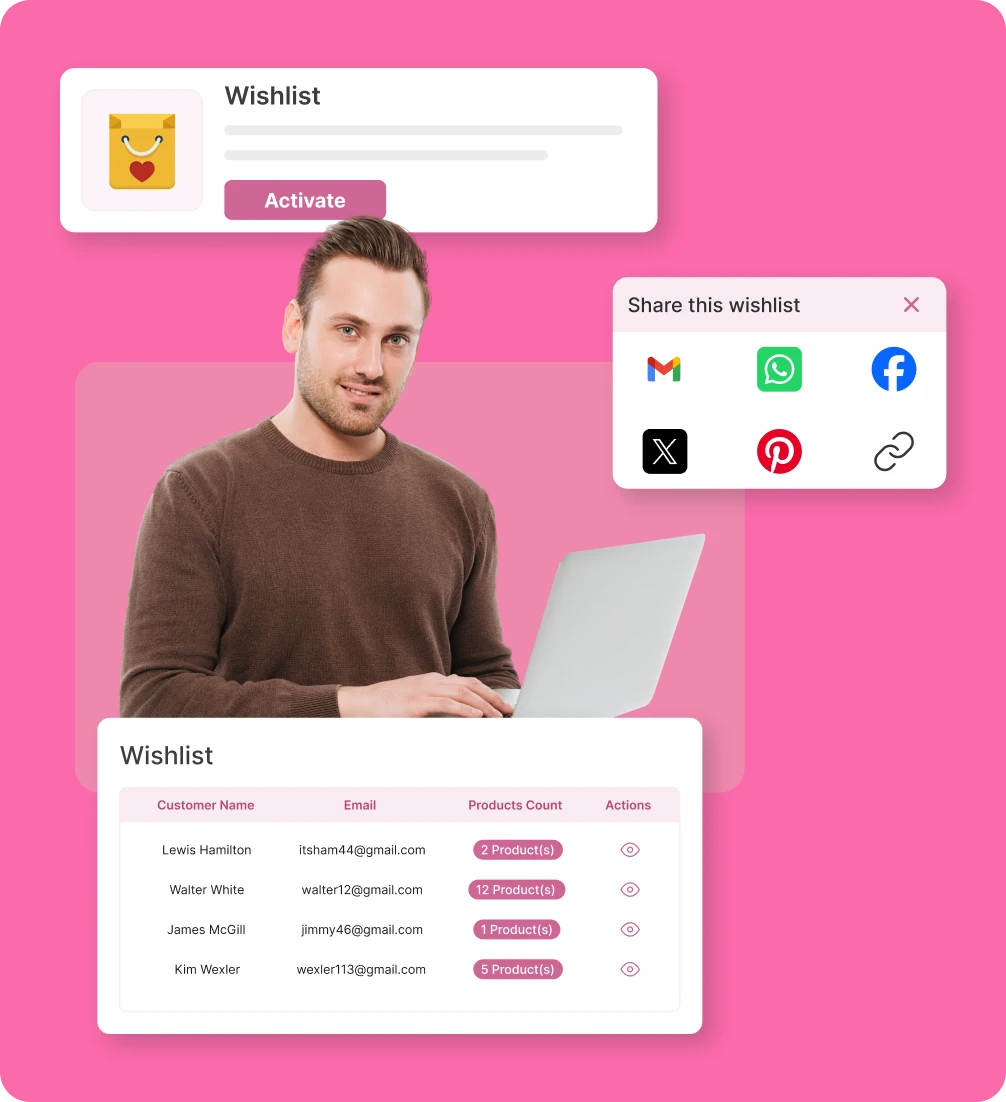
Enable wishlist feature
Activate the wishlist feature from the plugins menu to allow customers to save products for future purchases effortlessly.
Track customer wishlists
View wishlists with details like customer name, email, and product count to track demand and prepare inventory accordingly.
Share and control wishlists
Allow customers to easily share their wishlist via email or social media to spread the word and drive more visits quickly.
Manage customer wishlists
Admins can view saved products and customer details to understand preferences and improve shopping experiences.
Why shoppers struggle without a
wishlist
Shoppers face challenges tracking and remembering products they want to buy, leading to frustration.
Hard to compare
products
Shoppers struggle to see and compare all their chosen items in one spot without a wishlist.

No way to save items
for later
Without a wishlist, it's difficult to keep track of products you want to buy later or compare.

Forgetting about
desired products
Busy schedules make it easy for customers to forget products they intended to buy, reducing conversion opportunities.

Difficulty in sharing
favorites
ithout an easy way to create a list, sharing favorite products with friends and family becomes harder.

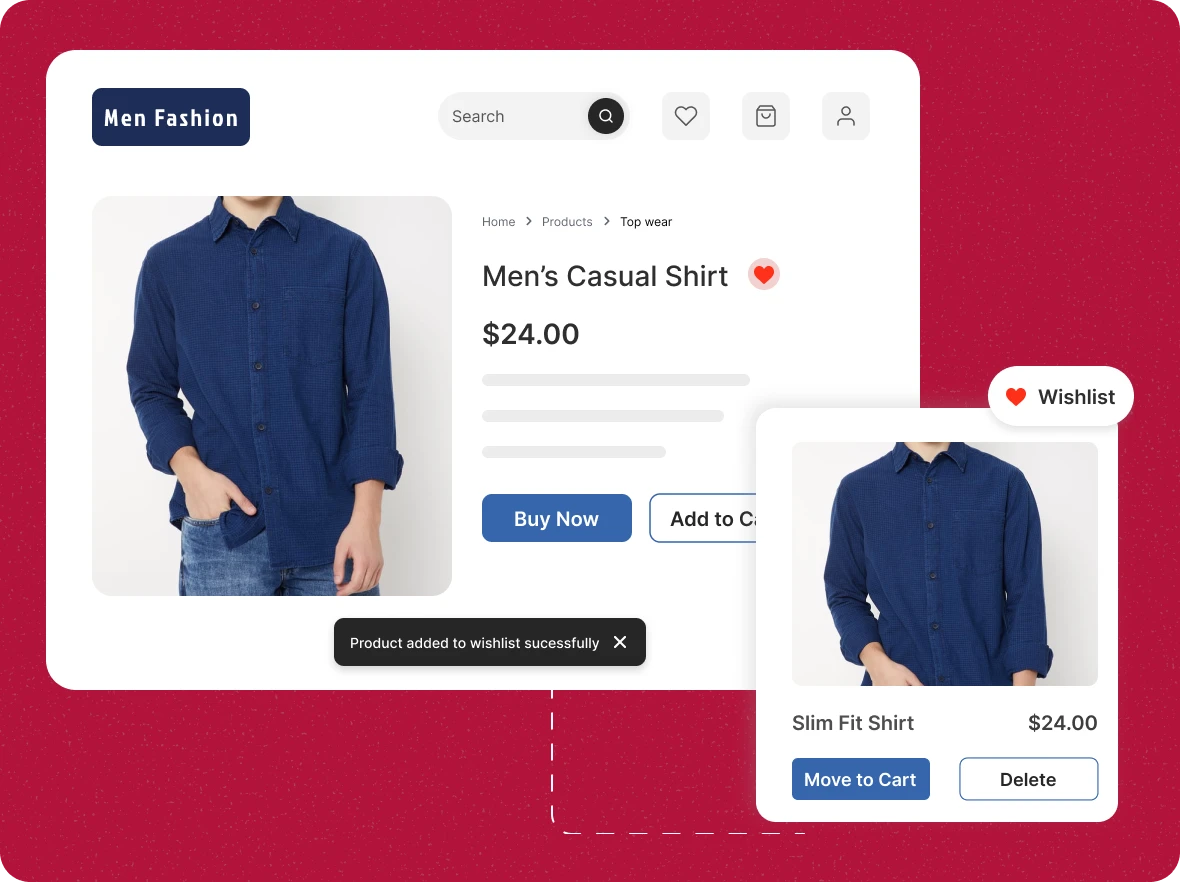
Let customers save
favorites instantly
Enable shoppers to add products to their wishlist with a single click, keeping their desired items organized for future purchases and enhancing their overall shopping experience effortlessly.
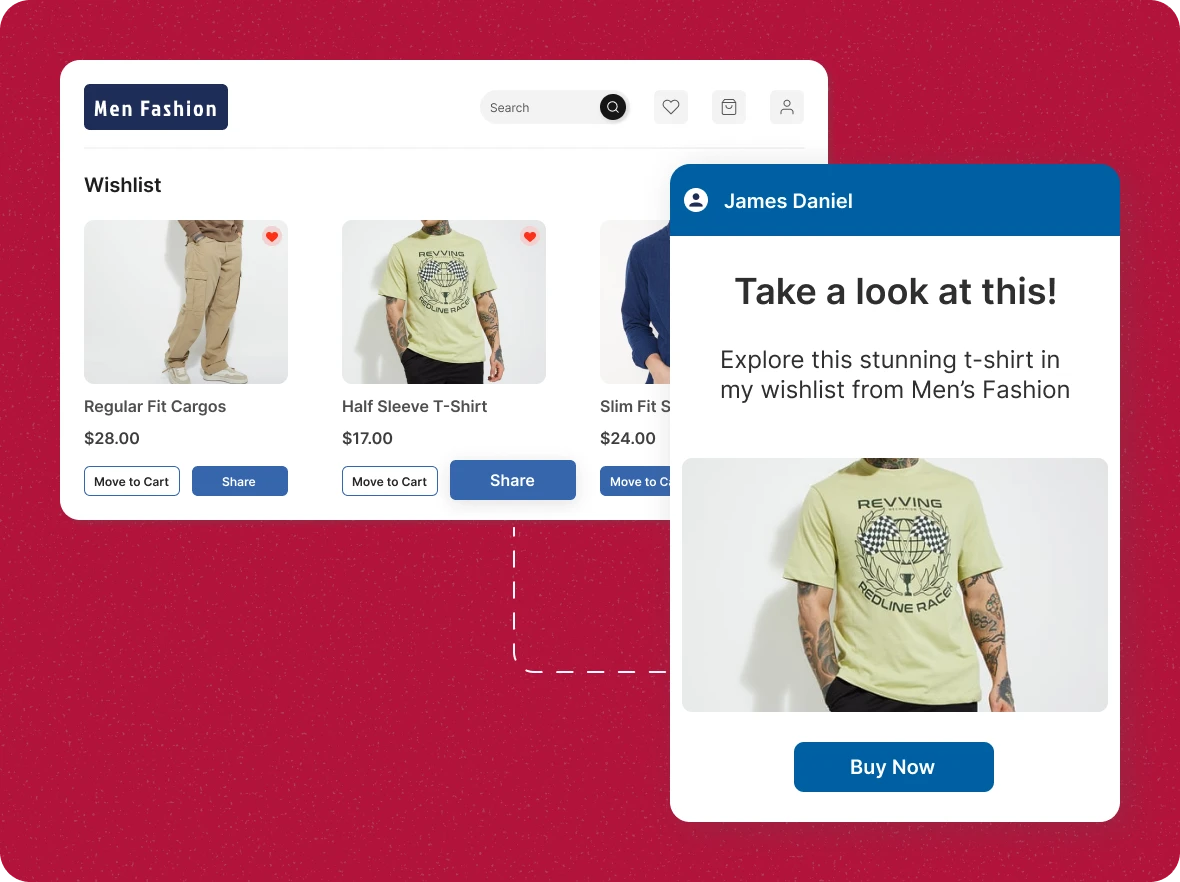
Wishlist sharing made
effortless
Shoppers can share their wishlists with friends and family, making gifting easy, improving their shopping experience, and boosting sales.
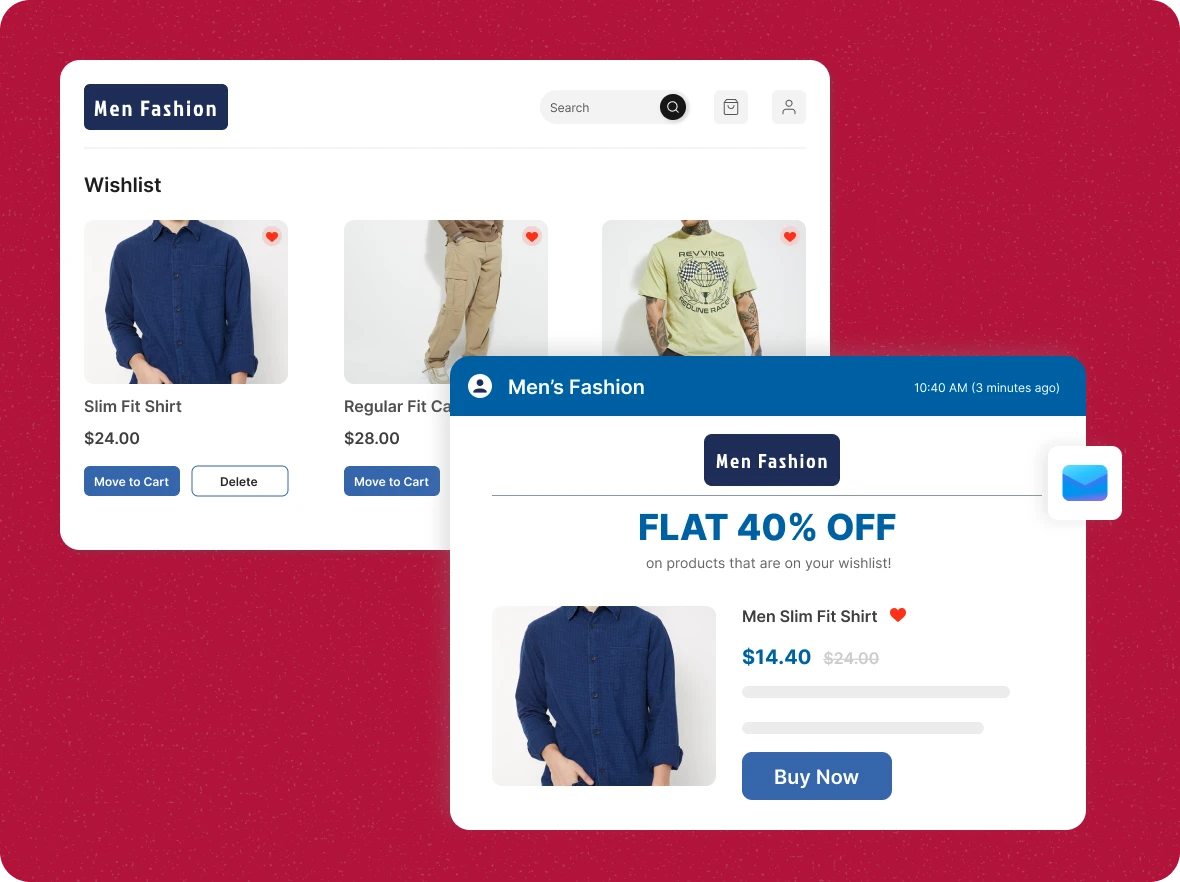
Personalized promotions
for sales
Send targeted discount offers for wishlist items to engaged customers, turning interest into immediate purchases and boosting customer satisfaction and loyalty.
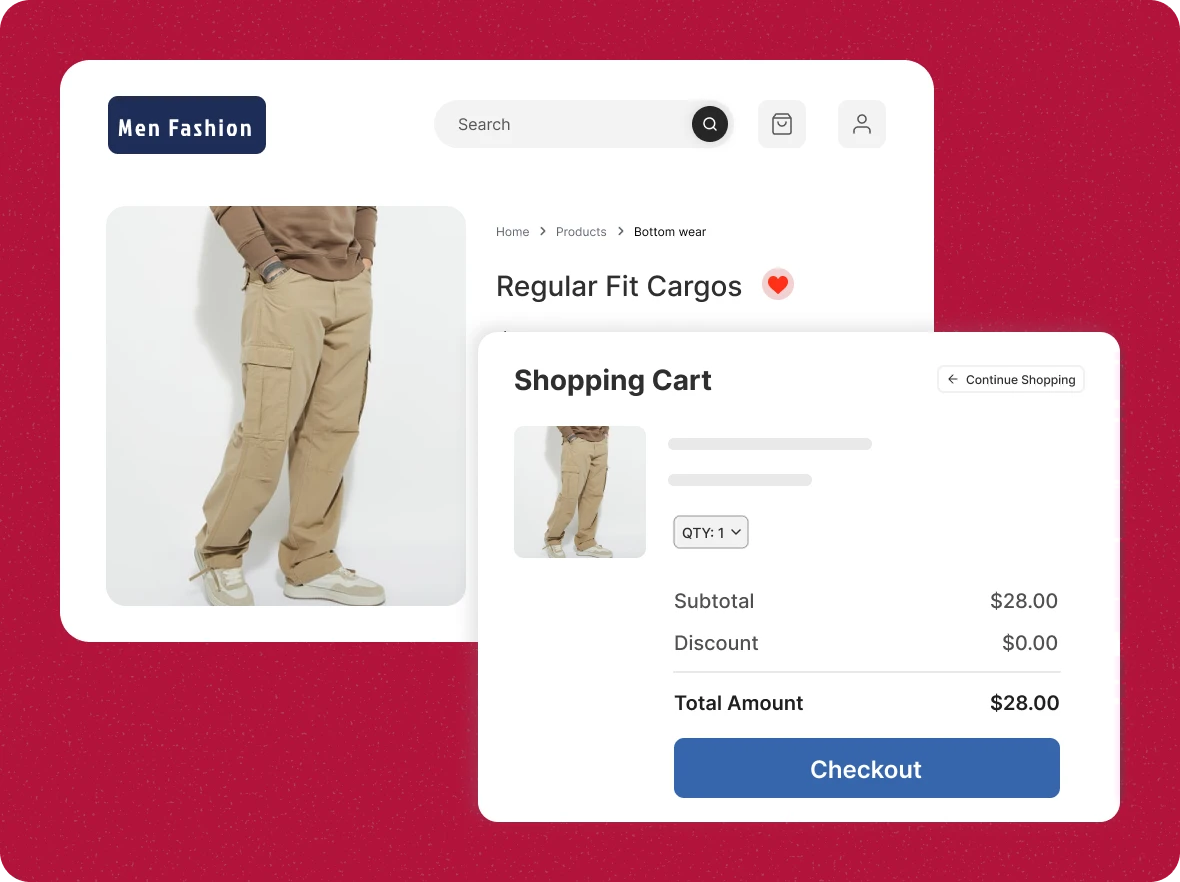
Ensure customers never
lose track
Keep all desired products in one place for each shopper, enhancing their experience and increasing the likelihood of repeat sales through convenience and personalization.
How wishlists add value
The wishlist feature offers advantages that enhance the shopping experience and make managing future purchases simple and efficient.

Enhanced decision-
making
Customers can compare and revisit their saved products, making buying choices faster and more confident. This also builds trust and improves their overall shopping experience for lasting brand loyalty.

Save more time and extra
effort
By keeping all favorites in one place, customers spend less time searching, improving their experience and increasing the likelihood of conversion through convenience, personalization, and seamless navigation.

Organized shopping
experience
Wishlists organize products neatly, reducing clutter and helping shoppers navigate choices. They also make it easier to plan future purchases and keep track of items for better shopping efficiency.
General FAQs
Get quick clarity on our product and common queries. Have more questions? Connect with our support team.
A wishlist is a saved collection of products that customers mark to buy later without adding them to their cart. In ZenBasket, shoppers add favorites with a single click and can share their list by email or social media, while admins view each wishlist with customer name, email, and product count. This encourages repeat visits and reveals product demand.
You can provide offers on the products, such as flat 50% discounts or buy-1-get-1-free deals, which encourage customers to complete their purchase.
Yes, you can find your customers by segmenting them based on their engagement, and give them access to the special loyalty program and early access to new products.
You can identify out-of-stock products faster, which leads to uploading those products and finding out the low-moving products and non-moving products.
Wishlist is the organic marketing tool for you to spread your message to a wider audience through your audience itself, which helps you reduce spending on marketing.
No, the wishlist feature comes free with your ZenBasket store and helps customers save, revisit, and plan future purchases easily.
Learn, explore, and grow
with expert resources

Blog
Explore the impact of wishlists on ecommerce as they effectively engage customers, drive sales growth, and provide insights for smarter business decisions and strategies.
Learn More >
Help Center
A wishlist lets shoppers save products for later, reducing cart abandonment and helping stores plan inventory more effectively while enhancing customer satisfaction and retention.
Learn More >
Video Tutorial
Boost your business with ZenBasket’s Wishlist. Customers can save their favorite items, while you keep track of what’s popular and plan your stock better.
Learn More >Personalize the Shopping with
ZenBasket Wishlist
Give customers a personalized shopping experience by letting them save and organize favorites with ZenBasket Wishlist.