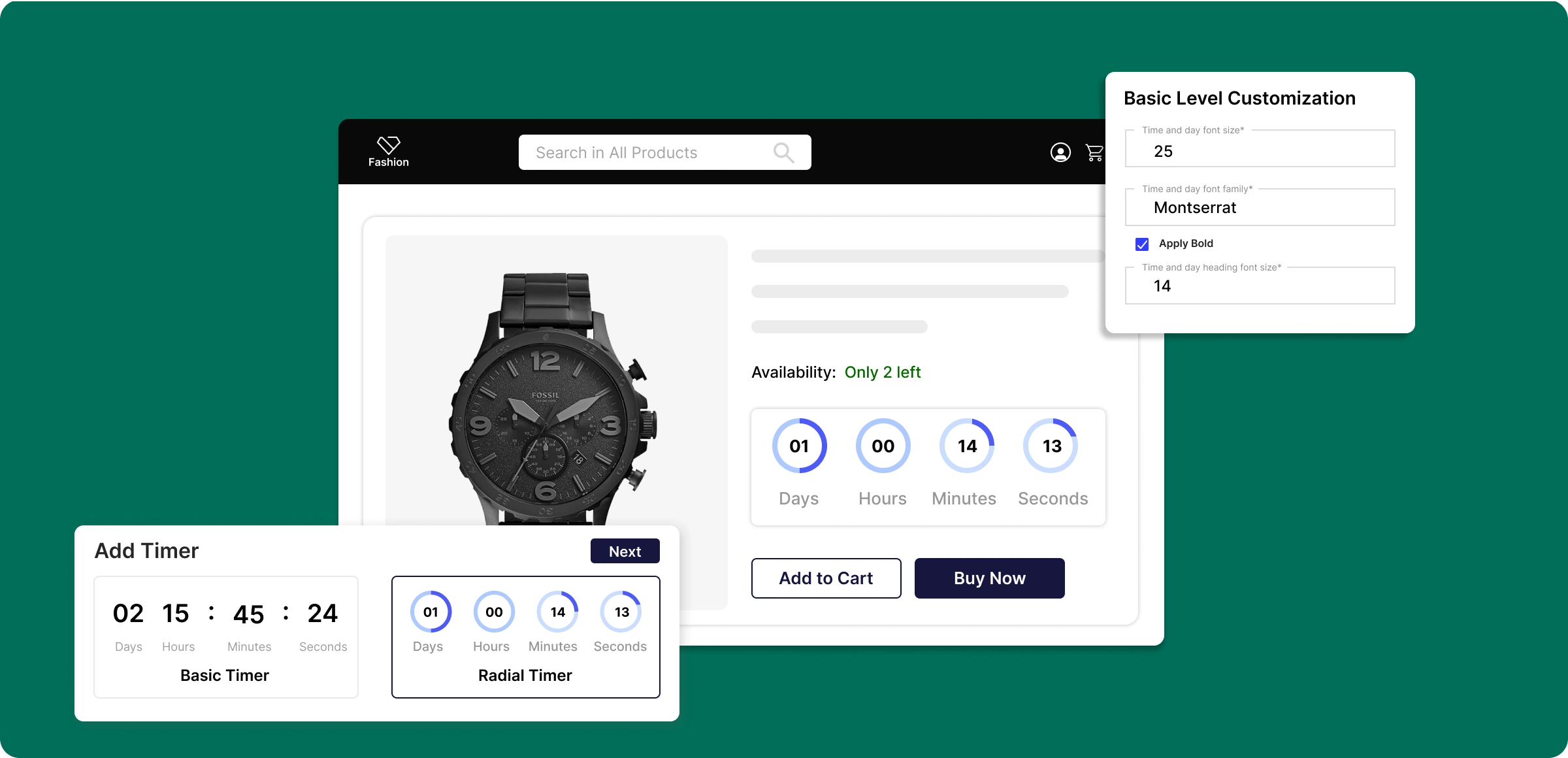
Deploy countdown timers
Follow these simple steps to create branded countdown timers that inspire timely purchases and boost sales.
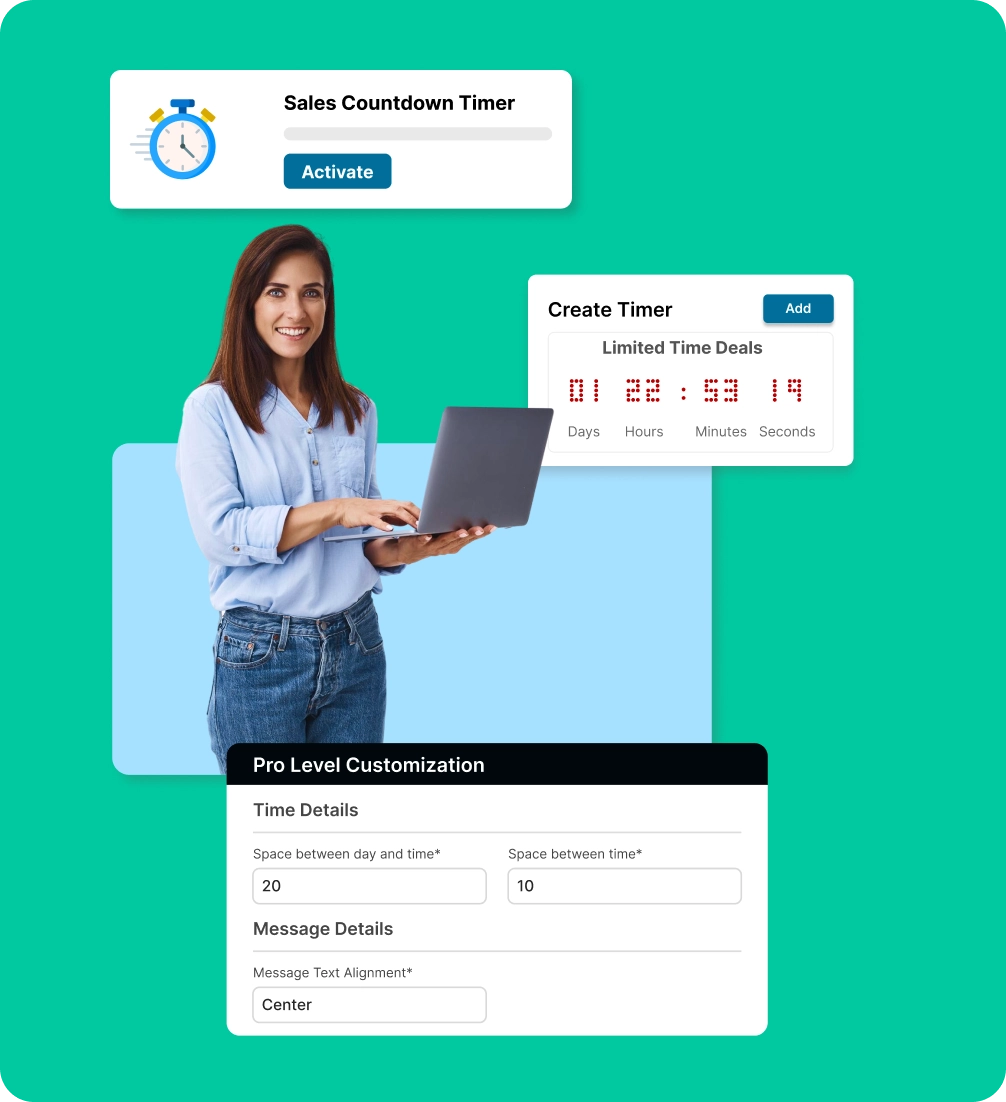
Activate the countdown timer
Enable the sales countdown timer from your ZenBasket plugin to begin adding urgency to selected products and promotions.
Create your timer
Activate the sales countdown timer and set the style, title, and dates to add urgency to your products and promotions.
Customize offers
Customize font, color, and layout of timers to match your brand, and link them with fixed or percentage discounts for greater impact.
Monitor with timer logs
Track all countdowns, review performance, and use automated start and end times to ensure campaigns run as planned.
The risk of selling without
urgency
Shoppers lack urgency and clear cues, which can slow purchases and reduce overall revenue.
Complex setup
process
Configuring schedules, placements, or sale links can be confusing for some users.

Poor visibility on
product pages
If the timer isn’t shown in the right spot, customers may overlook it and the urgency loses impact.

Sell inventory
faster
Products may sit longer in stock, especially during seasonal or promotional campaigns.

Lost sales from low
urgency
Shoppers are more likely to buy from stores that create urgency and highlight limited-time deals.

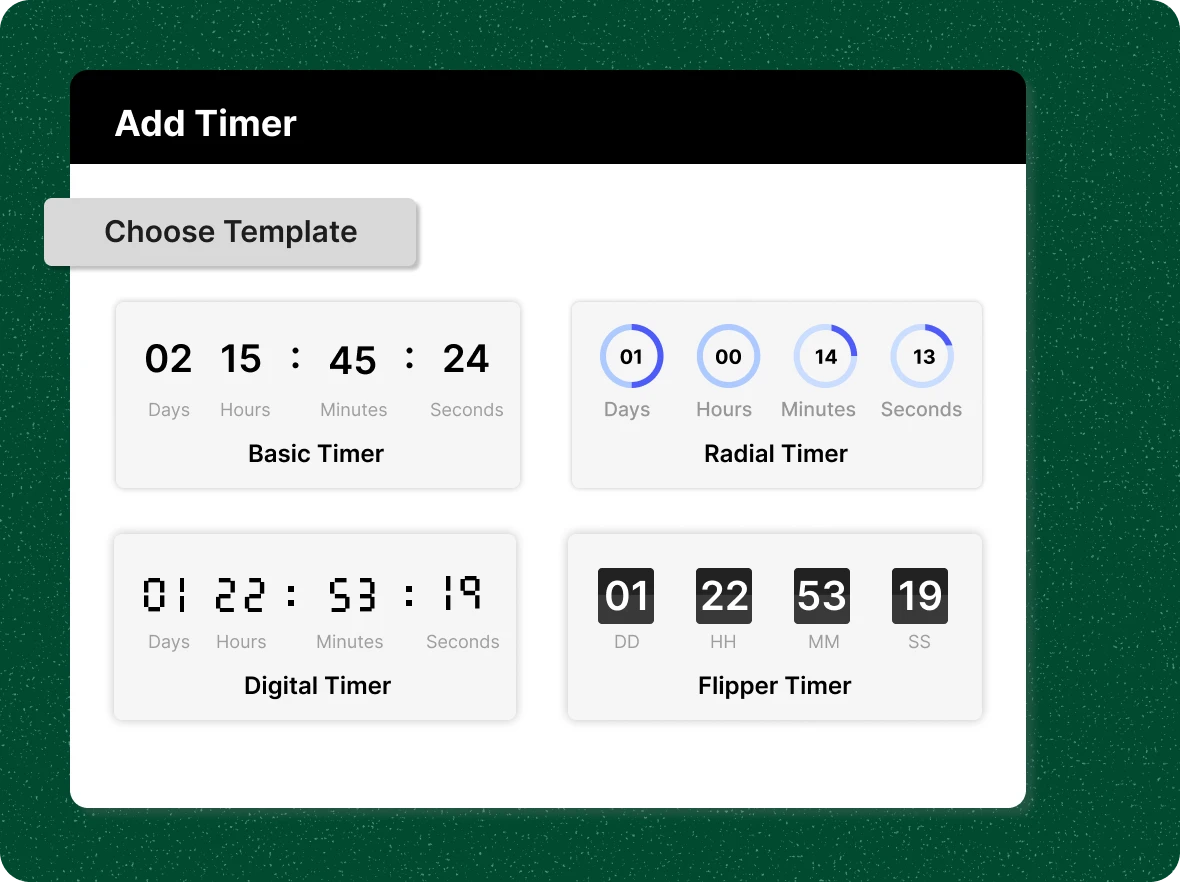
Sleek and professional
timers
Showcase elegant countdown timer templates that enhance your store’s appeal, fit seamlessly into your layout, and capture customer attention.
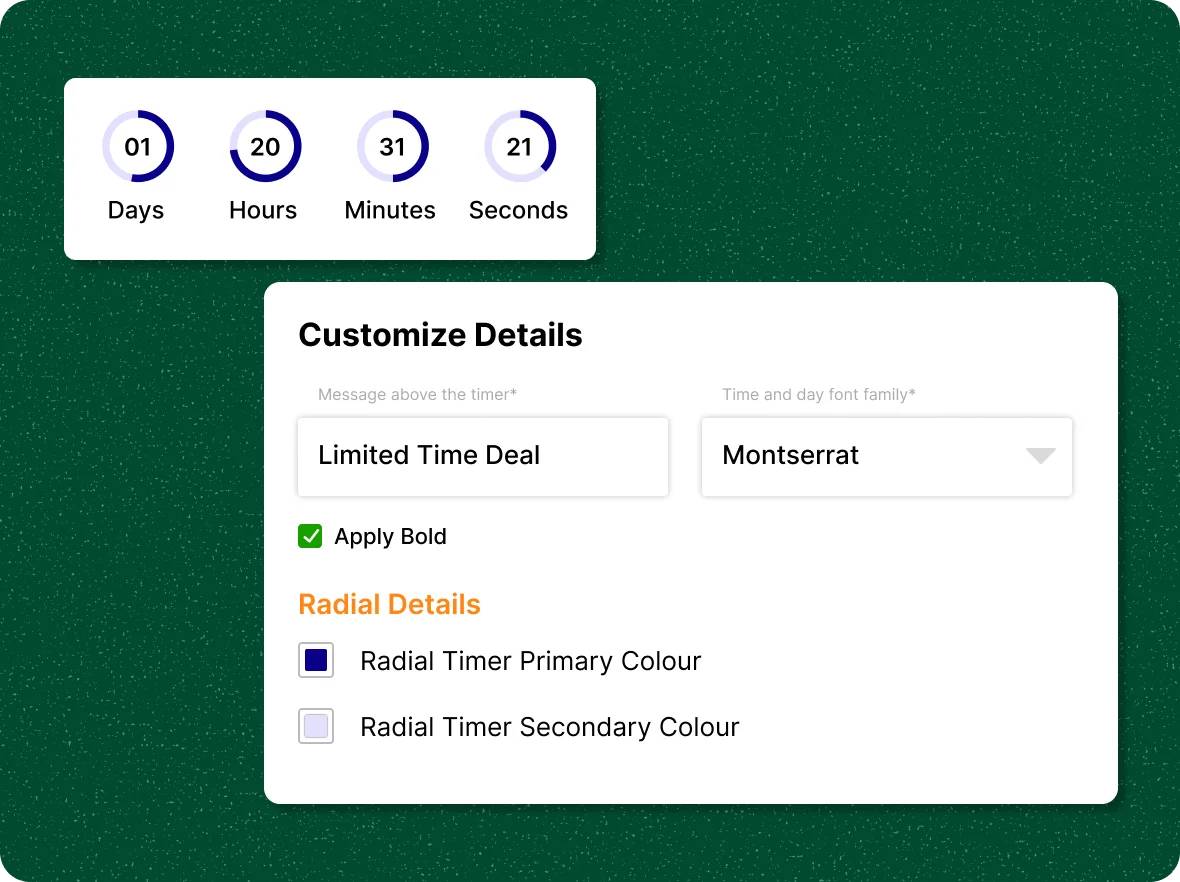
Fully customizable
to your brand
Refine your countdown timers to match your brand, customizing appearance, color, style, and design for a cohesive shopping experience.
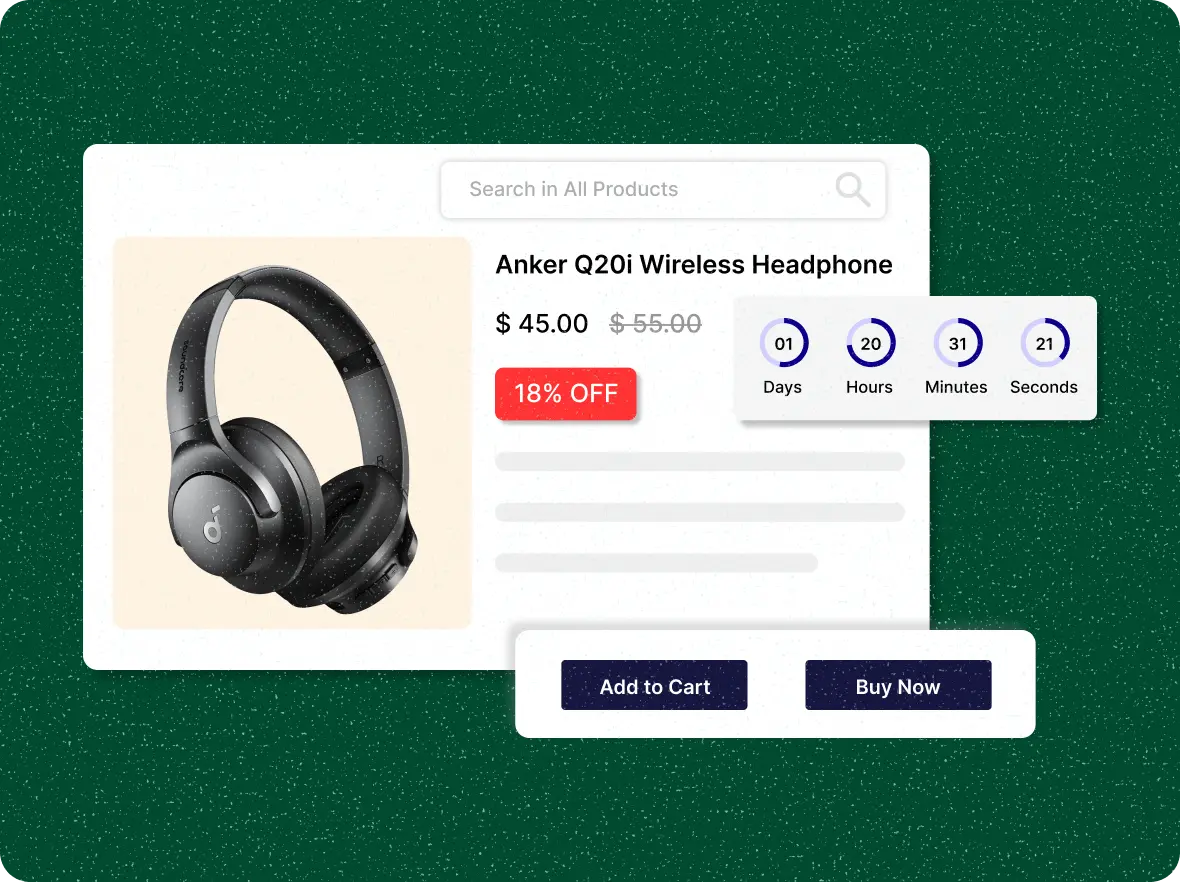
Integrated discount
capability
Increase the impact of limited time offers by pairing countdown timers with special discounts, motivating customers to act before time runs out.
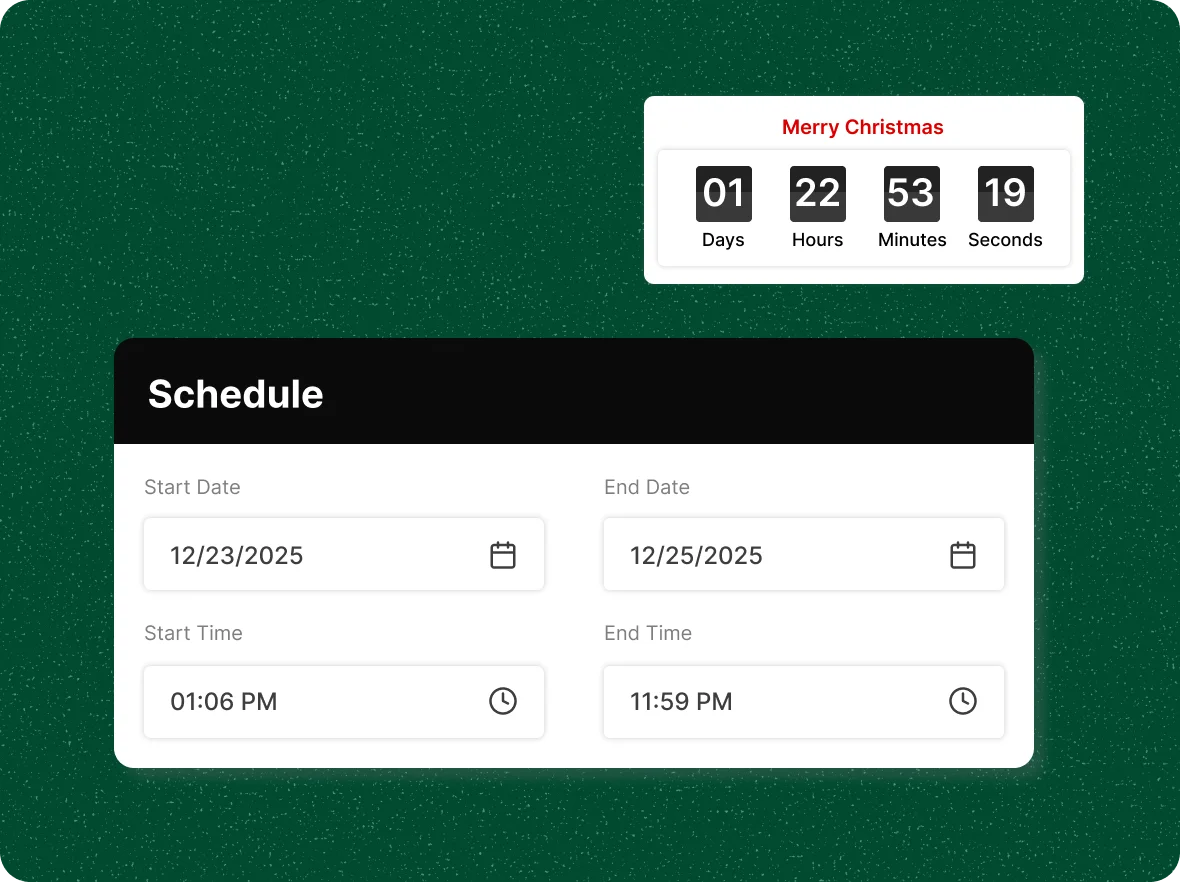
Effortless scheduling and
automation
Align countdowns with campaigns or seasonal sales through automatic activation and hands‑free execution for flawless promotion timing.
Why add a sales
Engage customers instantly with clear, time-bound offers. Turn interest into action and boost sales with urgency-driven campaigns.

Captures attention
immediately
When shoppers see a countdown or a ticking clock, it signals that an offer won’t last forever. This sense of urgency captures attention immediately and motivates users to act quickly rather than postponing their decision.

Lower all your cart
abandonment
Countdown timers are versatile tools that work across different types of promotions. Whether it’s a limited-time flash sale, a new product launch, or seasonal discounts, the timer reinforces the scarcity of the offer.

Boosts effectiveness of
promotions
By combining attention-grabbing visibility with urgency, countdown timers directly impact purchase behavior. They reduce hesitation, encourage immediate action, and help prevent abandoned carts.
General FAQs
Get quick clarity on our product and common queries. Have more questions? Connect with our support team.
A sales countdown timer is a live on-page clock that shows the time remaining on a limited-time offer, creating urgency that encourages customers to buy sooner. In ZenBasket, you activate the plugin, choose a template, and set the title, style, and start and end dates. Timers can be customized to your brand, paired with fixed or percentage discounts, and tracked through timer logs.
Add a countdown timer to products or categories, displaying it across all selected items to boost urgency and sales.
Static (fixed time), Recurring (weekly/monthly), and Stockcount (triggers based on product inventory levels).
Countdown timers work best on Product Pages, Cart/Checkout, Homepage Banners, Landing Pages, and Collection pages to create urgency for sales.
Setting off the fear of missing out in their minds, which leads to an increased average order value over a certain period of time.
You can gain customers who become aware of you, and you store their information for future purposes.
Learn, explore, and grow
with expert resources

Blog
Explore proven strategies to use countdown timers effectively in your online store to increase sales and conversions without overwhelming your customers.
Learn More >
Help Center
Learn to set up, easily customize, and manage countdown timers on your store. Make them look and messaging to match your brand. Use them to boost urgency, drive sales.
Learn More >
Video Tutorial
See how to create, customize, and launch a sales countdown timer in ZenBasket in just a few simple steps to boost urgency and drive more sales.
Learn More >Avoid letting time run out on
your sales
Make every offer more urgent with a countdown timer, reducing hesitation and prompting customers to buy now.