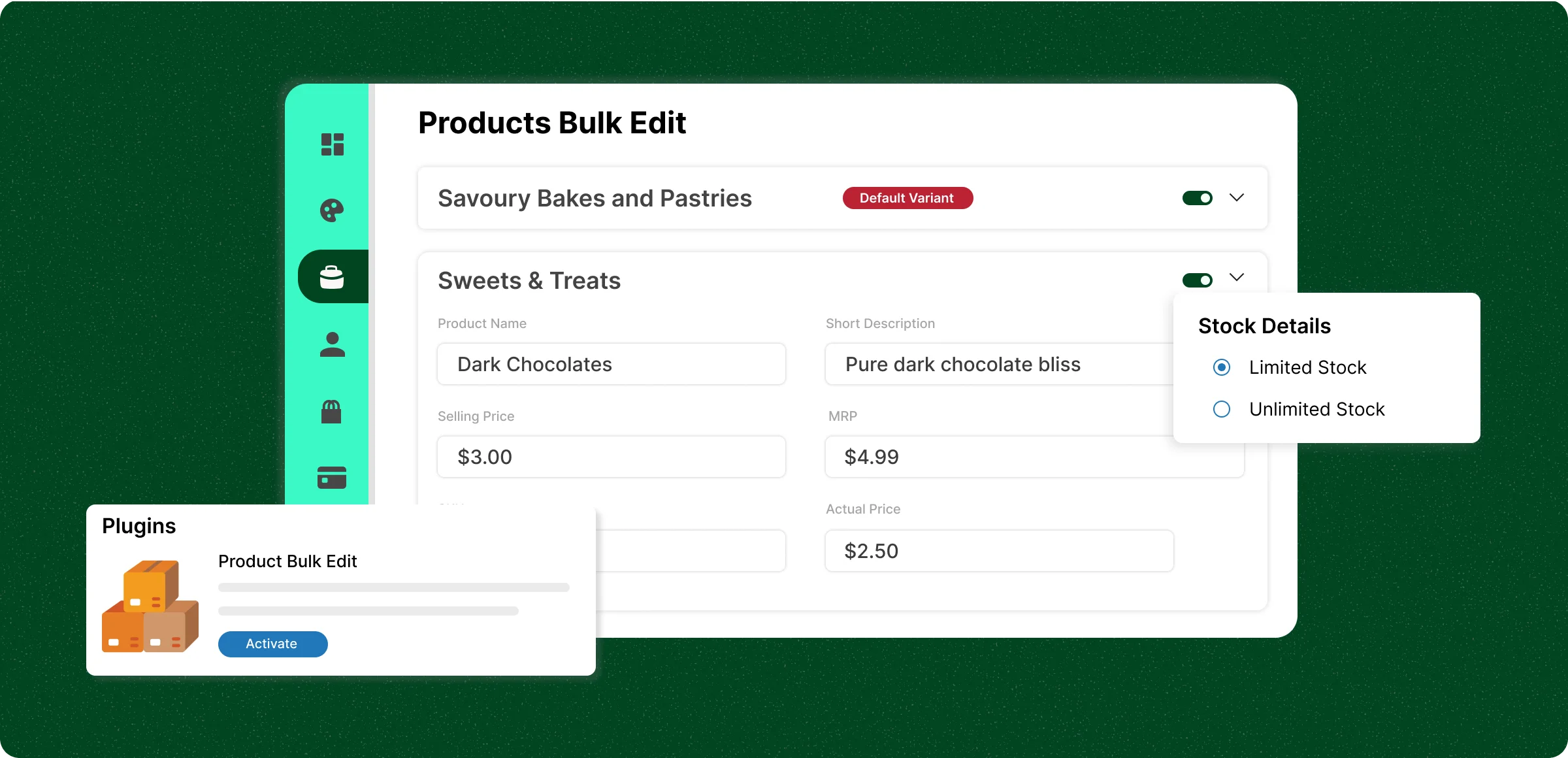
How bulk edit works
Updating your store in bulk with ZenBasket’s Product Bulk Editor is quick and straightforward.
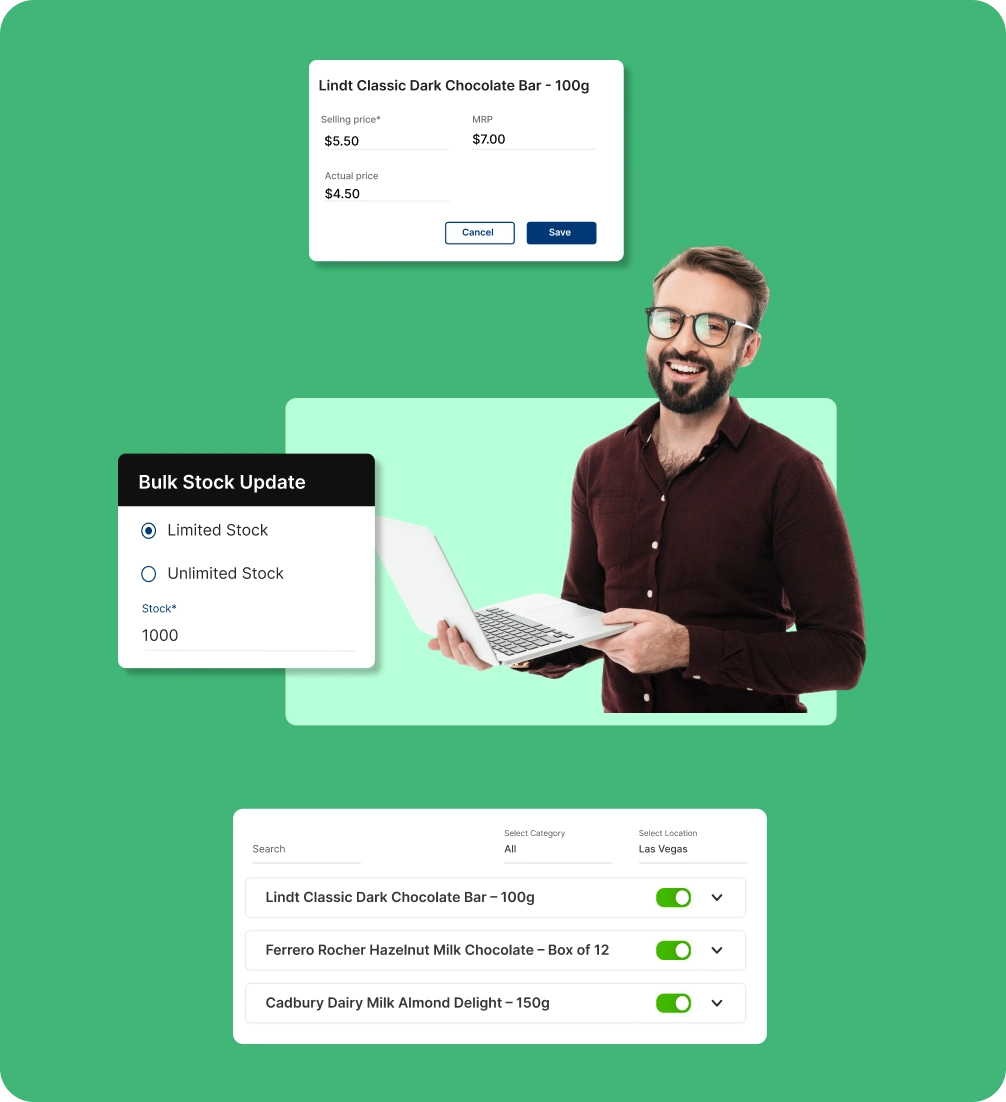
Access the bulk editor
Log in to ZenBasket, enable the plugin, go to Products, and open the Bulk Editor to update details in one place.
Select the products
Filter by category, location, or search to quickly find and edit the products you need, saving time and effort.
Make and save changes
Update prices, stock, and image in the editor, preview updates, and save to instantly apply them to your storefront.
Update and Save
View edits in the main panel, check highlighted changes, and save to instantly update your storefront details.
Inefficiencies of individual
product updates
Updating product details one by one is slow, error-prone, and exhausting for store owners managing large inventories.
Higher risk of data
entry mistakes
The more repetitive the task, the more likely any human errors will creep in such as incorrect pricing, wrong stock levels, or mismatched descriptions.

Inconsistent product
information
When product data isn’t updated consistently across all items, customers may see outdated or conflicting details, affecting trust and conversions.

Difficulty in bulk
editing products
Manually editing each product takes time, slowing down daily operations and leaving less time for marketing, sales, or customer engagement.

Scalability challenges
for growing stores
As your store expands, handling individual updates becomes unsustainable, making it harder to keep your catalog accurate.

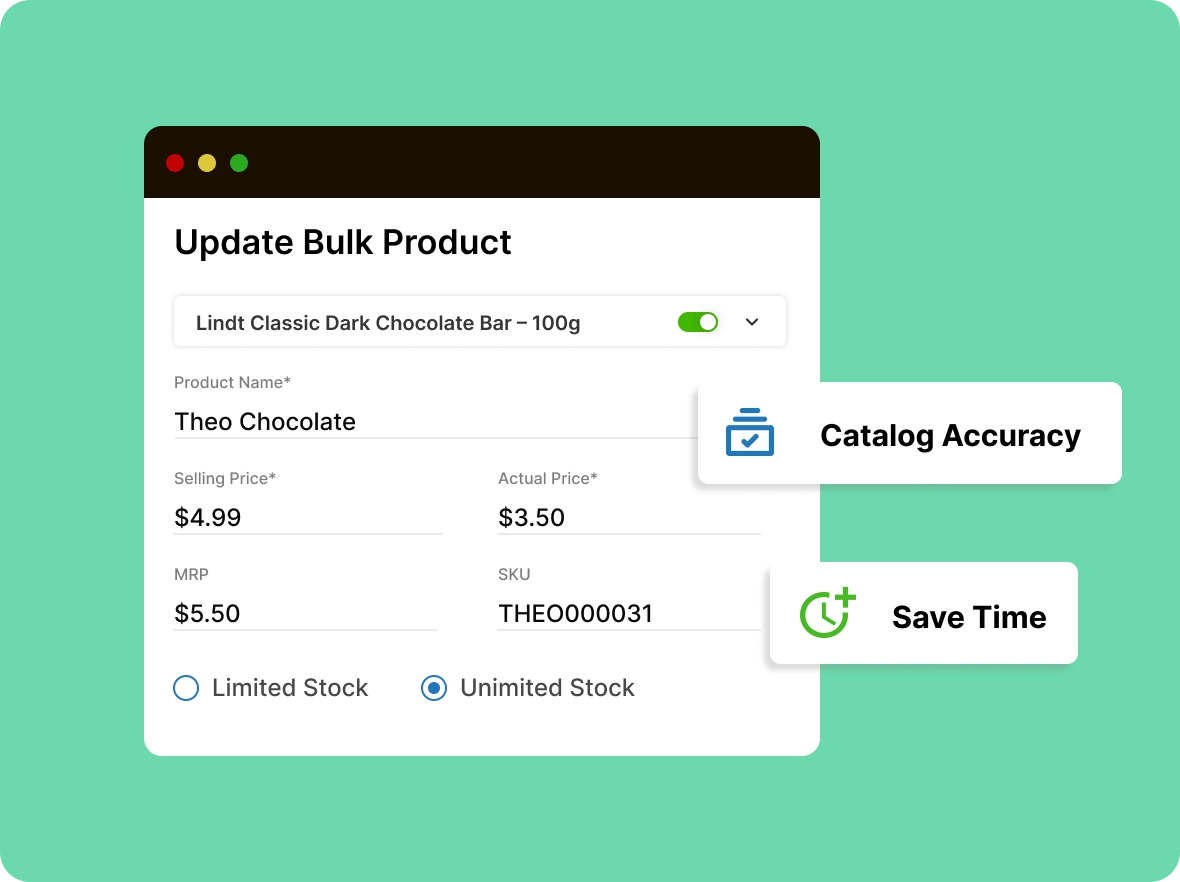
Update product info in
one place
Easily edit names, prices, SKUs, short description, and stock for multiple products in one bulk editor. Save time and keep your catalog accurate.
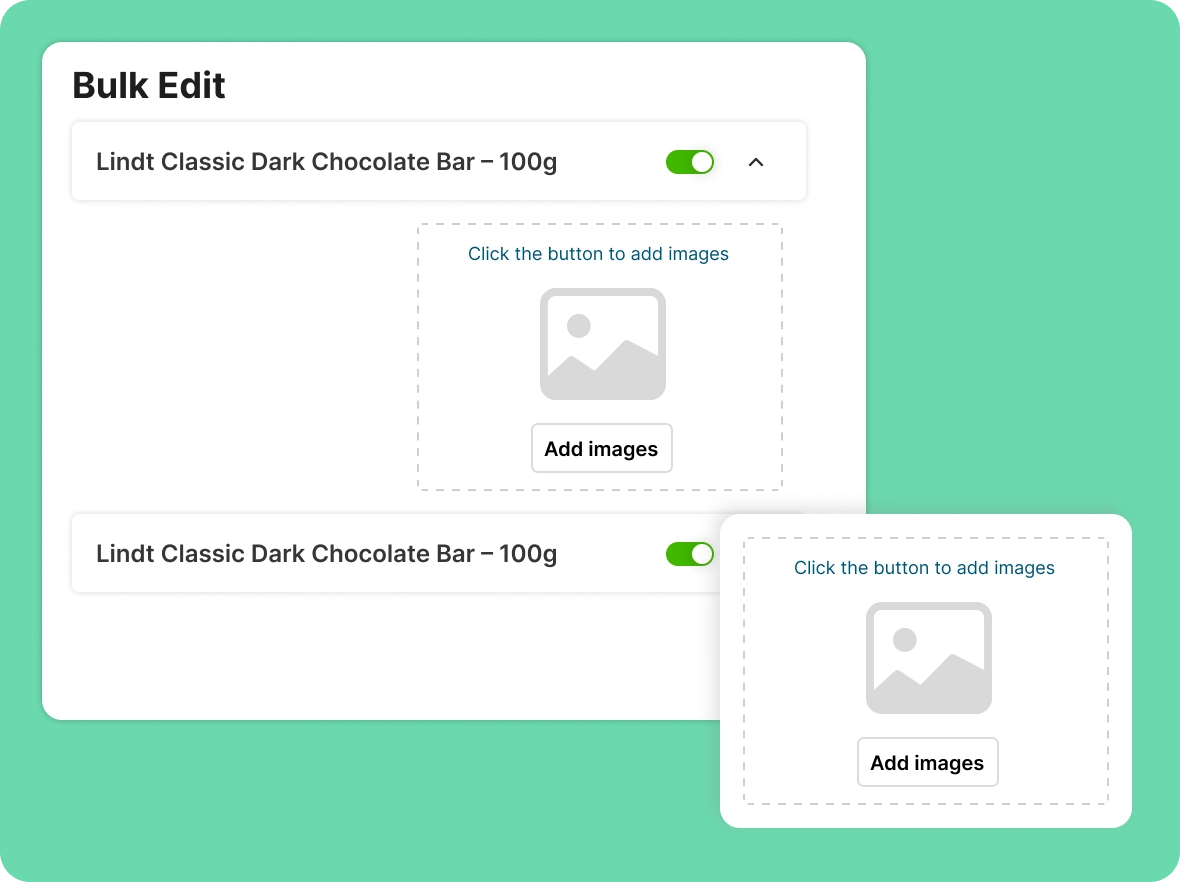
Bulk edit product
images
Easily manage images for your selected products ; upload new visuals or remove existing ones in bulk, saving time and keeping your product catalog up to date.
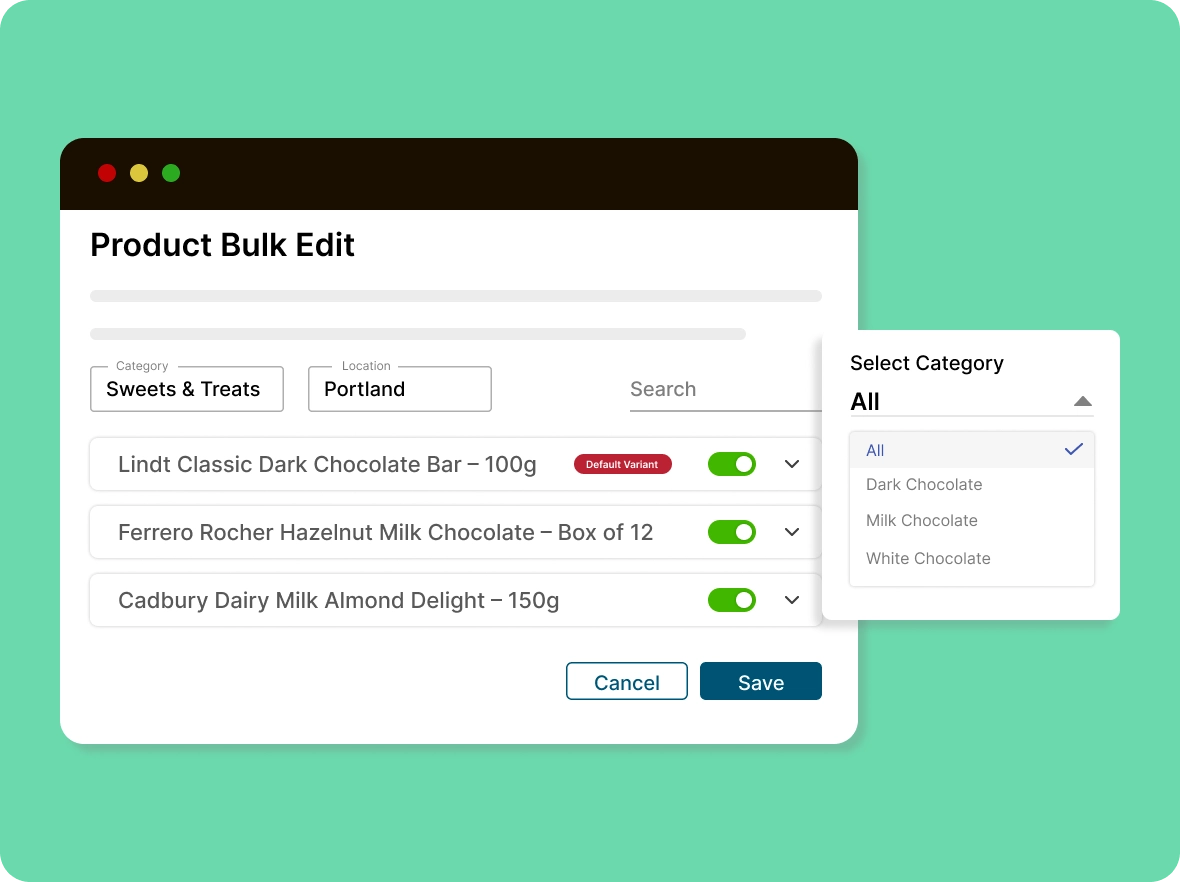
Filter products by location
and category
Customize filters and conditions to show products by location, category, or search, making it easier to find and display exactly what you need.
Why store owners love
The product bulk editor boosts productivity. Save time, reduce errors, keep your catalog consistent while improving efficiency and results.

Save time on bulk
updates
Update hundreds or thousands of products in one go quickly and easily instead of editing individually. ZenBasket’s bulk editor cuts hours of manual work, freeing time for marketing, sales, and engagement.

Minimize errors with bulk
editing
Centralized editing reduces mistakes like wrong prices, mismatched SKUs, or stock errors. With clear previews before saving, ZenBasket ensures accuracy and consistency across your entire product catalog.

Keep branding consistent
everywhere
Maintain a unified look by aligning product titles, short descriptions, and SKUs. Easy, intuitive bulk editing tools ensure every listing matches your brand’s style, tone, and professionalism across the catalog.
General FAQs
Get quick clarity on our product and common queries. Have more questions? Connect with our support team.
The product bulk editor is a ZenBasket tool for updating many products at once instead of editing them one by one. You filter products by category, location, or search, then change fields like names, prices, SKUs, short descriptions, stock, and images. Preview the highlighted changes, then save to apply them to your storefront instantly, keeping large catalogs accurate.
Yes, bulk editors are specifically designed to handle large inventories efficiently, reducing manual effort and errors.
Yes, bulk edits apply immediately after saving, ensuring your store always reflects the latest updates.
Yes. You can edit weight, length, height, and width for selected products if the product contains shipping details.
Yes, you can enable only the variants you want to show on your storefront and hide the rest from you customers' view.
Bulk editing works across all products and saves changes simultaneously. Selecting individual products isn’t available.
Learn, explore, and grow
with expert resources

Blog
Simplify product management with ZenBasket’s Bulk Product Editor. This blog shows how to make quick, bulk updates to pricing, stock, and details, all in one step.
Learn More >
Help Center
Step-by-step guide to using ZenBasket’s product bulk editor for fast and quick, accurate updates to prices, inventory, and details across your store.
Learn More >
Video Tutorial
ZenBasket’s bulk product editor lets you update multiple fields across many products at once, effortlessly and efficiently, saving hours when managing large inventories.
Learn More >One-step bulk edit
product updates
Eliminate repetitive work, update prices, inventory, and product info for all your products in one go.