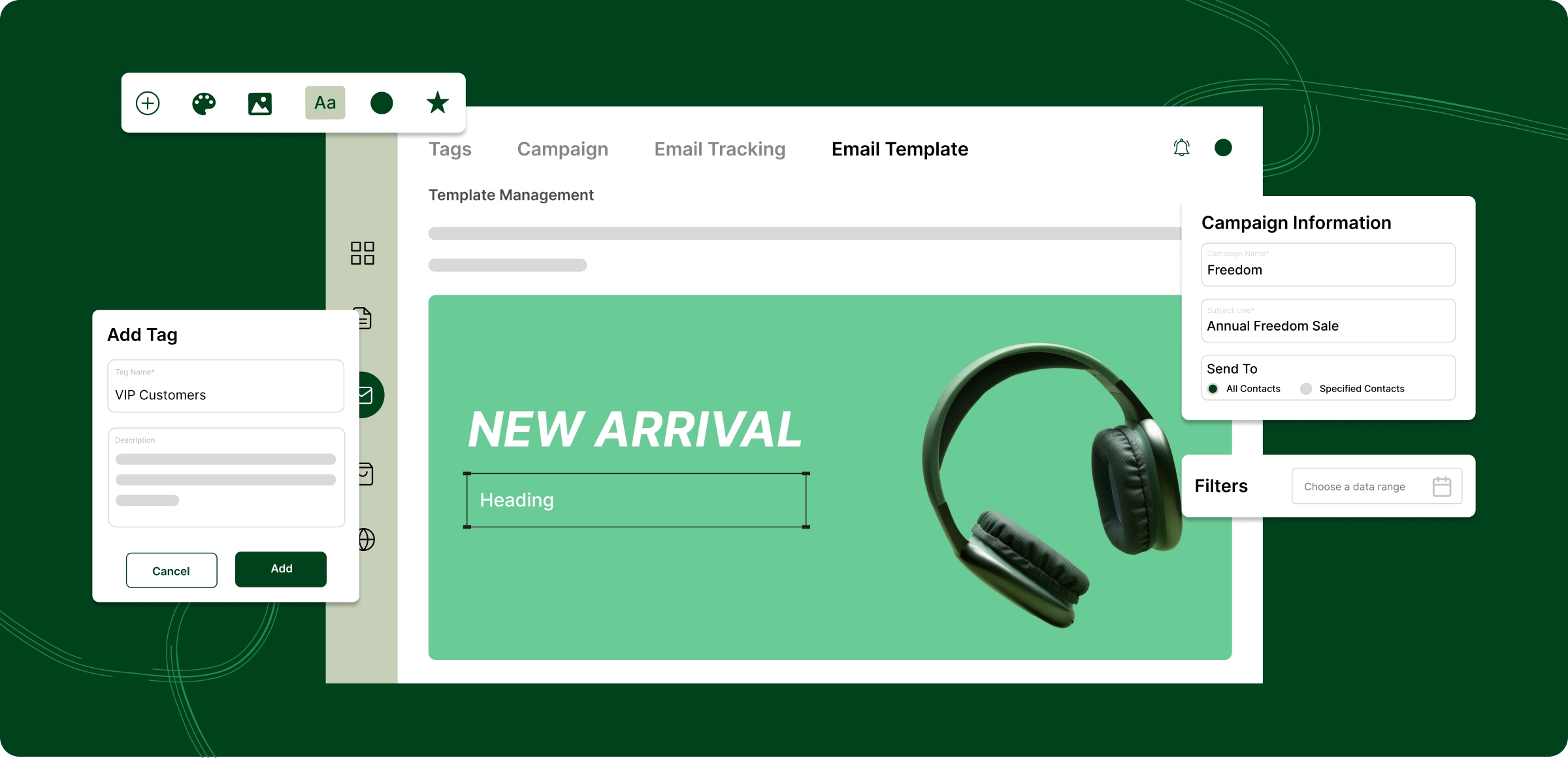
Setting up your email marketing
Launch campaigns, personalize with smart templates, segment audiences, and track performance, all in one place.
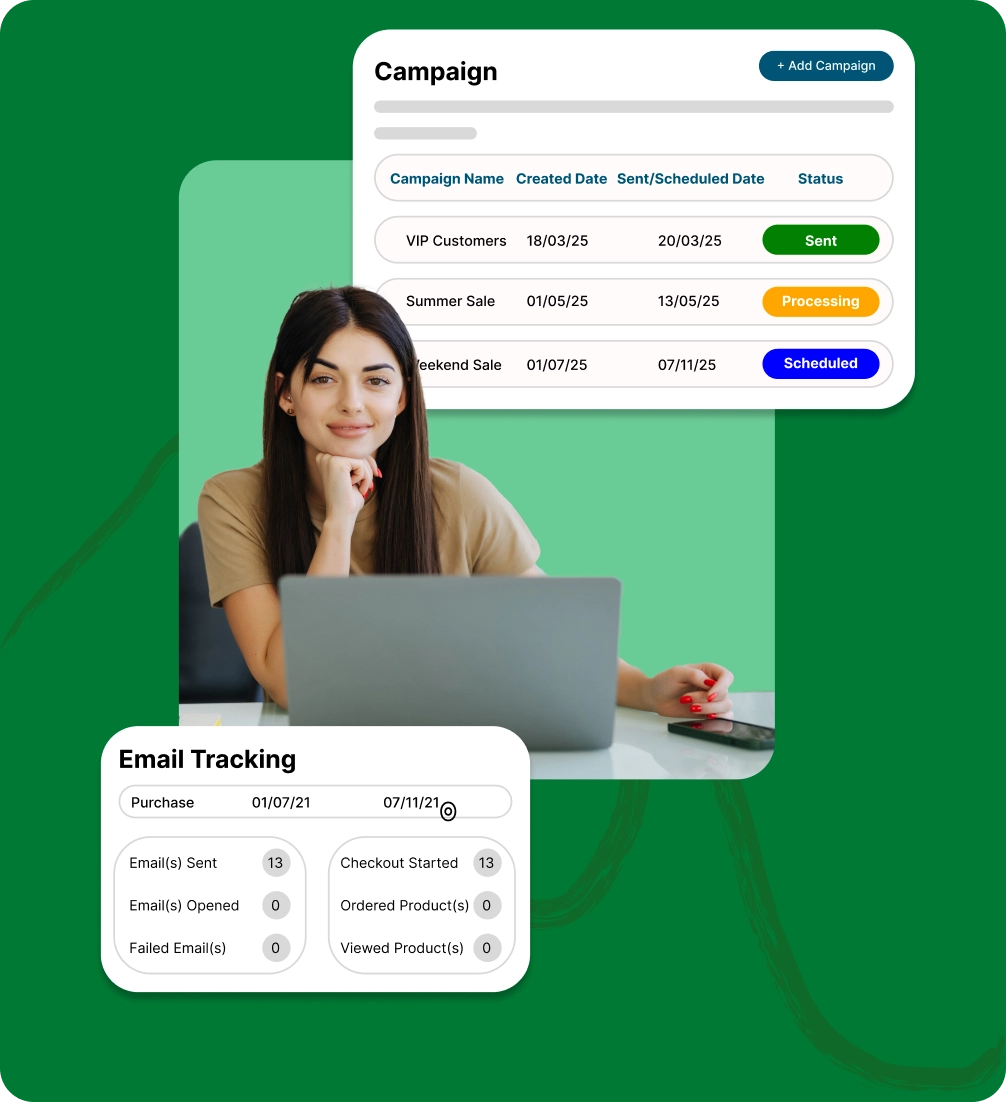
Easy setup
Create and launch your first email campaign in minutes using a simple, intuitive process that requires no technical skills.
Smart templates
Use ready-made, mobile-friendly custom email templates designed for engagement and higher conversions.
Advanced segmentation
Target emails by customer behavior, purchase history, and more effectively to boost relevance, engagement, and ROI.
Performance tracking
Monitor opens, clicks, and conversions in real time to improve your email marketing results fast and effectively.
Bottlenecks in email marketing
that drain your revenue
Manually writing, sending, and tracking emails tends to lower conversion rates and complicates performance monitoring.
Emails take too
much time
Crafting, sending, and monitoring every email can drain your resources, leading to missed opportunities and inefficiency.

Delayed
notifications
Customers expect real-time updates. Delays in communication can frustrate them and hurt sales.

Limited
personalization
Manual emails often lack personalization. Automated systems ensure timely, relevant, and personalized communication.

Unreliable
performance
Tracking email performance across various customer segments is tedious and time-consuming.

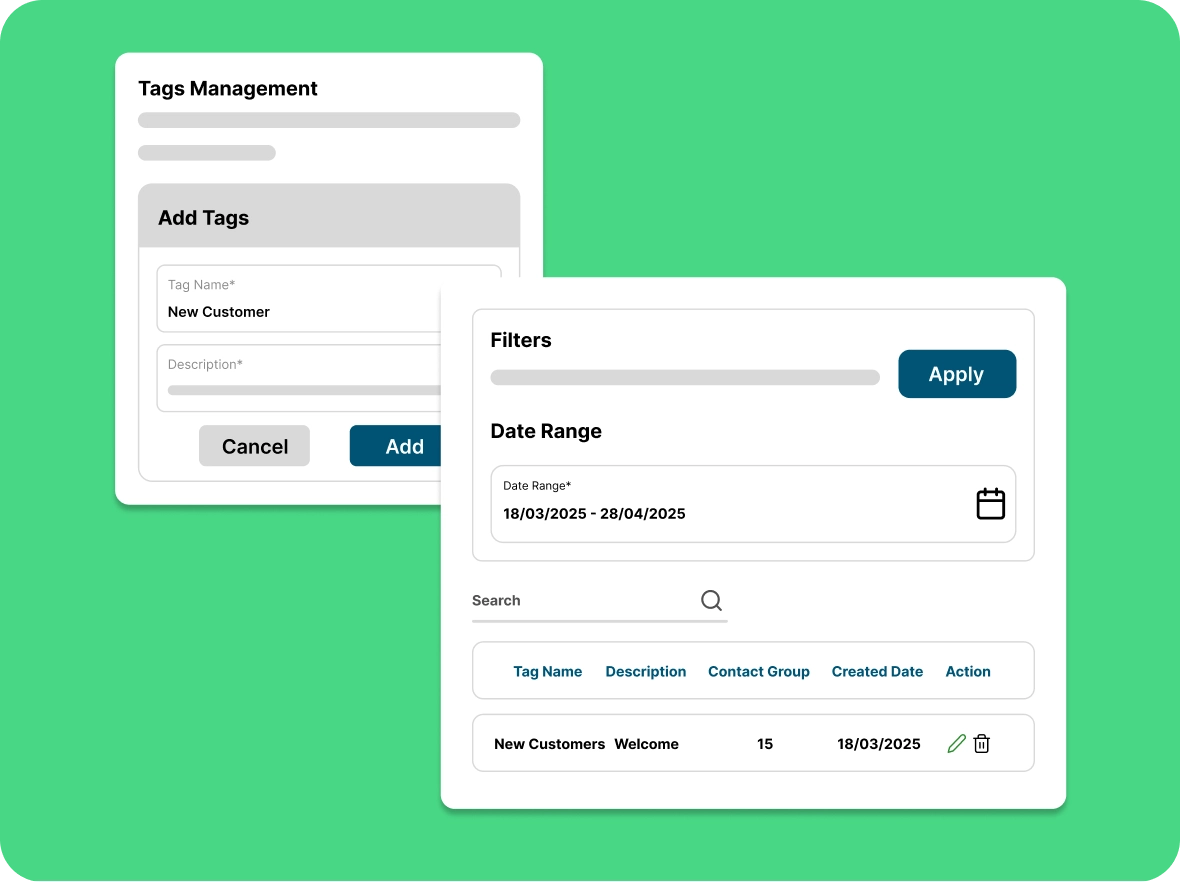
Advanced tag
management
Categorise your contacts by creating customizable groups that suit your business goals that enabling you to run highly specific, targeted email campaigns that reach the right audience with the right message at the right time.
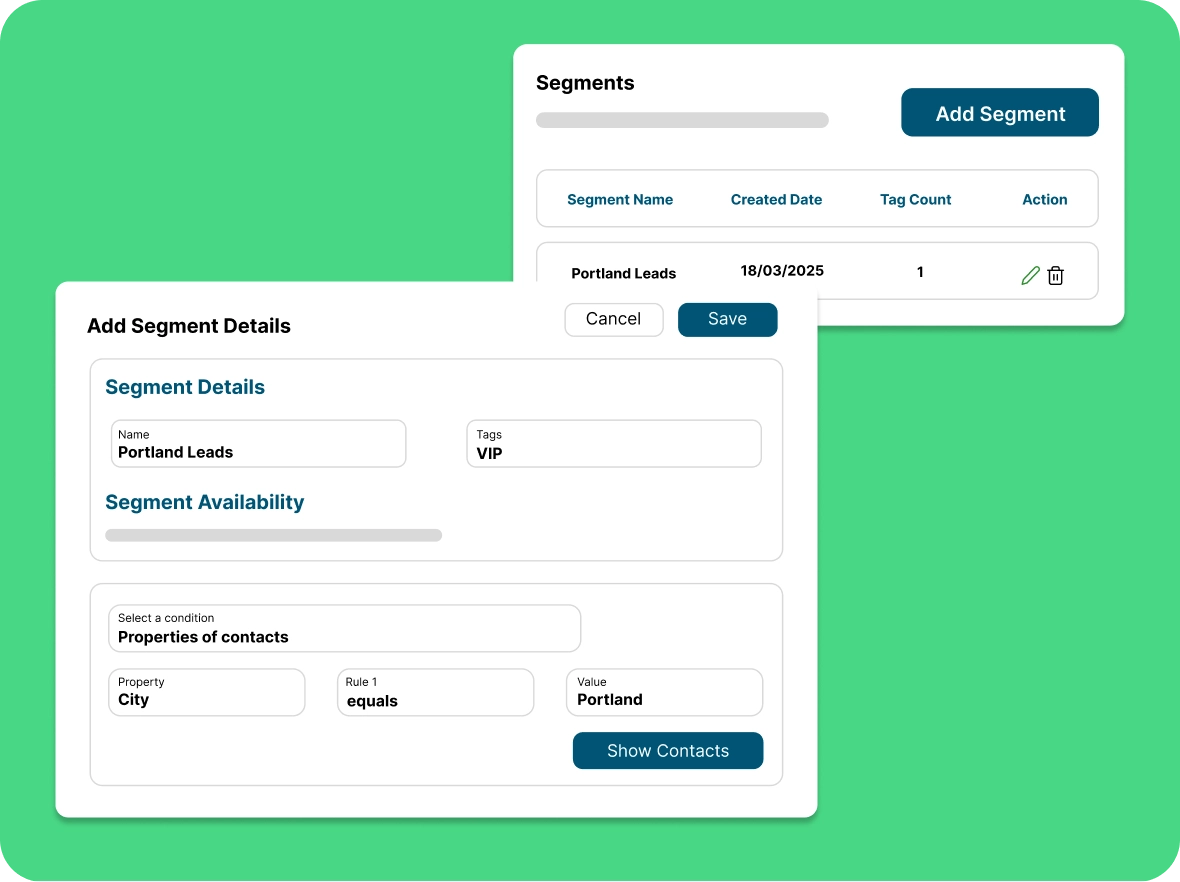
Segmentation for
Engagement
Segment your email list by sorting subscribers based on contact properties, behaviours, and interactions. In this way, you can deliver more relevant, engaging content that drives better results.
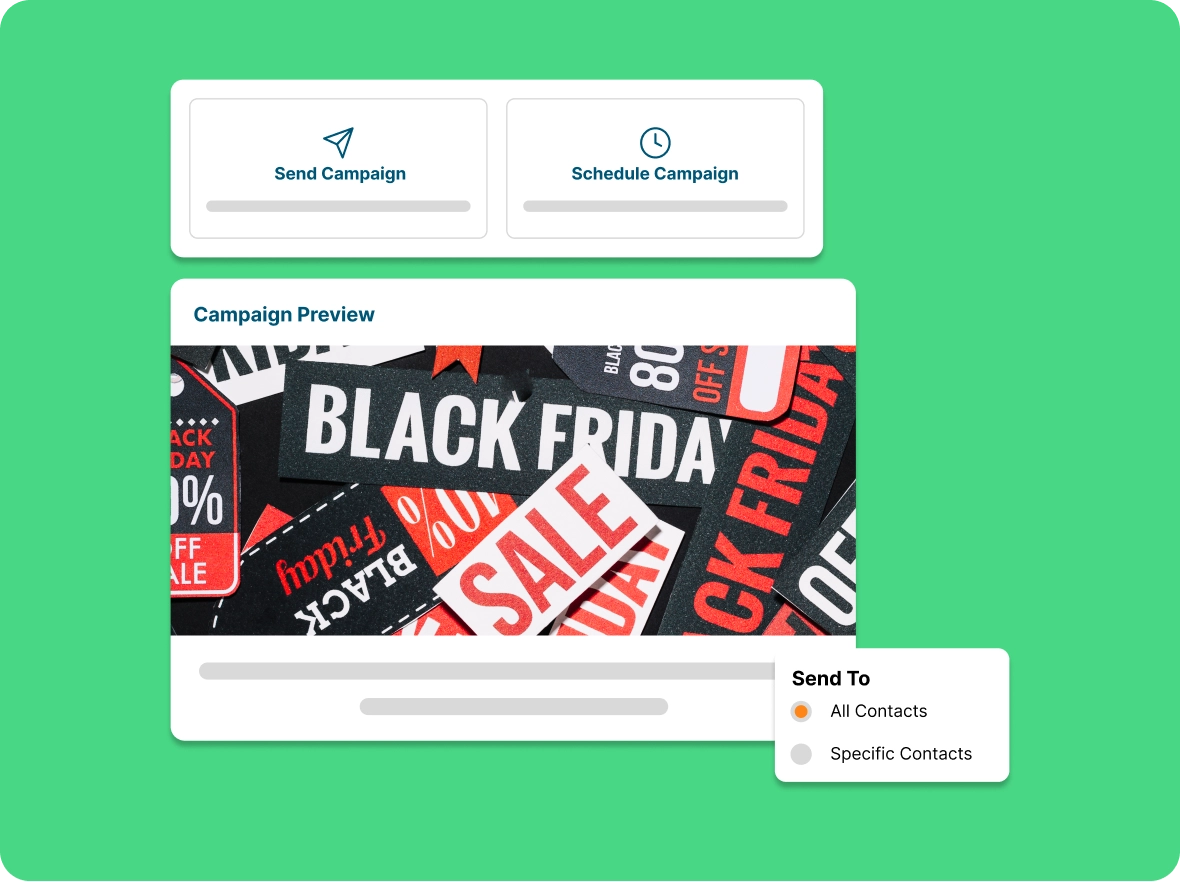
Systematize campaign
creation
Customize templates to match your brand, schedule for optimal timing, and use automatic resends to reach customers who might have missed your message for better engagement and conversions.
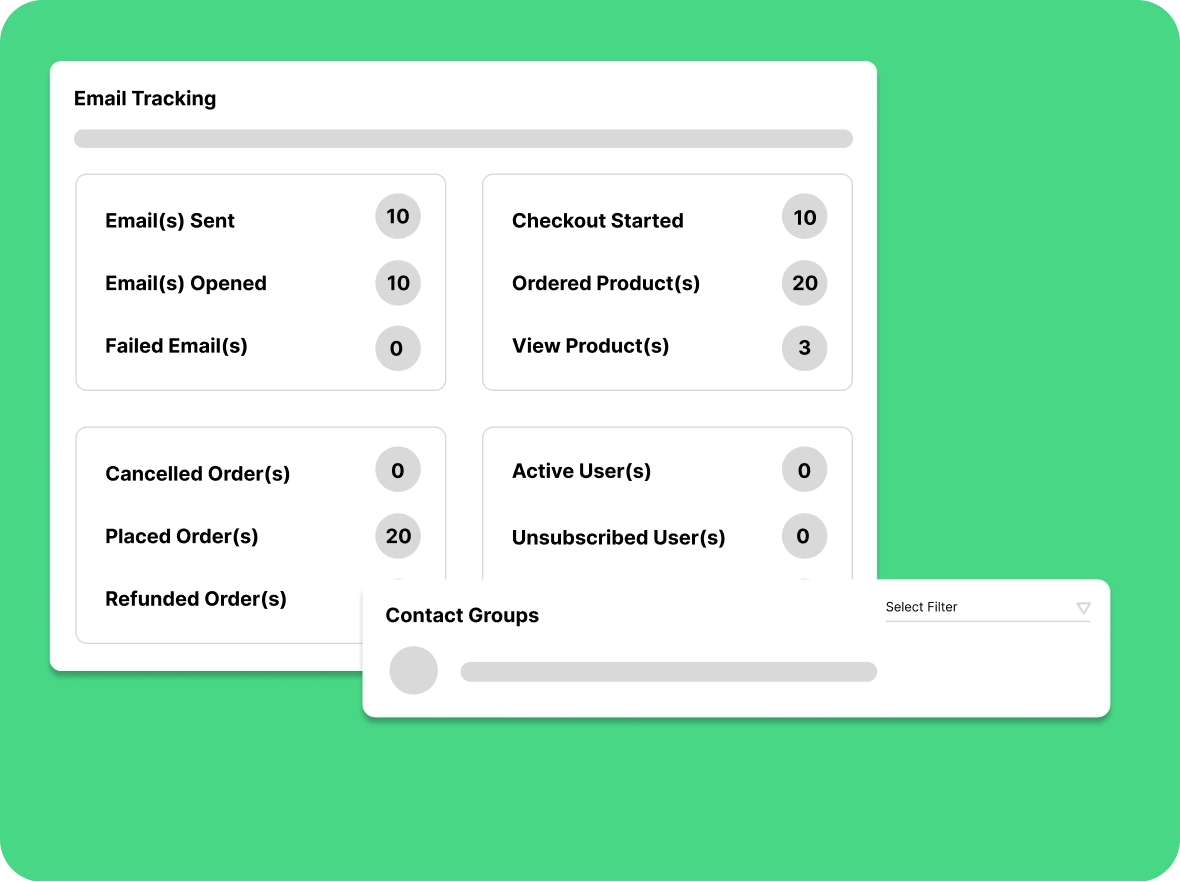
Tracking the performance
of marketing
Track your campaign's with real-time insights. Monitor open rates, clicks, and delivery success, and use customer behavior data to refine future campaigns, boosting conversions and revenue.
Why email marketing
Unlock greater efficiency, accuracy, and engagement by automating your email campaigns, saving time, reducing errors, and driving results.

Improve customer
retention rate
Email automation helps you maintain regular communication with customers, keeping your brand top of mind through personalized updates, exclusive offers, and loyalty rewards.

Reduce errors and
overhead
Email automation minimizes manual effort and errors, ensuring consistent messaging, perfect timing, and personalized communication that strengthen customer connections and satisfaction.

Drive better
engagement
Personalized emails tailored to customer interests increase engagement, strengthen loyalty, and drive repeat purchases through timely, relevant, and impactful communication that builds trust.
General FAQs
Get quick clarity on our product and common queries. Have more questions? Connect with our support team.
Email marketing is the practice of sending targeted promotional and informational emails to your subscribers to engage customers and drive sales. In ZenBasket, you build campaigns from ready-made templates, segment contacts by behavior and purchase history, schedule sends, and track opens, clicks, and conversions in real time. This helps you deliver relevant messages and improve customer retention.
Consistent, value-focused emails, typically weekly or bi-weekly help keep customers engaged without overwhelming their inbox.
Yes! Automated reminders with tailored offers or product highlights can effectively encourage customers to return and complete their purchase.
You can automate welcome emails, abandoned cart reminders, promotional campaigns, re-engagement messages, and order updates.
Absolutely. ZenBasket integrates smoothly with your ecommerce store, making email automation setup fast and hassle-free.
Yes. ZenBasket provides a variety of professionally designed, customizable templates to match your brand and campaign goals.
Learn, explore, and grow
with expert resources

Blog
Email marketing helps businesses effectively reach customers, share offers, and build connections, boosting engagement and sales while giving your brand an advantage.
Learn More >
Help Center
With a step-by-step guide to scheduling emails, personalising them, and reaching the right people to increase engagement and sales, you can send messages straight to your customers.
Learn More >
Video Tutorial
Learn how to run email campaigns to connect with customers and boost sales. This video covers writing emails, sending on time, and reaching the right people.
Learn More >Keep your customers informed
with automated emails
With Zenbasket's built-in email marketing tools to personalise emails and campaigns, you can drive more sales.