
Build an online store without coding using ZenBasket
You can build a fully functional online store without coding by using no-code ecommerce platforms like ZenBasket, Shopify, or Wix. ZenBasket offers an easy drag-and-drop builder, built-in payments, and a 14-day free trial, making it ideal for beginners. In this guide, we cover the best platforms, step-by-step setup, and key tips to launch successfully.
Key Stat
Over 70% of small business owners now use no-code tools to launch websites faster and reduce development costs
Why Build an Online Store Without Coding?
Starting an online store without coding is no longer a limitation-it’s an advantage. No-code ecommerce platforms eliminate the need for developers, allowing you to launch faster and focus on selling.
The biggest benefit is cost savings. You don’t need to hire developers or invest heavily in infrastructure. Platforms like ZenBasket provide hosting, design tools, and integrations in one place.
Another key advantage is ease of use. Most platforms offer intuitive dashboards where you can manage products, orders, and customers without technical skills. This makes it ideal for first-time entrepreneurs and small businesses
Additionally, online stores allow 24/7 selling and global reach, helping businesses scale beyond physical limitations.
Best Ecommerce Platforms Without Coding
Choosing the right platform is crucial for success. Here’s a comparison of the top no-code ecommerce platforms in 2026.
1. ZenBasket

ZenBasket is built specifically for ease of use and scalability. Unlike many platforms, it combines simplicity with powerful business tools.
- No coding required with intuitive interface
- 14-day free trial
- Bulk product editing for faster catalog management
- Built-in analytics for sales and customer insights
- Mobile app for store management
- Sales recovery tools to reduce abandoned carts
2. Shopify
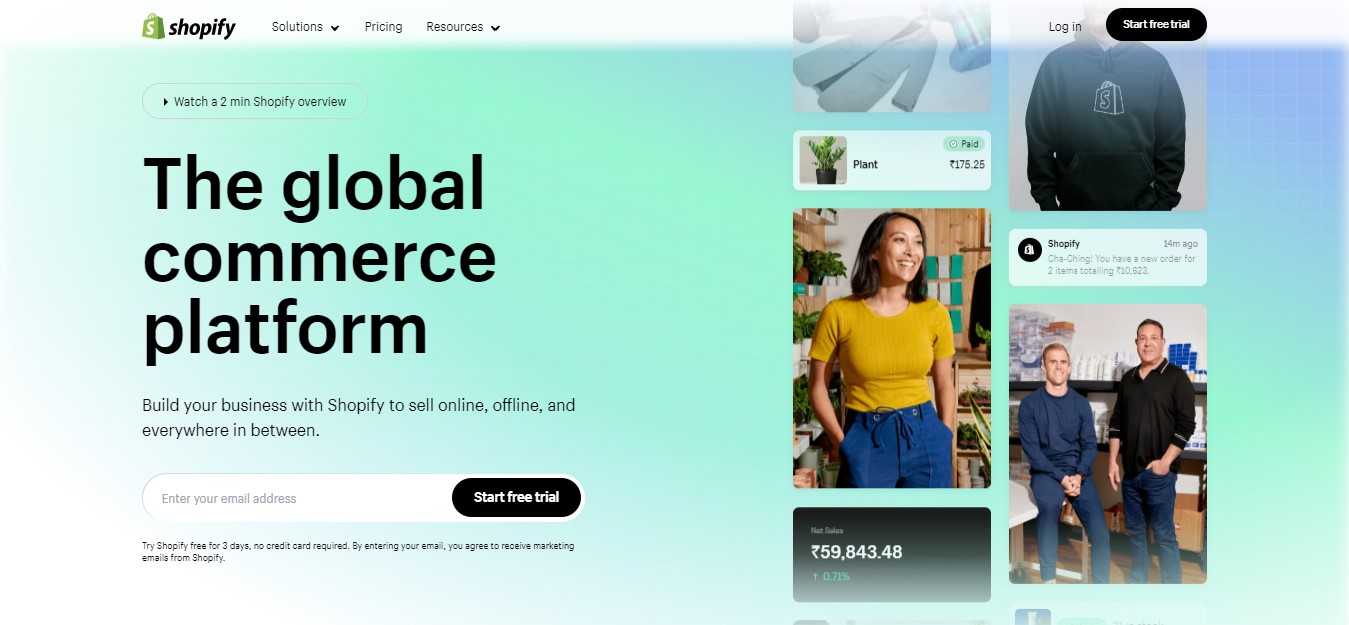
Shopify is a widely used ecommerce platform known for its ecosystem and app integrations. It’s suitable for growing businesses but may require paid apps for advanced features.
3. Wix

Wix is beginner-friendly with strong design flexibility. However, it may lack advanced ecommerce scalability compared to dedicated platforms.
4. WooCommerce
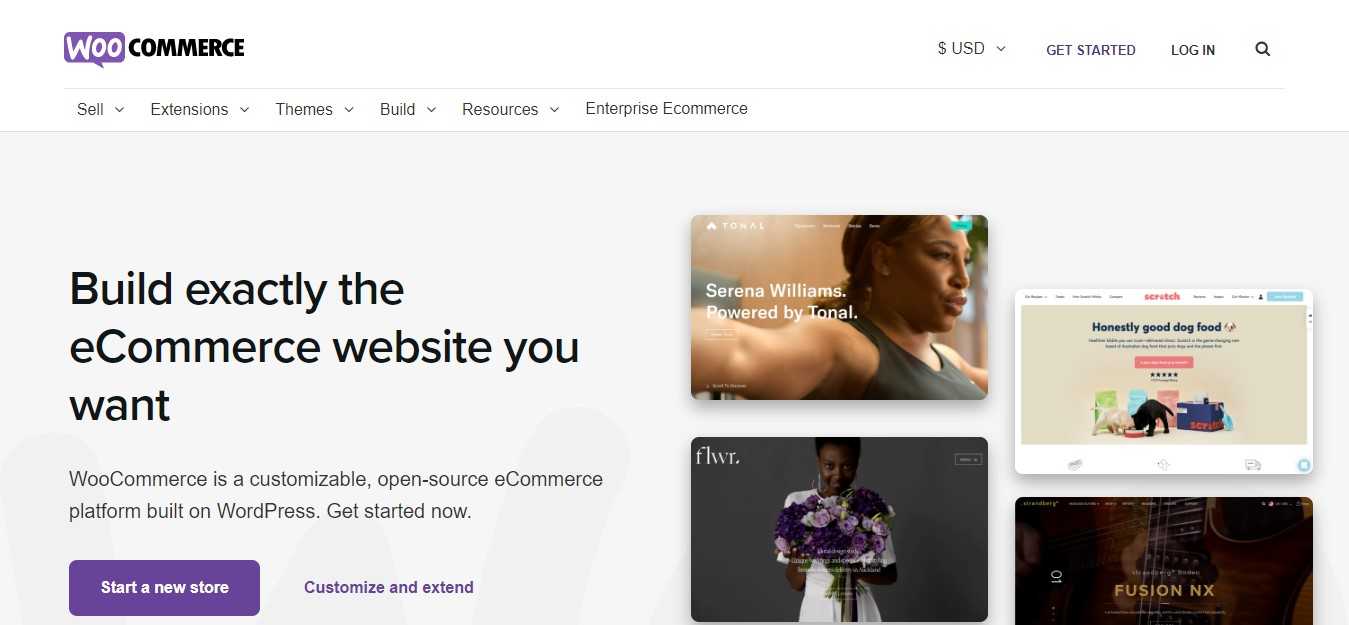
WooCommerce is a WordPress plugin offering high customization. Unlike ZenBasket, it requires more setup and technical handling.
Step-by-Step Guide to Building Your Ecommerce Store
1. Choose a platform: Select a platform that aligns with your business goals and technical skills. Consider factors like ease of use, customization options, and pricing.
Factors to Consider When Choosing a Platform
- Ease of Use: How user-friendly is the platform?
- Customization Options: Can you customize the look and feel of your store?
- Pricing: What are the monthly fees and transaction fees?
- Scalability: Can the platform handle future growth?
- SEO:Does the platform offer SEO tools to improve your store's visibility?
2. Pick a domain name: Choose a memorable and relevant domain name for your store that will be easy to remember and spell. The domain must reflect your store's products or services.
Factors to consider when choosing a domain name
- Keep it simple: Short domain names are easier to remember.
- Use keywords: Incorporate relevant keywords to improve search engine visibility.
- Avoid hyphens and numbers: They can make your domain name harder to remember.
- Consider your brand: Choose a name that aligns with your brand identity.
3. Design your store: Customize your store's appearance with themes and templates. Choose a design that reflects your brand and appeals to your target audience.
4. Add products:
- Product information: Provide detailed product descriptions, including features, benefits, and specifications.
- High-quality images: Use clear and high-resolution images from multiple angles.
- Pricing strategy: Set competitive prices that cover your costs and generate profit.
- Inventory management: Keep track of your inventory levels to avoid stockouts.
5. Set up payment gateways: Integrate popular payment processors like PayPal, Stripe, or Square to enable secure online payments.
6. Configure shipping settings:
- Shipping rates: Define shipping rates based on weight, distance, or product category.
- Packaging and handling: Choose appropriate packaging materials and handling procedures.
- Shipping carriers: Select reliable shipping carriers to ensure timely delivery.
7. Optimize for SEO:
- Keyword research: Identify relevant keywords to target your ideal customers.
- On-Page SEO: Optimize your product titles, descriptions, and meta tags.
- Off-Page SEO: Build backlinks to your website from other reputable websites.
8. Launch your store: Once you've completed all the necessary steps, make your store live and sell your products. Share your store's launch on social media, email newsletters, and other marketing channels.
Bonus Tips for Your Success
- High-quality product photos: Use professional-quality images to showcase your products.
- Compelling product descriptions: Write engaging descriptions that highlight the unique features and benefits of your products.
- Secure checkout process: Implement strong security measures to protect your customers' information.
- Effective marketing: Utilize social media, email marketing, and whatsapp marketing to attract customers.
- Excellent customer service: Respond promptly to customer inquiries and resolve issues efficiently.
- Mobile optimization: Ensure your store is mobile-friendly to cater to the growing number of mobile shoppers.
- Analytics: Use analytics tools to track website traffic, customer behavior, and sales performance.
Conclusion
Ready to turn your entrepreneurial dream into reality? By following the steps outlined in this guide, you can easily create a thriving online store without any technical expertise. With the right platform, a bit of creativity, and a lot of passion, you can build a successful online business.
So, what are you waiting for? Start your online journey today with ZenBasket!
Still unsure where to begin? Check out our complete guide to creating your online store with ZenBasket.
FAQs:
1. Do I need any technical skills to build an online store?
No, you don't need any coding or technical skills. Ecommerce platforms like ZenBasket, Shopify, Wix, and WooCommerce are designed to be user-friendly and easy to use, even for beginners.
2. How much does it cost to build a free online store?
While platforms are free, costs may arise for domains, hosting, and premium features. Many offer free plans and trials for premium options to explore advanced tools before committing.
3. Why should I choose ZenBasket?
ZenBasket is a user-friendly ecommerce platform that empowers businesses to sell online without coding. It offers affordable plans, efficient tools, and valuable insights to help you grow your business. Take the first step towards your online business.
4. How can I attract customers to my online store?
- There are several strategies to attract customers to your online store, including:
- SEO: Optimize your website for search engines to improve visibility.
- Social Media Marketing: Use social media platforms to promote your products.
- Email Marketing: Build an email list and send regular newsletters.
- Paid Advertising: Use paid advertising platforms like Google Ads and Facebook Ads.
5. How can I ensure the security of my online store?
To ensure the security of your online store, you should:
- Choose a reputable ecommerce platform.
- Use strong passwords.
- Keep your software and plugins up-to-date.
- Regularly monitor your website for security threats.